UD1384_UD1394.Program List Editor.pdf
SMT Software Engineeri ng Group IMOperationsYAMAHAMOTORCO. ,LTD. MD OC-SOFT50037 1/11 Program List Editor Op erating Instructio ns Chapter Program List Editor O perating Instr uctions ..... ...…

SMT Software Engineering Group
IMOperationsYAMAHAMOTORCO.,LTD.
MDOC-SOFT50037
1/11
Program List Editor Operating Instructions
Chapter
Program List Editor Operating Instructions..............................................1
1. Supported Machine and Software ................................................... 2
2. Outline ..........................................................................2
3. Setting ..........................................................................3
4. Usage........................................................................... 3
4.1 Start of the Program List Editor ..................................................3
4.2 Open and Save................................................................ 5
4.3 Edit the Program List ...........................................................7
4.4 Option ......................................................................10
5. Limitation .......................................................................11
SMT Software Engineering Group
IMOperationsYAMAHAMOTORCO.,LTD.
MDOC-SOFT50037
2/11
1. Introduction
The target model and the target version of this specification are as follows.
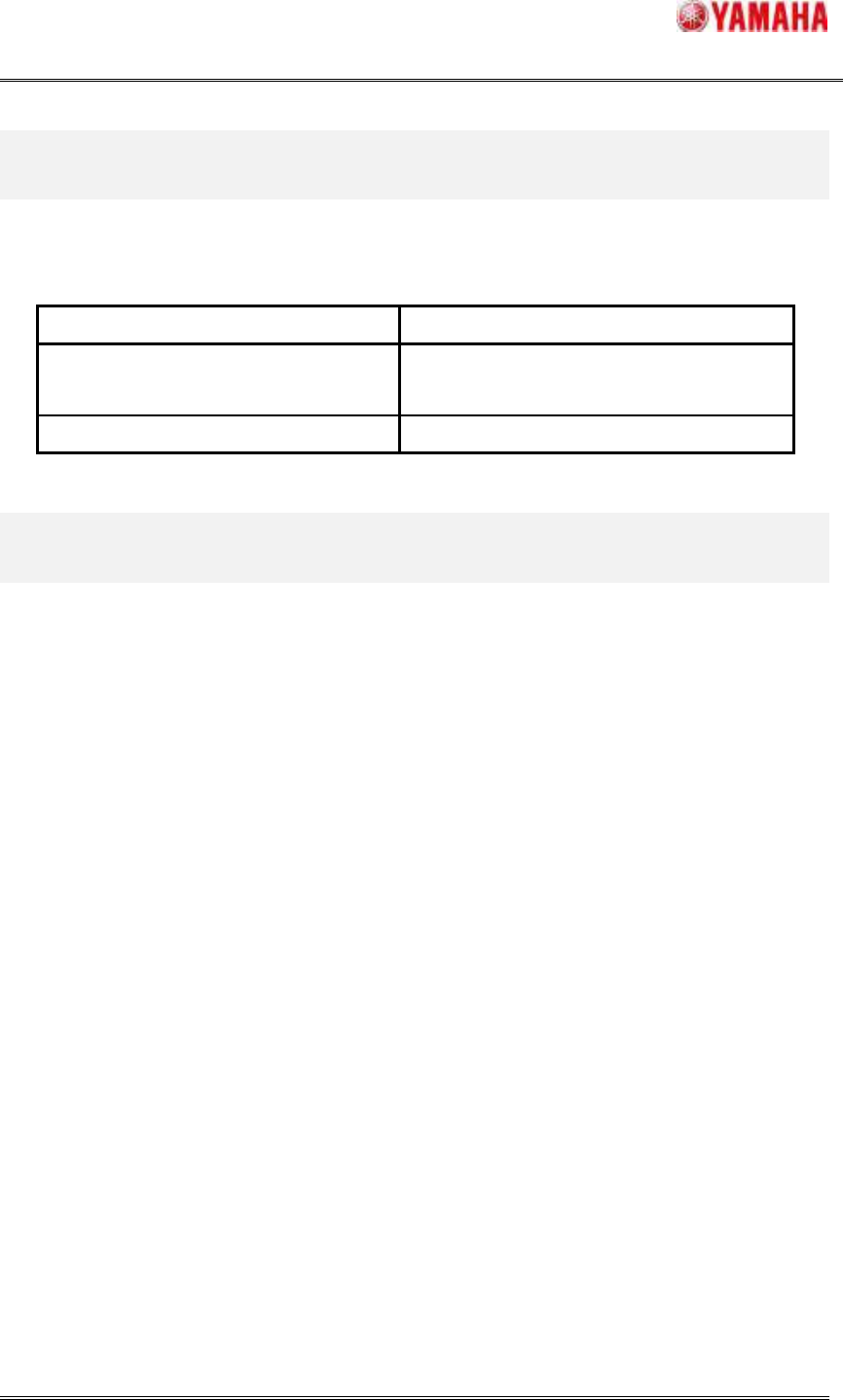
Table1 Target Machine and Software
Machine, Software Version
YS Series Mounter,
YG12 Series Mounter, YG300
VGOS V3.10STD R1.000 or later
Yamaha Factory Tools Y.FacT V1.10STD R1.000 or later
2. Outline
To perform automatic program change-over production of IT-Option, the linkage between
production model names (ASSY No.) and board program names must be registered before
start production. This linkage information is used to call the board program name from the
information read by a fixed reader or hand-held reader.
This setting can be made in the Program List Editor.
The Program List Editor allows registration of a total of 10 board program names for each
production model name. If a different program name is used for each machine of one
production line, "Contrast Program Name Number" to be used for each machine must be set.
For details on "contrast program name number", refer to the manual of "Automatic Program
Change-Over ".
SMT Software Engineering Group
IMOperationsYAMAHAMOTORCO.,LTD.
MDOC-SOFT50037
3/11
3. Setting
The Program List Editor requires the Automatic Program Change-Over. For details on this
setting, refer to the manual of “Automatic Program Change-Over”.
4. Usage
4.1 Start of the Program List Editor
The Program List Editor starts from the following two places.
1. Start from the machine
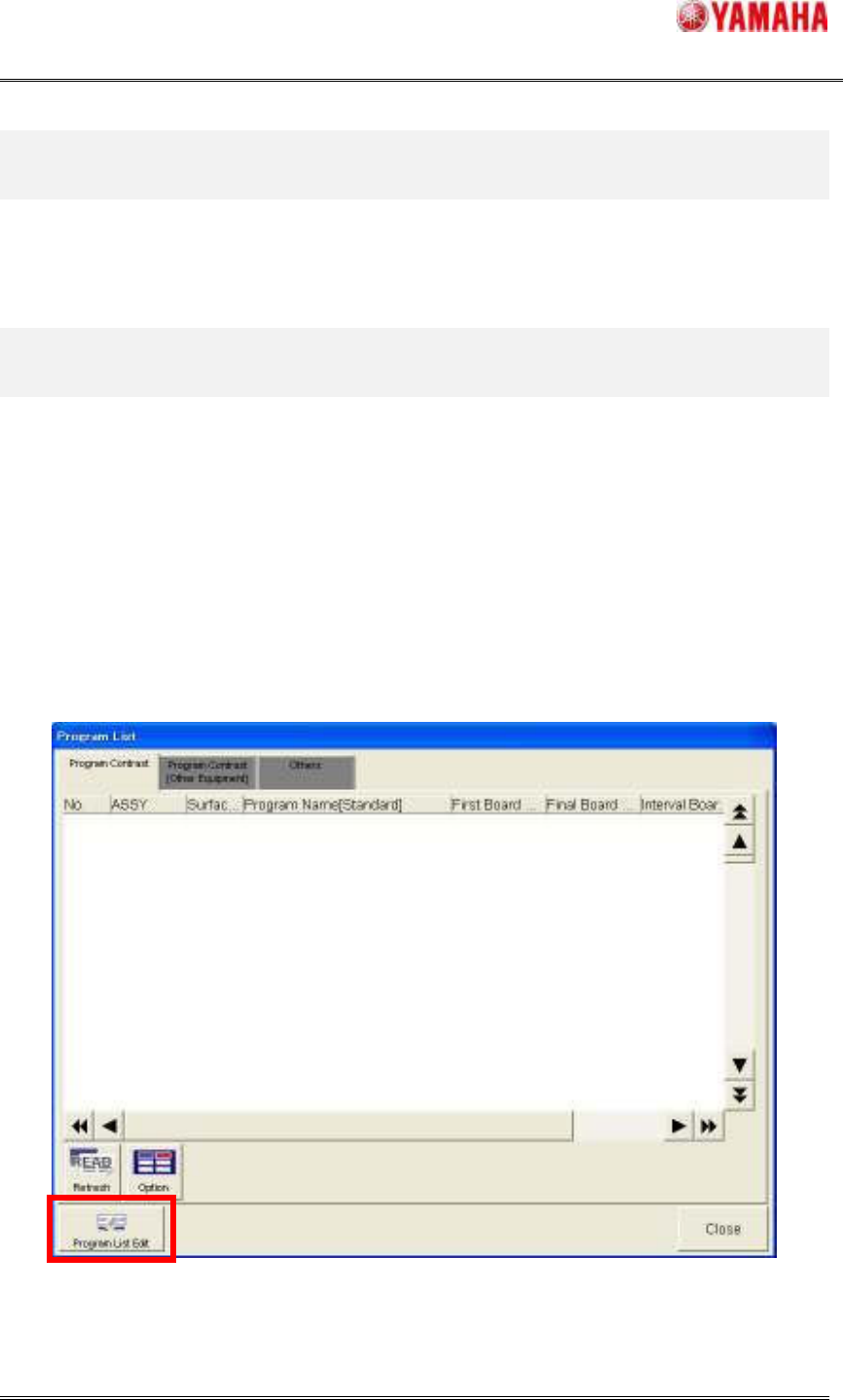
It starts by selecting [Monitor] – [Production] – [Auto Plan Change] – [Program List Viewer] –
[Program List Edit]. However, it is necessary to set the Automatic Program Change-Over be
effective at the machine.
Figure4.1.1 Start of the Program List Editor (machine)