Smart Graphical User Interface (SmartG) Overview_rev1.pdf
Copyright © ViT rox All Rights Reserved . www . vitro x.com AOI - S&S V iT rox Corporation Berhad Smart Graphical User Interface (SmartG) Overview

Copyright © ViTrox All Rights Reserved.
Learning Objectives
At the end of this module, you will be able to:
• Run the software
• Explain the purpose of various keys and areas on the SmartG
• Demonstrate and describe each of the function toolbar button
2
Copyright © ViTrox All Rights Reserved.
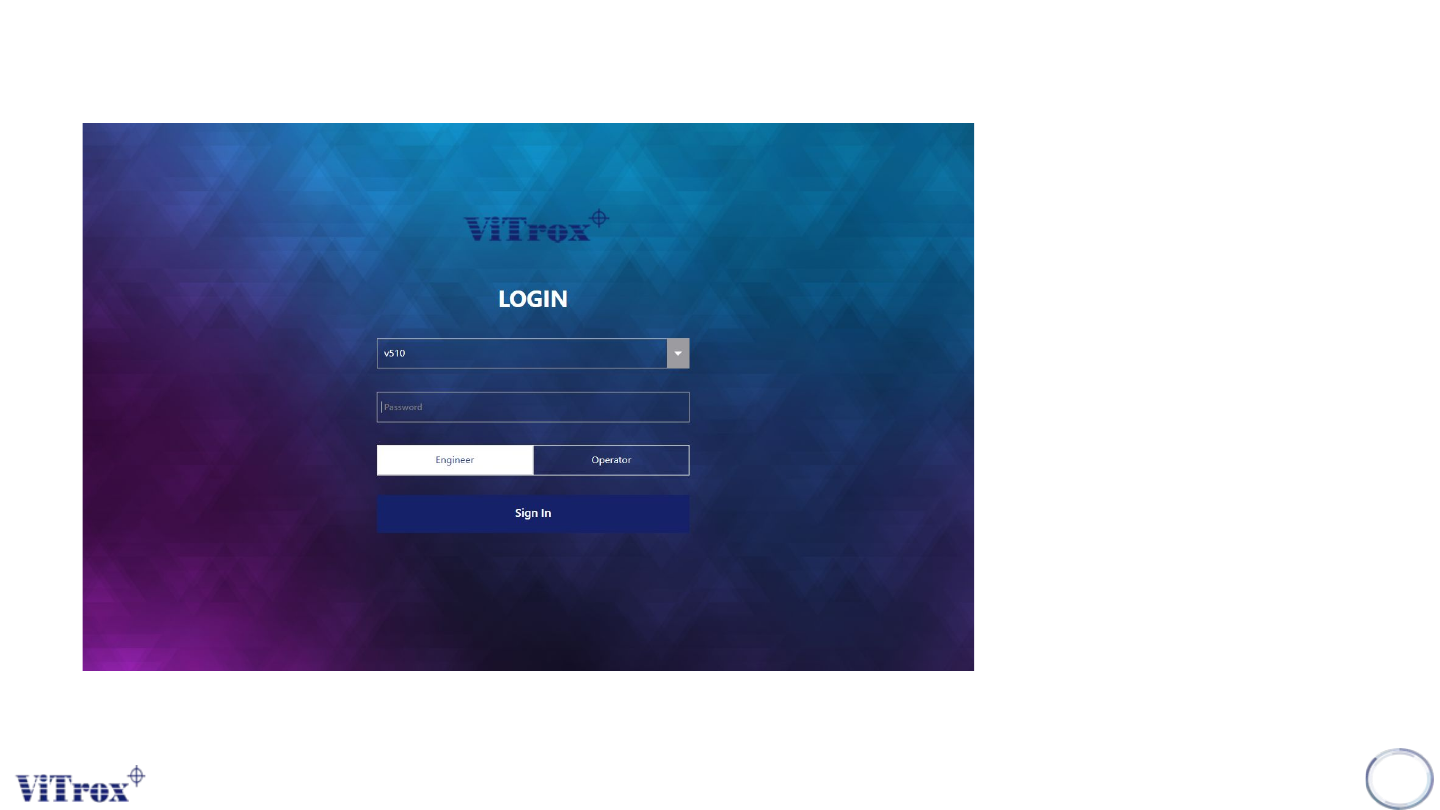
SmartG User Login
There are two default users in
SmartG:
• Administrator, to set user
access in user manager
• Username: administrator
Password: Refer AOI SNS
• V510, to set user access in
Engineer Mode or Operator
Mode
• Username: v510
Password: v5100
3
Figure 1: SmartG User Login