User-Manual-NeoDen-K1830-20200618.pdf
NeoDen K1830 High Speed P ick and Place Machine User Manual Model : K1830 High Speed Pick and Place Machine V ersion : V1.0 1 Zhejiang Neo Den T echnology Co.,Ltd.
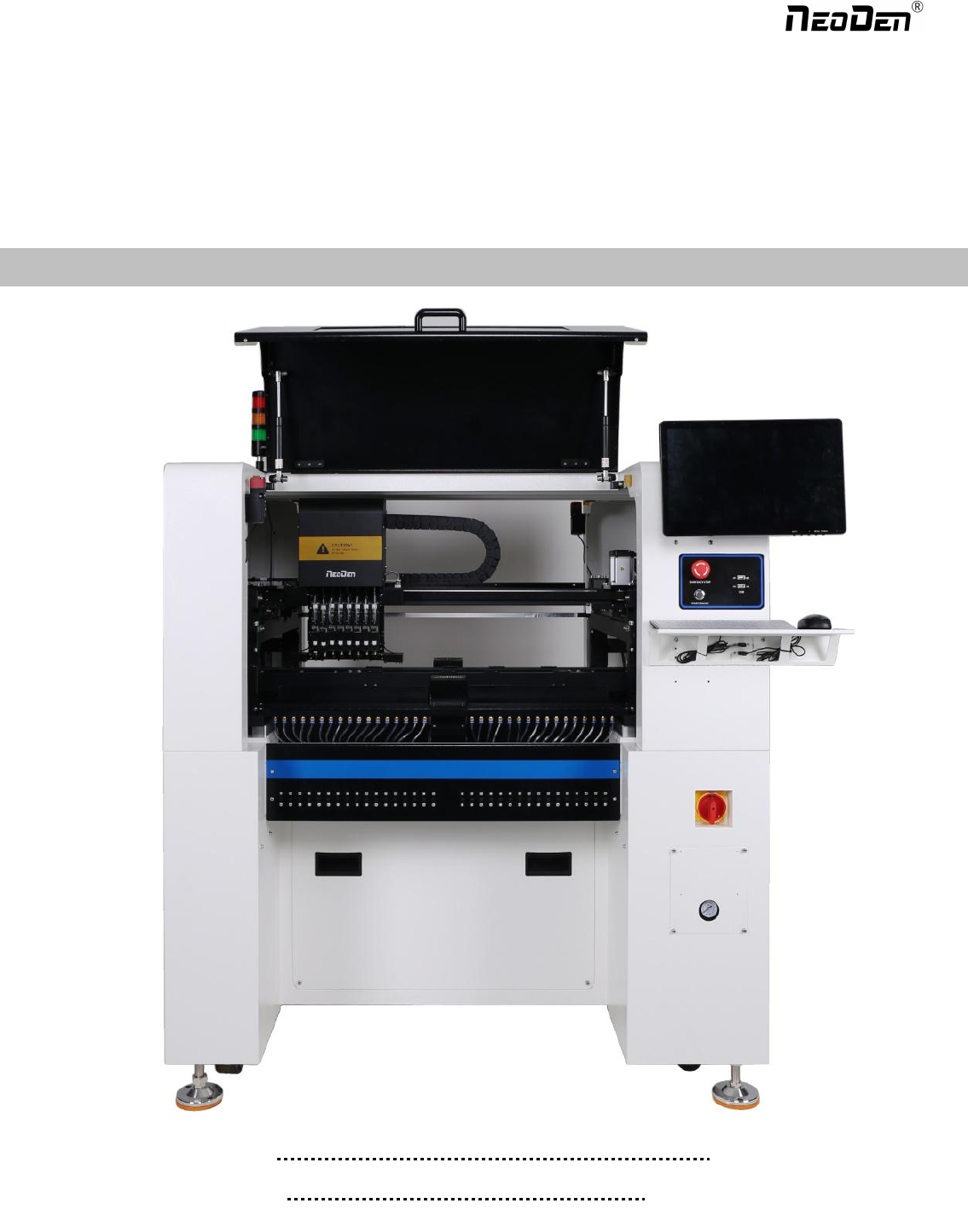
NeoDen K1830
High Speed Pick and Place Machine
User Manual
Model: K1830 High Speed Pick and Place Machine
Version: V1.0
1
Zhejiang NeoDen Technology Co.,Ltd.

1. Equipment installation and precautions 1.1Machine Dimension.................................................................................... 4
1.2 Structure of Neoden K1830............................................................................................................................................5
1.3Working Area Structure...................................................................................................................................................6
1.4 Important Notice.............................................................................................................................................................8
1.5 Operation flow chart.......................................................................................................................................................9
1.6 Flow chart of making a programming file................................................................................................................... 10
2.PCB Editing............................................................................................................................................................................. 11
.....................................................................................................................................................................................................11
2.1 PCB forward settings.................................................................................................................................................12
2.1.1 Mag Fixture....................................................................................................................................................... 12
2.2 PCB Eject setting..........................................................................................................................................................13
After click “Eject”no matter under Mag fixture or Rail mode,the thimble will go down in “track section 2”,”track
section 3”begin to work and PCB will feed to back conveyor.......................................................................................... 13
2.3 PCB Forward Position Setting..................................................................................................................................... 13
3.Panelized PCB Edit................................................................................................................................................................ 14
3.1 Panelized PCB origin (SMD1 coordinate).................................................................................................................14
3.1.1 Single board................................................................................................................................................ 14
3.1.3 Mirror board................................................................................................................................................... 16
3.2 PCB angle..................................................................................................................................................................... 18
4. Coordinate information.............................................................................................................................................. 18
4.1 PCB Mark setting...................................................................................................................................................... 18
(1) Panelized mark point................................................................................................................................... 18
(2)Single mark point........................................................................................................................................... 18
4.2 Mark point alignment................................................................................................................................................ 18
4.3 Mark Point information............................................................................................................................................. 19
图(2.1.3.2-6)..................................................................................................................................................................24
5.2 Feeder setting................................................................................................................................................................27
6.Nozzle Information..................................................................................................................................................................30
7. Assembly Interface................................................................................................................................................................. 30
8.System Setup........................................................................................................................................................................... 34
.....................................................................................................................................................................................................34
8.1 Feeder Position Config.................................................................................................................................................35
8.2 Component Positions Setup..........................................................................................................................................36
8.3 Basic Configuration......................................................................................................................................................39
DEAR USERS:
PLEASE READ THIS USER MANUAL COMPLETELY BEFORE
OPERATING. THIS UNIT AND RETAIN THIS BOOKLET
FOR FUTURE REFERENCE.
2
Zhejiang NeoDen Technology Co.,Ltd.

9. Manual Test.............................................................................................................................................................................41
10. First trial and test................................................................................................................................................................ 43
10.1 Program first dry run................................................................................................................................................ 43
10.2 First production test..................................................................................................................................................43
10.3 Component Inspection............................................................................................................................................43
10.4 Continuous SMT production................................................................................................................................... 44
11. Structure and maintenance instruction................................................................................................................................. 45
11.1 Feeder Brief Introduction...................................................................................................................................... 45
11.2Installing tape and reel components............................................................................................................................ 46
11.3Incorrect installation Samples:................................................................................................................................. 47
11.3.1Nozzle............................................................................................................................................................... 49
12. Maintenance..................................................................................................................................................................50
12.1 Take effective measures to reduce /avoid malfunction...................................................................................... 50
12.2 Maintenance....................................................................................................................................................... 51
12.3 Related issues during solder paste printing process..........................................................................................52
3
Zhejiang NeoDen Technology Co.,Ltd.