ACT - Accuracy Check Tool mit SSW 6xx User Manual 2017.pdf - 第123页
ACT with SSW 6xx / User Manual 07/2017 Edition 59 5 Installing the ACT on Stations wi th Station Software 605.xx ► Place the CD provided with the packag e in the machine drive. Figure 5-1: CD d rive on the station Ke y: …
ACT with SSW 6xx / User Manual 07/2017 Edition
58
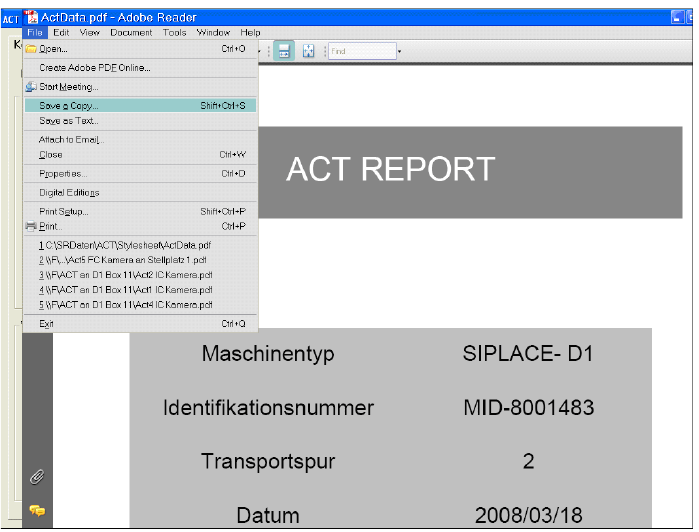
Figure 4-36: Measurement report (log) in PDF format
ACT with SSW 6xx / User Manual 07/2017 Edition
59
5 Installing the ACT on Stations with Station
Software 605.xx
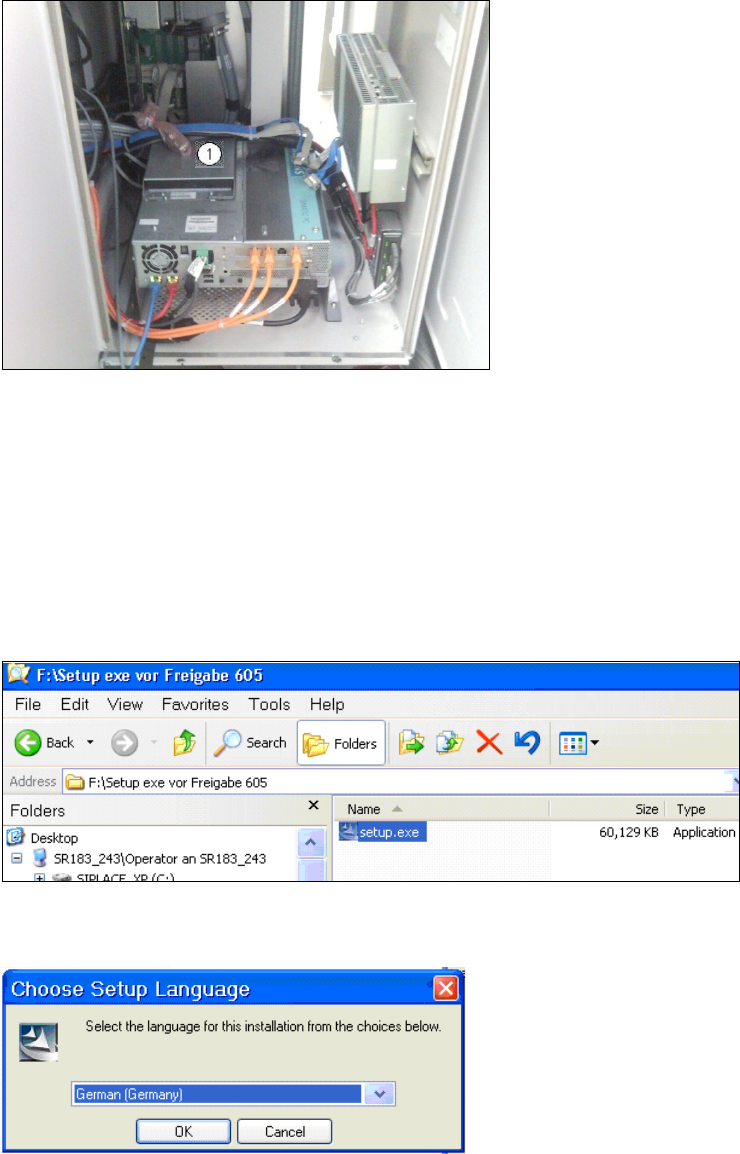
► Place the CD provided with the package in the machine drive.
Figure 5-1: CD drive on the station
Key:
(1) Station CD drive.
► Switch on the SIPLACE placement station.
► Log on to the station computer as administrator.
(Keep the Shift key pressed as soon as the Windows logo is displayed).
► Insert the USB stick into the station computer or insert the CD into the drive.
Figure 5-2: Double-clicking the setup.exe file on the CD
► Double-click on the setup.exe file.
Figure 5-3: Installation program with prompt to enter language
► Enter the required language (German or English).
ACT with SSW 6xx / User Manual 07/2017 Edition
60
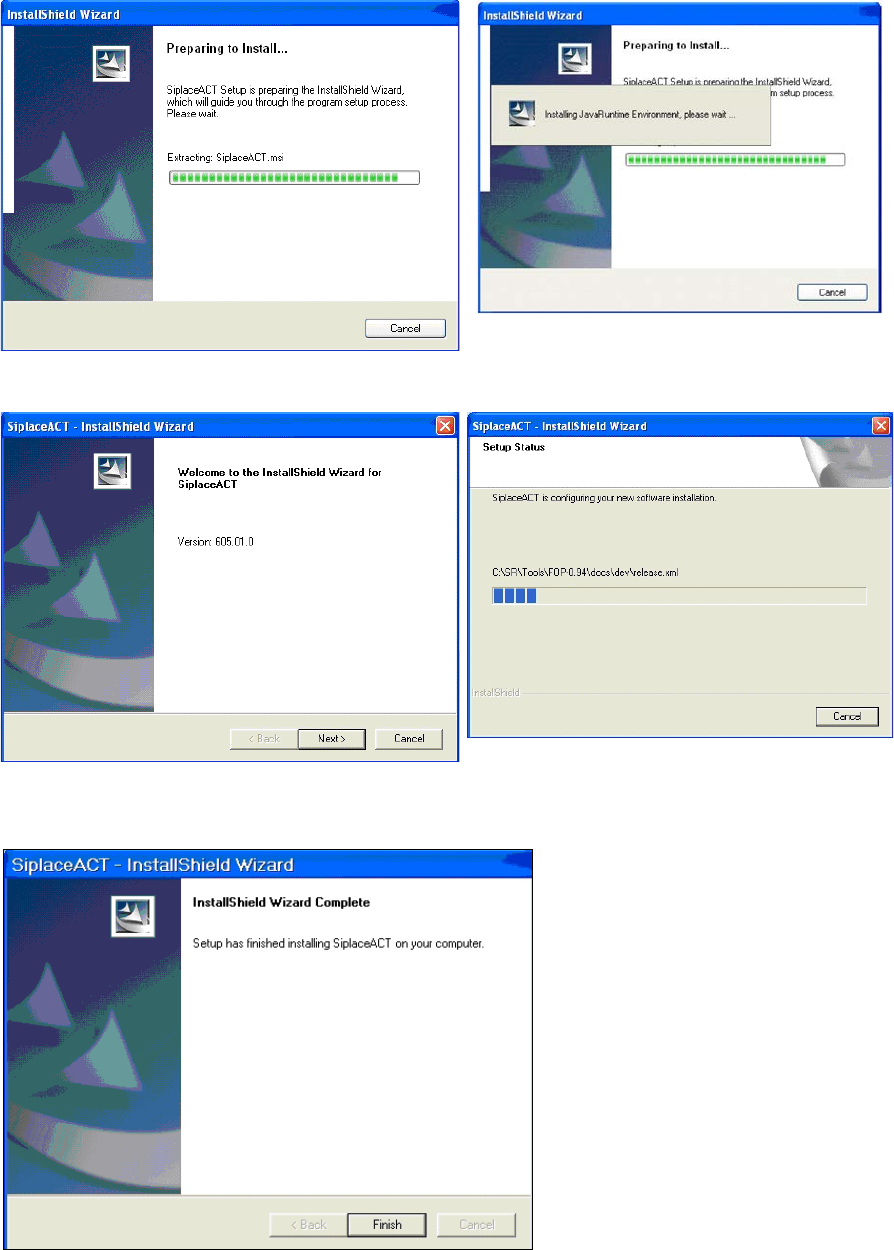
The installation is prepared.
Figure 5-4: Preparing to install ACT
Figure 5-5: Installation: Clicking Next
► Click Next.
Figure 5-6: Completing the ACT installation
► Click Finish to complete the installation of the ACT.
► Reboot the machine.