TM3808.Setting of scanning procedure during a splicing.pdf - 第9页
SMT Software Engineering Group IM Operati ons Y AMAHA MOTOR CO., L TD MDOC- SOFT50149 9/9 5 Limi t a tions There ar e no lim itations.
SMT Software Engineering Group
IM Operations YAMAHA MOTOR CO., LTD
MDOC-SOFT50149
7/9
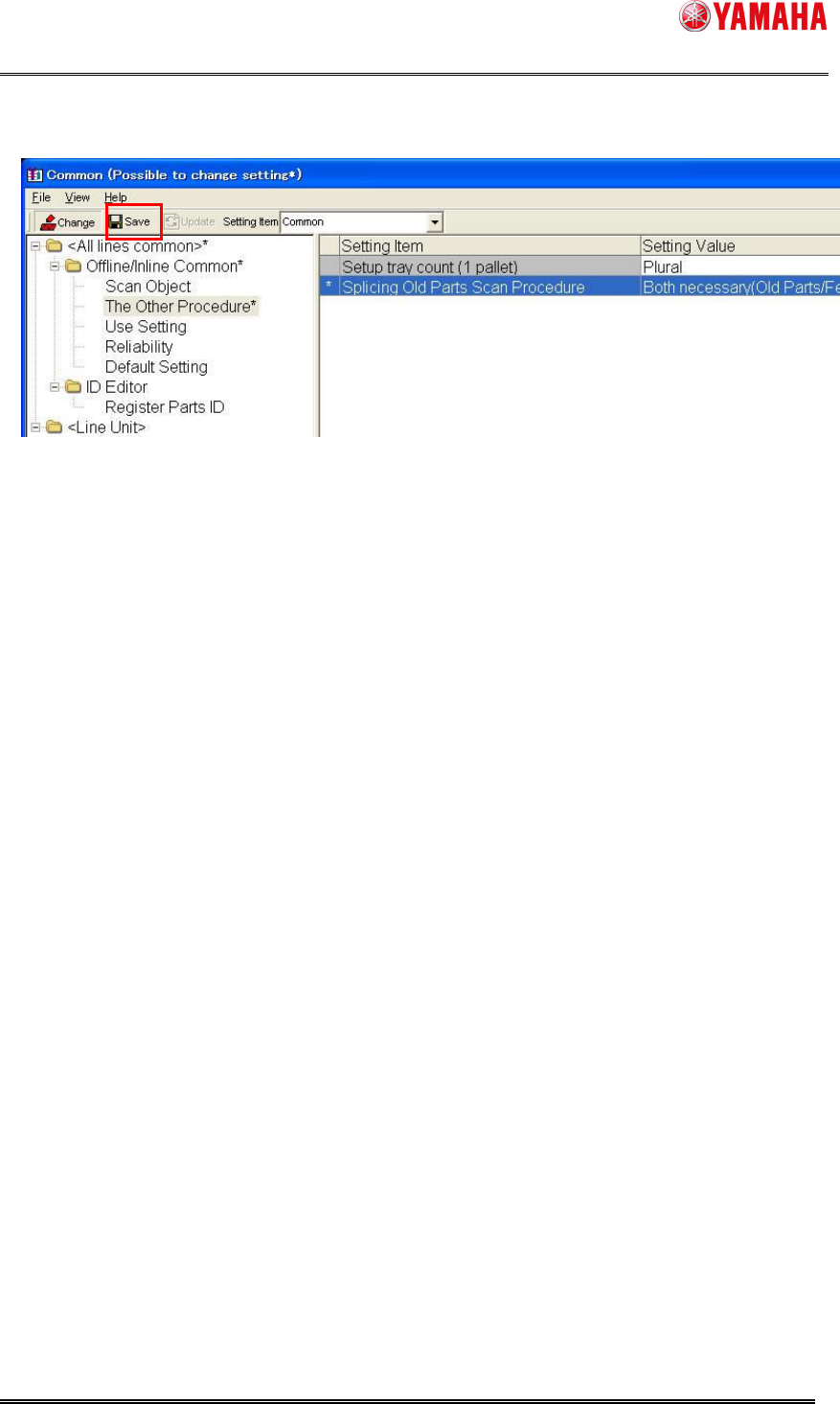
7. Click the [Save] button to save the setting contents.
After completion of the setting work on "System Config", please reload board data on Machine.
* Please reboot "Setup Navi".

SMT Software Engineering Group
IM Operations YAMAHA MOTOR CO., LTD
MDOC-SOFT50149
8/9
4 Error message
The table below is error messages concerning this function.
Error No. Content Cause and measures
6720 It is not possible to change
to the selected value.
(System Config)
Cause:
When feeder ID is used the splicing ahead, the
scanning of the “Process barcode label” to start the
splicing work is needed.
Coping process::
Please confirm the combination of the settings.
6721 It is not possible to change
to the selected value.
(System Config)
Cause:
It is only feeder ID that accepts first the splicing ahead,
when Reel ID (Stick ID/Bulk ID) is "Not Use".
Coping process:
Please confirm the combination of the settings.
6722 It is not possible to change
to the selected value.
(System Config)
Cause:
Feeder ID scanning becomes indispensable earlier than
old parts when reel ID (stick ID/bulk ID) is "Not Use".
Therefore, to start the splicing work, the scanning of the
"Process barcode label" is needed.
Coping process:
Please confirm the combination of the settings.
6343 This is wrong parts for the
splicing
(Setup Navi)
25173 Splicing Parts Error
(Mounter)
Cause:
Parts different from parts on the feeder were scanned.
Coping process:
Please confirm whether correct parts are spliced.
Or, please confirm whether parts to be scanned are
correct.

SMT Software Engineering Group
IM Operations YAMAHA MOTOR CO., LTD
MDOC-SOFT50149
9/9
5 Limitations
There are no limitations.