PS288_OwnersMnl_PriorTo2009 - 第119页
Operation • Administrator Functi ons PS288 Owner’s Manual 3—59 2. Open WinMark Pro— Start W inMark Pro by doubl e-clicking the W inMark icon on the desk- top. 3. Load the file— 3a) From the menu at the top of the window …
Operation • Administrator Functions
3—58 PS288 Owner’s Manual
1d) Click Open to load the file.
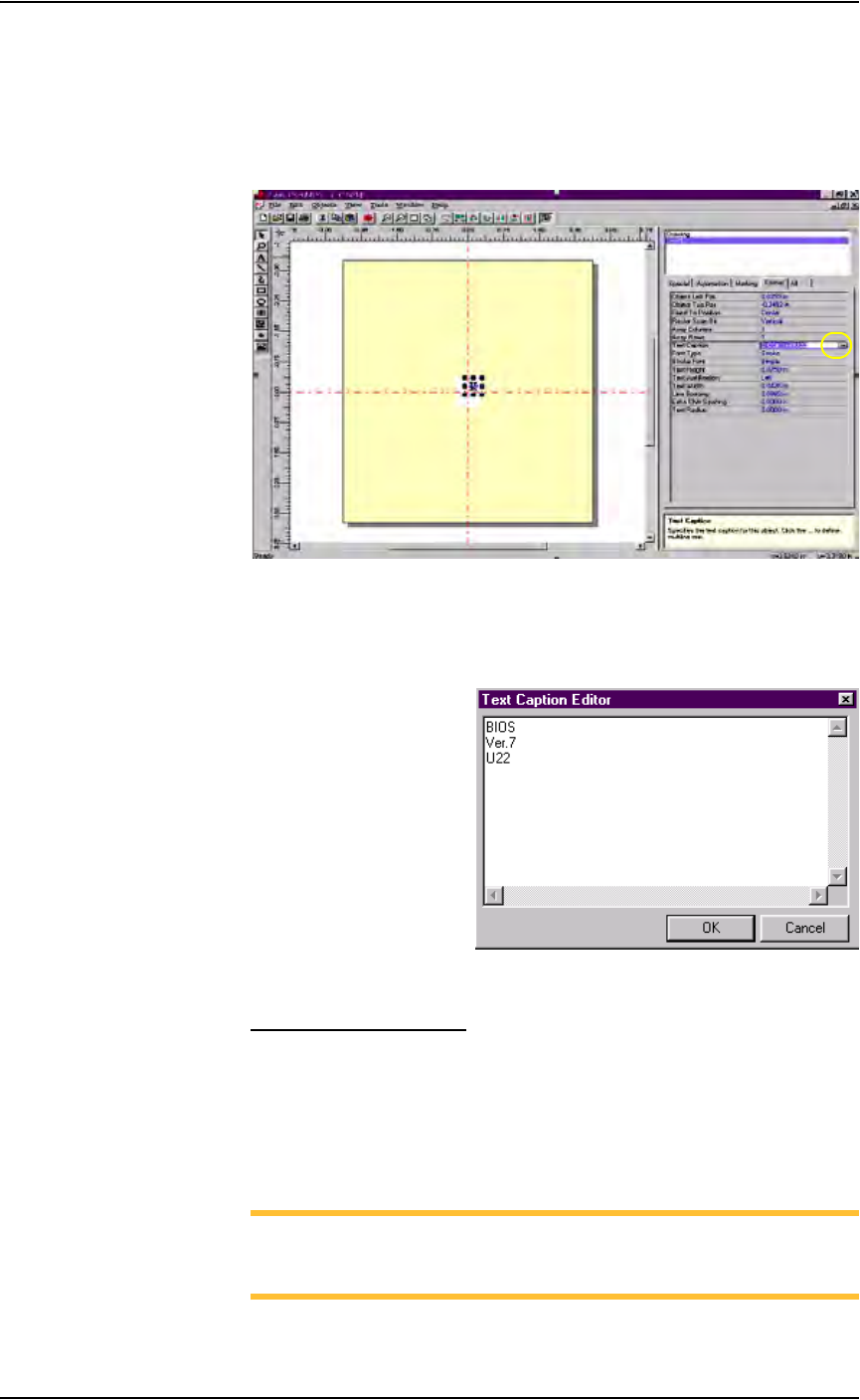
2. Edit text—
2a) On the Format tab, click the ellipses to the right of the Text Caption
field. See Figure 3-77.
Figure 3-77—Click ellipses
2b) On the Text Caption Editor window, edit the text as desired. Press OK
when finished. See Figure 3-78.
Figure 3-78—Edit text
Loading the Image File
To load the image file and use it to mark devices:
1. Prepare the system—
1a) Select the Laser Computer.
1b) Start Serial Marking Interface (SMI) by double-clicking the icon on the
desktop.
NOTE: This completes the process of loading the image file if your
system has SMI.If your system does not have SMI, continue with
Step 2.
Operation • Administrator Functions
PS288 Owner’s Manual 3—59
2. Open WinMark Pro—
Start WinMark Pro by double-clicking the WinMark icon on the desk-
top.
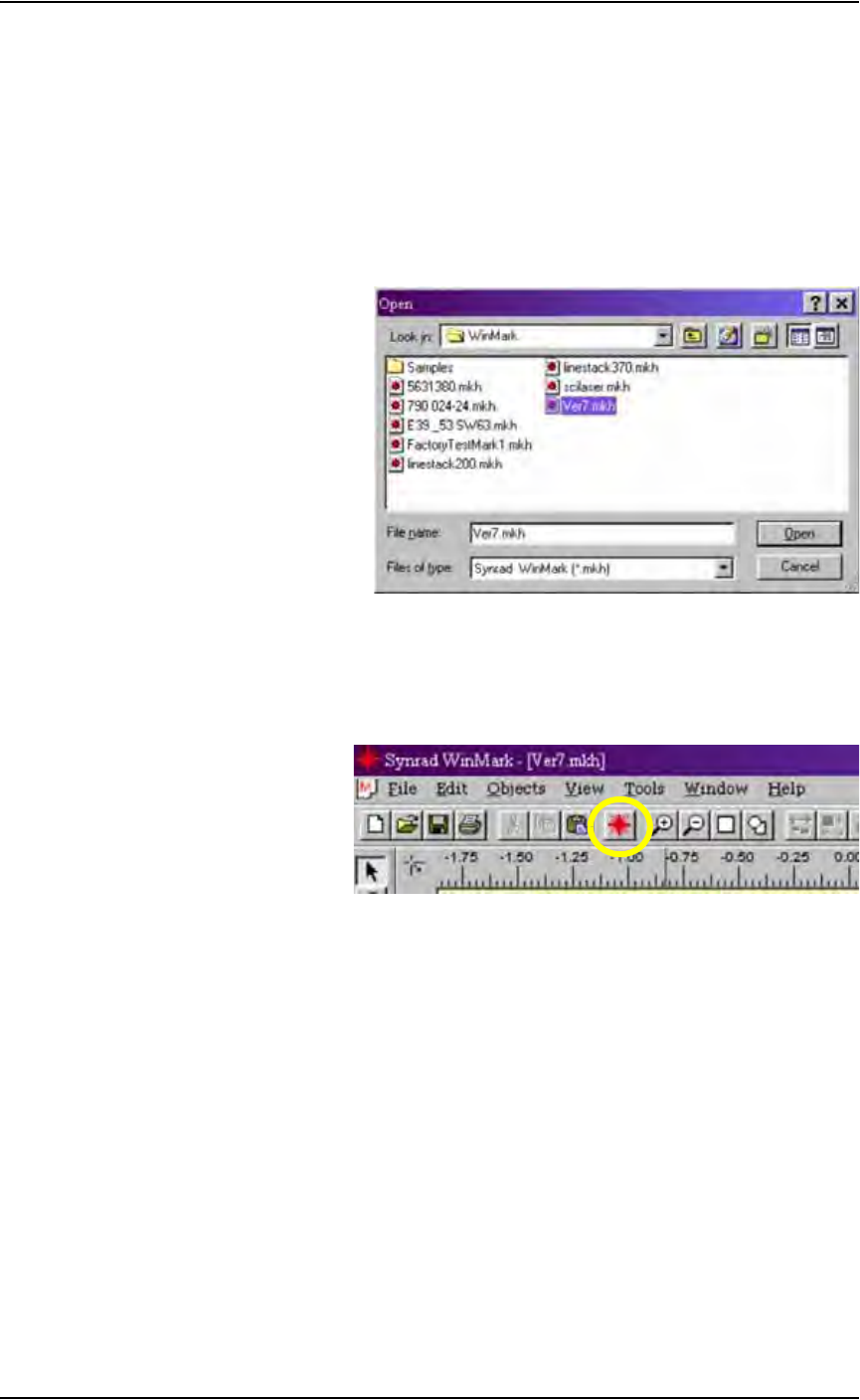
3. Load the file—
3a) From the menu at the top of the window, select File > Load.
3b) Select your laser marking file from the list that appears, or navigate to
the location and select the file.
3c) Click Open to load the file.
Figure 3-79—Selecting the laser marking file
4. The Mark icon—
4a) From the tool bar at the top of the WinMark window, click the Mark
icon.
Figure 3-80—The Mark icon on the tool bar
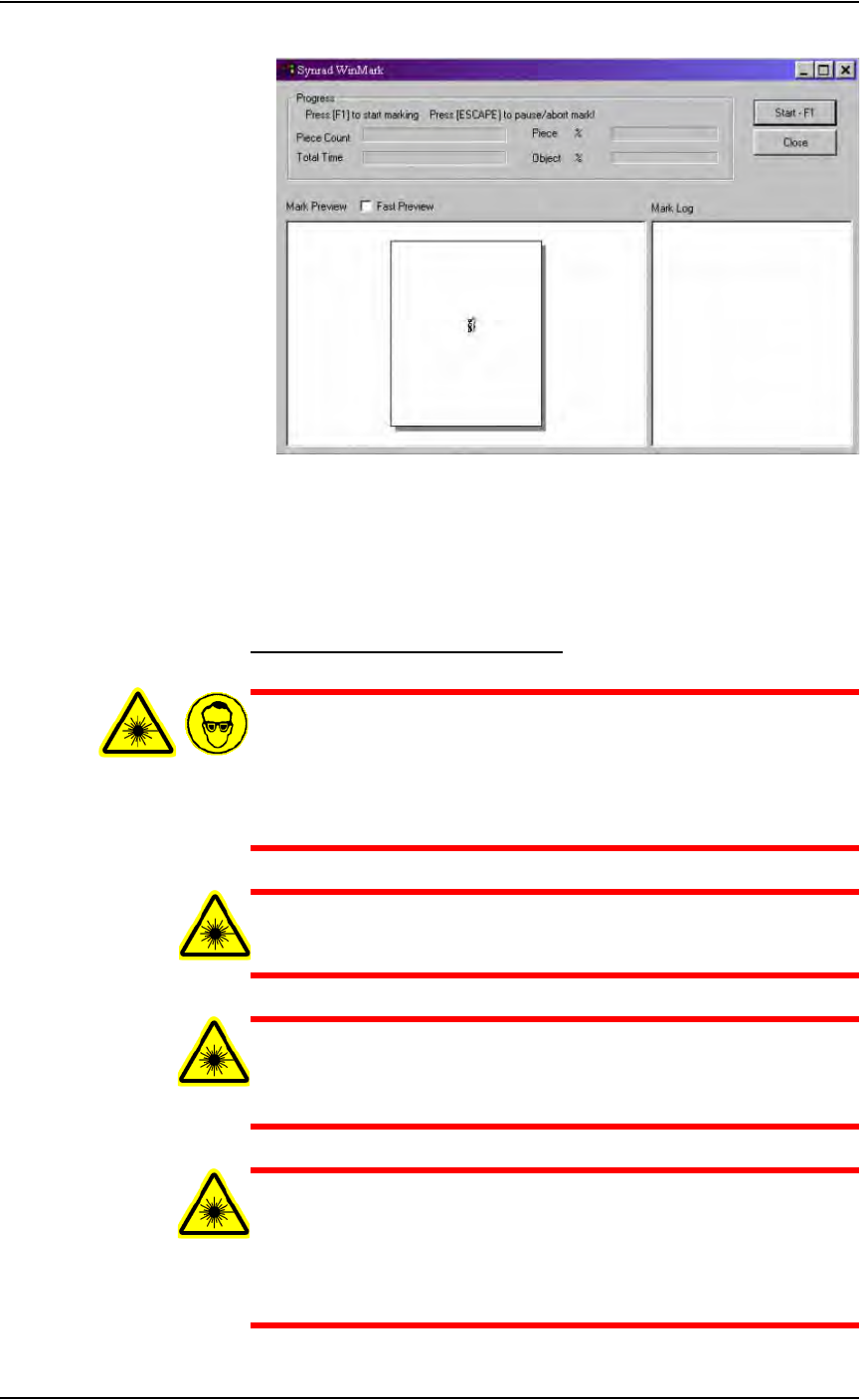
4b) The Synrad WinMark control window opens and displays the marking
graphic that was created.
Operation • Administrator Functions
3—60 PS288 Owner’s Manual
Figure 3-81—Synrad WinMark control window
4c) Click Start–F1.
The WinMark software is now waiting for commands from the Handler
Computer to begin marking devices.
Verifying Proper Laser Operation
WARNING: Blindness hazard! Always wear eye protection when
the laser safety shields are open, such as during service. Direct or
diffuse laser radiation can damage eyes. Goggles must block
10.6 µm laser radiation. Goggles protect against scattered energy
but not against direct viewing of the laser beam or reflections
from metallic surfaces.
WARNING: Serious burn hazard! Direct or diffuse laser radia-
tion can cause serious burns. Keep hands and other parts of the
body out of the path of the laser bean when servicing.
WARNING: Toxic fume hazard! Laser marking generates vapors,
fumes, and particles that may be noxious, toxic, or even fatal.
Follow maintenance procedures on the fume extractor. Use
proper ventilation.
WARNING: The following procedures must NEVER be per-
formed with the laser safety shield removed from the laser mark-
ing assembly. The laser system is aligned at the factory for
optimal performance. If there are gross inaccuracies with the
laser marking system, a factory service person should be called to
service the machine.