PS288_OwnersMnl_PriorTo2009 - 第135页
System Theory • Laser Marking System PS288 Owner’s Manual 4—11 • Only one of the marking positions is us ed. Because the tape output sys- tem is attached to the Option Bay that hou ses the laser marking system, both mark…

System Theory • Laser Marking System
4—10 PS288 Owner’s Manual
The marked device is then moved to its output media through whatever steps
are required.
The label marking system consists of the label feed mechanics (including
labelling tape supply reels, labelling head, and take-up mechanics), an air
powered transport shuttle mechanism, a print head computer (for printing
label data and control of label delivery mechanics), and a motion computer
used exclusively for the label placement head. The print head computer
receives label printing data from the Handler Computer AH500 software.
This data is used throughout the programming job. Each time a job is exe-
cuted, the labeler is reset and new label data is sent to the print head com-
puter.
The motion computer is a self contained, dedicated computer designed to
properly control the placement of the label on the device once it leaves the
backing tape. It has a series of sensors used to determine the position of the
label placement head and the presence or absence of devices on the labelling
pedestal of the shuttle transport. All mechanical adjustments are accom-
plished through software and are accessible through front panel controls of
the motion computer.
Laser Marking
System
The optional laser marking system, used to mark devices for easy identifica-
tion, is enclosed in the Option Bay attached to the rear of the PS288. It con-
tains a Laser Computer accessed from the keyboard and touchpad, a CO
2
laser tube along with its laser marking head and lens controlled by the Laser
Computer, and a shutter system for blocking laser radiation while marking.
The laser marking system is set up with a specialized marking program oper-
ating on the Laser Computer. Marking jobs are normally executed when the
programming job runs. For information on laser marking stage configura-
tion, see “Creating an Image File for the Laser System” on page 3-55.
After setting up the laser marking file to be used, the marking system stands
ready, waiting for a marking command from the AH500 software. When a
device has been programmed and is ready for marking, the PNP head places
the device on one of two pedestals on the shuttle transport, a shuttle mecha-
nism that moves the device from the operating envelope to the marking area.
Two pedestals on the shuttle are used to carry devices to be marked, and they
are used alternately when using a tray as the output media. Initially, a device
is placed in the second marking position and is transported to the marking
area.
When the device is ready in the marking area, the AH500 software sends the
Laser Computer a marking command. After the device has been marked, the
shuttle moves it back to the drop/pickup location. The system places an
unmarked device in the first marking position, then removes the marked
device from the second position and routes it to the output tray. The device in
the first position is then marked. This process continues, alternating marking
pedestals throughout the remainder of the job.
Laser Marking System and Tape Output System
If the PS288 is equipped with both a laser marking system and a tape output
system:
System Theory • Laser Marking System
PS288 Owner’s Manual 4—11
• Only one of the marking positions is used. Because the tape output sys-
tem is attached to the Option Bay that houses the laser marking system,
both marking positions cannot be effectively used.
• A shutter system covers the device before the laser is activated. This
blocks any direct or stray laser radiation from harming personnel or
equipment. Safety interlocks on the laser shutter prevent the laser from
being activated while the shutter is still in the open position.
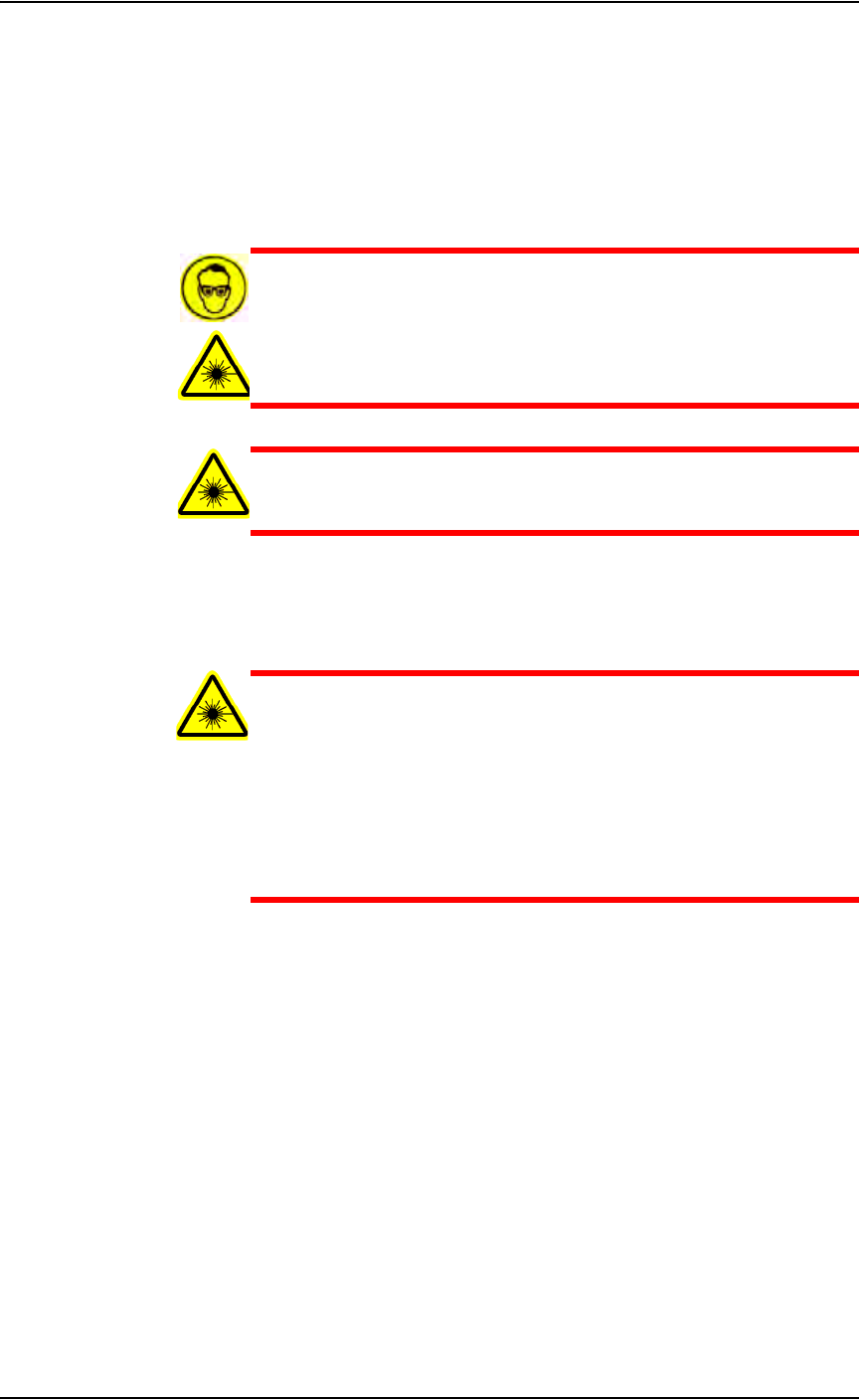
WARNING: Blindness hazard! Always wear eye protection when
the laser safety shields are open, such as during service. Direct or
diffuse laser radiation can damage eyes. Goggles must block
10.6 µm laser radiation. Goggles protect against scattered energy
but not against direct viewing of the laser beam or reflections
from metallic surfaces.
WARNING: Serious burn hazard! Direct or diffuse laser radia-
tion can cause serious burns. Keep hands and other parts of the
body out of the path of the laser bean when servicing.
A fume extractor removes toxic fumes and particulate matter from the mark-
ing area. It is automatically switched on when using the laser marking stage
and should never be bypassed.
WARNING: Laser marking generates vapors, fumes, and parti-
cles that may be noxious, toxic, or even fatal. The fume extractor
is required for use with the laser marking option and must not be
disabled. Analysis of filter contents obtained following marking a
representative variety of devices has revealed a sufficient level of
hazardous materials, such as antimony and other heavy metals, to
require that the filter be treated as hazardous waste. Filters must
be disposed of in accordance with government hazardous waste
regulations.
PS288 Owner’s Manual 5—1
Chapter
5
5 Maintenance
Perform the maintenance procedures described in this chapter to optimize
uninterrupted operation of your PS288 and to minimize operational malfunc-
tions. Refer to the manuals that came with your system options for additional
maintenance procedures.
NOTE: Only individuals trained on these procedures by Data I/O
or its representatives are qualified to perform maintenance on the
PS288.
Preventive
Maintenance
This section describes the preventive maintenance schedule for the PS288.
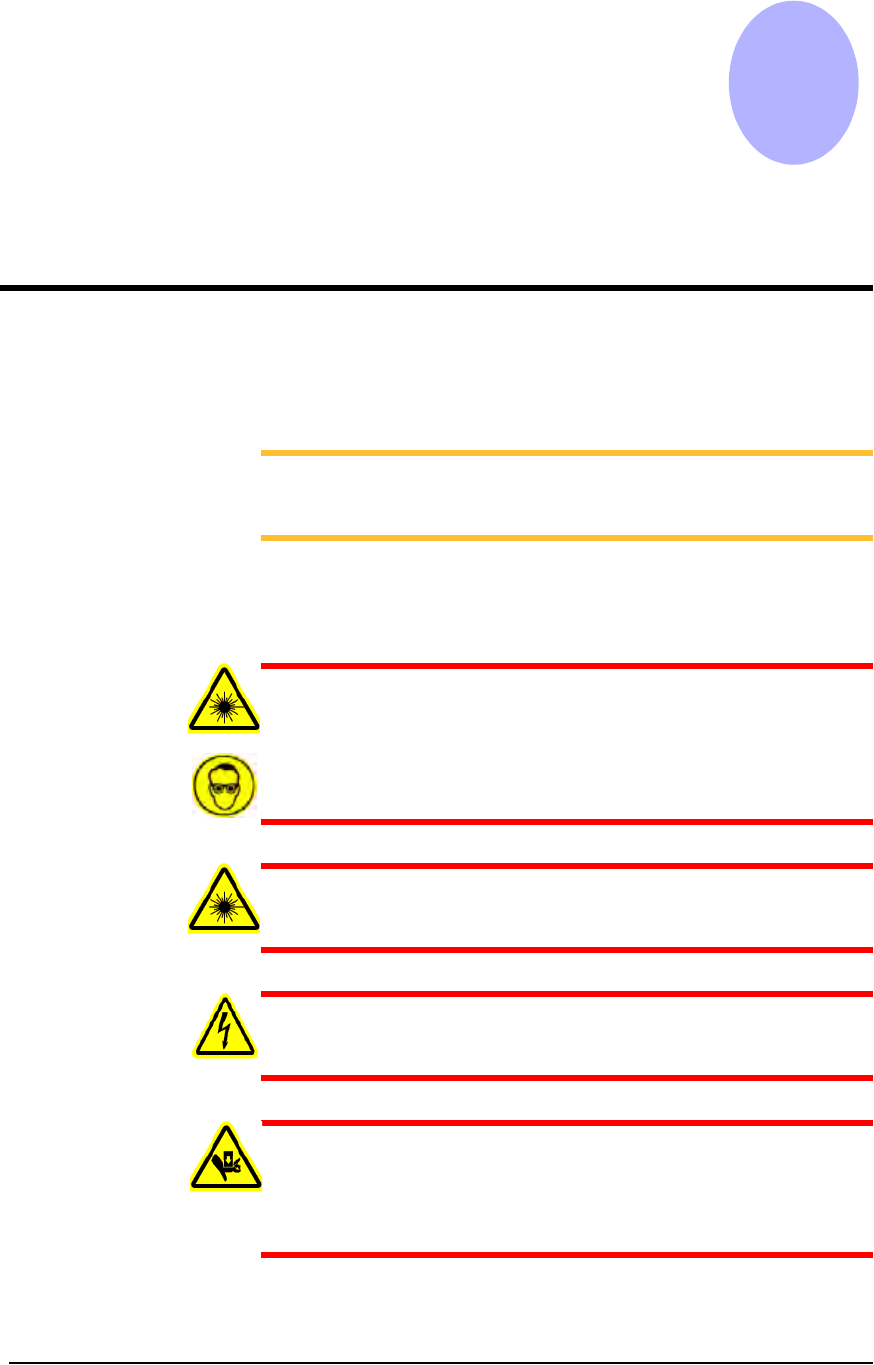
WARNING: Blindness hazard! Always wear eye protection when
the laser safety shields are open, such as during service. Direct or
diffuse laser radiation can damage eyes. Goggles must block
10.6 µm, laser radiation. Goggles are designed to protect against
scattered energy, but not against direct viewing of the laser beam
or reflections from other surfaces.
WARNING: Serious burn hazard! Enclose the laser beam path
during service. Direct or diffuse laser radiation can seriously
burn.
WARNING: Electrocution hazard! Turn off the main power
switch before removing any panels. Servicing the PS288 involves
a significant risk of electric shock.
WARNING: The high speed and force behind a moving gantry
can cause serious bodily injury to anyone working inside the work
envelope. Moving the PNP head must be the responsibility of only
one qualified individual. All other personnel near the system must
stay clear of the work envelope while the gantry is moving.