PS288_OwnersMnl_PriorTo2009 - 第23页
Introduction • Software an d User Interface Components PS288 Owner’s Manual 1—13 Figur e 1-6—AH500 user interface example Understanding t he AH500 Gantry W indow The AH500 Gantry window displays important inform ation ab…
Introduction • Software and User Interface Components
1—12 PS288 Owner’s Manual
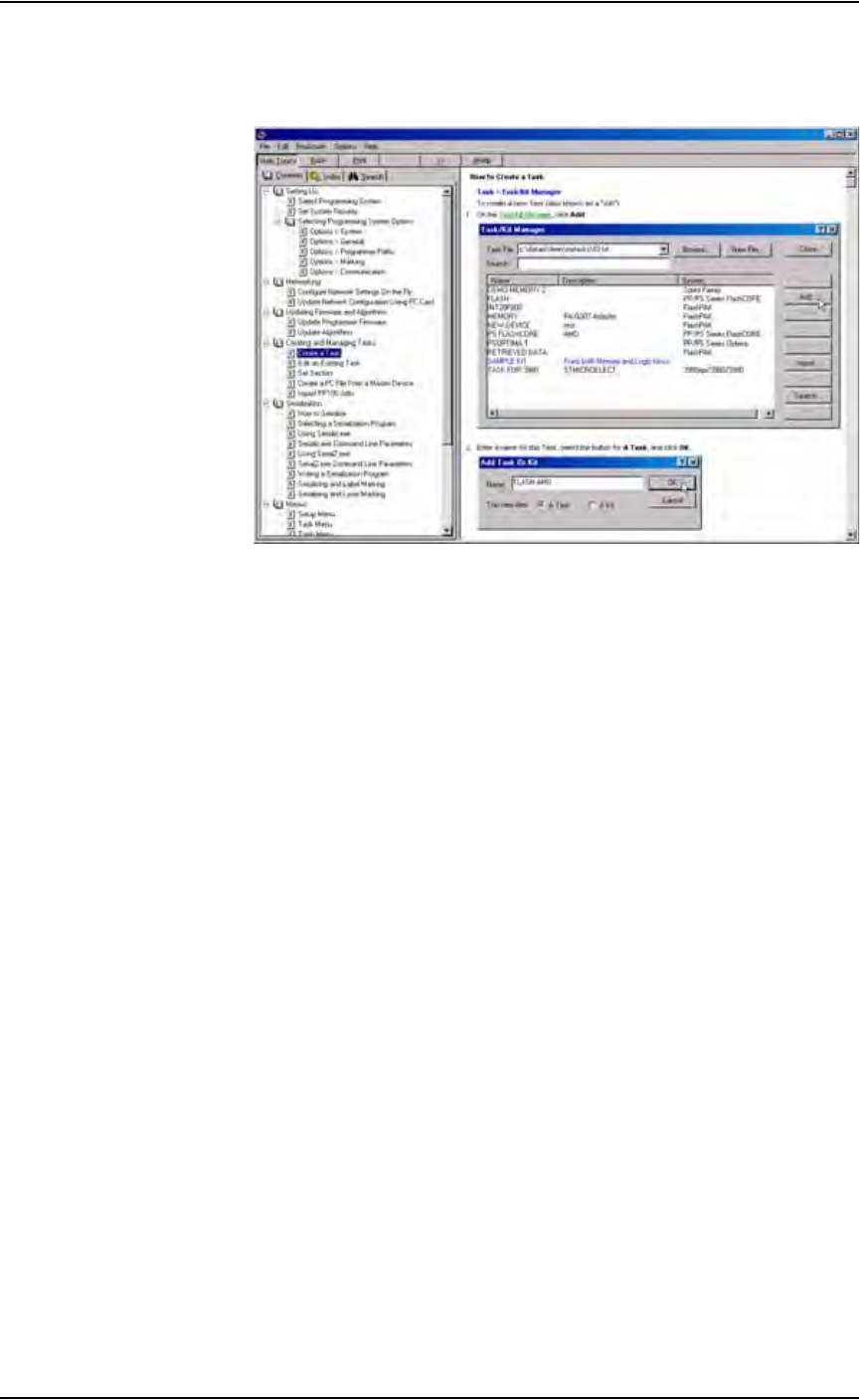
Extensive online Help is available for TaskLink by selecting the Help menu
on the main screen and clicking Help Topics.
Figure 1-5—TaskLink online Help
AH500 Interface
Data I/O’s Automated Handler (AH500) software is a Microsoft
®
Win-
dows
®
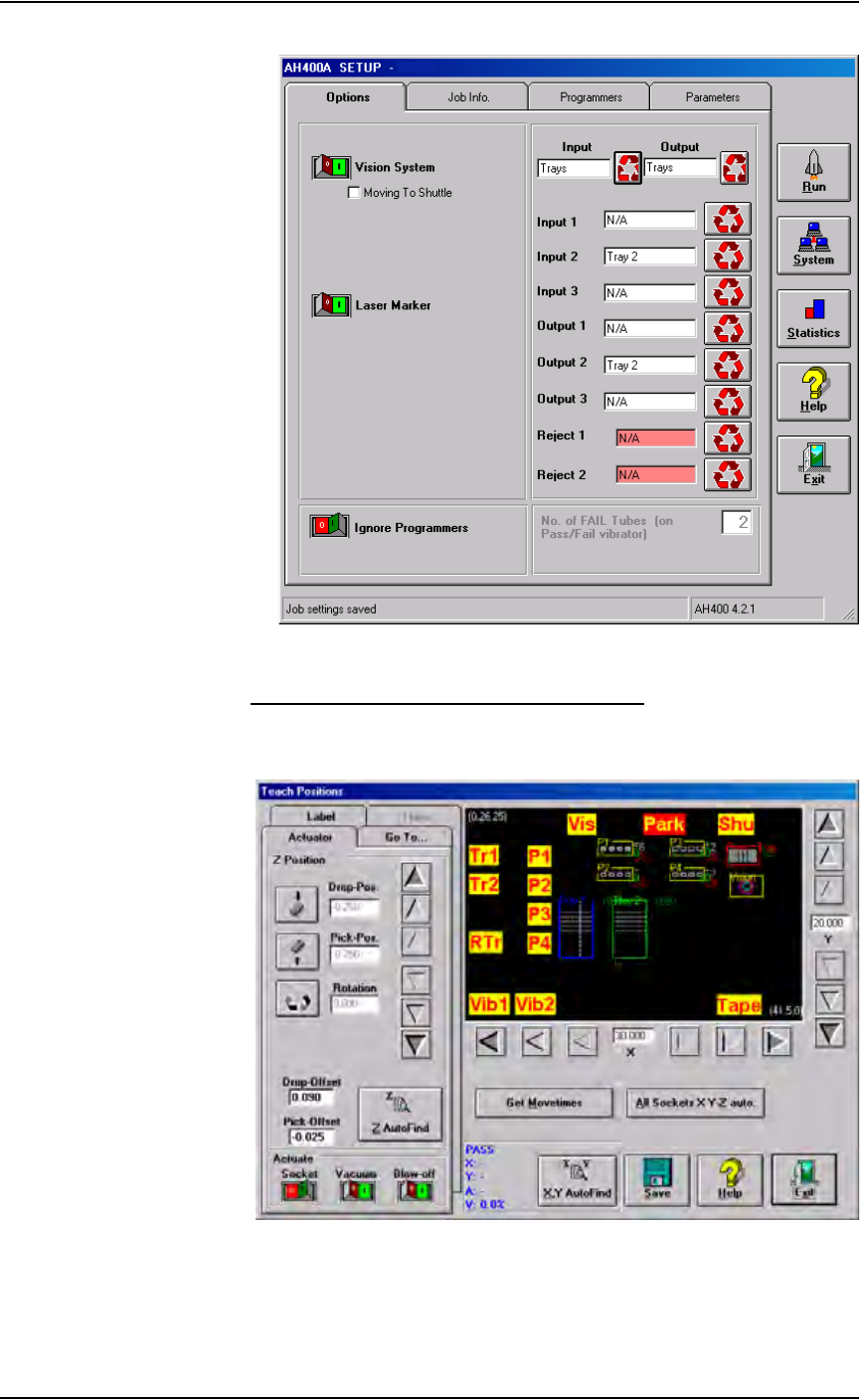
-based system used to set up various PS288 system parameters such as
input/output configurations, labeling options, vision system, and PNP head
calibration. These parameters are contained in the WinAH400.ini file.
AH500 operates from the Handler Computer. Figure 1-6 shows a sample
AH500 user interface window.
Introduction • Software and User Interface Components
PS288 Owner’s Manual 1—13
Figure 1-6—AH500 user interface example
Understanding the AH500 Gantry Window
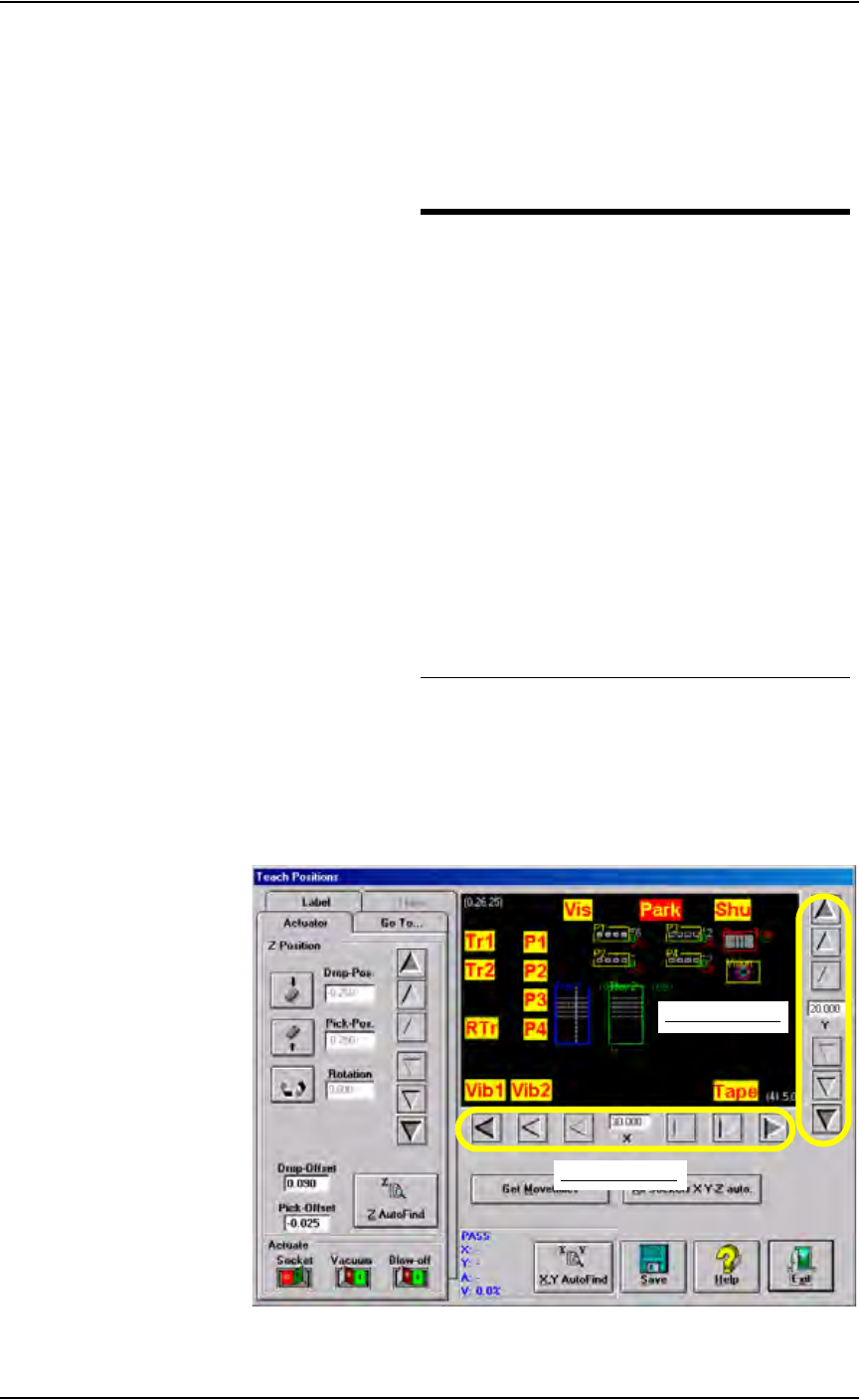
The AH500 Gantry window displays important information about the work
envelope of the PS288.
Figure 1-7—Gantry window
The yellow position labels on the Gantry window represent locations in the
work envelope. Clicking a yellow position label (for example, Tr1) moves
Introduction • Software and User Interface Components
1—14 PS288 Owner’s Manual
the PNP head to that location in the work envelope. When selected, the yel-
low position label turns red. In Figure 1-7, the Park label (red) is selected
and the PNP head is at the Park position.
Figure 1-8 lists position labels and their locations in the work envelope.
Figure 1-8—Label and locations
Also on the AH500 Gantry window are adjustment arrows for the X-axis and
Y-axis. Clicking an arrow moves the PNP head the given distance in the
direction chosen. From the inside working outward, the arrows adjust the
position ±0.001, 0.010, and 0.100 inches respectively. See Figure 1-9.
Figure 1-9—Adjustment arrows for X- and Y-axes
Label Location in work envelope
Tr1 Tray 1
Tr2 Tray 2
RTr Reject Tray
P1 Programmer 1
P2 Programmer 2
P3 Programmer 3
P4 Programmer 4
Vib1 Tube Vibrator 1
Vib 2 Tube Vibrator 2
Vis Vision System
Park Park
Shu Shuttle Transfer
Tape Tape Input
X-axis adjustment
Y-axis adjustment