Apollo1_Operators_Manuel.pdf - 第115页
B-115 cab - Produkttechnik GmbH / Tharo Systems, Inc. Pin Assignment of the Parallel Interface Connector The Apollo provides a 36 pin connector for the parallel Centronics interface. T able B-2 Signals of the Centronics …
B-114 cab - Produkttechnik GmbH / Tharo Systems, Inc.
Interface Cable for RS-422/ RS-485
To control the Apollo by RS-422/ RS-485 interface, only the signals TDATA+,
TDATA-, RDATA+, and RDATA- are necessary.
Check the pin assignment of the interface of your computer, and use the pin
assignment of the printer as shown in Table B-1 to obtain a suitable cable.
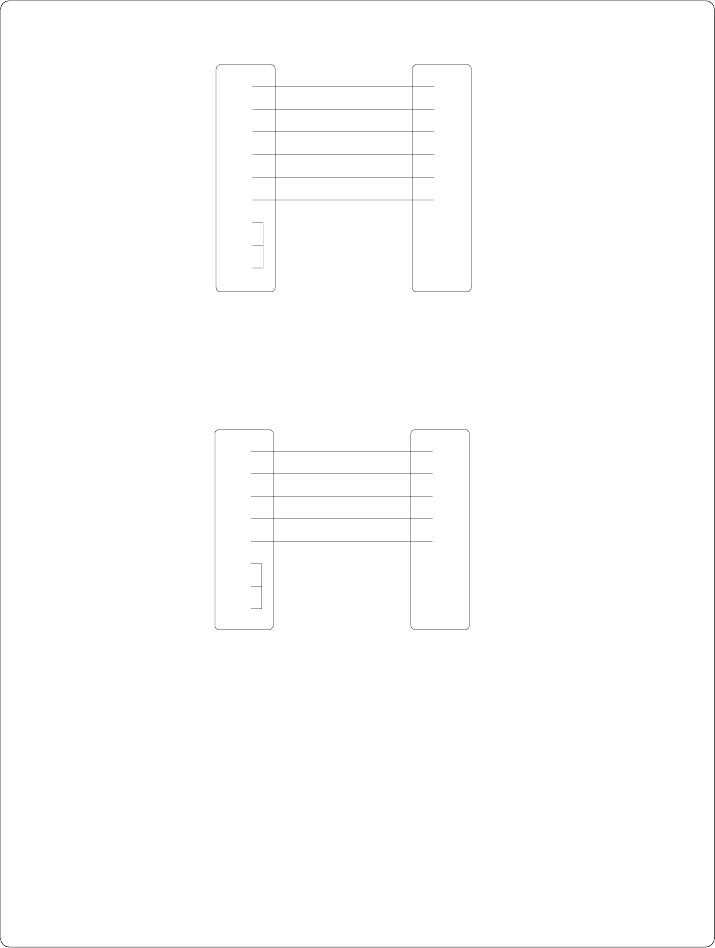
PC Apollo
9 pin connector 25 pin plug
Fig. B-5 Interface cable with 9 pin computer connector
for RS-232 with protocol "RTS/CTS" or "XON/XOFF"
PC Apollo
25 pin connector 25 pin plug
Fig. B-4 Interface cable with 25 pin computer connector
for RS-232 with protocol " RTS/CTS" or "XON/XOFF"
22
33
57
75
84
1
4
6
11
23
32
45
54
77
6
8
20
B-115cab - Produkttechnik GmbH / Tharo Systems, Inc.
Pin Assignment of the Parallel Interface Connector
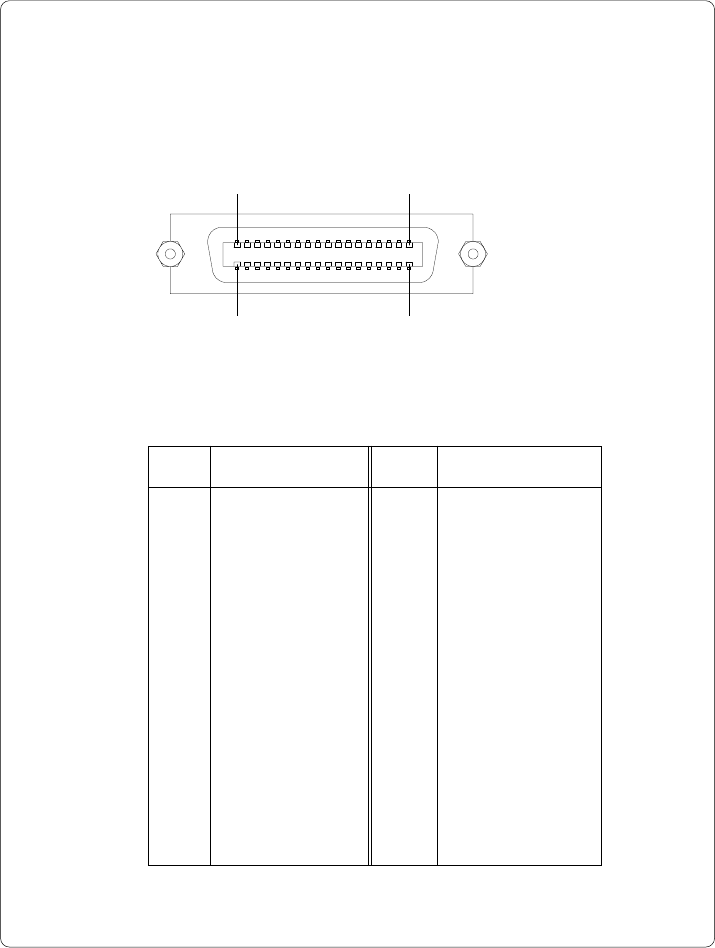
The Apollo provides a 36 pin connector for the parallel Centronics interface.
Table B-2 Signals of the Centronics interface
Fig. B-6 Centronics interface connector (rear of the printer)
Pin Signal Pin Signal
1 /STROBE 19 GND
2 DATA 1 20 GND
3 DATA 2 21 GND
4 DATA 3 22 GND
5 DATA 4 23 GND
6 DATA 5 24 GND
7 DATA 6 25 GND
8 DATA 7 26 GND
9 DATA 8 27 GND
10 /ACKNLG 28 GND
11 BUSY 29 GND
12 PE 30 GND
13 SLCT 31 nc
14 nc 32 nc
15 nc 33 nc
16 GND 34 nc
17 nc 35 nc
18 nc 36 nc
Pin 18 Pin 1
Pin 19Pin 36

B-116 cab - Produkttechnik GmbH / Tharo Systems, Inc.
Centronics Interface Cable
The cables used for Centronics interface connectors are standard cables, so
that normally there are no problems with the external control of the Apollo.
In the event of any difficulties, consult the manufacturer of your computer on the
pin assignment of the computer's interface. Use the pin assignment of the printer
as shown in Table B-1 to obtain a suitable cable.