Apollo1_Operators_Manuel.pdf - 第40页
40 cab - Produkttechnik GmbH / Tharo Systems, Inc. System Mode PRINT The printer is in operation. In this mode, the transfer of data is possible. New print jobs will be carried out immediately following the completion of…
39cab - Produkttechnik GmbH / Tharo Systems, Inc.
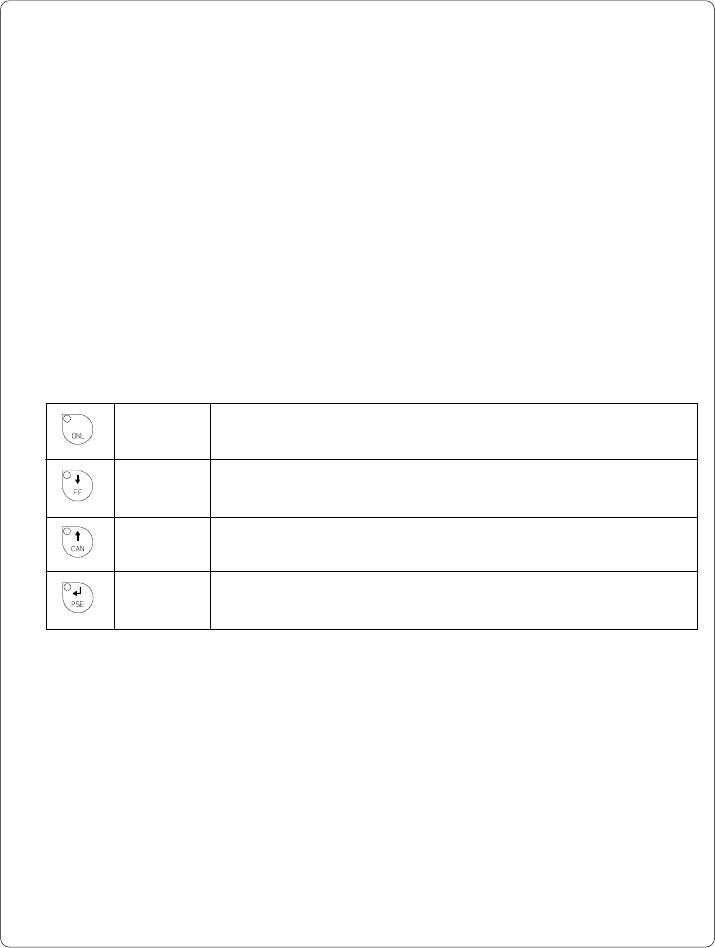
ONL key Switch into ONLINE mode. (LED ONL on)
FF key Provides label feed. The leading edge of the next label to be
printed is in print position.
CAN key Switch into LABEL FROM CARD mode.
(only if memory card is installed and formats are stored on it)
PSE key Display shows current printer mode.
("Printer info"/ see also Chapter 11)
Table 8 b Function keys in OFFLINE mode
System Mode OFFLINE
The printer is not ready to print or to receive data.
The status of the printer may be requested.
Display
The top line of the display shows "OFFLINE".
By repeatedly pressing the PSE key, the status of the printer will be shown.
(see also Chapter 11)
LED Display
The display is blank.
Function Keys
40 cab - Produkttechnik GmbH / Tharo Systems, Inc.
System Mode PRINT
The printer is in operation.
In this mode, the transfer of data is possible. New print jobs will be carried out
immediately following the completion of the previous job.
Display
The top line of the display shows the message "Printing label".
The bottom line displays the current number of printed labels.
During the transfer of data, a rotating pointer appears in the right hand corner
of the lower display line.
LED Display
LED ONL on.
Function Keys
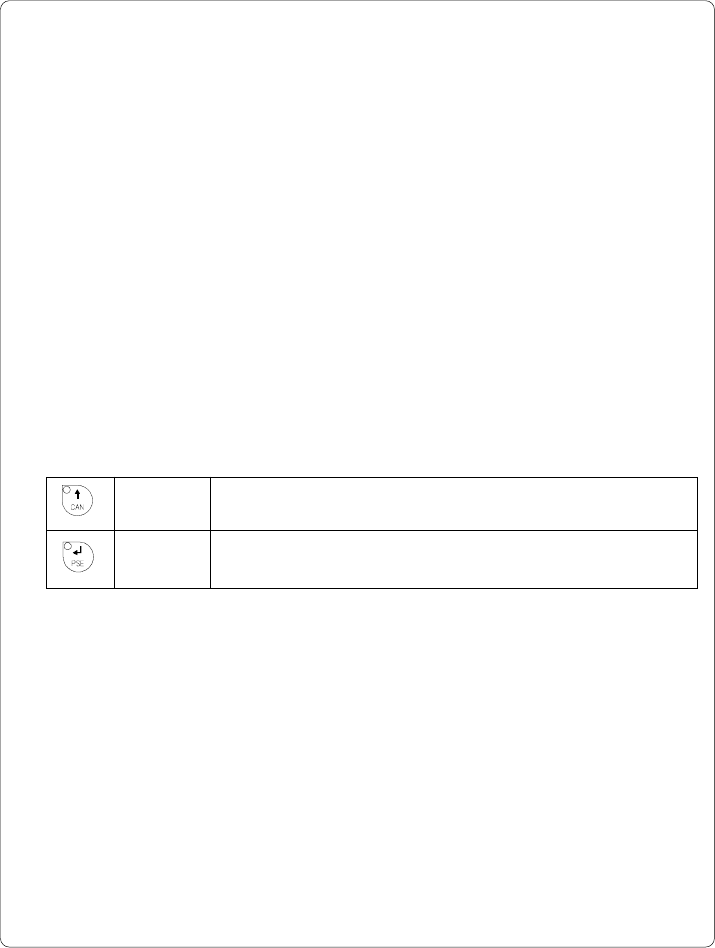
CAN key Cancels the current print job.
Switch into ONLINE mode. (LED ONL on)
PSE key Interrupts the current print job.
Switch into PAUSE mode. (LED PSE on)
Table 8 c Function keys in PRINT mode
41cab - Produkttechnik GmbH / Tharo Systems, Inc.
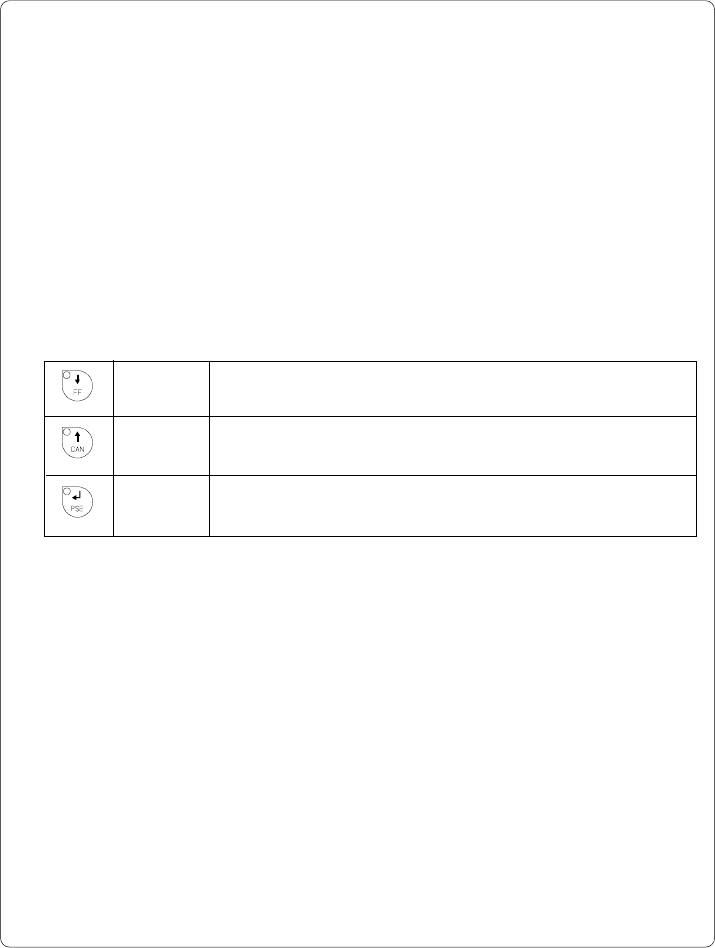
FF key Provides label feed. The leading edge of the next label to be
printed is in print position.
CAN key Cancels the current print job.
Switch into ONLINE mode. (LED PSE off)
PSE key Continues the current print job.
Switch into PRINT mode. (LED PSE off)
Table 8 d Function keys in PAUSE mode
System Mode PAUSE
The printing process is temporarily interrupted by the operator.
Display
The top line of the display shows "PAUSE".
LED Display
LED ONL on, LED PSE on.
Function Keys