Apollo1_Operators_Manuel.pdf - 第61页
61 cab - Produkttechnik GmbH / Tharo Systems, Inc. Set Date The "Set date" parameter allows you to change the system date of the Apollo . The date format shown depends on the selected "Country" parame…
60 cab - Produkttechnik GmbH / Tharo Systems, Inc.
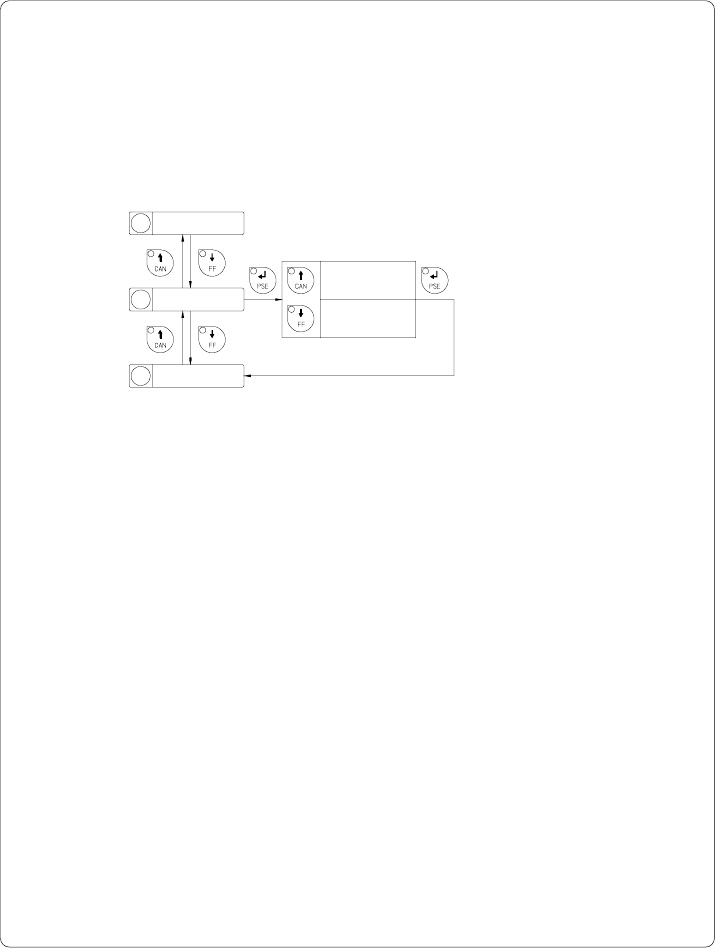
Printer Info
The "Printer info" parameter provides information about the firmware.
Furthermore, information about the cumulative length of printed media as well
as the number of operating hours are shown.
8 Heat level
9 Printer info
10 Set date
Printer info
Printer info
Version xxxxxxx
Printer info
xxxxxx m/ xxxx h
Fig. 9 k Printer info display
61cab - Produkttechnik GmbH / Tharo Systems, Inc.
Set Date
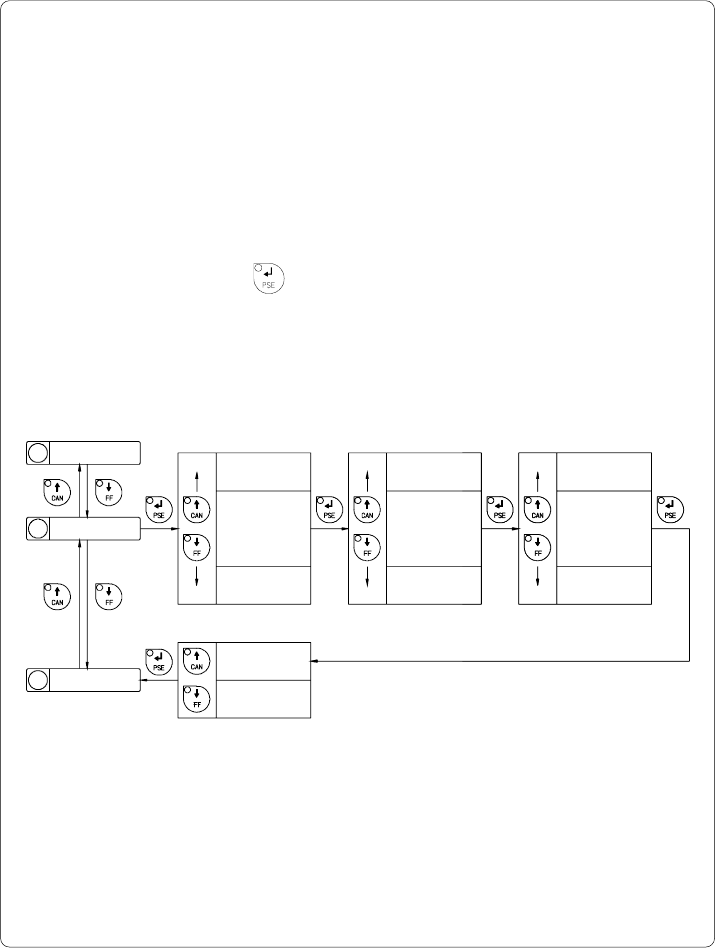
The "Set date" parameter allows you to change the system date of the Apollo.
The date format shown depends on the selected "Country" parameter.
Regardless of the format, the order of data to be changed (day - month - year)
always follows the same routine as shown below. (Figure 9 l)
The date range available is from January 1, 1970, to December 31, 2069.
If an invalid date entry is made, the display shows "Invalid input!"
After pressing the key the parameter may be set again.
Date changes in the software will only influence the date on the printout but not
affect the system date as stored in the setup.
The current field to be changed is flashing in the display.
10 Set date
11 Set time
Day
Month
Year
Confirmation
*
*
*
*
*
*
Set date
xx.12.xxxx
Set date
xx.01.xxxx
Set date
xx.xx.2069
Set date
xx.xx.1970
Set date
31.xx.xxxx
Set date
01.xx.xxxx
Set date
xx.xx.xxxx Yes
Set date
xx.xx.xxxx No
*
*
*
Fig. 9 l Set system date
9 Printer info
62 cab - Produkttechnik GmbH / Tharo Systems, Inc.
Set Time
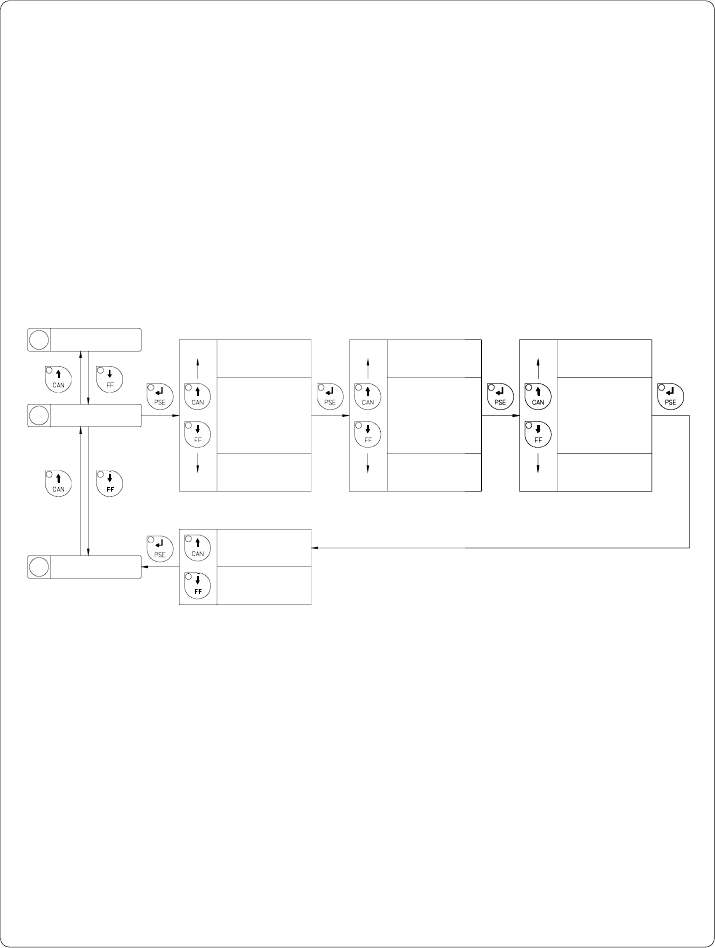
The "Set time" parameter allows you to change the system time of the Apollo.
The time format shown in the display depends on the selected "Country"
parameter.
Time changes in the software will only influence the printout but not affect the
system time of the printer. The changed time will neither be shown in the
display nor be stored in the printer setup.
The current field to be changed is flashing in the display.
Hour
Minute
Second
Confirmation
*
*
*
*
*
*
Set time
xx.59.xx
Set time
xx.00.xx
Set time
xx.xx.59
Set time
xx.xx.00
Set time
23.xx.xx
Set time
00.xx.xx
Set time
xx.xx.xx Yes
Set time
xx.xx.xx No
*
*
*
Fig. 9 m Set system time
10 Set date
11 Set time
12 Character set