Apollo1_Operators_Manuel.pdf - 第75页
75 cab - Produkttechnik GmbH / Tharo Systems, Inc. 1 1 Printer Info Display V iewing the Printer Info Display Apollo offers a convenient option for retrieving and viewing information about the printer configuration and o…

74 cab - Produkttechnik GmbH / Tharo Systems, Inc.
5 Test Pattern
The test pattern field contains seven areas with different stroke patterns.
With these patterns a range of print faults can be analyzed. The printout shows
errors such as varying print intensity which indicates the printhead being
misadjusted or dirty, or missing ink dots causing vertical white lines.
4 Existing Character Sets
No. : Identification No. of the font for programming
(command T)
Name : Name of font used for internal storing
Name of command (query sequence) q...CR
Type : Method of generating the characters
(see programming of command T)
Description : Font description (size, type)
75cab - Produkttechnik GmbH / Tharo Systems, Inc.
11 Printer Info Display
Viewing the Printer Info Display
Apollo offers a convenient option for retrieving and viewing information about
the printer configuration and occurred hardware problems without using setup
mode or test print mode.
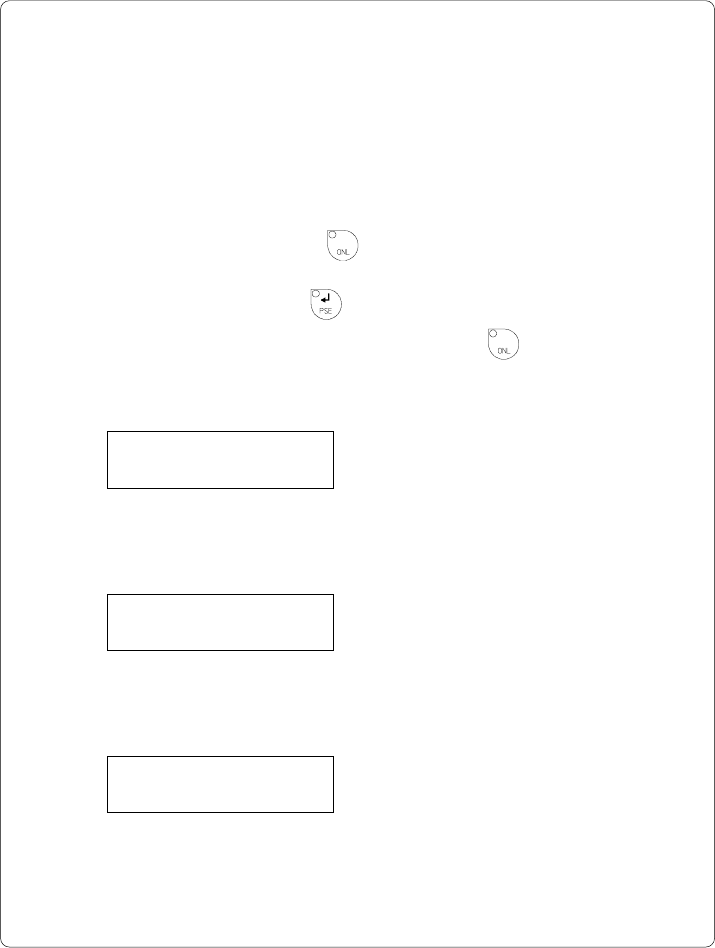
After switching on, or completing the system test or print jobs, the printer is in
ONLINE mode. Pressing the key will switch into OFFLINE mode where the
display shows the status information on five different pages which are accessible
by repeatedly pressing the key.
The printer info display can be exited by pressing the key. (back into
ONLINE mode)
Definition of the Printer Info Display
Printer info
1: RS 232 / RTS/CTS
Fig. 11 a Printer info display 1
On the first page, the selected interface (RS-232, RS-422, RS-485, Centronics)
and, in case of a serial interface, the handshake or protocol (RTS/ CTS or - - - ) will
be shown.
Printer info
2: 9.600
Fig. 11 b Printer info display 2
The second page contains information about the fixed baud rate of the serial
interface. When the parallel interface has been selected (Centronics), the second
page of the display is not applicable and shows three dashes.
Printer info
3: 2.38 / Jan 31 97
Fig. 11 c Printer info display 3
On the third page, the version and the date of the firmware are shown.
The example as shown in Figure 11c represents the firmware version No. 2.38
as at January 31, 1997.

76 cab - Produkttechnik GmbH / Tharo Systems, Inc.
Printer info
4: 0000 / 3 / 5 / C
Fig. 11 d Printer info display 4
The fourth page of the info display contains coded information on the configuration of
the printer and the internal test results in the format "xxxx / y / z / C".
xxxx Result of the system test
The four-digit hexadecimal number contains (coded) hardware faults.
The figure is the same as in the printout of the self test.
For fault encoding see code Table 10 in chapter 10 "Self Test".
The example, as shown in Figure 11d, displays "0000" indicating that
there have been no hardware faults.
y Type of peripheral device
0 : Cutter
2 : Applicator
3 : None fitted
4 : External print start
For example, Figure 11 d : "3" - No peripheral device connected.
z Configuration setting Transfer print/ Label sensor
The value of z results from adding the code numbers for selected settings.
Transfer print : 1 = ON
0 = OFF
Label sensor : 8 = Bottom-Reflect
4 = Gap sensor
0 = Top-Reflect
For example, Figure 11d : "5" - Transfer print ON (1) + Gap sensor (4).
C Indicates that the setup configuration has been altered from the defaults, for
Apollo 1 and Apollo 2 only. (no other messages)
For Apollo 3, the letter behind the "/" sign represents the state of modification
of the hardware. (board)
Printer info
5: ISO 8859-1
Fig. 11 e Printer info display 5
The last of the info pages shows the name of the character set as selected in setup.