Operating manual vacuum pump 2SH_Eng.pdf - 第15页
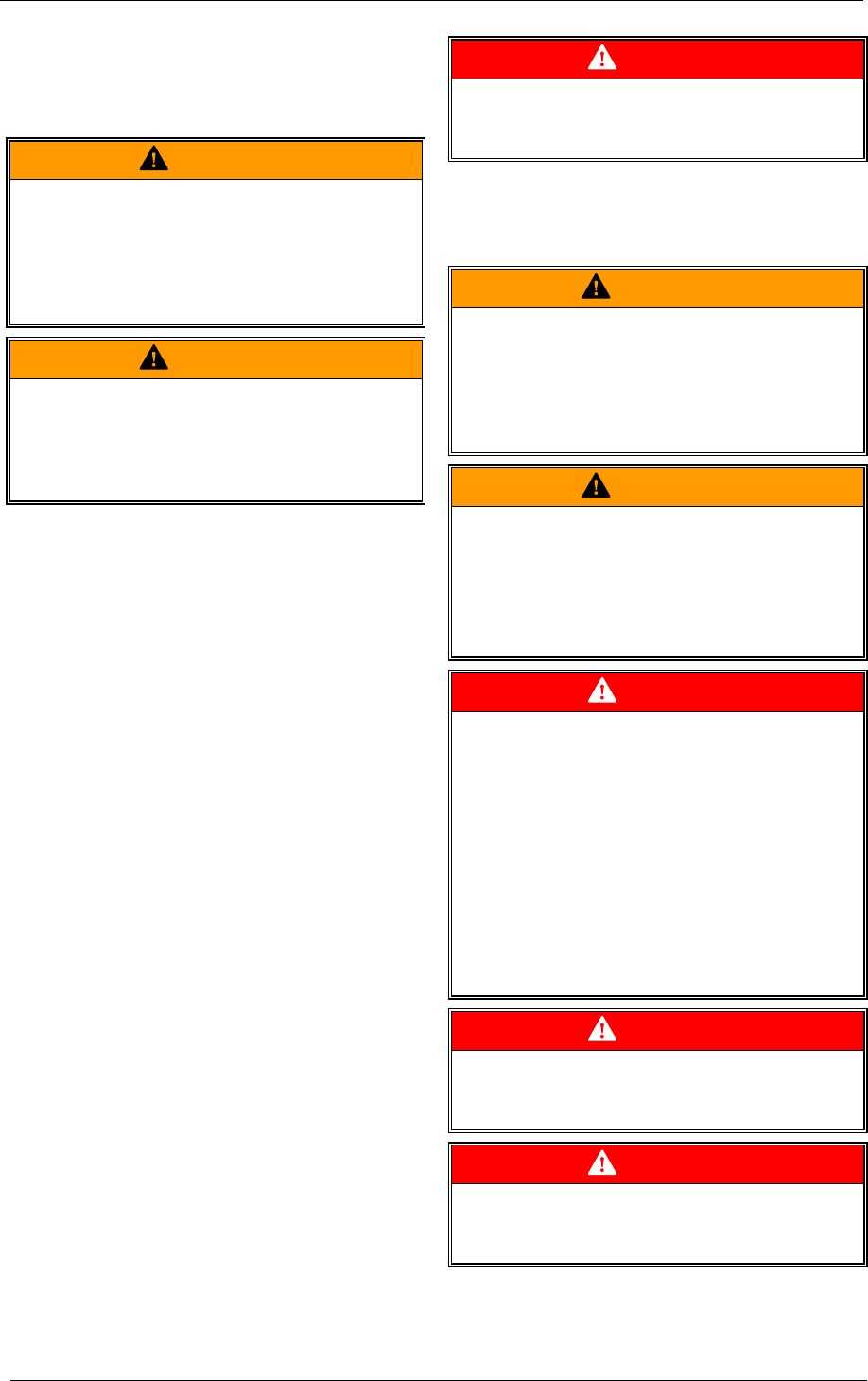
Gardner Denver Elmo Technology GmbH 15 / 18 610.00139.40.000 Maintenance WARNING Hazard presente d by negative pressure! • First ventilate the feed lines (relieve pres- sure). • And only then work on the system! WARNING …
Gardner Denver Elmo Technology GmbH 14 / 18 610.00139.40.000
Decommissioning the machine and shutting it down for a longer period of time
8 Decommissioning the machine and
shutting it down for a longer pe-
riod of time
WARNING
Improper handling of the system can result
in serious or fatal injuries!
Have you read the safety notes in chapter
1
Safety, page 5 f.?
If not then you are not allowed to carry out any
work on or with the system!
WARNING
Risks of burns and scalding from hot sur-
faces on the unit.
• Before working on the unit, allow the system
to cool down for at least 30 min after shutting
it down!
When shut down for longer periods
from about 4 weeks) the system can:
•
remain connected to the plant,
•
be disconnected from the plant so that it can
be sent to store.
8.1 Storage conditions
To avoid damage when stored for some time, the
environment must be:
• dry,
• free of dust,
• subject to low oscillations (effective value for
the speed of oscillation v
eff
≤ 0.2 mm/s
[0.008"/sec]).
8.2 Commissioning after a long shutdown
period
Commissioning after a long shutdown period:
• Measuring the motor insulation resistance.
For values ≤ 1kΩ per volt measured voltage
dry the coil.
• For new systems:
-
Install the system (chapter 5, page 9).
• Start up the system (chapter
6, page 12).
DANGER
Electrical hazard!
Work on electrical equipment may only be car-
ried out by qualified and authorized electricians!
9 Maintenance
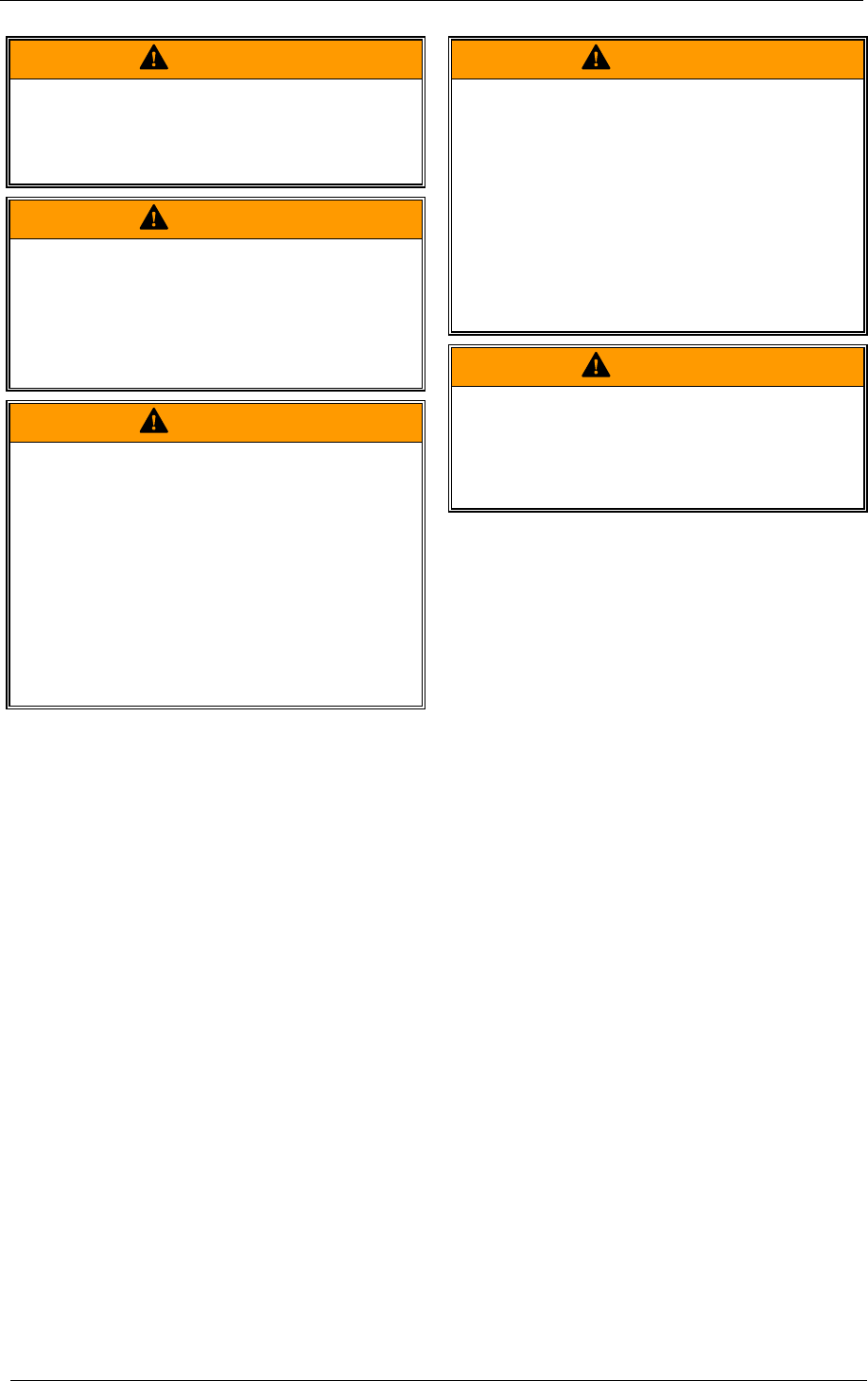
WARNING
Improper handling of the system can result
in serious or fatal injuries!
Have you read the safety notes in chapter
1
Safety, page 5 f.?
If not, then you are not allowed to carry out any
work on or with the system!
WARNING
Improper handling of the system can result
in serious or fatal injuries!
A
ll maintenance and service work on the system
must be carried out by the service department!
The unit must not be either dismantled or disas-
sembled!
DANGER
Electrical hazard!
The system is still live for a period of at least 3
minutes following disconnection of the power
supply.
Before beginning any work on the system:
• De-energize it.
• Protect it from being switched on again.
• Make sure that it is de-energized.
• Earth it and bypass it.
• Cover or block off adjoining parts which are
still live.
DANGER
Electrical hazard!
Replace any loose connections and burnt and
scorched feed lines!
DANGER
Electrical hazard!
Work on electrical equipment may only be car-
ried out by qualified and authorized electricians!
Gardner Denver Elmo Technology GmbH 15 / 18 610.00139.40.000
Maintenance
WARNING
Hazard presented by negative pressure!
• First ventilate the feed lines (relieve pres-
sure).
• And only then work on the system!
WARNING
Improper handling of the system can result
in serious or fatal injuries!
Dismantle the system only after it has been
taken out of commission and has come to a
stop!
Note the system run-on time!
Start up the system again when:
• the system has been assembled.
• the hosing has been checked to make sure it
is tightly fitted and sealed.
WARNING
Improper handling of the system can result
in serious or fatal injuries!
• Do not put your hand into the unit through
any suction nozzles!
• Do not put objects into any of the openings in
the system!
WARNING
Risks of burns and scalding from hot sur-
faces on the unit.
• Before working on the unit, allow the system
to cool down for at least 30 min after shutting
it down!
WARNING
Hazard presented by tilting or falling loads!
When setting the system up on moveable ma-
chine parts or at greater heights and without
additional securings to protect it from falling
down, the following applies:
• If the screw connections to the surface it is
set up on are loosened to allow maintenance
work to be carried out, then the system must
be set down on a level, fixed surface.
• If necessary secure the system so that it
cannot fall down.
Gardner Denver Elmo Technology GmbH 16 / 18 610.00139.40.000
Maintenance
9.1 System maintenance
The following maintenance work must be carried out in addition to the specifications in the unit operat-
ing instructions.
Interval Maintenance work
Depends on the concen-
tration of the dirt particles
at least every 1000 hour
of operation
In-line filter (pos. 17, page 4).
• Open filter housing catches (pos. 15, page 4) and remove filter housing
lid (pos.
17, page 4)
• Replace filter cartridge (pos.
16, page 4).
• Put filter housing back on and close catches..
daily Check cooling air vents (pos. 7, page 3) for foreign objects and remove them.
9.2 Correcting faults
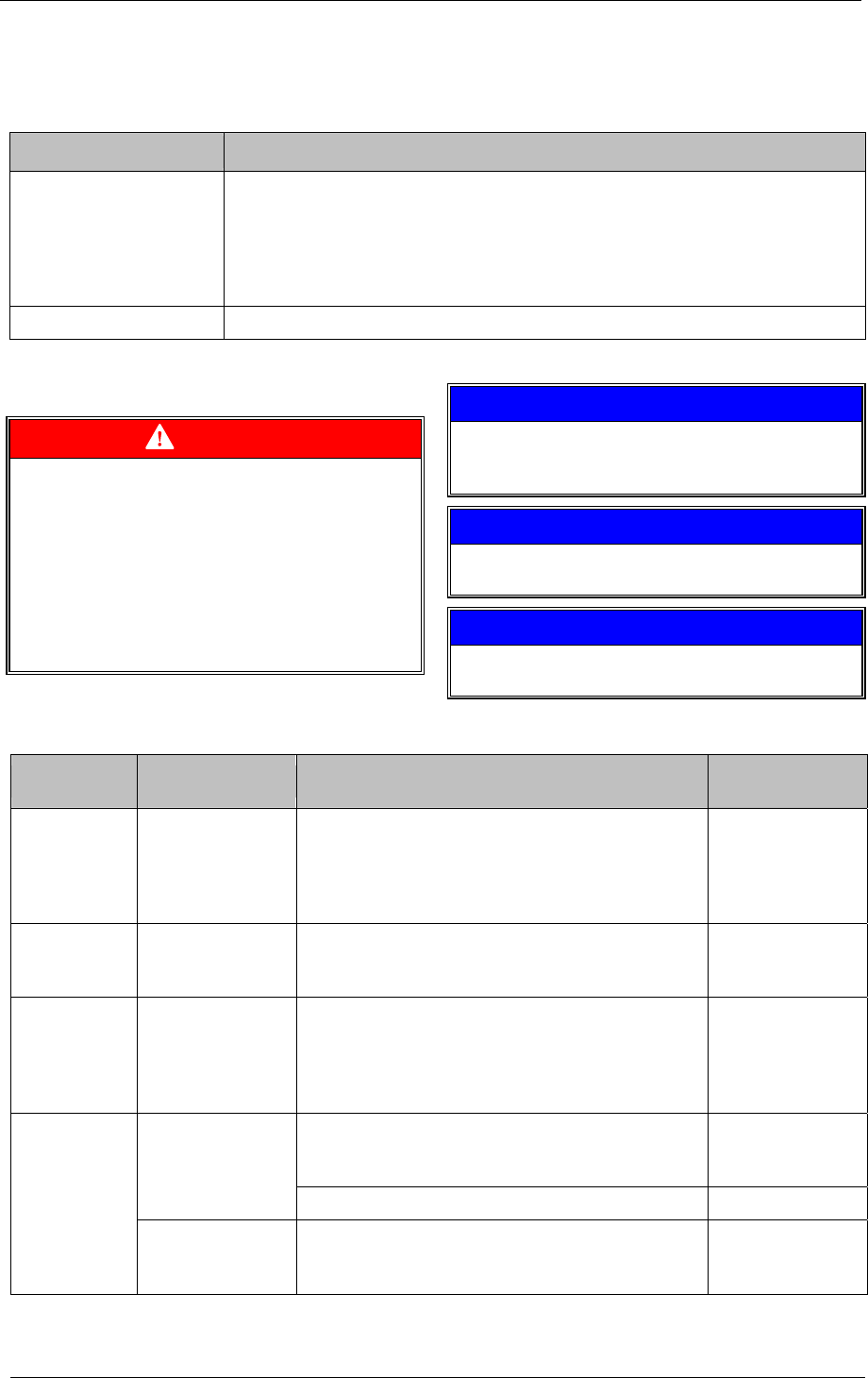
DANGER
Electrical hazard!
Before beginning any work on the system:
• De-energize it.
• Protect it from being switched on again.
• Make sure that it is de-energized.
• Earth it and bypass it.
• Cover or block off adjoining parts which are
still live.
NOTE
If after referring to the fault table, the fault still
cannot be corrected, then contact the service
department.
CAUTION
Arrange for replacement parts to be installed by
the service department!
CAUTION
Please note chapter 3 Technical Data section
"
Tightening torques", page 8.
Fault Cause Correction
To be corrected
by
Motor does not
start up, no air
flow from ex-
tracted air
vent.
break in at least
two of the power
supply lines.
correct the breakdown by checking/clearing fuses,
terminals and/or power supply lines
Electrician
motor does not
start up, buzz-
ing noise
break in one of the
power supply lines.
correct the breakdown by checking/clearing fuses,
terminals and/or power supply lines
Electrician
Circuit breaker
switches off
again after it
has been
switched on.
circuit breaker set
too low
Check the circuit breaker’s rated current shown on
the rating plate. If necessary, re-set it.
Electrician
Check and keep to maximum permissible tempera-
ture for ambient conditions (
Technical Data, pa-
ge
8).
Operator Coil temperature
too high.
Carry out system maintenance. Service
“Converter
failure” status
indicator lights
(pos.
3, pa-
ge
3) is lit up
Cooling element
temperature too
high.
Check E-modulus ventilators and replace if neces-
sary.
Service