DECAN_S1_Administrator′s_Guide(Eng_Ver1.5)_Print.pdf - 第300页
9-6 Next Generation, Multi-Functional Plac er DECAN S1 Administrator’s Guide <Array No.> combo box Selects an array among the arrays for wh ich placement point is to be indicated. <Extend> check box Displ…
9-5
Step Programming
F2: Move the previous placement point.
F3: Move the next placement point.
F4: Move the placement point.
F5: Register the placement point.
<Move> group
Moves the head assembly by driving the shaft of the X and Y driving motors to the
placement point of the previous or following row of the current row.
<Move Prev> button
Moves the head assembly by driving the shaft of the X and Y driving motors to the
placement point of the previous row of the current row.
<Move Next> button
Moves the head assembly by driving the shaft of the X and Y driving motors to the
placement point of the following row of the current row.
<Outline> check box
When checking the placement point, it shows pcb pattern image with the virtual
part image in the SMVision window using the Align data.
<Auto> check box
To move continuously, check this check box. When this check box has been
clicked on and <Move Prev> or <Move Next> is clicked on.
<Find> group
Set the string of characters to find. At this time, the column in the grid containing the
string of characters must be specified first.
<Find Prev> button
Finds the string of characters set in the edit box in the previous lines of the current
line of the column specified in the grid.
<Find Next> button
Finds the string of characters set in the edit box in the next lines of the current line
of the column specified in the grid.
<Block & Array> group
<Block> combo box
For block PCB, first select the block to set. Then set other items.
Click the button to select the block to set. If it is not a block PCB, it is not
necessary to select the block and the corresponding combo box is disabled.
9-6
Next Generation, Multi-Functional Placer DECAN S1 Administrator’s Guide
<Array No.> combo box
Selects an array among the arrays for which placement point is to be indicated.
<Extend> check box
Displayed only in the case of Array PCB. Expand the placement point to one PCB
by using the offset value of array PCB.
For example, if the number of current placement points is 10 and the number of
array PCB is 4, then the total number of placement points is expanded to 40.
If it is already expanded, returns to the original status. At this time, all placement
data disappear except for no. 1 array PCB.
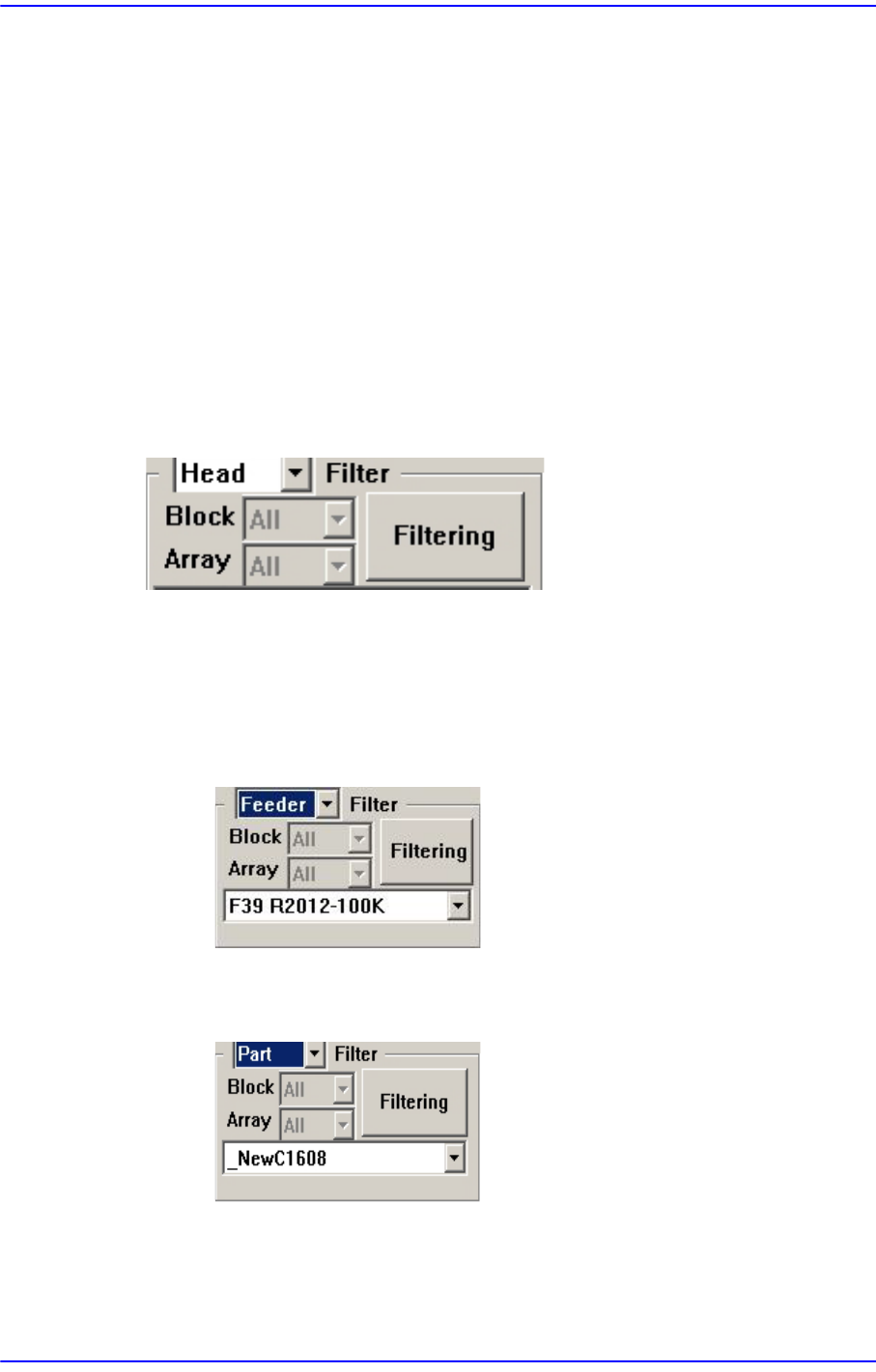
<Filter> Group
Designates the conditions for indicating the placement point shown in the Step dialog
box. Clicking the button will display the filtering function.
<Filter> combo box
Selects the conditions for indicating the placement point. Either ‘Feeder’ or ‘Part’
can be selected. Default is ‘Head’.
When Feeder is selected from the <Filter> combo box
Select the feeder for the part for which the placement point is to be indicated.
When Part is selected from the <Filter> combo box
Select the part for which the placement point is to be indicated.
When Ref is selected from the <Filter> combo box
Enter the reference of the part on which you want to mark the mounting point
in the edit box below.
9-7
Step Programming
<Filtering> button
Indicates only the placement point that is filtered according to the condition
selected from the <Filter> combo box in the “Steps” dialog box.
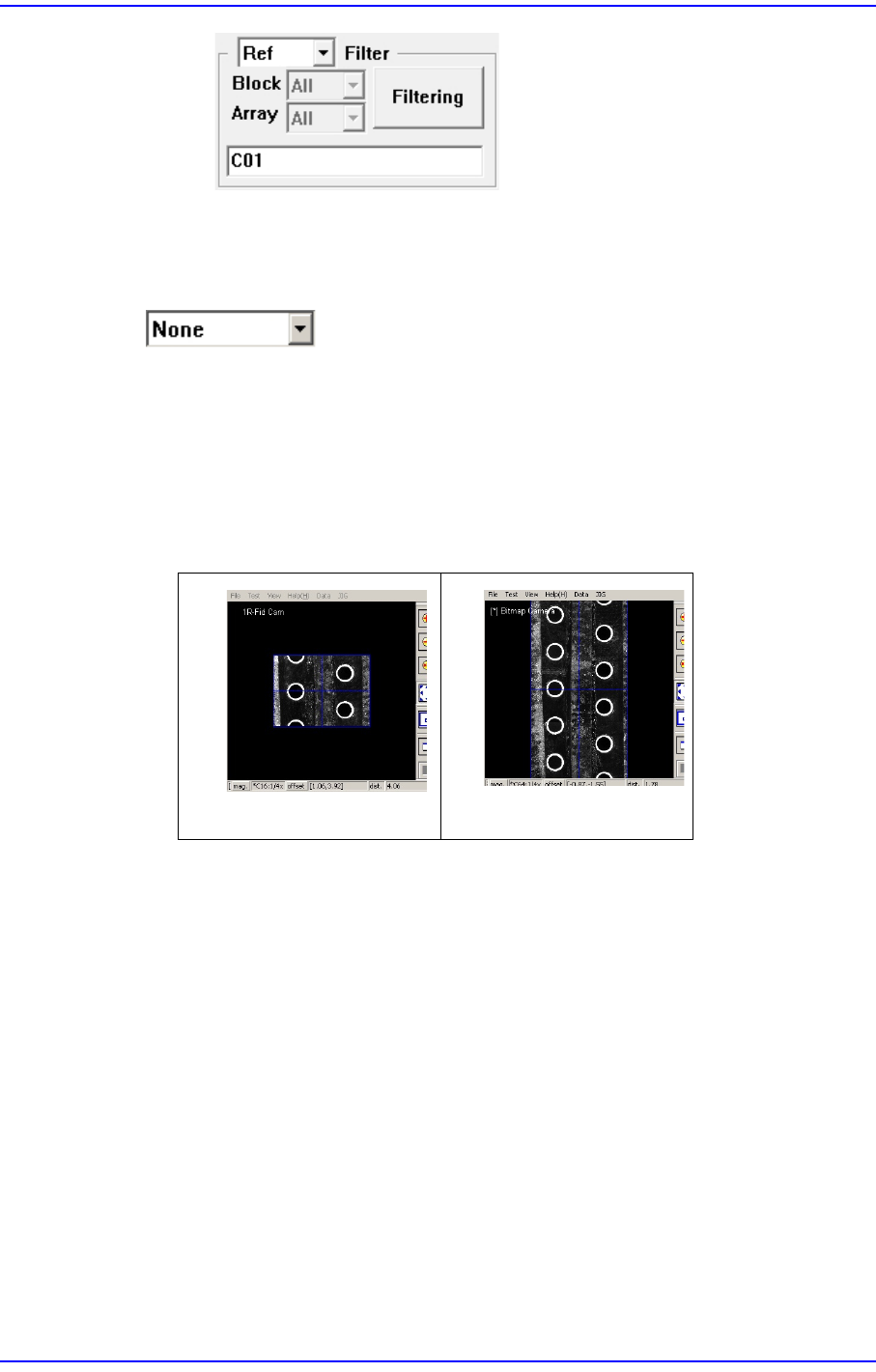
button
<None>
The panorama recognition function of the PCB vision is not used.
<Panorama>
It is possible to display the PCB shape on one vision window by performing split
recognition of the PCB shape and composing the split images into one.
<Insert 1Line> button
Adds a new placement point before the line (placement point) currently selected from
the <Grid>.
<2Pt. Teach> button
When a placement position is set, performs the function of teaching 2 corner points,
calculating the center point and using it as the placement point. Please refer to “8.1.1
Feeder Base”<2Pt. Teach…> button for more information.
<Fiducial…> button
If the placement point has a fiducial mark, sets the fiducial mark data. Closes the
dialog box without saving the changed contents.
None
Panorama