DECAN_S1_Administrator′s_Guide(Eng_Ver1.5)_Print.pdf - 第353页
13-1 Production Setup Chapter13. Production Setup The product menu is composed of seven submenus; Start, Stop, Count., Fi nish, T/F Cnt, PCB D/L, Pd. Info. This menu performs the functio n of monito ring PCB (Printed Cir…
13-1
Production Setup
Chapter13. Production Setup
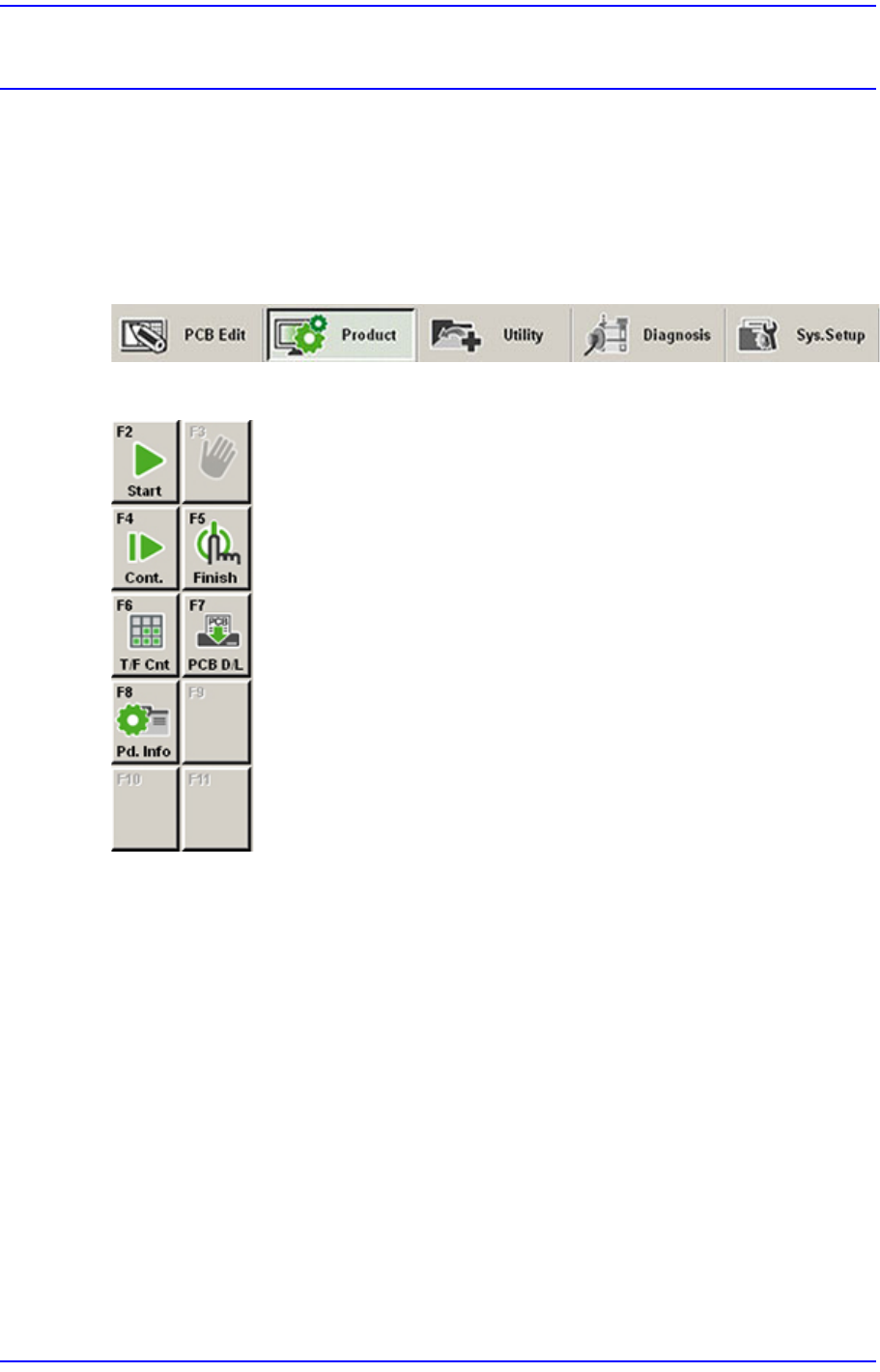
The product menu is composed of seven submenus; Start, Stop, Count., Finish, T/F Cnt,
PCB D/L, Pd. Info.
This menu performs the function of monitoring PCB (Printed Circuit Board) placement
operation.
Figure13.1 When the Product menu is selected
Figure13.2 Submenus of the Product menu
13-2
Next Generation, Multi-Functional Placer DECAN S1 Administrator’s Guide
13.1. Product Main
13.1.1. Product Monitor
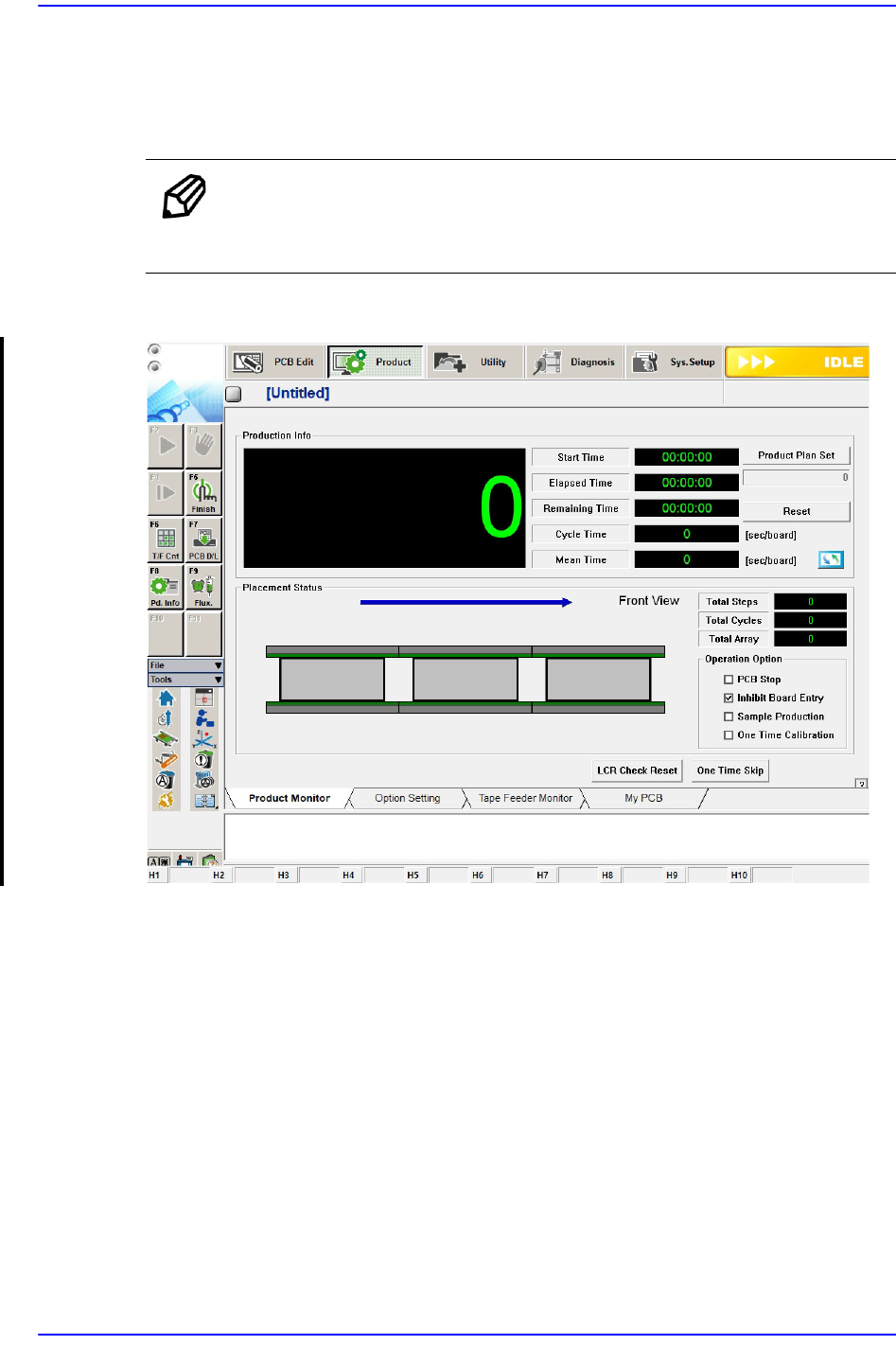
Provides the progress and production information related to PCB production.
Memo The shape of the conveyor displayed on the screen may differ
depending on the option.
Figure13.3 “Product” Initial screen
When the submenu, PCB D/L (F7) is clicked on, transmits the PCB data edited to the
equipment, and the following screen is displayed.