DECAN_S1_Administrator′s_Guide(Eng_Ver1.5)_Print.pdf - 第45页
1-5 Operation Mode and Password Change Utility Print ○○ ○ ○ Util/ Pd.Info ○○ ○ ○ Copy × ○○ ○ File Man × ○○ ○ Bypass ○○ ○ ○ Wa r m u p ○○ ○ ○ Diagnosis I/O S tatus × ○○ ○ Conveyor × ○○ ○ Light × ○○ ○ V acuum × ○○ ○ Jog bo…
1-4
Next Generation, Multi-Functional Placer DECAN S1 Administrator’s Guide
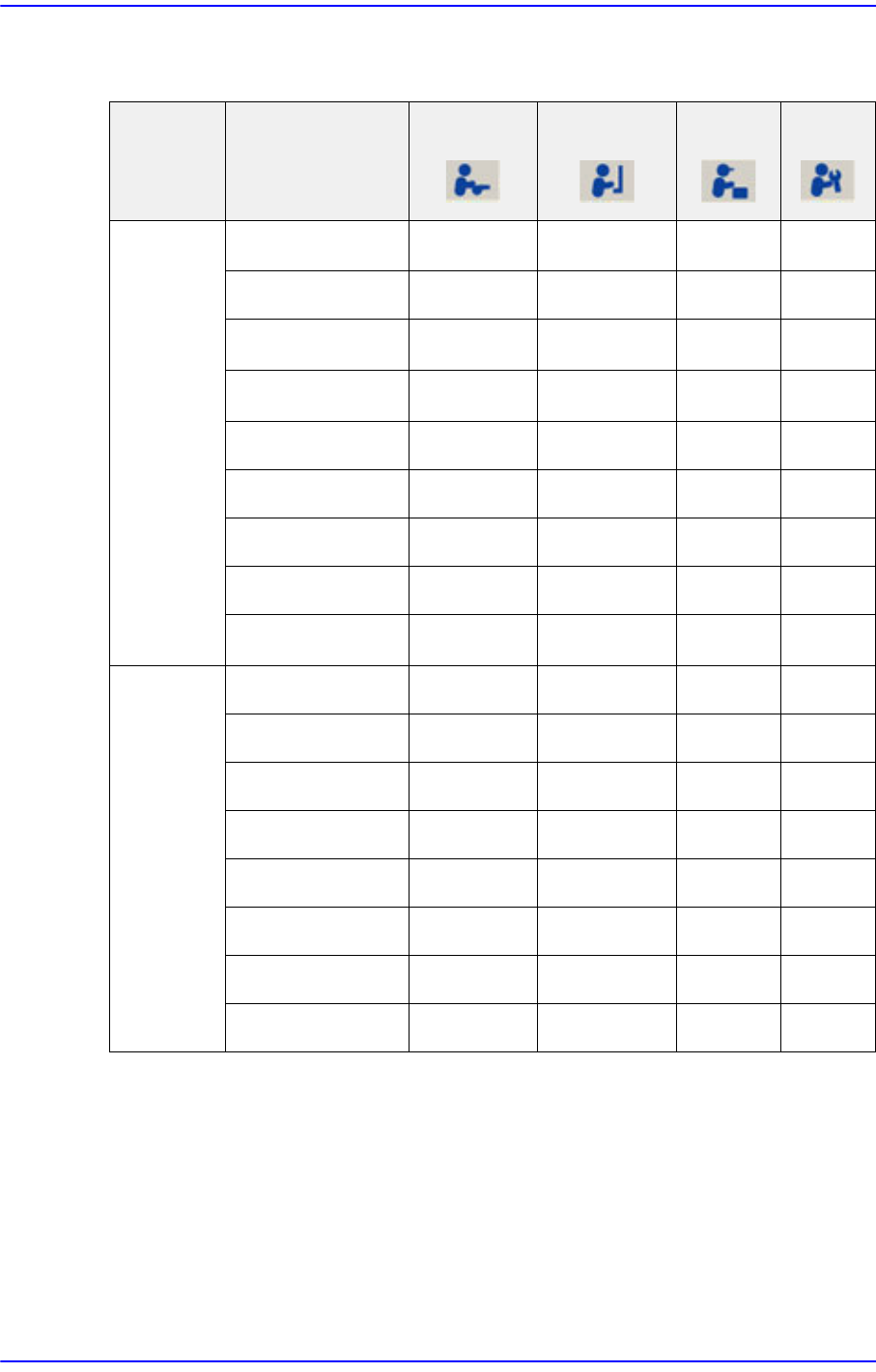
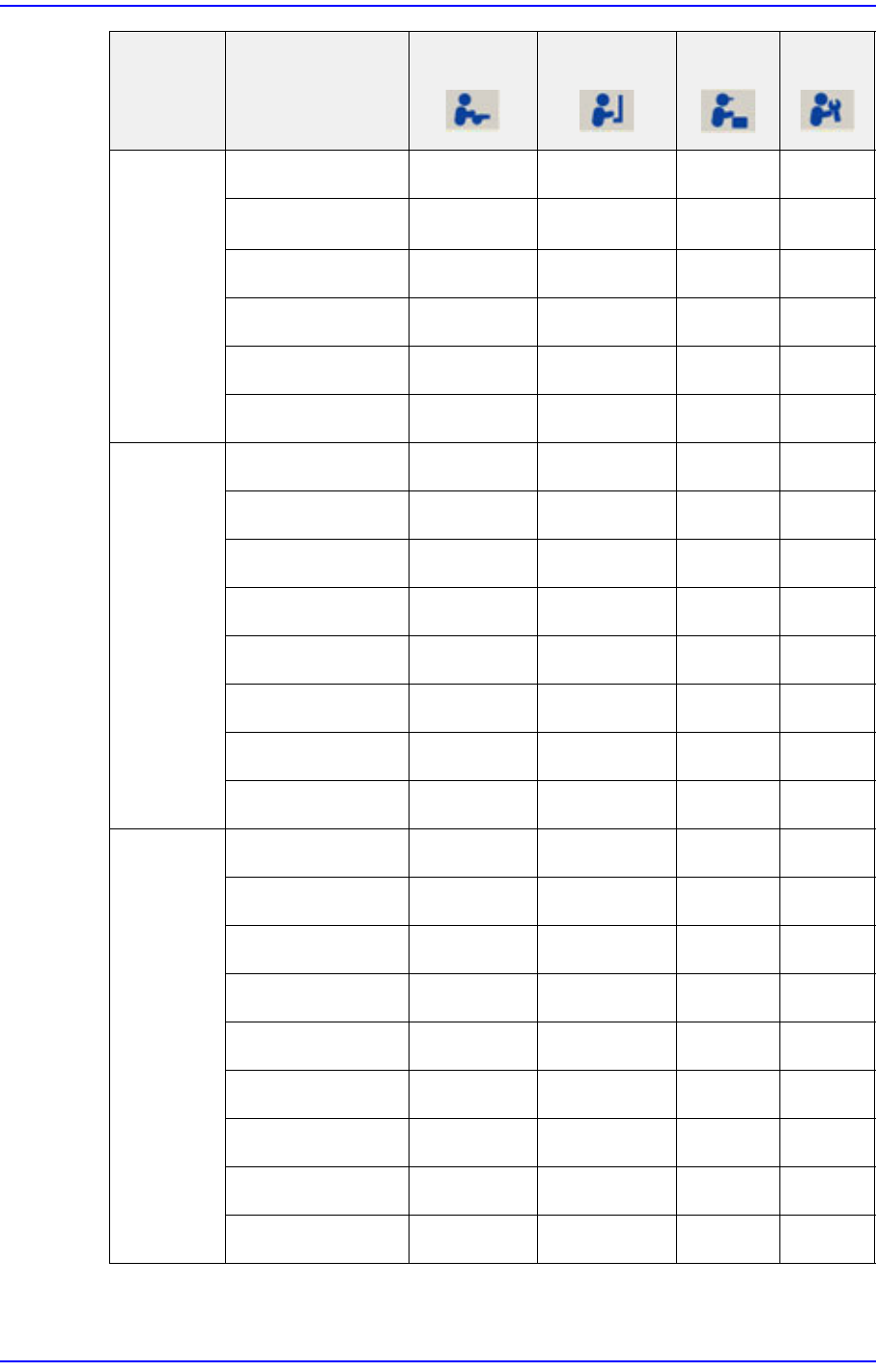
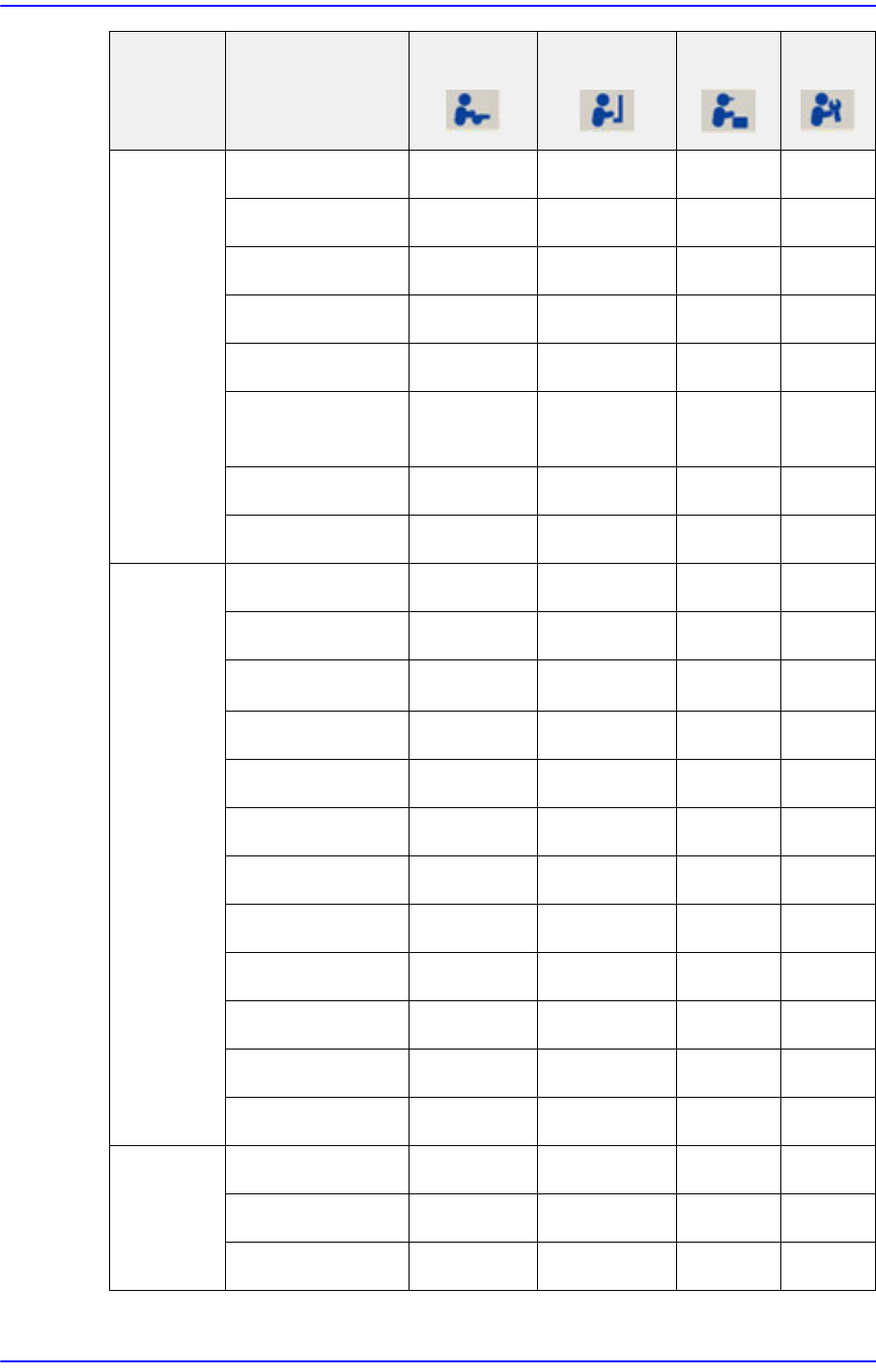
The following table shows the authorization for the MMI menu according to the users..
O: Permission, △:Partly Access, ×:Access Deny
Table1.1 User Access Limit
Menu bar Sub Toolbar
Operator Programmer
Manager
Service
PCB Edit
Board △ ○○○
Part
△ ○○○
Feeder △ ○○○
Step △ ○○○
ANC Cfg
○○○○
Cycle
○○○○
Opti ×
○○○
Cancel
○○○○
Layout ○○○○
Product Start
○○○○
Stop
○○○○
Cont.
○○○○
Finish
○○○○
T/F Cnt
○○○○
PCB D/L
○○○○
Pd.Info
○○○○
Flux
○○○○
1-5
Operation Mode and Password Change
Utility Print
○○○○
Util/ Pd.Info ○○○○
Copy ×
○○○
File Man ×
○○○
Bypass
○○○○
Warmup
○○○○
Diagnosis I/O Status ×
○○○
Conveyor ×
○○○
Light ×
○○○
Vacuum ×
○○○
Jog box ×
○○○
Tray ×
○○○
Head ×
○○○
Motor I/O ×
○○○
Sys.Setup Head × ×
○○
Conveyor × ×
○○
Position × ×
○○
Camera × ×
○○
Periph. × ×
○○
Calib. × ×
○○
Pref. × ×
○○
Device × ×
○○
Light × ×
○○
Menu bar Sub Toolbar
Operator Programmer
Manager
Service
1-6
Next Generation, Multi-Functional Placer DECAN S1 Administrator’s Guide
File New ×
○○○
Open × ×
○○
Save × ×
○○
Save As ×
○○○
Merge ×
○○○
ErrorMsgBar
Show / Hide
○○○○
Windows Tools ×
○○○
Exit × ×
○○
Tools Homing
○○○○
SMVision
○○○○
ANC ○○○○
Operate Mode
○○○○
Conveyor ×
○○○
Position ×
○○○
Manual Tool × ×
○○
Dump information
○○○○
Dump All ×
○○○
Docking cart ×
○○○
PM Manager
○○○○
Data Logging
△△○○
ETC
Language
○○○○
About
○○○○
Help
○○○○
Menu bar Sub Toolbar
Operator Programmer
Manager
Service