N7201A617E00_0317.pdf - 第304页
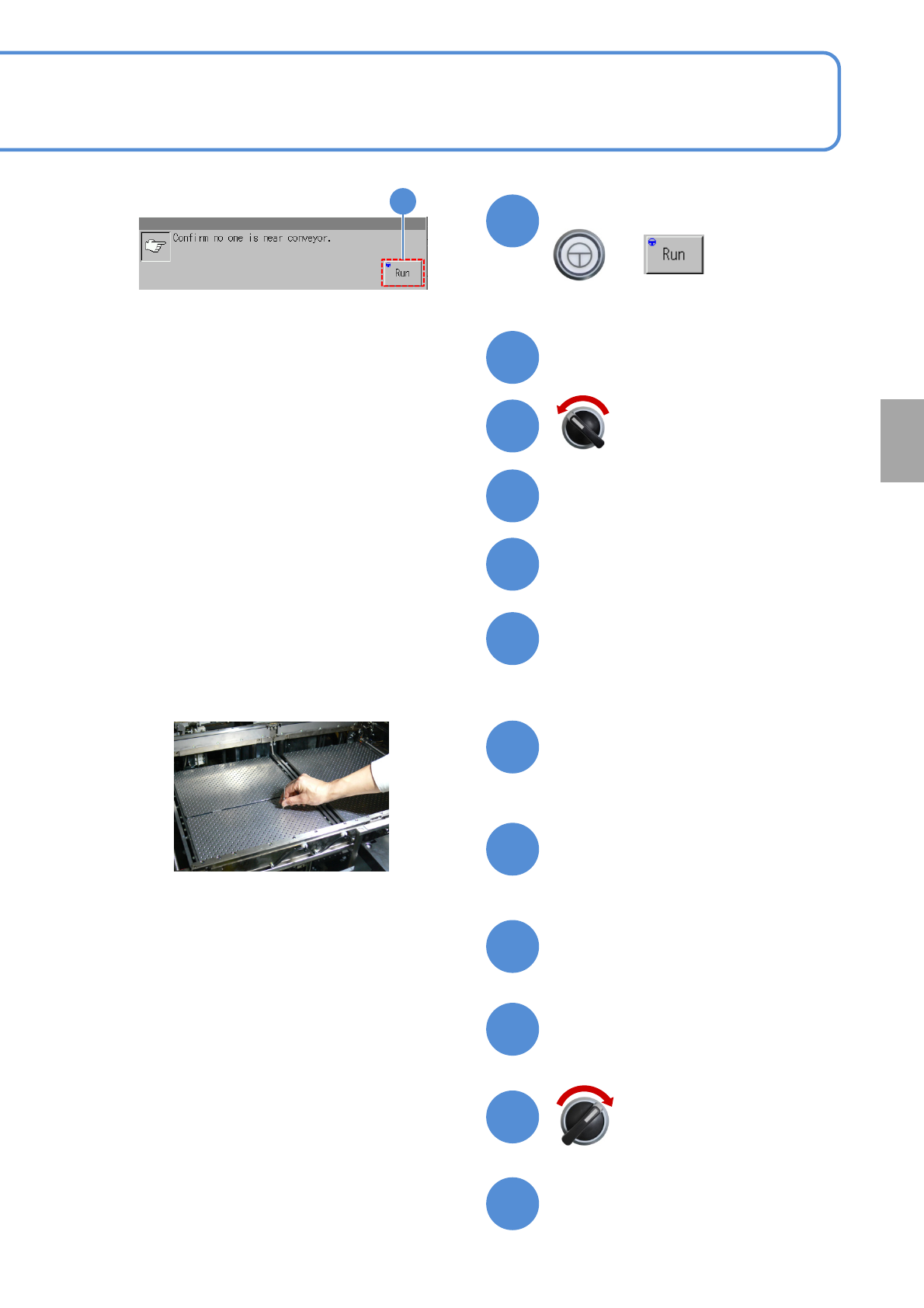
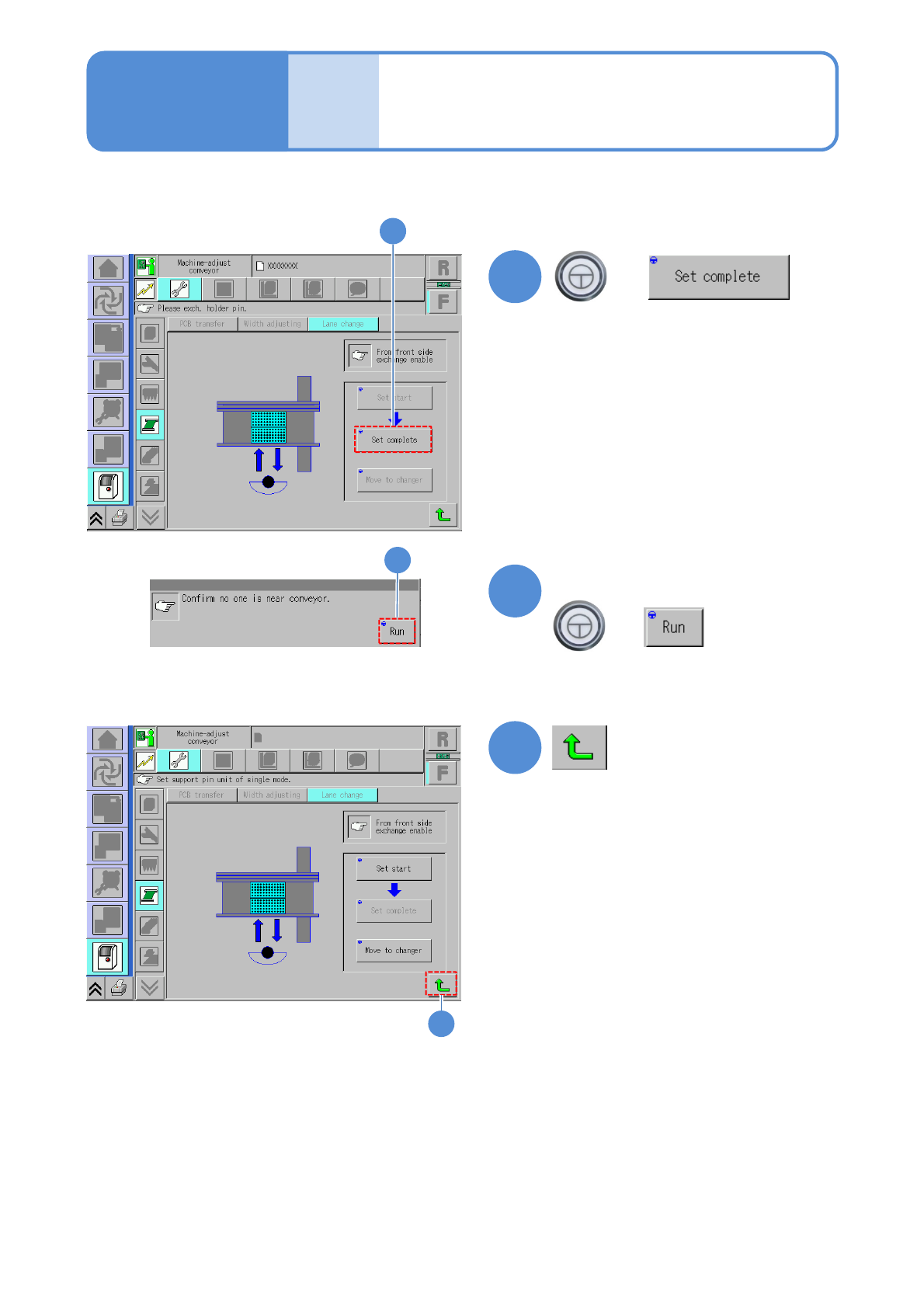
NPM-W 2 EJM7DE-MB-11M-00 1 1-3-2 -3 22 21 23 Mode switch Maintenance 1 1-3-2 Confir ming s witch 2 + (The PCB-support bl ock go es down until origin) 21 Confirm the message + 22 23
NPM-W2 EJM7DE-MB-11M-00
11-3-2-2
19
20
Attach the feeder cart
(→P.3-2)
15
Close the safety cover
14
Cover the multi-recognition
camera with a cloth
●It will keep foreign bodies from entering
the camera lens during the work.
Attach the PCB-support plate
●Be careful not to drop foreign bodies on
the multi-recognition camera (LED
lighting) or bump it.
Remove the cloth with which
the multi-recognition camera
was covered
Servo switch ON
18
17
16
Replacement
Return the feeder table cover
back
+
(The PCB-support block goes up so
that you can attach it now)
Confirm the message
9
Detach the feeder cart
(→P.3-2)
13
11
10
Servo switch OFF
Open the safety cover
12
Fold the feeder table cover to the
back
9
NPM-W2 EJM7DE-MB-11M-00
11-3-2-3
22
21
23
Mode
switch
Maintenance
11-3-2
Confirming switch 2
+
(The PCB-support block goes down
until origin)
21
Confirm the message
+
22
23

12 Consumable parts
replacement