LmrXP142机械手册.pdf - 第121页
Part 5 Chapter 1 Servo System Troubleshooting Edition 3.0 5-1-22 XP-142E Mechanical Reference AC Servopack Check List for Troubleshooting Alarm Alarm Name Status Cause Remedy A.850 Encoder Overspeed • Occurred when the c…
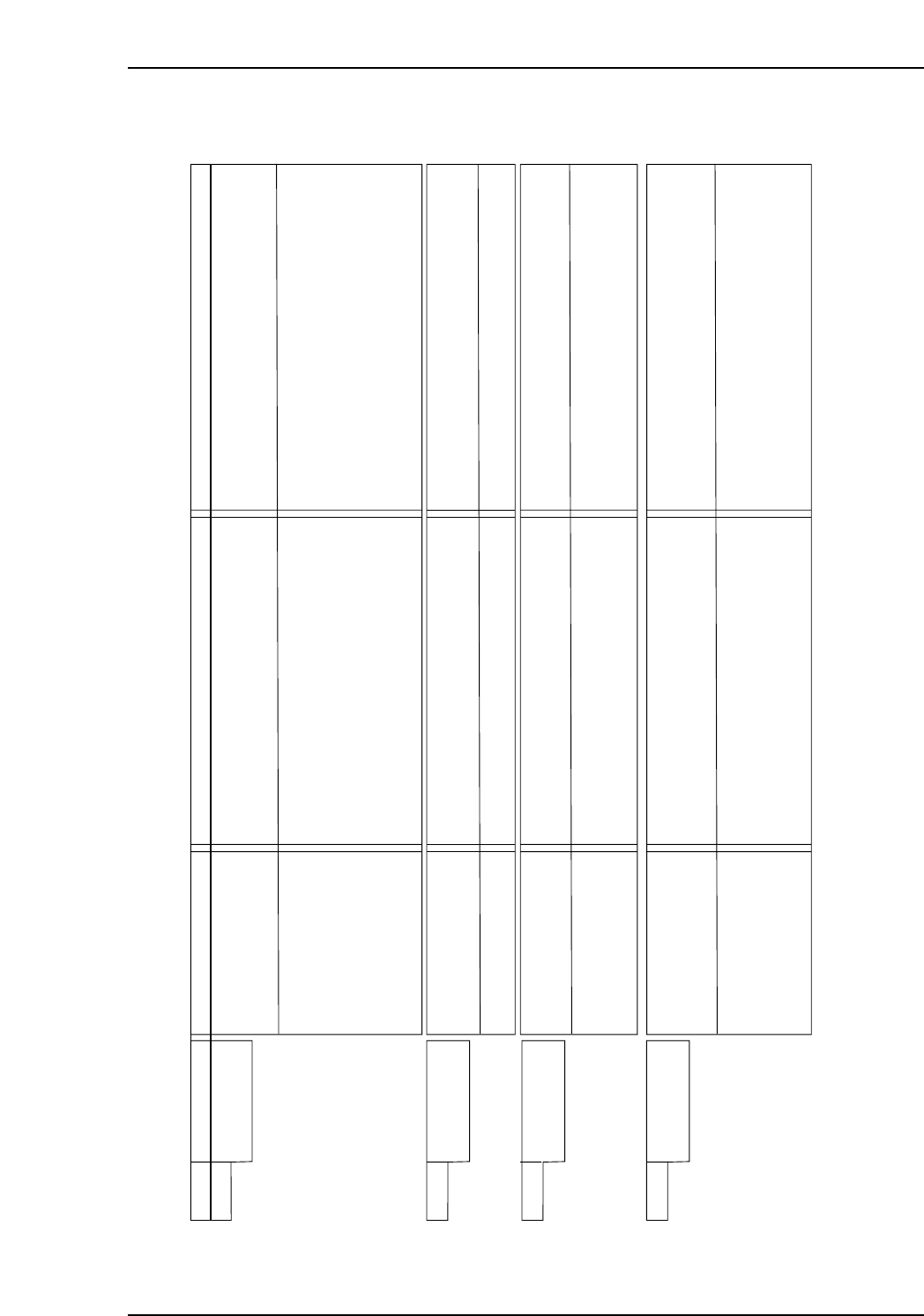
Part 5 Chapter 1 Servo System Troubleshooting
Edition 3.0 5-1-21 XP-142E Mechanical Reference
AC Servopack Check List for Troubleshooting
Alarm Alarm Name Status Cause Remedy
A.810 Encoder Backup
Error
• Occurred when the control
power supply was tuned
ON.
(Setting: Pn002.2=1)
• Occurred when the control
power supply was turned
ON using an absolute
encoder.
(Setting: Pn002.2=0)
• A SERVOPACK board fault occurred when an
absolute encoder is used with the setting for
incremental encoder.
• Alarm occurred when the power to the absolute
encoder was initially turned ON.
• The encoder cable had been disconnected once.
• The power from both the PG power supply
(+5V) and the battery power supply from the
SERVOPACK is not being supplied.
• An absolute encoder fault occurred.
• A SERVOPACK fault occurred.
• Replace the SERVOPACK.
• Set up the encoder.
• First confirm the connection and set up the encoder.
• Replace the battery or take similar measures to
supply power to the encoder, and set up the
encoder.
• If the alarm cannot be a reset by setting up the
encoder again.
• Replace the SERVOPACK.
A.820 Encoder
Checksum Error
• Occurred when the control
power supply was turned
ON or during an operation.
• Occurred when the SEN
signal turned ON.
• A fault occurred in the encoder and was detected
by encoder self-diagnosis.
• A SERVOPACK fault occurred.
• A fault occurred in the encoder and was detected
by encoder self-diagnosis.
• Set up the encoder. If this alarm occurs frequently,
replace the servomotor.
• Replace the SERVOPACK.
• Set up the encoder. If this alarm occurs frequently,
replace the servomotor.
NP1MT018E
A.830 Absolute Encoder
Battery Error
• When the control power
supply was turned ON.
(Setting: Pn002.2=1)
• When the control power
supply was turned ON
using an absolute encoder.
(Setting: Pn002.2=0)
• When the absolute encoder was used as an
incremental, a SERVOPACK board fault
occurred.
• The battery connection is incorrect.
• The battery voltage is lower than the specified
value 2.7V.
• A SERVOPACK board fault occurred.
• Replace the SERVOPACK.
• Reconnect the battery.
• Replace the battery, and then turn ON the power to
the encoder.
• Replace the SERVOPACK.
A.840 Encoder Data
Error
• Occurred when the control
power supply was turned
ON.
• Occurred during operation.
• A malfunction occurred in the encoder.
• A SERVOPACK board fault occurred.
• A malfunction occurred in the encoder.
• An encoder fault occurred.
• A SERVOPACK board fault occurred.
• Turn the encoder power supply OFF and then ON
again. If this alarm occurs frequently, replace the
servomotor.
• Replace the SERVOPACK.
• Correct the wiring around the encoder by separating
the encoder cable from the power line, or by
checking the grounding and other wiring.)
• If this alarm occurs frequently, replace the
servomotor.
• Replace the SERVOPACK.
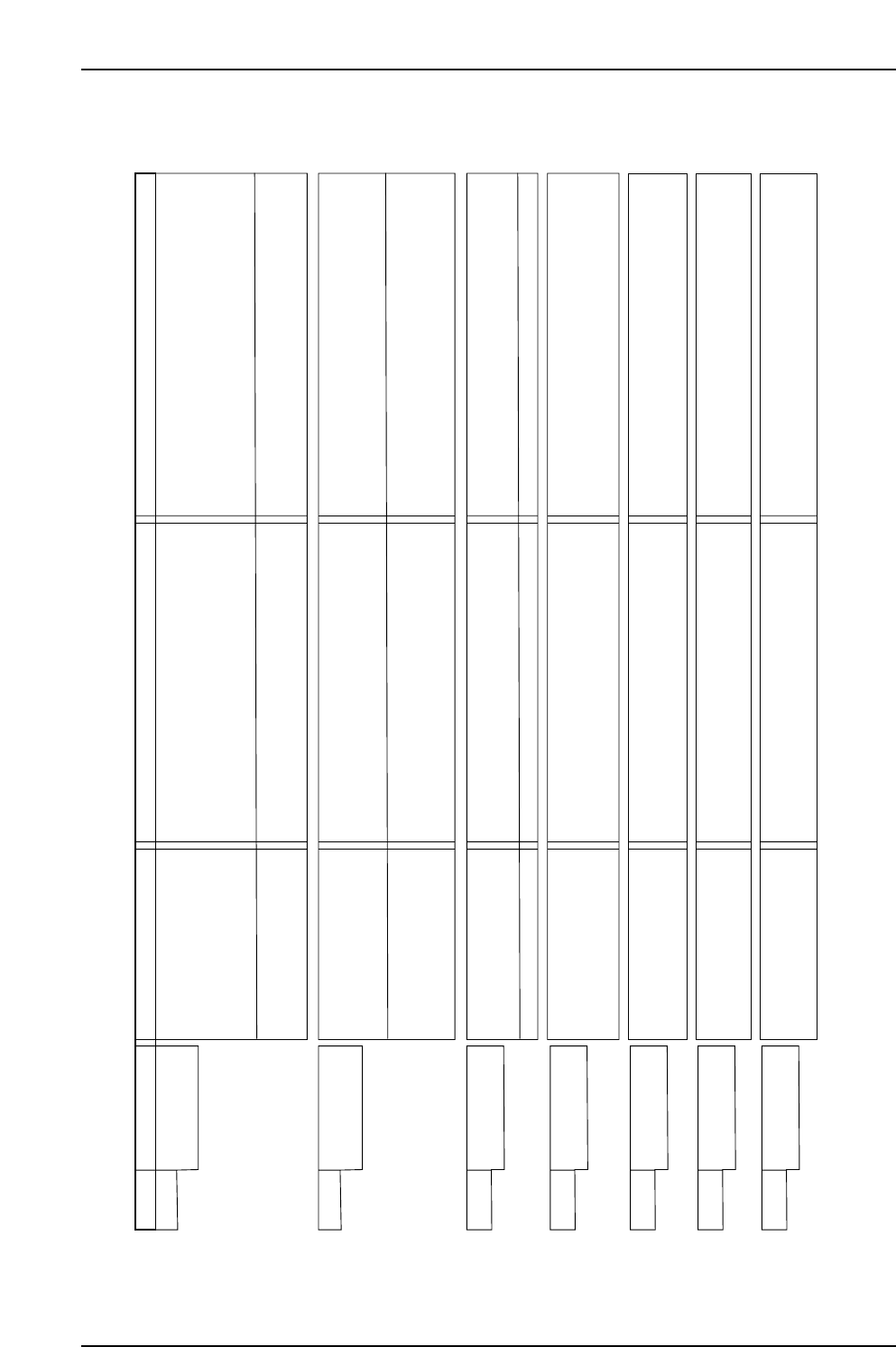
Part 5 Chapter 1 Servo System Troubleshooting
Edition 3.0 5-1-22 XP-142E Mechanical Reference
AC Servopack Check List for Troubleshooting
Alarm Alarm Name Status Cause Remedy
A.850 Encoder
Overspeed
• Occurred when the control
power supply was turned
ON.
• Occurred during operation.
• When the encoder power supply turns ON
and the SEN signal is ON when using an
absolute encoder, the servomotor runs at
200 min or more.
• An encoder fault occurred.
• A SERVOPACK board fault occurred.
• An encoder fault occurred.
• A SERVOPACK board fault occurred.
• Turn ON the encoder power supply when the
servomotor runs at a speed less than 200 min .
• If this alarm occurs frequently, replace the
servomotor.
• Replace the SERVOPACK.
• Replace the servomotor.
• Replace the SERVOPACK.
-1
-1
A.860 Encoder
Overheated
• Occurred when the control
power supply was turned
ON.
• Occurred during operation.
• An encoder fault occurred.
• A SERVOPACK board fault occurred.
• The ambient temperature around the
servomotor is too high.
• The servomotor load is greater than the rated
load.
• An encoder fault occurred.
• A SERVOPACK board fault occurred.
• Replace the servomotor.
• Replace the SERVOPACK.
• The ambient temperature must be 40°C or less.
• The servomotor load must be within the specified
range.
• Replace the servomotor.
• Replace the SERVOPACK.
NP1MT019E
A.b10 Speed Reference
A/D Data Error
• Occurred when the control
power supply was turned
ON.
• Occurred during operation.
• A SERVOFACK board fault occurred.
• A malfunction occurred in reading section of
the speed reference input.
• A SERVOFACK board fault occurred.
• Replace the SERVOPACK.
• Clear and reset the alarm and restart the
operation.
• Replace the SERVOPACK.
A.b20 Torque Reference
Input Read Error
• Occurred when the control
power supply was turned
ON or during operation.
• A SERVOFACK board fault occurred.
• A malfunction occurred in the reading section
of the torque reference input.
• A SERVOPACK board fault occurred.
• Replace the SERVOPACK.
• Clear and reset the alarm and restart the
operation.
• Replace the SERVOPACK.
A.b31 Current Detection
Error 1
• Occurred when the control
power supply was turned
ON or during operation.
• The current detection circuit for the Phase U
is faulty.
• Replace the SERVOPACK.
A.b32 Current Detection
Error 2
• Occurred when the control
power supply was turned
ON or during operation.
• The current detection circuit for the Phase U
is faulty.
• Replace the SERVOPACK.
A.b33 Current Detection
Error 3
• Occurred when the control
power supply was turned
ON or during operation.
• The detection circuit for the power supply is
faulty.
• The servomotor cable is disconnected.
• Replace the SERVOPACK.
• Check the motor wiring
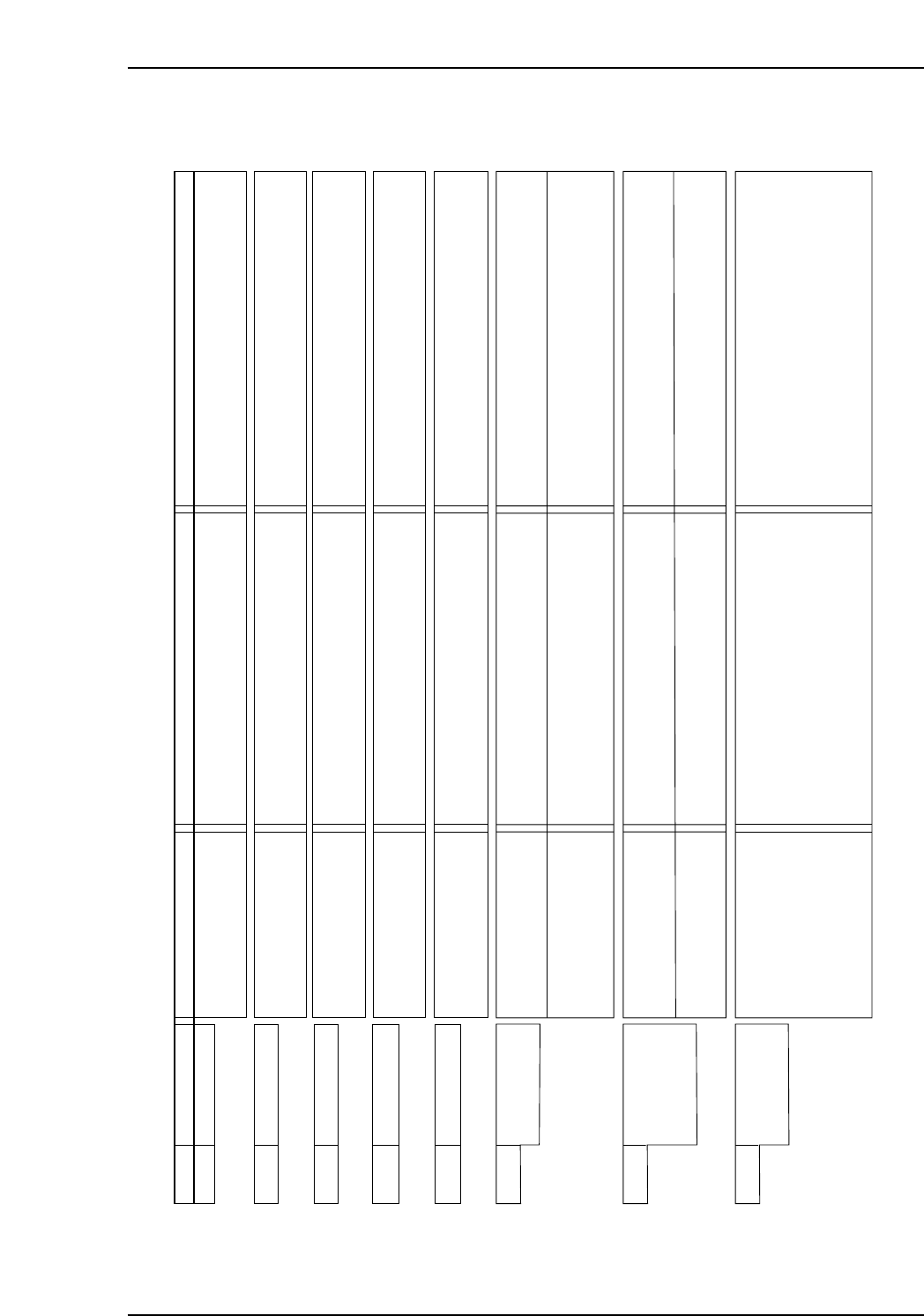
Part 5 Chapter 1 Servo System Troubleshooting
Edition 3.0 5-1-23 XP-142E Mechanical Reference
AC Servopack Check List for Troubleshooting
Alarm Alarm Name Status Cause Remedy
A.bF0 System Alarm 0 • Occurred when the control
power supply was turned
ON.
• A SERVOPACK board fault occurred. • Replace the SERVOPACK.
A.bF1 System Alarm 1 • Occurred when the control
power supply was turned
ON.
• A SERVOPACK board fault occurred. • Replace the SERVOPACK.
A.bF2 System Alarm 2 • Occurred when the control
power supply was turned
ON.
• A SERVOPACK board fault occurred. • Replace the SERVOPACK.
A.bF3 System Alarm 3 • Occurred when the control
power supply was turned
ON.
• A SERVOPACK board fault occurred. • Replace the SERVOPACK.
A.bF4 System Alarm 4 • Occurred when the control
power supply was turned
ON.
• A SERVOPACK board fault occurred. • Replace the SERVOPACK.
NP1MT020E
22
A.C10 Servo Overrun
Detected
• Occurred when the control
power supply was turned
ON.
• Occurred when the servo
was ON or a reference
was input.
• A SERVOPACK board fault occurred.
• The order of phase-U, -V, and -W in the
servomotor wiring is incorrect.
• An encoder fault occurred.
• A SERVOPACK fault occurred.
• Replace the SERVOPACK.
• Correct the servomotor wiring.
• Replace the servomotor.
• Replace the SERVOPACK
A.C80
Absolute Encoder
Clear Error and
Multi-turn Limit
Setting Error
• Occurred when the control
power supply was turned
ON.
• Occurred when an
encoder alarm was
cleared and reset.
• An encoder fault occurred.
• A SERVOPACK board fault occurred.
• An encoder fault occurred.
• A SERVOPACK board fault occurred.
• Replace the servomotor.
• Replace the SERVOPACK.
• Replace the servomotor.
• Replace the SERVOPACK.
A.C90 Encoder
Communications
Error
• Occurred when the control
power supply was turned
ON or during operation.
• The encoder wiring and the contact are
incorrect.
• Noise interference occurred due to incorrect
encoder cable specification.
• Noise interference occurred because the
wiring distance for the encoder cable is too
long.
• Correct the encoder wiring.
• Use tinned annealed copper twisted-pair or
twisted-pair shielded wire with a core of at least
0.12 mm (0.0002 in ).
• The wiring distance must be 20 m (65.6 ft) max.