LmrXP142机械手册.pdf - 第45页
Part 3 Maintenance 1. Cleaning . . . . . . . . . . . . . . . . . . . . . . . . . .3-1-1 2. Lubrication . . . . . . . . . . . . . . . . . . . . . . . .3-2-1 3. Replacing Consumable Parts . . . . . . . . . .3-3-1 This sect…

4. Release the EMERGENCY STOP button, and then press the START button to
enable the inching keys and [Maintenance] button at the [JOG] screen.
5. Carry out the adjustment and/or maintenance, and when you are finished press
[Close] at the [Jog] screen. When the message "Turn the Maintenance Switch
OFF." displays, switch the maintenance key to OFF and remove it from the
maintenance key switch.
6. Close the safety doors.
Part 2 Chapter 3 Using the Maintenance Key
Edition 3.0 2-3-2 XP-142E Mechanical Reference

Part 3
Maintenance
1. Cleaning . . . . . . . . . . . . . . . . . . . . . . . . . .3-1-1
2. Lubrication . . . . . . . . . . . . . . . . . . . . . . . .3-2-1
3. Replacing Consumable Parts . . . . . . . . . .3-3-1
This section describes important
cleaning, lubrication, and
consumable part replacement
procedures.
1. Cleaning
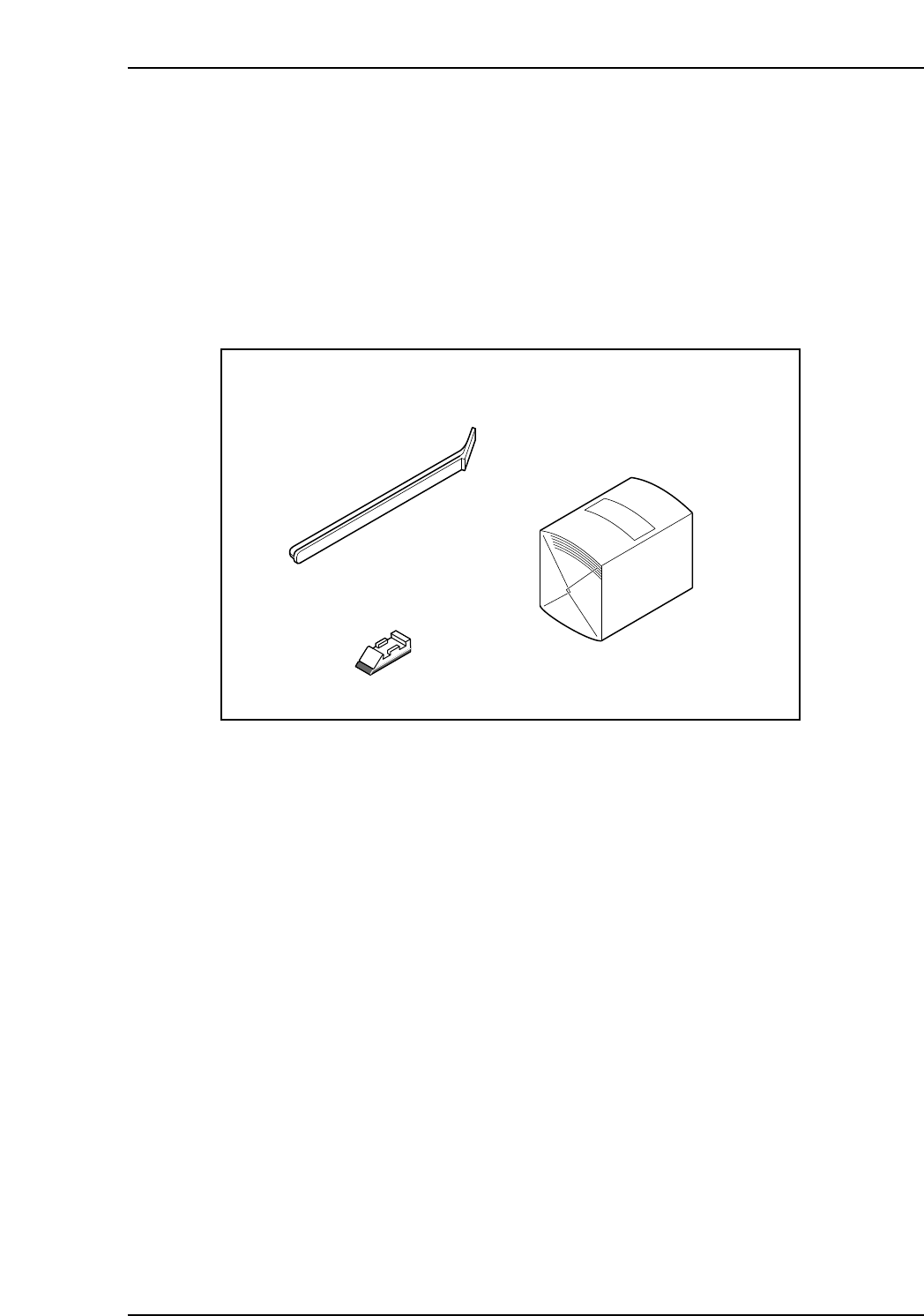
Cleaning Kit for the Strobe Light Unit
This is a kit of jigs that makes cleaning the optical components of the strobe light unit
(prism, half mirror, strobe lamp, lamp housing etc.) easier.
Part name: Cleaner
Part number: ADNPJ8010
XP1MC213E
Wiper (ADNPJ8020)
Hand (DNPJ0260)
Cleaning paper (A4565T)
Part 3 Chapter 1 Cleaning
Edition 3.1 3-1-1 XP-142E Mechanical Reference