N7201A653E.pdf - 第231页
9 Periodic inspection Every-6000-hours
NPM-TT2 EJM1EE-MB-08M-01
8-2-3
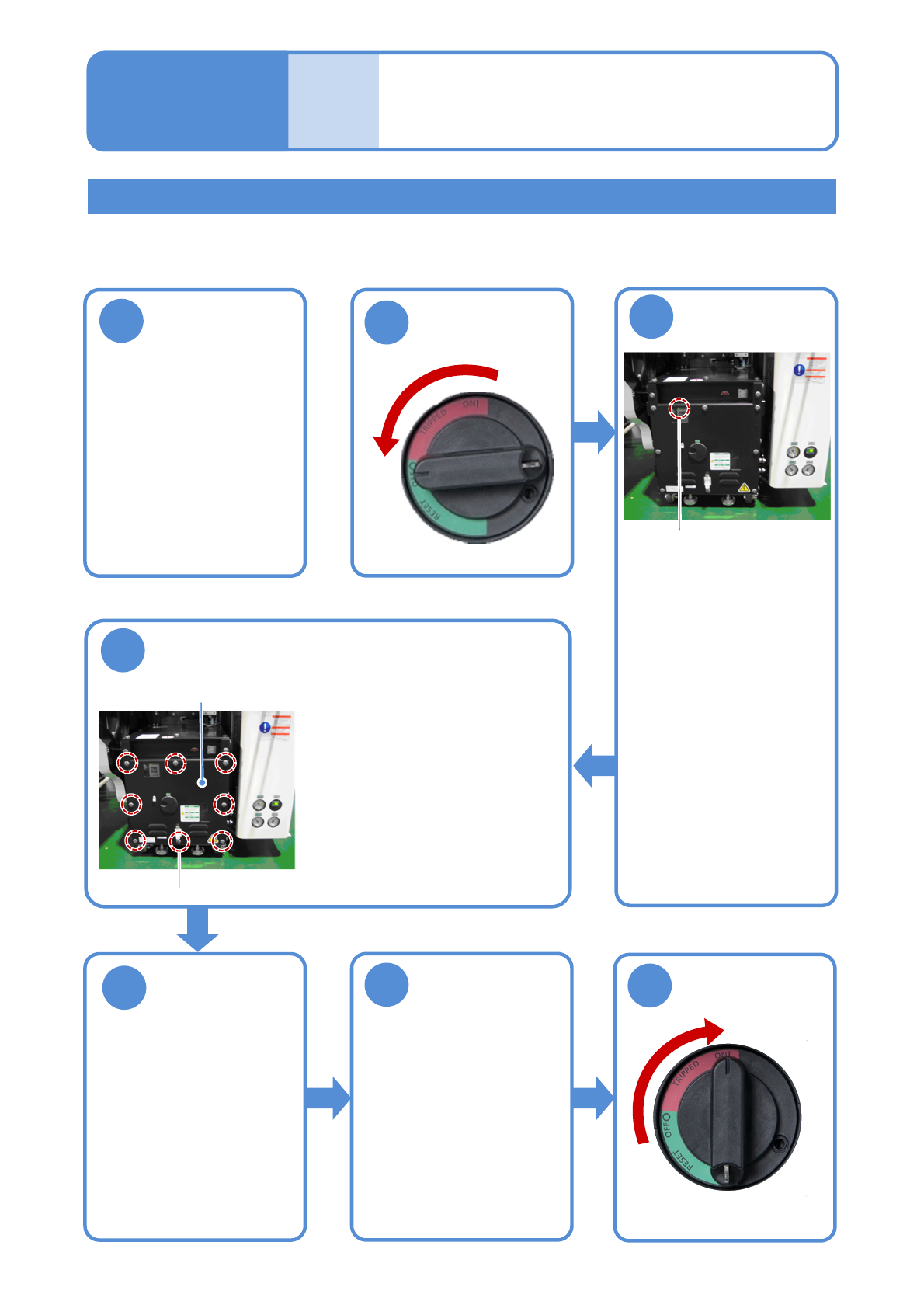
Describes how to clean the filter set on the FA computer of the inspection box.
Tool used: Allen wrench, vacuum cleaner Time required: 15 minutes
Shut down the
inspection box
1
2
Cleaning the filter of
the FA computer 2
(LNB(option))
Maintenance
8-2
OFF
Cleaning the filter of the FA computer of the inspection box
3
Confirm that the
UPS has stopped
●Confirm that the UPS of the
FA computer in the
inspection box has stopped.
●Confirm that the power
lamp of the FA computer
turns off.
Even if it is turned ON, in
about one minutes after the
power supply switch of the
machine is turned OFF, the
UPS stops and the power
lamp goes out.
Power lamp
4
Remove the front cover of the inspection box
●Open the front cover of
the inspection box with
an Allen wrench.
●The front cover is
secured with eight
screws.
Fixing screw
Front cover
Remove a filter
and clean the
filter
5
(→P.8-2-1)
6
7
ON
Attach the front
cover of the
inspection box
●Attach the front cover of
the inspection BOX with
an Allen wrench.
●Secure the front cover
with eight screws.

9 Periodic inspection
Every-6000-hours
NPM-TT2 EJM1EE-MB-09M-01
Inspecting the
backlight
(touchscreen)
9-1
Maintenance
9-1
Tool used: None Time required : 2 minutes
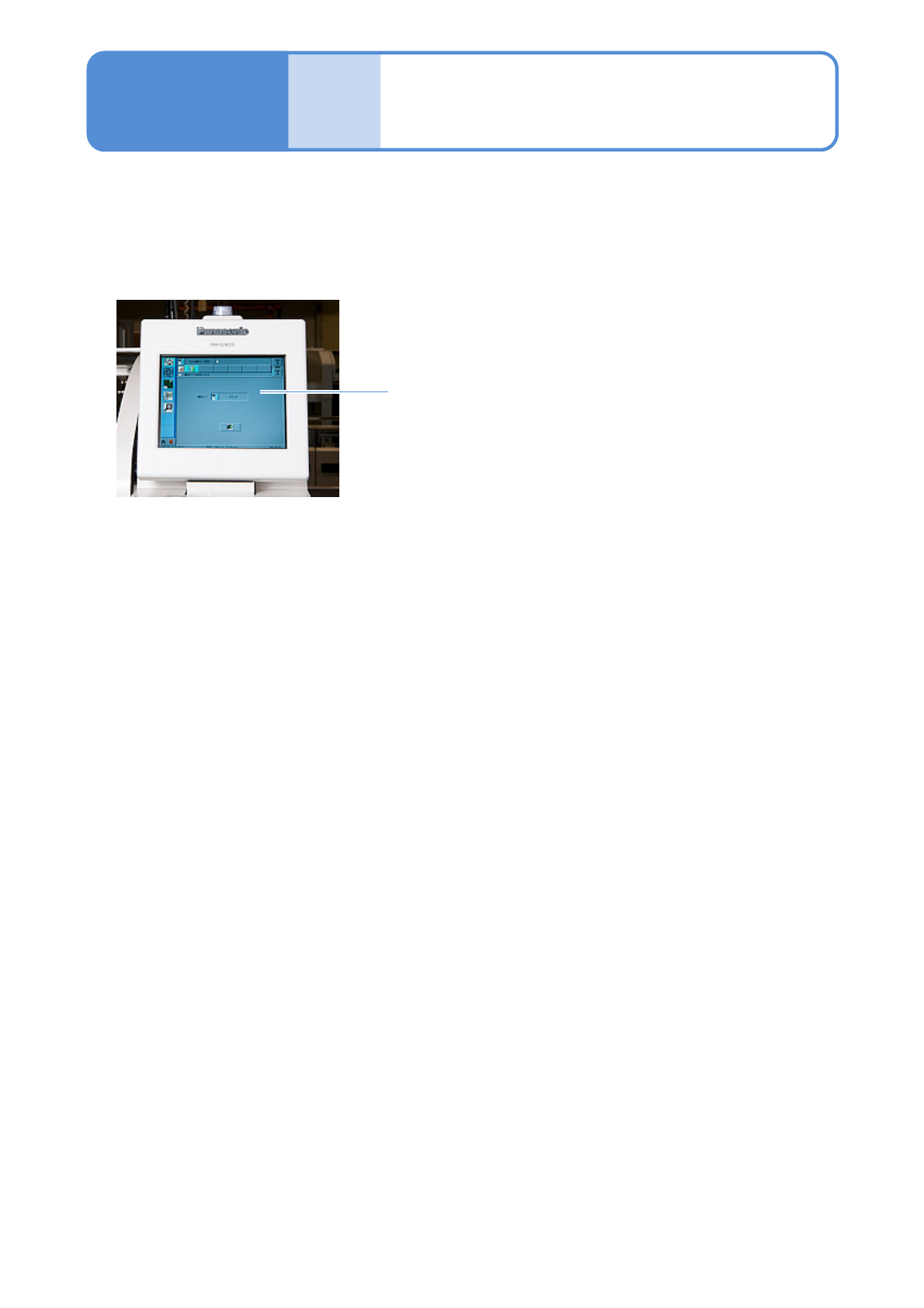
●Confirm whether to view the touchscreen clearly.
●Please contact us for component replacement.
Touchscreen