MAN00000772_SI-G200BB_SVCPDFA.pdf - 第82页
Install Tray Unit (Including machine modification) SHEET 43/73 WKGB-10104-03 Installing Tray Unit (Including machine modification) [Setup of sof tware limit (+YR)] 1 T emporarily exp and the sof tware limit only for the …
Install Tray Unit (Including machine modification)
SHEET
42/73
WKGB-10104-03
Installing Tray Unit
(Including machine modification)
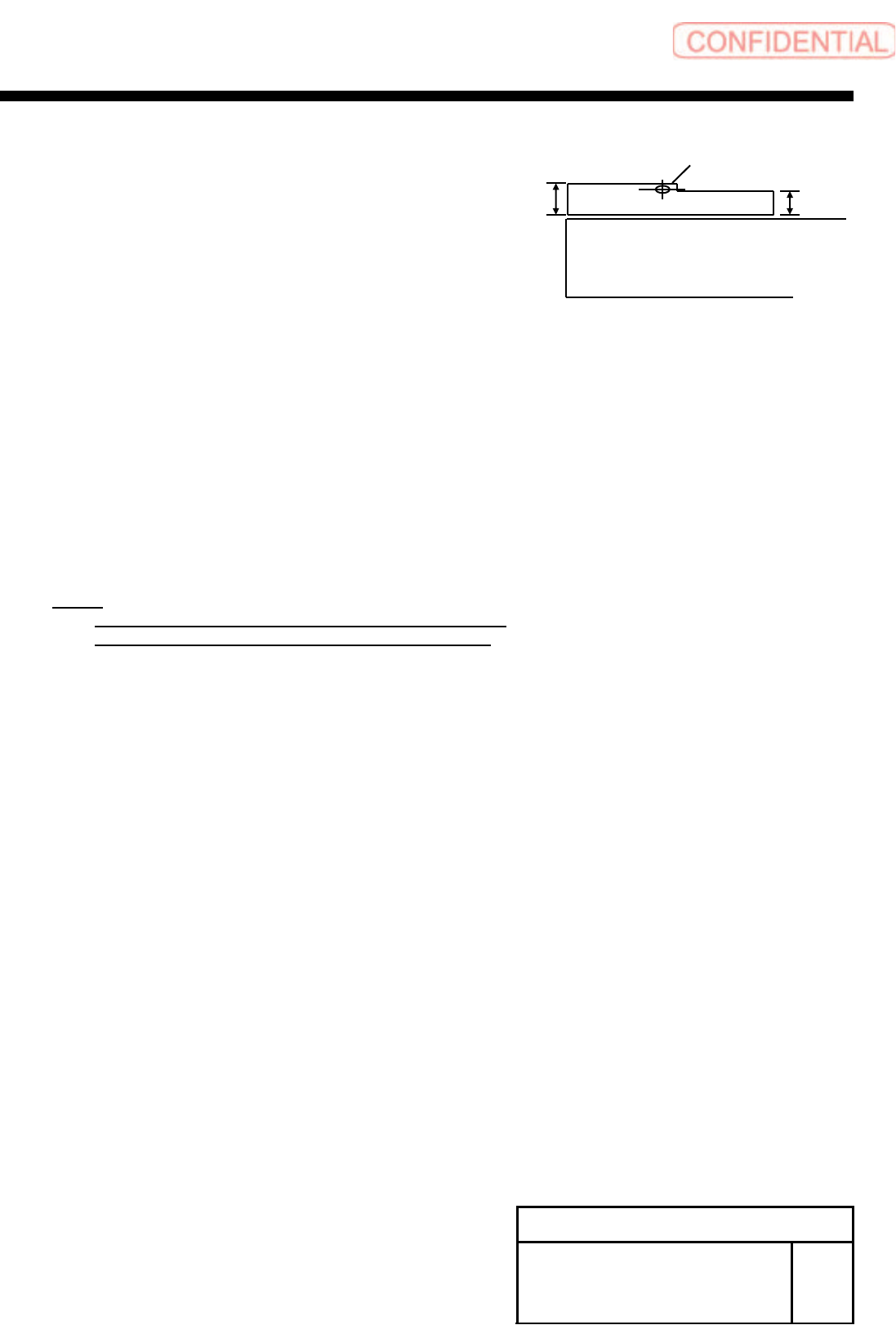
3. Adjust position of the projection side sensor head
so that the conditions are satisfied.
4. Put the Feed adjusting Jig and the Cassette float
sensor height adjusting Jig onto the Z117.
5. Adjust position of the light receiving side sensor
head so that the conditions are satisfied.
6. Put the Feed adjusting Jig and the Cassette float
sensor height adjusting onto the Z108.
7. Check position of the sensor so that the conditions
are satisfied.
NOTE:
When the condition of the light receiving level is not
satisfied, please adjustment sensor position again.
Feed adjusting Jig
6 ㎜
5 ㎜
Light axis position
Install Tray Unit (Including machine modification)
SHEET
43/73
WKGB-10104-03
Installing Tray Unit
(Including machine modification)
[Setup of software limit (+YR)]
1 Temporarily expand the software limit
only for the rear head.
1. Open
“c:¥asm¥mcdata2¥ac_param.ini” by
word pad and add 100 to
“SOFT_LIMIT_PLUS” for [AC_Y].
2. Overwrite and save
“c:¥asm¥mcdata2¥ac_param.ini.”
2 Power off and Re-boot machine.
3 Perform pickup position teaching for the
rear supply section.
NOTE:
For procedure of pickup position teaching, refer to
“Pickup position setup procedure [HLGB-10312-01].”
4 Move the rear head to the Z101 and
press the XY button for the M/C
SETUP/ORG OFFSET.
5 Assign the indicated Y axis position into
the following equation.
Equation:
Software limit(+YR)
= Y axis position of Z101(R) + 1.2
Example:
Software limit (+YR) = 40.476 + 1.2 = 41.676
6 Open “c:¥asm¥mcdata2¥ac_param.ini”
by word pad and change a value of
“SOFT_LIMIT_PLUS” for [AC_Y].
7 Overwrite and save
“c:¥asm¥mcdata2¥ac_param.ini”, and
re-boot machine.
Install Tray Unit (Including machine modification)
SHEET
44/73
WKGB-10104-03
Installing Tray Unit
(Including machine modification)
[Input of tray parts pickup Y coordinate]
1 Open “c:¥asm¥mcdata2¥supply_pos.ini”
by word pad.
2 Rewrite the pickup Y coordinate value on
the [Cass118] to the same value of the
pickup Y coordinate on the [Cass101].
3 Overwrite and save the file and restart the
mounted machine.