00192801-01 - 第59页
User Manual V 1.15 - Productivity Lift 6 Set-up mode Software version V 40. 1 1 Edition 01/2001 51 6HWXSPRGH In set-u p mode, it i s poss ible to en ter and mo dify parameters that do not serve th e bas ic setting of…
5 Configuration User Manual V 1.15 - Productivity Lift
5.27 Input identity number Software version V 40.11 Edition 01/2001
50
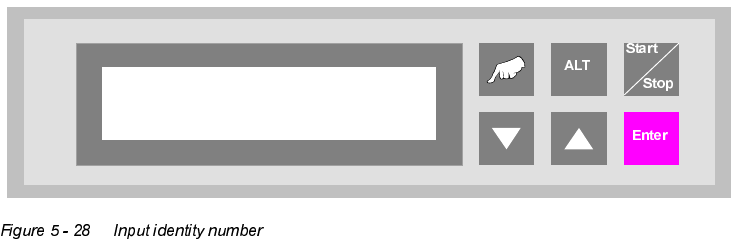
,QSXWLGHQWLW\QXPEHU
This feature enables the input of an identification number. The identification number allows to de-
fine a variation of machine parameters for a specific PCB. This menu item allows to switch on / off
this function. The input has to be done in the set-up mode (chapter 6.1).
Input ident no.
Turned off
User Manual V 1.15 - Productivity Lift 6 Set-up mode
Software version V 40.11 Edition 01/2001
51
6HWXSPRGH
In set-up mode, it is possible to enter and modify parameters that do not serve the basic setting
of the system, but that, for example, show the values dependent on the size of the machine type.
Press the "ALT" key to access the "set-up mode" menu.
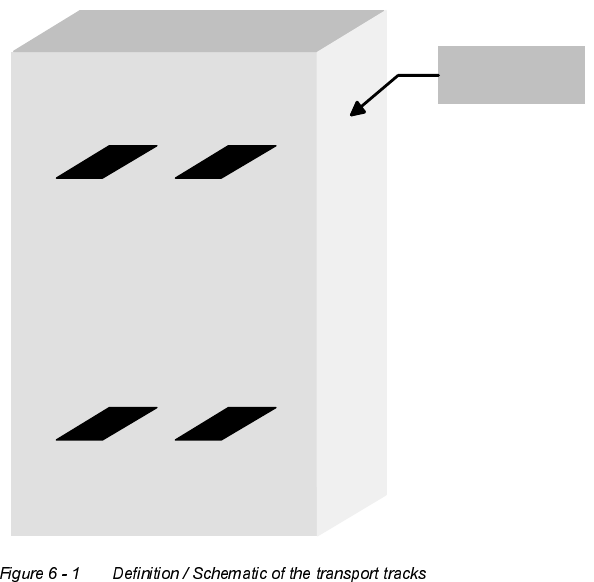
'HILQLWLRQ
View of the direction of transit.
Spur 2
Track 2
Spur 1
Track 1
Spur 4
Track 4
Spur 3
Track 3
Bedienseite
Operating side
6 Set-up mode User Manual V 1.15 - Productivity Lift
6.1 Identity number Software version V 40.11 Edition 01/2001
52
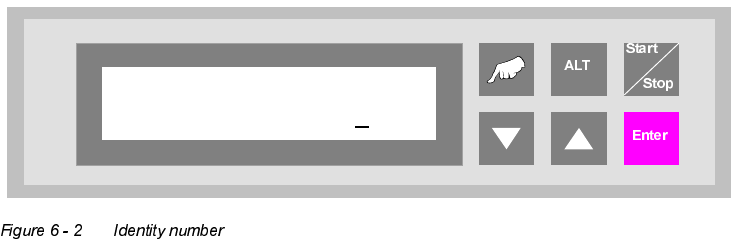
,GHQWLW\QXPEHU
This selection can be used to assign an identification number to the following set of parameters.
When starting the system, only the corresponding PCB number need be called up, and the system
sets the stored parameters automatically. The number consists of two assignment digits and one
eight-digit identification. The assignment digits can be used to call up the parameter set when
starting the system. The eight-digit identification can be changed at random and only serves the
input of user-specific identification numbers. Each number has only one numerical entry.
0DFKLQHW\SH
Here, the type of system is determined, which corresponds to the position and mode of operation
of the device thus required in the production line.
7KHIROORZLQJW\SHVRIPDFKLQHDUHGHILQHGIRUWKH3URGXFWLYLW\/LIW
Input module : If the lift is at the beginning of the Siplace assembly line, this setting must be
selected in machine type. The input module can only transfer printed circuit
boards on transport tracks 1 and 2. Priority is given to attempting to then
transfer the PCBs to the placement machine. If this is not possible, the un-
assembled PCBs are forwarded essentially to track 3 on the lower level and
then transported for the time being to the next lift (intermediate module) or
the placement machine.
Ident number
01 00000001