00195467-01_Installation Manual Setup Center 2.2.pdf - 第36页
SIPLACE Setup Center 2.2 Installation Manual Step 3 Read the license agreeme nt of Siemens AG relating to use of this software. Figure 5-3 "Software Lic ense Agreement" dialog box The installation routine co …
Installation Manual SIPLACE Setup Center 2.2
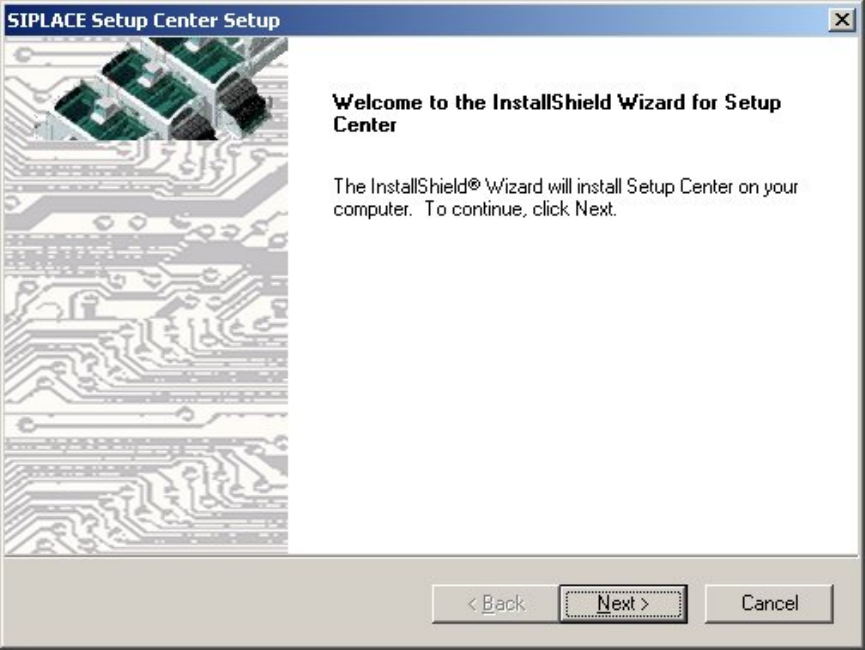
Step 2
The InstallShield Wizard will guide you through the program setup process.
Figure 5-2 InstallShield Wizard box for SIPLACE Setup Center
Click Next.
35 of 90
-
SIPLACE Setup Center 2.2 Installation Manual
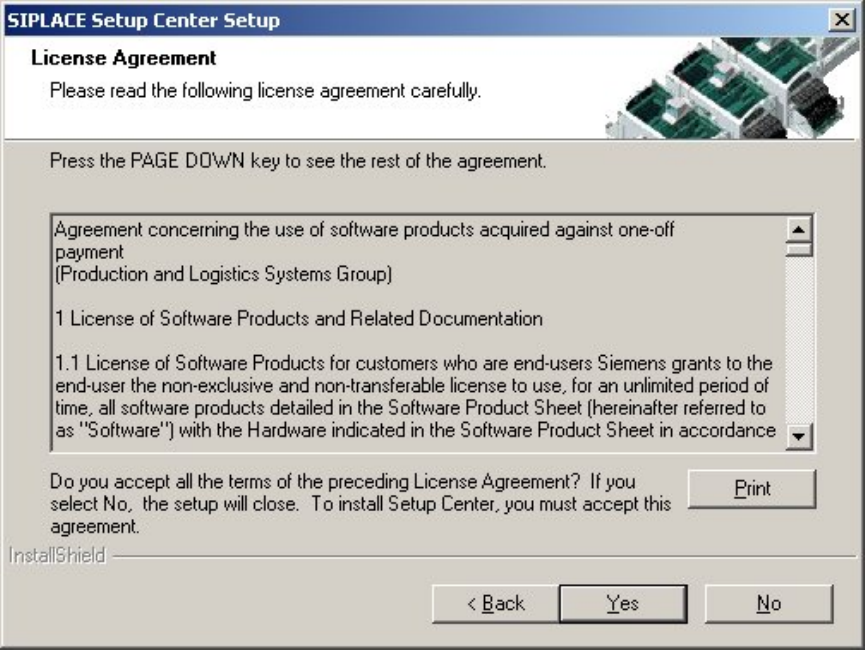
Step 3
Read the license agreement of Siemens AG relating to use of this software.
Figure 5-3 "Software License Agreement" dialog box
The installation routine continues if you click the Yes button to accept the license agreement.
Click No to cancel the installation.
Click Print to print the License Agreement on the default printer of the PC.
36 of 90
Installation Manual SIPLACE Setup Center 2.2
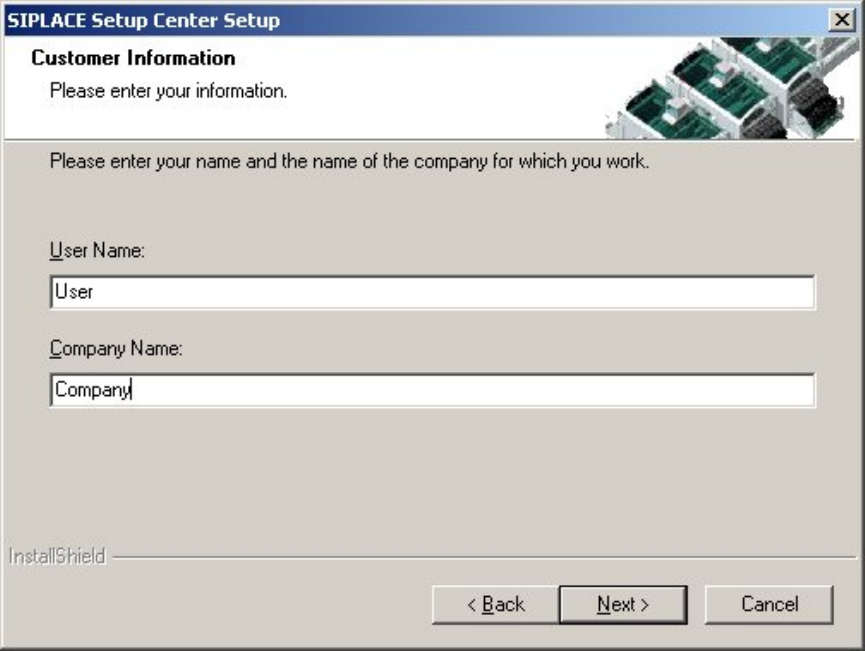
Step 4
Enter your User Name and Company Name in the "Customer Information" dialog box. Both
boxes must be filled in before the installation process can be continued.
Figure 5-4 "Customer Information" dialog box
Click Next.
37 of 90
-