00195467-01_Installation Manual Setup Center 2.2.pdf - 第50页
SIPLACE Setup Center 2.2 Installation Manual Step 5 The installation routine is now started. The " Setup Complete " window confirms that the installation has be en completed successfully . Figure 5-17 "I…
Installation Manual SIPLACE Setup Center 2.2
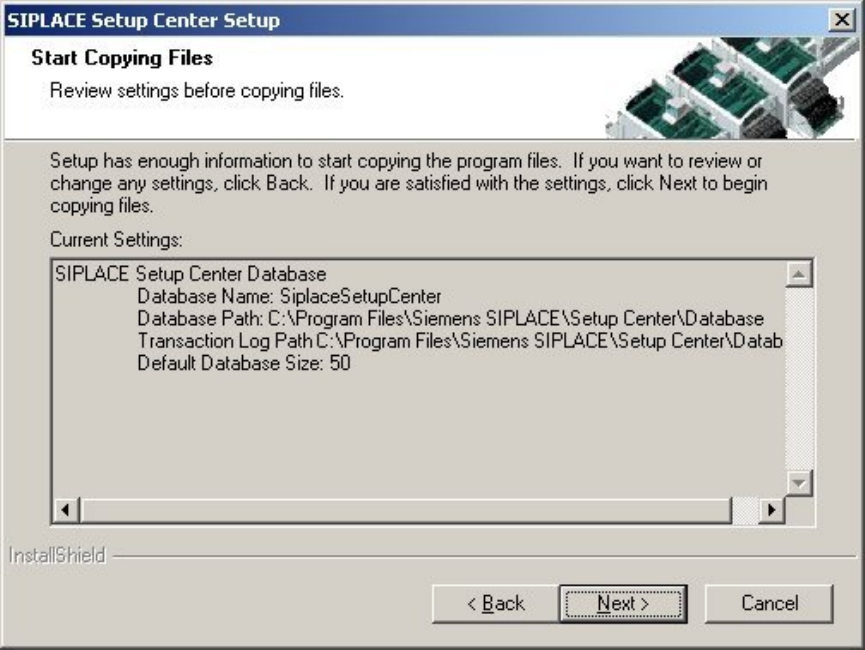
Step 4
The "Start Copying Files" dialog box gives you a chance to check the information again,
which you have entered during the previous steps.
Figure 5-16 "Start Copying Files" dialog box
49 of 90
-
SIPLACE Setup Center 2.2 Installation Manual
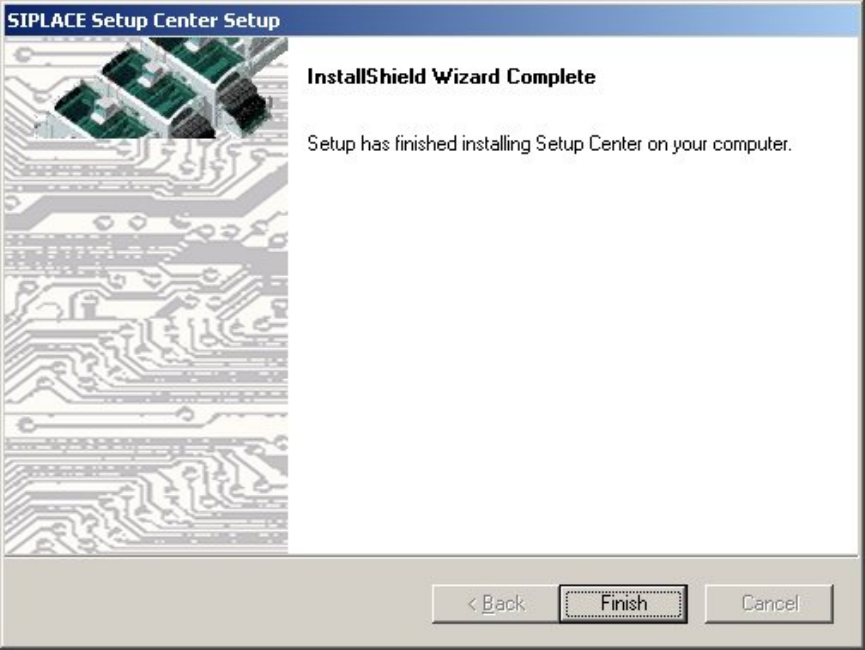
Step 5
The installation routine is now started.
The "Setup Complete" window confirms that the installation has been completed
successfully.
Figure 5-17 "InstallShield Wizard Complete" dialog box
50 of 90
Installation Manual SIPLACE Setup Center 2.2
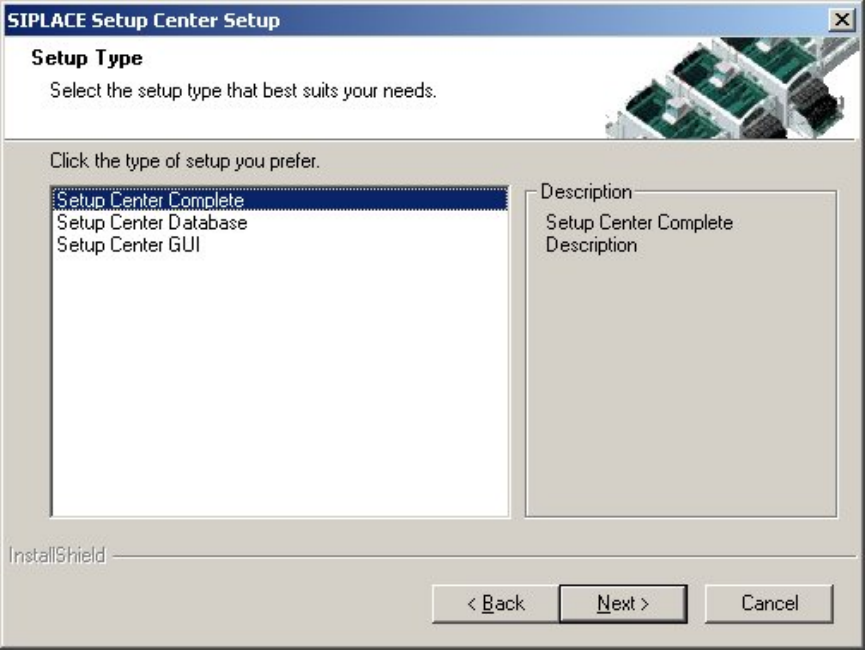
5.3.1.2.3 Setup Type – Complete
This setup type contains all SIPLACE Setup Center components for operating the system on a
single computer. It is used to install a Setup Center stand alone system.
The Setup detects wether SQL Server or MSDE (Microsoft Data Desktop Engine) has already
been installed.
Select this type to install all SIPLACE Setup Center system components (GUI, Database) on one
compute. However, it is possible to integrate further clients on other computers. 4
Step 1
Run through the steps in ”Gerneral Settings” from chapter
5.3.1.1
Figure 5-18 "Setup Type" dialog box
Select the SIPLACE Setup Center complete system setup type
Click Next.
51 of 90
-