00193368-02.pdf - 第20页
SIPLACE GEM for S25HM, S27HM, HS50 , HS60 SW Version GEM 503.02 HOST Inter fac e Manual Page 20 of 243 ©Siemens AG, all rights reser ved 3 Operating Ch aracteristics This section des cribes the working c haracteris tics …
SIPLACE GEM for S25HM, S27HM, HS50, HS60 SW Version GEM 503.02
HOST Interface Manual
©Siemens AG, all rights reserved page 19 of 243
2.2 Equipment to Host
This section describes primary SECS messages sent by the Equipment, and the
associated reply messages from the Host.
In the column headed "Notes", those messages marked with "E" are extensions beyond
GEM. Those messages marked with "N" are provided for non-GEM or older GEM
compatibility.
Messages marked with "L" will be implemented later.
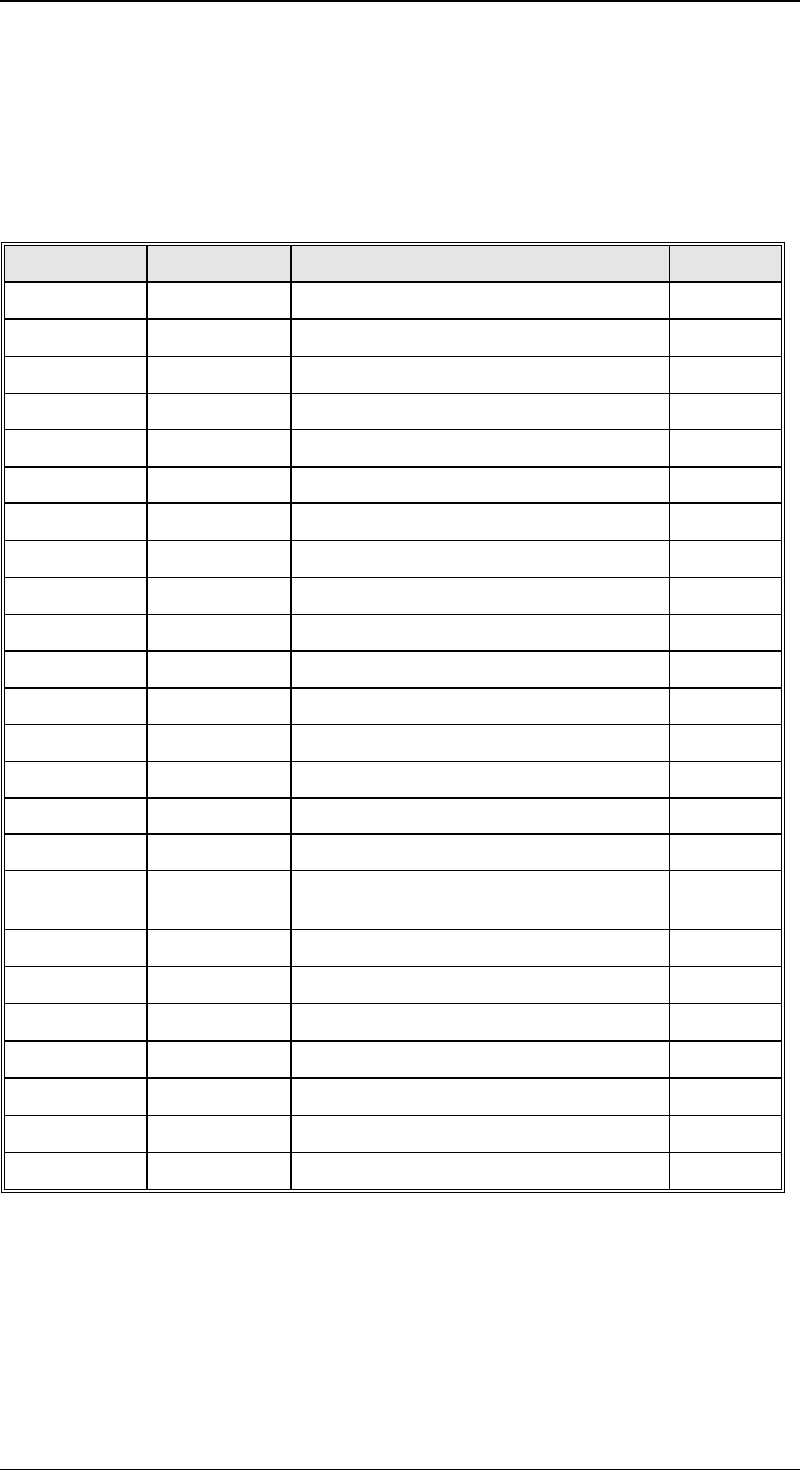
Primary Reply Description Notes
-- (any) SnF0 Primary rejected while Off-Line
S1F1 S1F2 Are You There
S1F13 S1F14 Connect Request
S1F65 S1F66 Connect Request N
S2F17 S2F18 Date and Time Request
S5F1 S5F2 Alarm Report N
S5F71 S5F72 Alarm Report Block Send
S5F73 S7F74 Alarm Notification Send
S6F1 S6F2 Trace Data Send
S6F3 S6F4 Annotated Event Report Send N
S6F5 S6F6 Multi-Block Data Send Inquire/Grant
S6F9 S6F10 Event Report Send N
S6F11 S6F12 Event Report Send
S6F13 S6F14 Annotated Event Report Send N
S7F1 S57F2 Process Program Inquire/Grant L
S7F3 S7F4 Unformatted Process Program Send L
S7F5 S7F6 Unformatted Process Program
Request
L
S9F1 -- Error, Device ID
S9F3 -- Error, Stream
S9F5 -- Error, Function
S9F7 -- Error, Data
S9F9 -- Error, Transaction Timeout
S9F11 -- Error, Data Too Long
S10F1 S10F2 Terminal Request
SIPLACE GEM for S25HM, S27HM, HS50 , HS60 SW Version GEM 503.02
HOST Interface Manual
Page 20 of 243 ©Siemens AG, all rights reserved
3 Operating Characteristics
This section describes the working characteristics of the SIPLACE. It is divided into
sections, and each of these sections describe a particular aspect of the SIPLACE's
operating characteristics.
3.1 Communications States
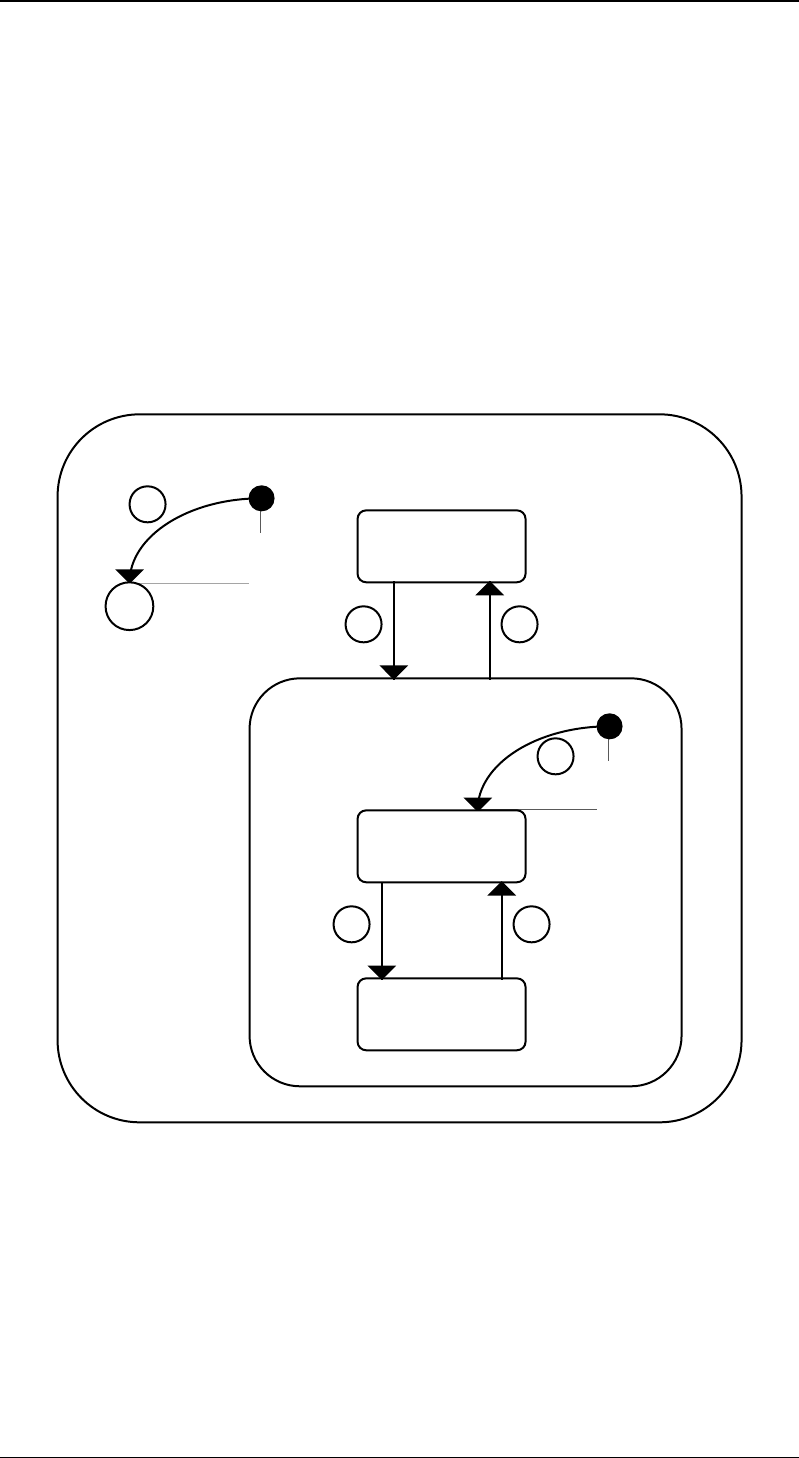
The SIPLACE represents the current state of its SECS link using a Communication Finite
State Machine diagram. The purpose is to make clear how this link is initiated and
terminated.
3.1.1 Communications Finite State Description
The diagram on the following page explains the Communications Finite State Machine
that the SIPLACE maintains.
Communicating
Disabled
Not
Communicating
Enable
C
1
23
4
56
Communication State Diagram

SIPLACE GEM for S25HM, S27HM, HS50, HS60 SW Version GEM 503.02
HOST Interface Manual
©Siemens AG, all rights reserved page 21 of 243
3.1.2 State Transitions
The following transitions can occur. Transitions of the Communication Finite State
Machine diagram do not cause the SIPLACE to signal any Collection Event ID (CEID), nor
to send Event Reports to the Host.
# From Trigger To Description
1 Unknown Power-Up Conditional Equipment will initialize
itself to either the
Disabled or Enabled
state, depending on the
configuration of the EC
INITCOMMSTATE (VID
1002002).
2 Disabled Button
„Connect“ is
pressed in the
„GEM-Status“
screen
Enabled Equipment will attempt to
establish
communications with the
Host. The SIPLACE will
periodically send a
Connect Request at an
interval dictated by the
EC
ESTABLISHCOMMUNIC
ATIONSTIMER (VID
1002003).
3 Enabled Button
„Disconnect“ is
pressed in the
„GEM-Status“
screen
Disabled Communications are
abruptly terminated. Any
outstanding messages
queued for send are
discarded. The
Equipment will not
respond to a Host-
initiated ENQ.
4 Disabled or
Power-Up
Request has
been made for
the SIPLACE to
start
communicating.
Not
Communicating
Equipment immediately
attempts to establish
communications with the
Host. The SIPLACE will
periodically send a
Connect Request
message at an interval
dictated by the EC
ESTABLISH-
COMMUNICATIONSTIM
ER (VID 1002003).
5Not
Communicatin
g
Successful
completion of
Connect
Request
transaction.
Communicating The Host / Equipment
link is „up“. Normal
SECS transactions can
occur.
6 Communicatin
g
A
communications
failure has
occurred.
Not
Communicating
Equipment immediately
attempts to establish
communications with the
Host. The SIPLACE will
periodically send a
Connect Request
message at an interval