Portal_Manual_1.2.1_Rev_H-1.pdf - 第50页
Portal PVA Revisio n H ( 2018 ) 50 of 93 10 Operation NOTE: You must have administrator pr ivileges to setu p and co rrectl y con figur e the w orkcell . Windows ® User Account Control must be turned off. 10.1 Start up P…
Portal
PVA
Revision H (2018)
49 of 93
9.3 Terminal
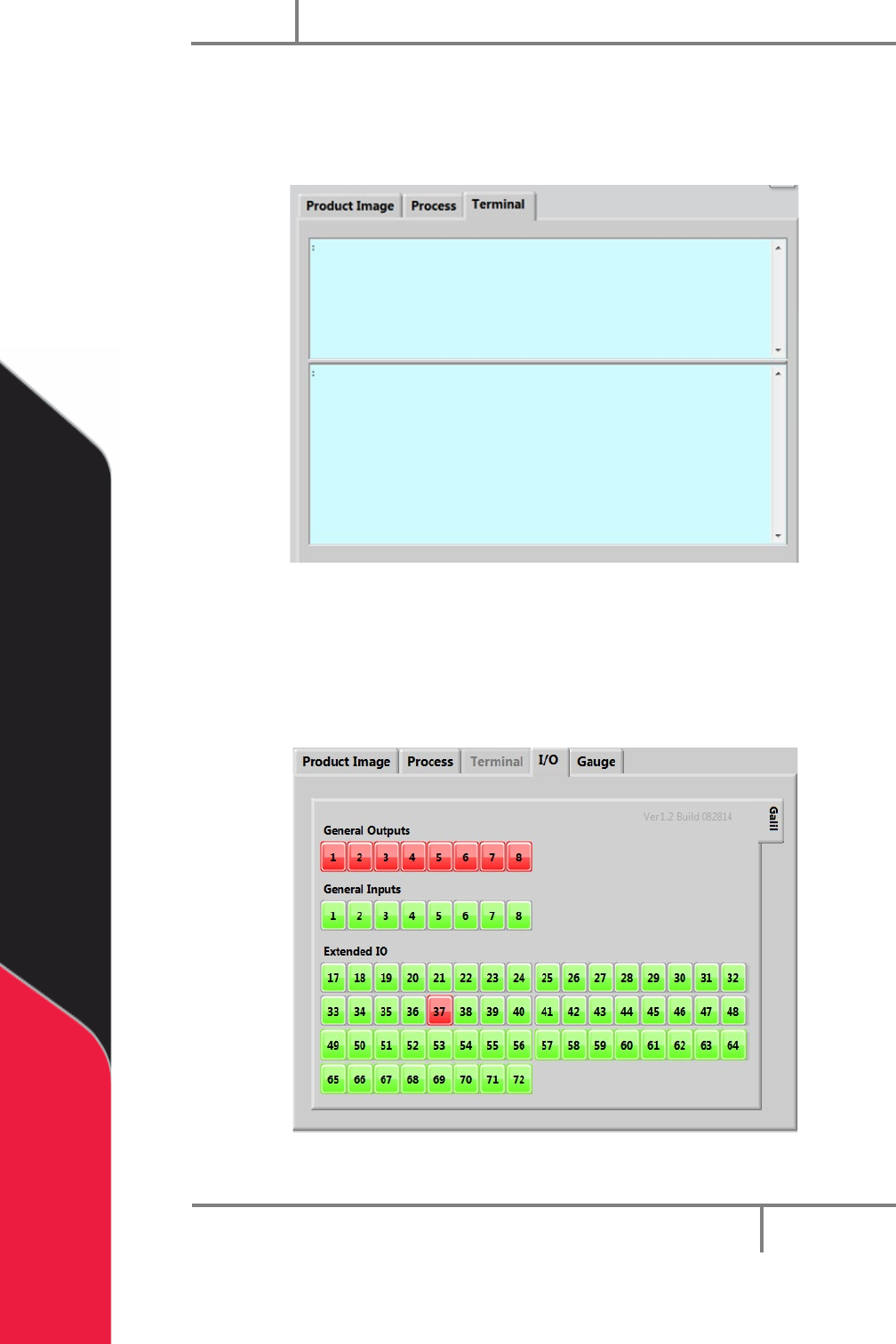
The terminal is used to communicate with the controller. The terminal is used as a
debug tool.
Figure 38: Terminal
9.4 I/O
The outputs can be toggled on and off and inputs can be verified in this window. Refer
to the electrical schematics for I/O designation.
Figure 39: I/O Screen
Portal
PVA
Revision H (2018)
50 of 93
10 Operation
NOTE: You must have administrator privileges to setup and correctly configure
the workcell. Windows
®
User Account Control must be turned off.
10.1 Startup Procedure
NOTE: Do not power on the workcell, or add material to the pressure vessels
until they are correctly grounded.
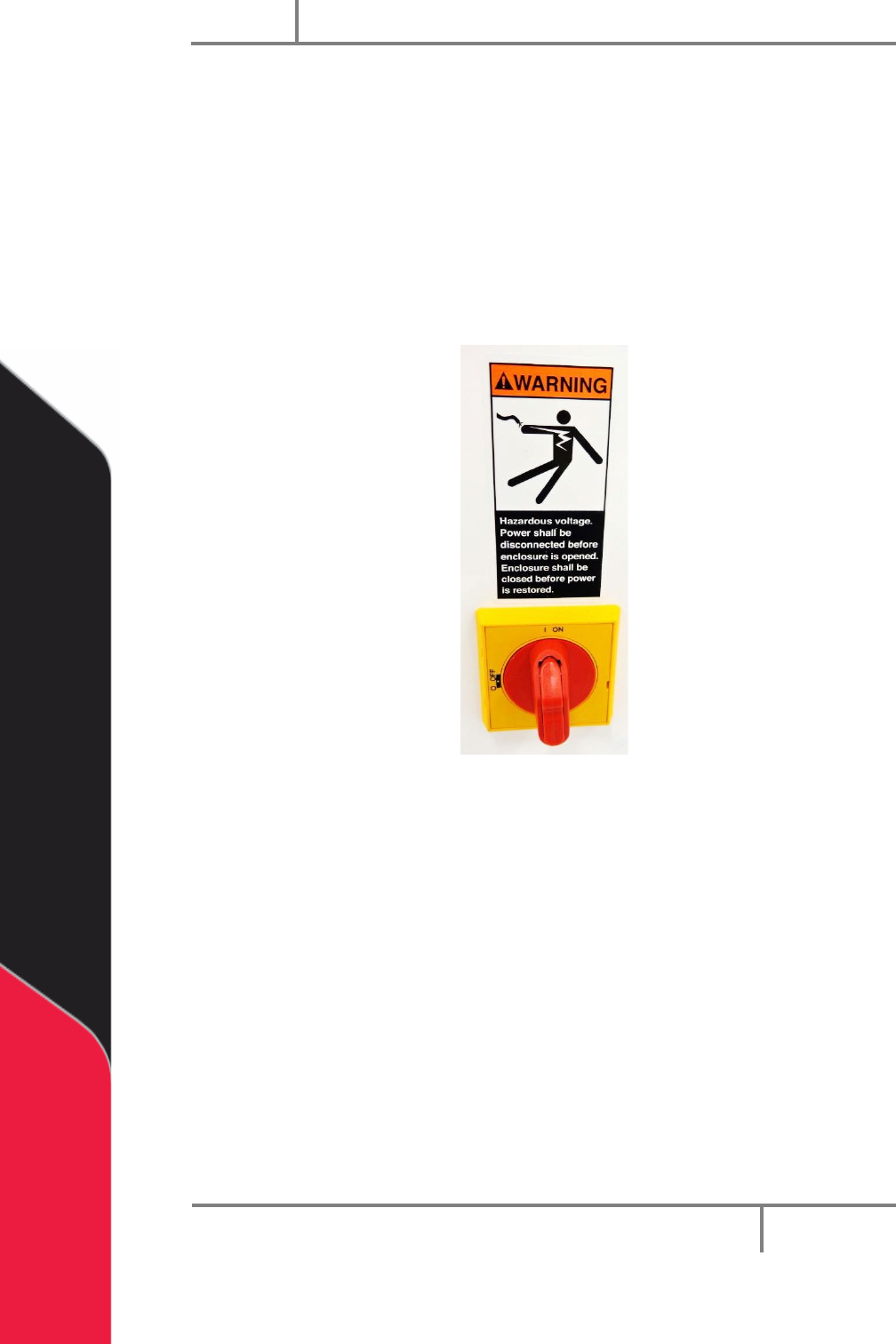
1. Turn the main power switch “On”.
Figure 40: Example of a Main Power Switch
2. Make sure the fluid and air pressures are in the correct pressure range.
3. Close all the doors.
4. Turn the DOOR BYPASS key switch to the “OFF” position (If applicable).
5. Engage the “Emergency Stop” button.
6. Turn the main power switch to the “On” position.
Portal
PVA
Revision H (2018)
51 of 93
10.1.1 Portal Shell
7. Make sure the computer related to the workcell is on.
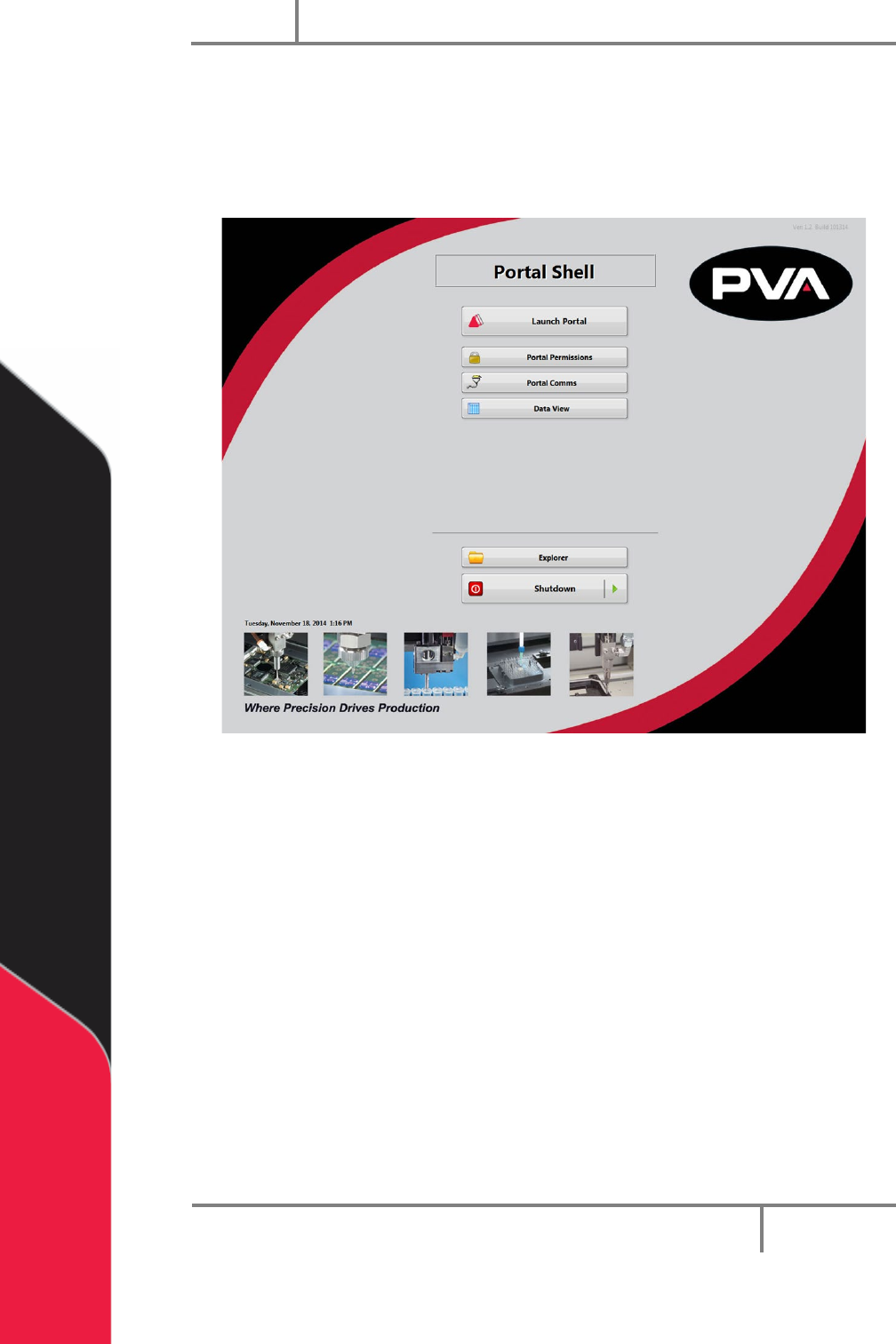
Portal Shell will open and give you a list of options.
8. Select “Launch Portal”.
Figure 41: Portal Shell