Portal_Manual_1.2.1_Rev_H-1.pdf - 第66页
Portal PVA Revisio n H ( 2018 ) 66 of 93 Fig ure 64 : Lo g File Sele ctio n 3. For the e m bedded vers ion, press and hold the ‘ CT RL’ key while ‘ double click ing’ the data grid to select a log file to view. The Standa…
Portal
PVA
Revision H (2018)
65 of 93
13 DataView
The Portal Dataview application can run as a standalone application or as an embedded
version within PVAPortal. The standalone version can be resized, maximized or
minimized. The embedded version in the Log tab on the main Portal screen and has a
fixed dimension that is sized accordingly. Additional configuration of each version of the
DataView app is handled in the Portal Sysconfig.ini file. Refer to the ini configuration
parameters listed below for more information.
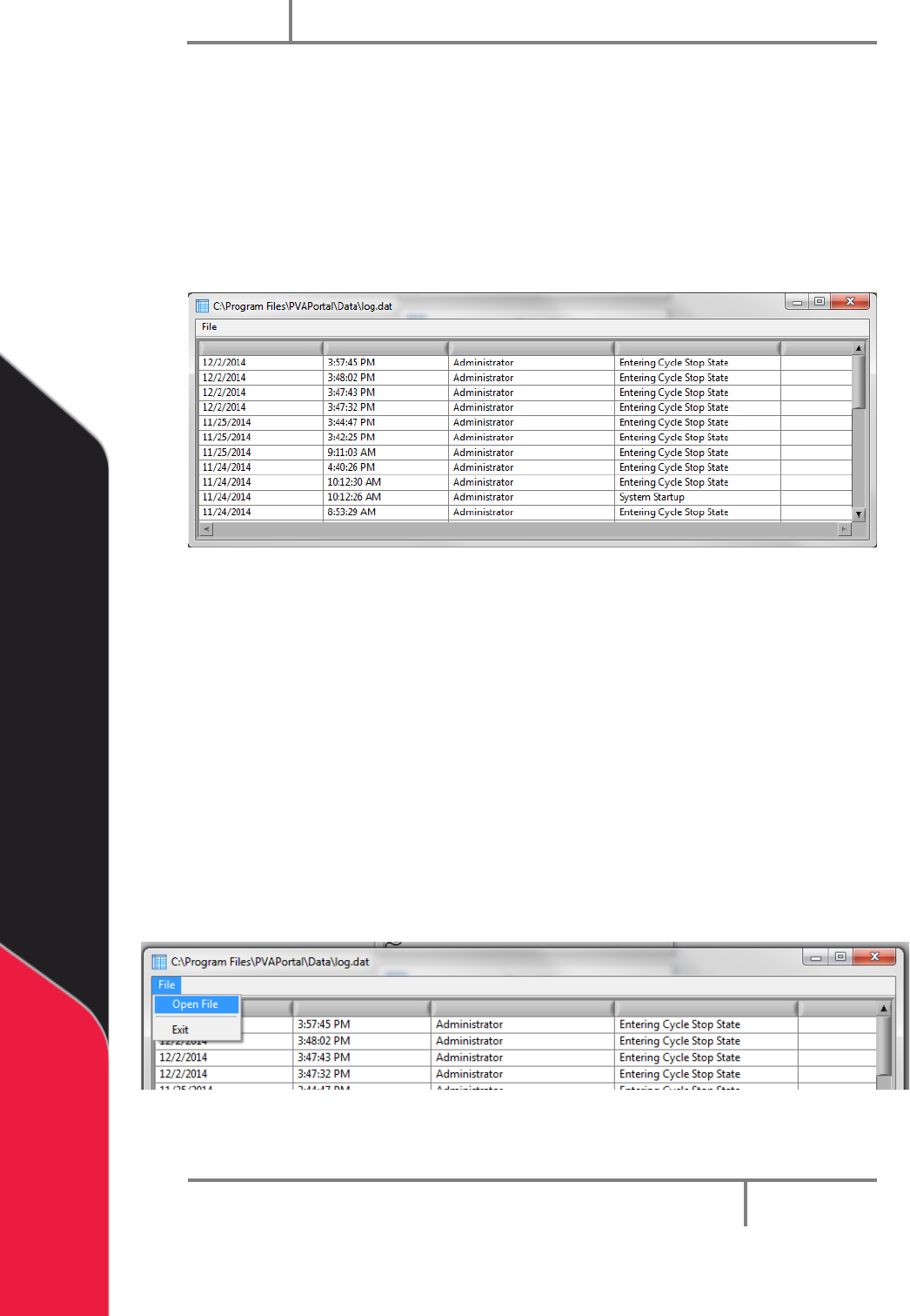
Figure 62: Log File
13.1 Startup Log File
PVAPortal can write data to any of 10 different log files, however, DataView can only
Display the content of one log file at a time. On startup, the default log file is loaded
into DataView.
The default log is configured by setting the ‘InitialLogFile’ key in the [DataView] section
of the configuration files.
To load a log file other than the initial log file:
1. With DataView is running in the standalone version, select the File -> Open File
on the menu bar.
Figure 63: Open File from Standalone DataView
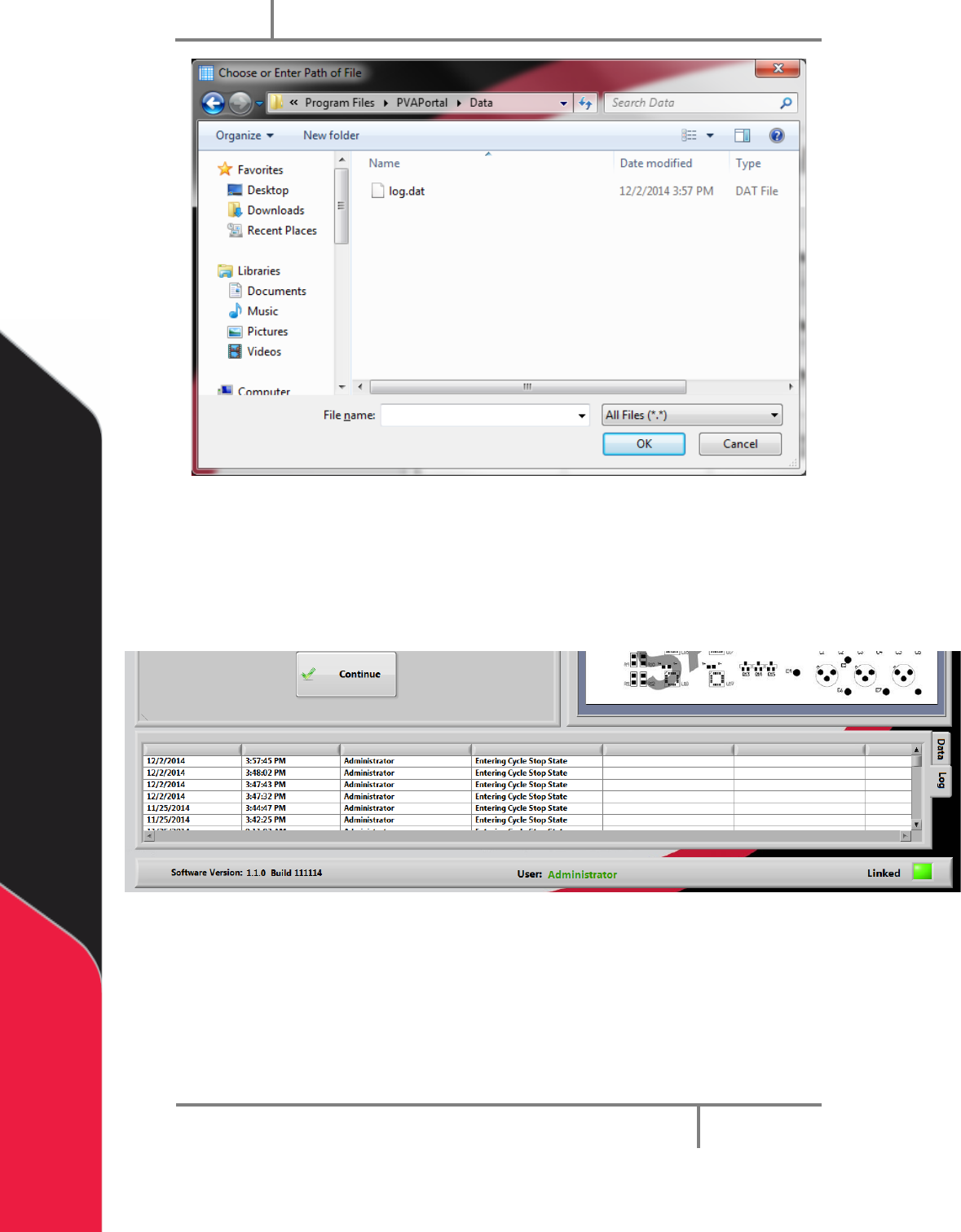
2. Select the log file you want to view.
Portal
PVA
Revision H (2018)
66 of 93
Figure 64: Log File Selection
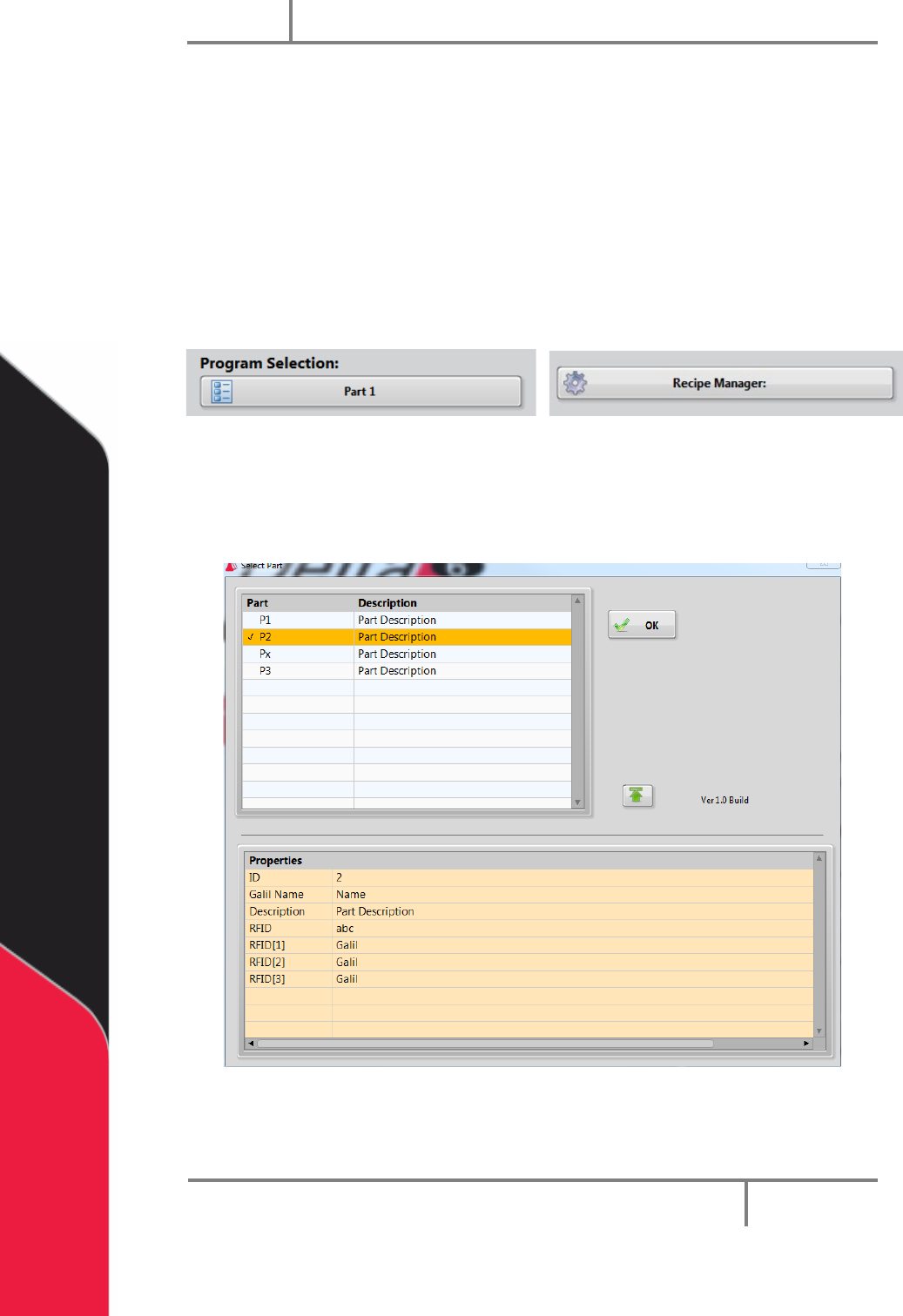
3. For the embedded version, press and hold the ‘CTRL’ key while ‘double clicking’
the data grid to select a log file to view. The Standalone version can be
launched from within Portal by pressing and holding the ‘ALT’ key while ‘double
clicking’ the data grid.
Figure 65: Embedded DataView
Portal
PVA
Revision H (2018)
67 of 93
14 Part Manager
Part Manager is an embedded library used to manage Portal Part Selection and
Part Recipes. Part recipes can be configured in the Recipe Manager window. The
Recipe Manager window is accessible from the Portal Part Selection field when
in the workcell is in Setup mode. The structure of a recipe can be defined from
the ‘PartDataType.cfg’ file.
In Setup Mode you will have the Recipe Manager drop down menu. In every other
mode, the drop down menu will say Program Selection.
Figure 66: Recipe Manager and Program Selection
14.1 Part Selection Console
1. To see the part selection console, select the drop down menu and select a part.
Figure 67: Part Selection Console
2. Select the column header to sort the part view.