Portal_Manual_1.2.1_Rev_H-1.pdf - 第80页
Portal PVA Revisio n H ( 2018 ) 80 of 93 16.2 Low Mater ial Level There ar e three co mmon ways t o monitor the materia l level: • Scales are the most com mon and the most flexible op tion to mon itor the material level.…
Portal
PVA
Revision H (2018)
79 of 93
8. Close the access door.
9. Do the Startup Procedure.
If a door is open while the DOOR BYPASS switch is in the OFF position, or any machine
state besides manual mode or calibration, it will cause a door error. Recovery from a
door error is like the recovery from an Emergency Stop.
Other workcell errors can occur, such as: low air pressure, low material flow or
insufficient exhaust air flow. You must correct these errors first, and then do the startup
procedure to continue. Refer to the section that relates to your error.
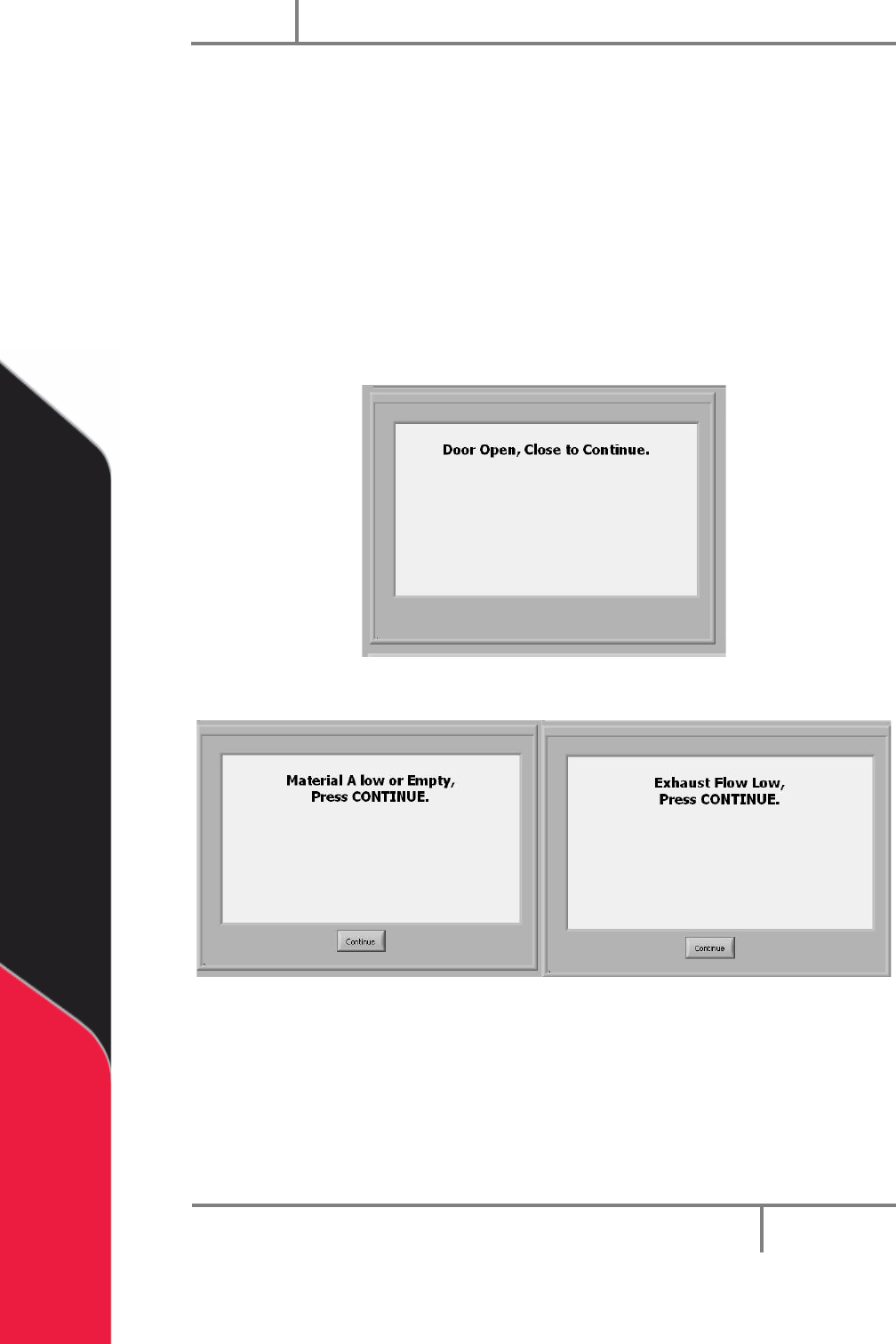
Examples of the other possible error screens:
Figure 94: Door Open Error
Figure 95: Low Material Level and Low Exhaust Flow
Portal
PVA
Revision H (2018)
80 of 93
16.2 Low Material Level
There are three common ways to monitor the material level:
• Scales are the most common and the most flexible option to monitor the
material level. They have two settings one for an empty level and one for a low
material level. When the low material level is reached, the operator will be
shown a message, but the workcell will continue to operate. When the empty
level is reached the workcell will stop.
• Floats are also a way to monitor the material level. This option only tells you
when the material is low.
• Proximity sensors are used for cartridges or syringes. The sensor is activated
when the ram moves to the low material position.
The workcell only measures the material level(s) when in auto cycle or manual mode
“One Shot Wet”. If there is a material level error, the machine can operate in all modes,
except for auto cycle or manual mode “One Shot Wet”, until the material level is raised
above the Low level.
NOTE: A low material level will not stop a cycle. The cycle will complete the
path program and then stop machine operation.
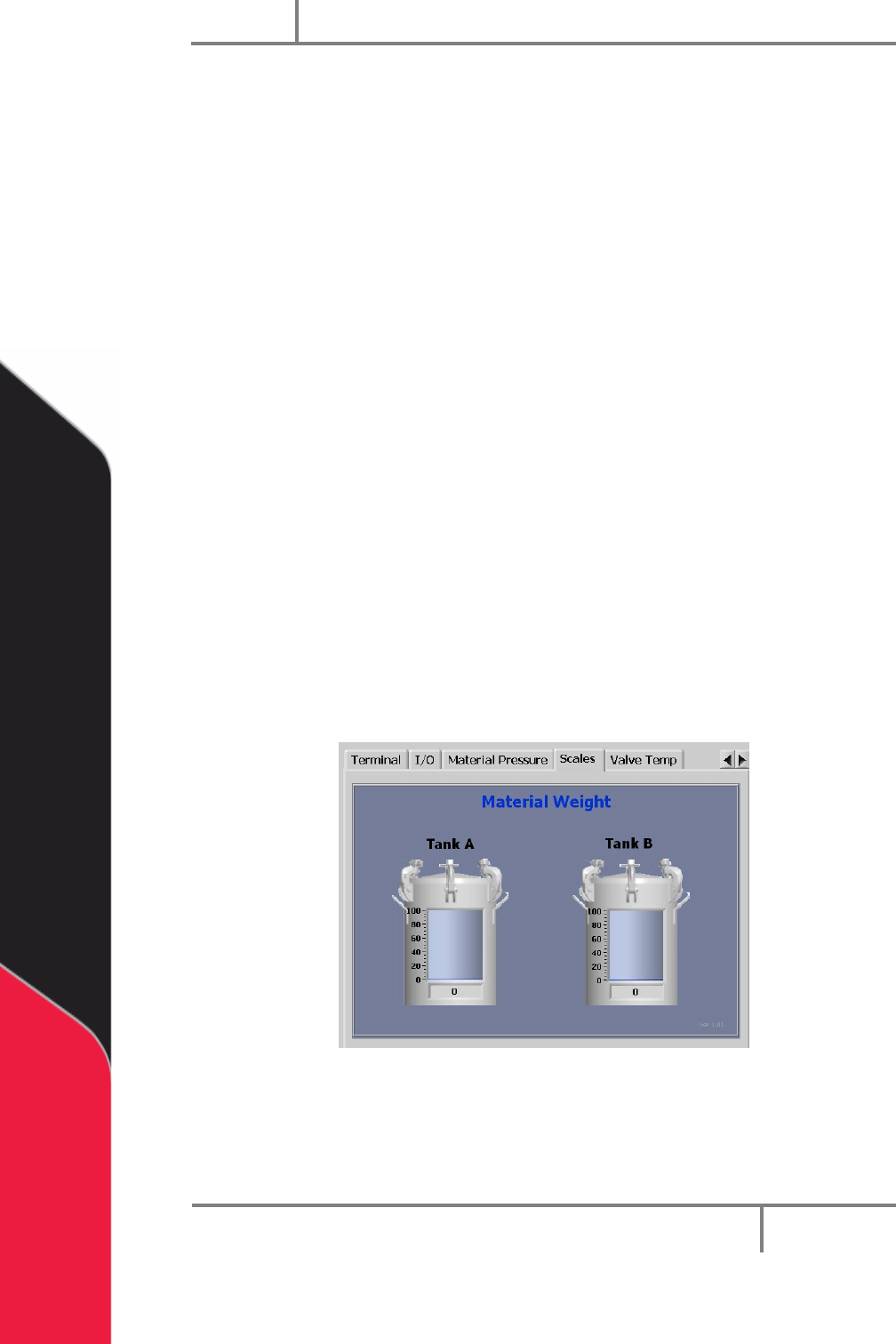
1. To view material levels, select the Scales tab on the right side of the portal
screen. This can be viewed in any mode. The amount of material in the tank is
shown.
Figure 96: Material Level
Portal
PVA
Revision H (2018)
81 of 93
16.3 Resetting the Exhaust Fan Overload Relay
Machines with exhaust fans may have errors if the overload relays trip. Do these steps
to return to normal operation:
1. Set main power switch to “OFF”.
2. Open the electrical enclosure.
3. Examine the overload relay for a tripped flag.
4. Make sure that the current set point is set correctly on the overload relay.
Examine the rating on the exhaust fan housing for current draw.
5. If necessary, push the reset button to reset the relay.
6. Restart the machine. If the problem persists, refer to for more information.
16.4 Pneumatic Error Recovery Procedure
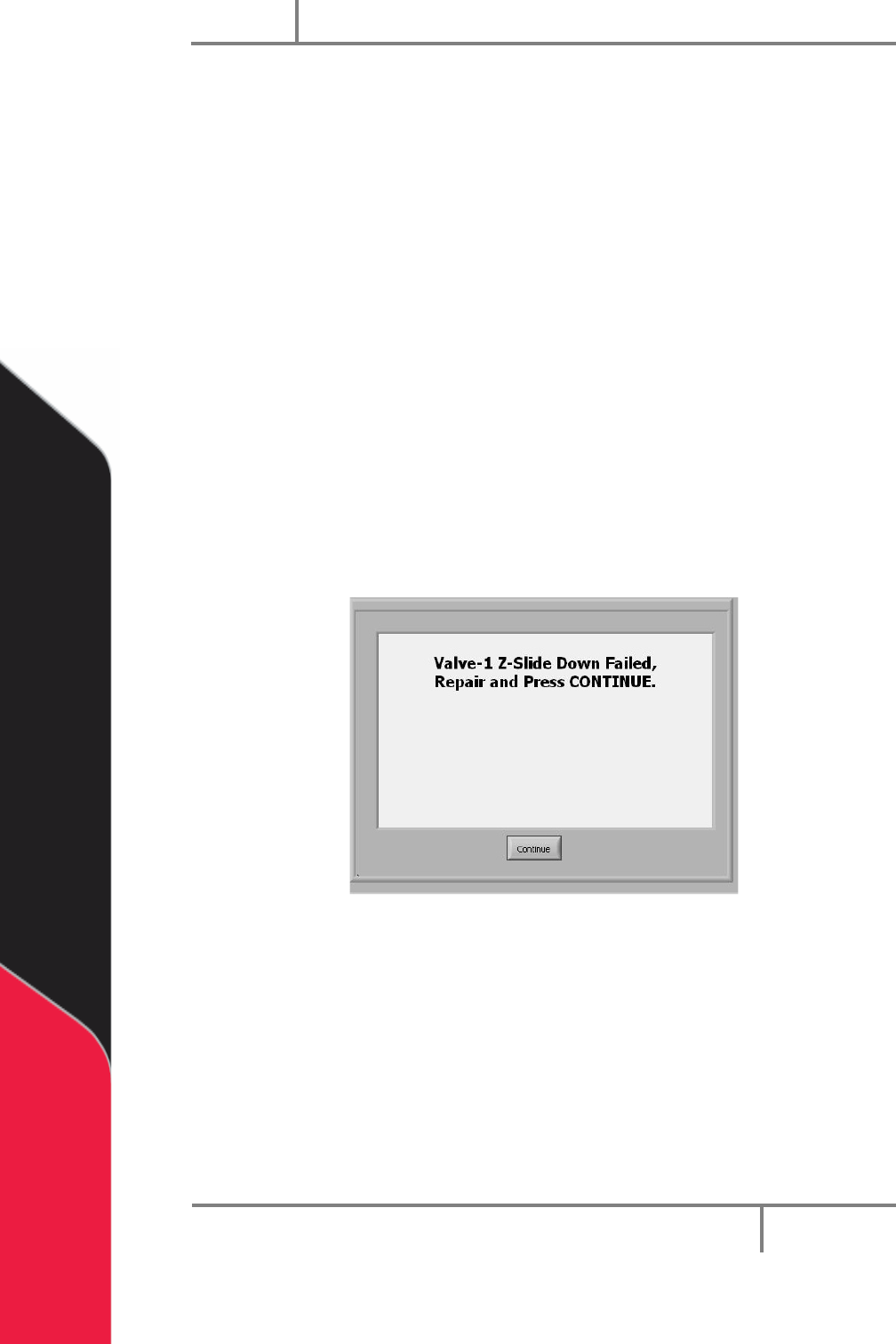
The system’s pneumatics are checked for errors every time they operate. The
pneumatics must be in their home position before the axes can home or move to the
standby position. If a pneumatic fails, an error will be shown.
Figure 97: Pneumatic Error Example
1. Find the cause of the problem.
2. Correct the problem.
3. Select “Continue”.
4. Refer to the pneumatic actuator failure section in your workcell manual for
more information.