RS-1_instruction manual.pdf - 第226页
Part 1 B asic O peration Chapter 2 Pr oduction 2- 115 Progress of the check While the chec k is cont inuously perf ormed, data on a compo nent being check ed appears on the screen, an d the progr ess of t he check and th…

Part 1 Basic Operation Chapter 2 Production
2-114
(3) Select Banks
This button allows the system to check components on the specified bank under the
requirements selected for the component.
(4) Component return setting
Select how to handle a minimal component after inspecting it.
1) Returns every time
The system discards a component according to the setting of the “Comp. reject to” field.
2) Throw away every time
The system returns a component to its original position.
3) Inquires every time
The system displays the “Question” dialog box every time it finishes checking a
component.
(5) <Continuous inspection> button
When you press this button, the system starts continuous check.
(6) <Exit> button
When you press this button, the previous screen is displayed.
CAUTION
Immediately after you press the <Continuous inspection> button, the
head starts moving and the system starts inspection.
To avoid injuries, do not put your hands inside the machine or keep
your face or head away from the machine.
Before pressing the < Continuous inspection> button, check to see if
there is no one who is working the internal parts of the machine.
Before pressing the < Continuous inspection > button, check to see if
there is no one who is near the machine and may be injured.
Before pressing the < Continuous inspection > button, check to see if
there is no obstacle such as an adjustment tool that is located or
attached inside the machine and may prevent the machine from
operating normally.
Part 1 Basic Operation Chapter 2 Production
2-115
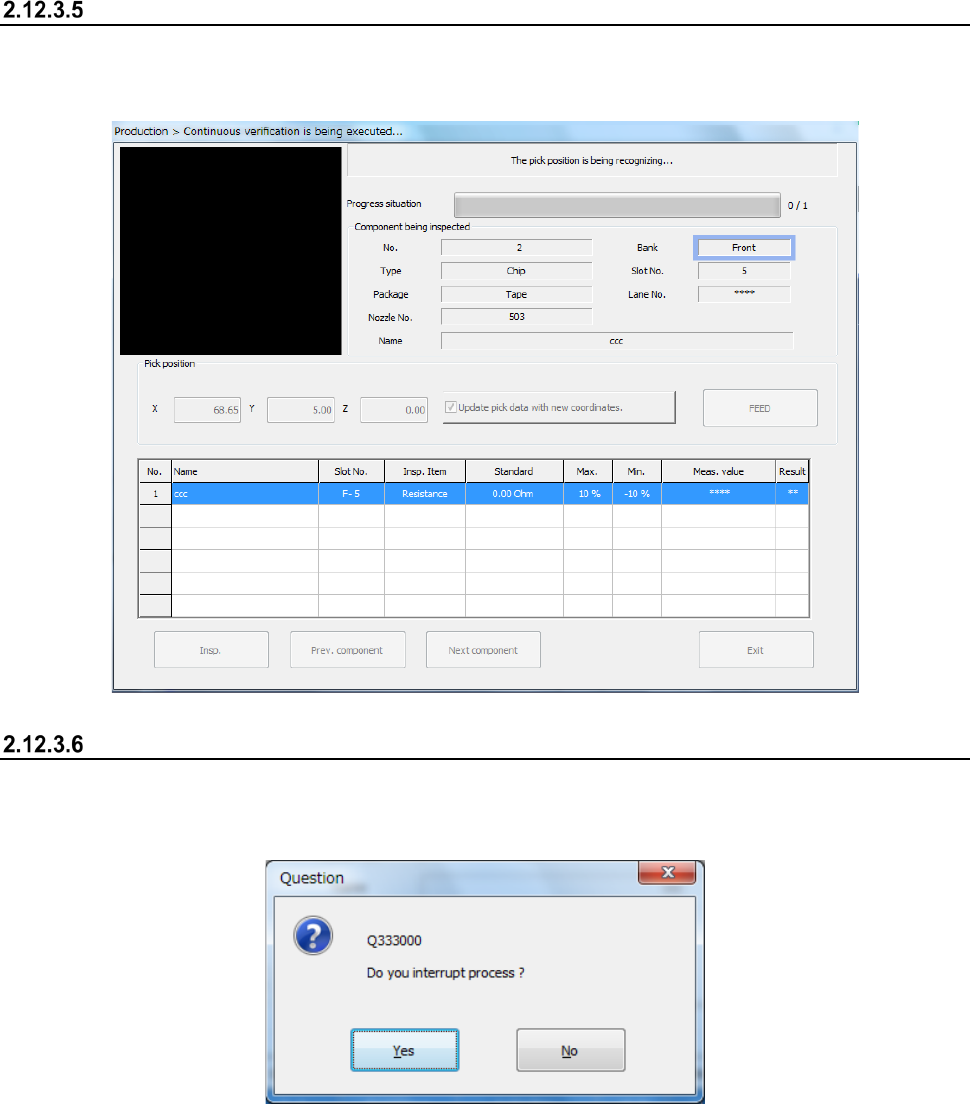
Progress of the check
While the check is continuously performed, data on a component being checked appears on the
screen, and the progress of the check and the corresponding check result are displayed on the
screen sequentially.
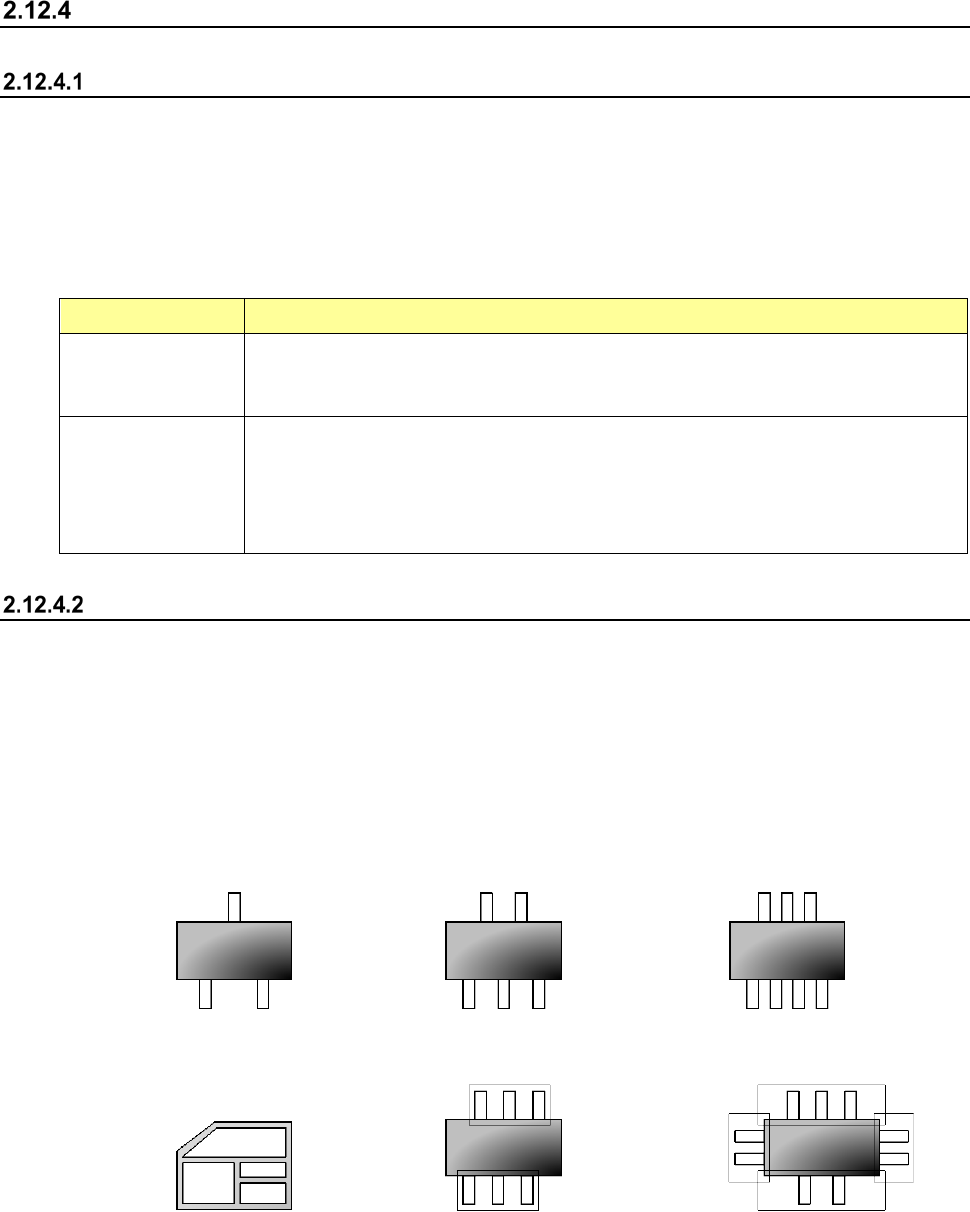
Aborting
To stop the inspection forcibly, press the <STOP> switch. The following message appears on the
screen.
To finish the current inspection, select the <Yes> button.
Part 1 Basic Operation Chapter 2 Production
2-116
General vision component direction inspection
Overview
Select the [Support] command from the “Product” menu, and then the [GNRL. Vision direction single
inspection] command or the [GNRL. Vision direction continuous inspection] command from the
displayed menu.
The direction of a general-purpose vision component is checked with the VCS, and two types of
check are provided: single check (GNRL. Vision direction single inspection]) and continuous check
(GNRL. Vision direction continuous inspection).
Perform this function before start of PWB production. Each check is described in the table below.
Check type Description
GNRL. Vision
direction single
inspection
When the [GNRL. Vision direction single inspection] command is selected, direction
inspection is performed for the specified component only.
GNRL. Vision
direction continuous
inspection
When the [GNRL. Vision direction continuous inspection] command is selected, the
components conforming to the conditions among all the components in the production
program data are inspected.
- You can separately check a component that the system failed to check for some
reason in Single Check mode.
Operations
(1) Applicable component size
1) SOT direction inspection
The size of the applicable SOT components are from “1608” to “4.0 mm.”
The dimensions of an electrode:
length 0.2 mm to 1.0 mm, width 0.1 mm to 1.0 mm
2) General-purpose vision component direction inspection
The number of element groups of applicable general-purpose vision components is 3 or less,
its component type is a lead component type, and the component shall not be rotated.
<Example of applicable components>
3 terminals 5 terminals 7 terminals
<Example of not applicable components>
Other than a lead type component Component to be rotated 3 Four element groups
(2) Inspection
1) General-purpose vision component direction inspection
The machine recognizes a picked component with a VCS to decide its angle.