TR7500E_Manual_en_v28 - 第180页
C h a p t e r 3 A O I A T P G F u n c t i o n i n s t r u c t i on T R 7500 U S E R M A N U AL 1 73 l A p a i r o f w i n d o w s w i l l b e c r e a t e d a f t e r c l i c k o n [ P o l a r i t y P a i r ] . Y o u s h …
Chapter 3 AOI ATPG Function instruction
TR7500 USER MANUAL
172
l The defaults of window are [TopCamera], [Topsidelight] and [Void Window].
You can click on [Property] to change the settings (See Chapter 3 10.7.2. )
10.4.4. All Window
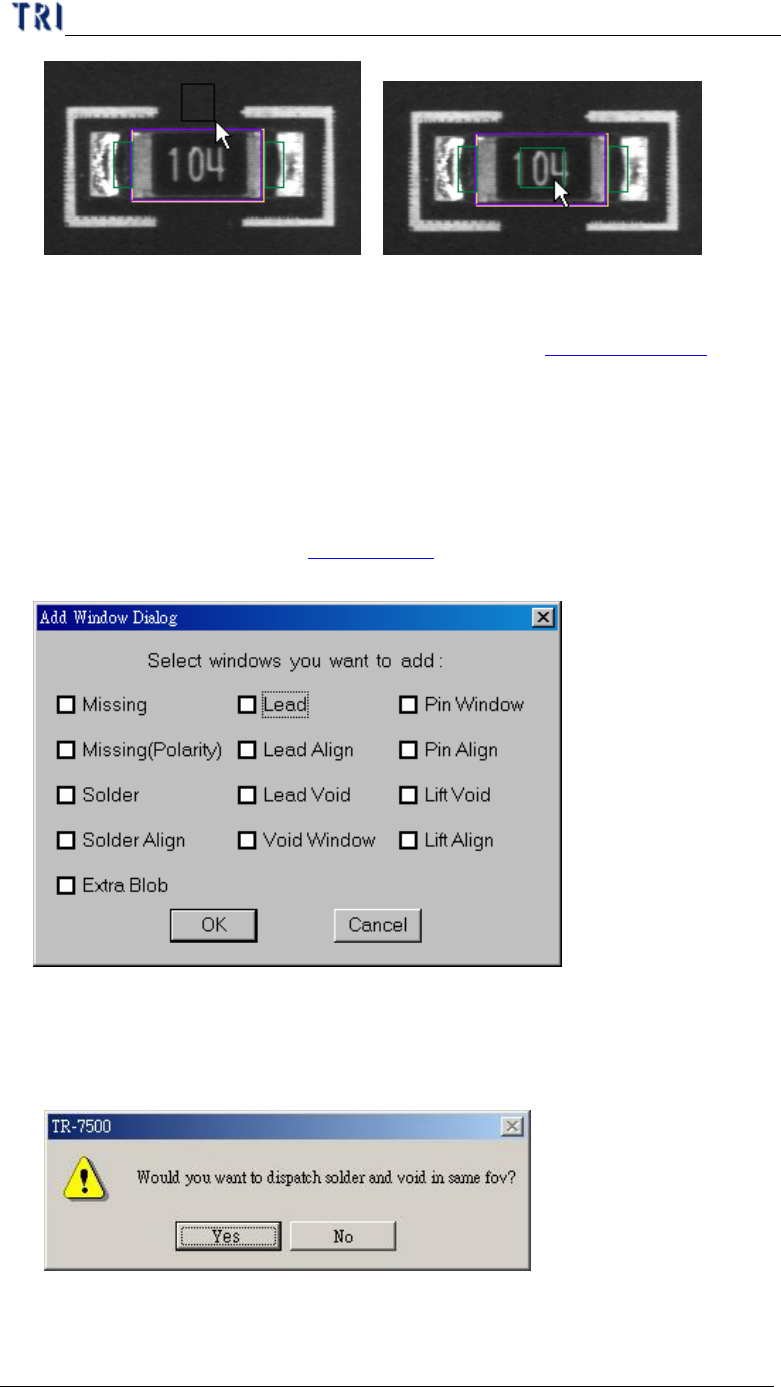
l Check windows that you need and the windows can create at the same time.
Missing and Missing(Polarity) are created on the body box. Solder, Lead, Lead
Void, Pin Window and Lift Void are created on the pin boxes. Align is created to
cover all pins. You can go to Chapter 3 11. To see the principle of inspection
window.
l When selecting [Solder] and [Void Window] at the same time and pressing [OK],
you can select whether you want to arrange Solder and Void windows at the same
FOV.
10.4.5. Polarity Pair
Chapter 3 AOI ATPG Function instruction
TR7500 USER MANUAL
173
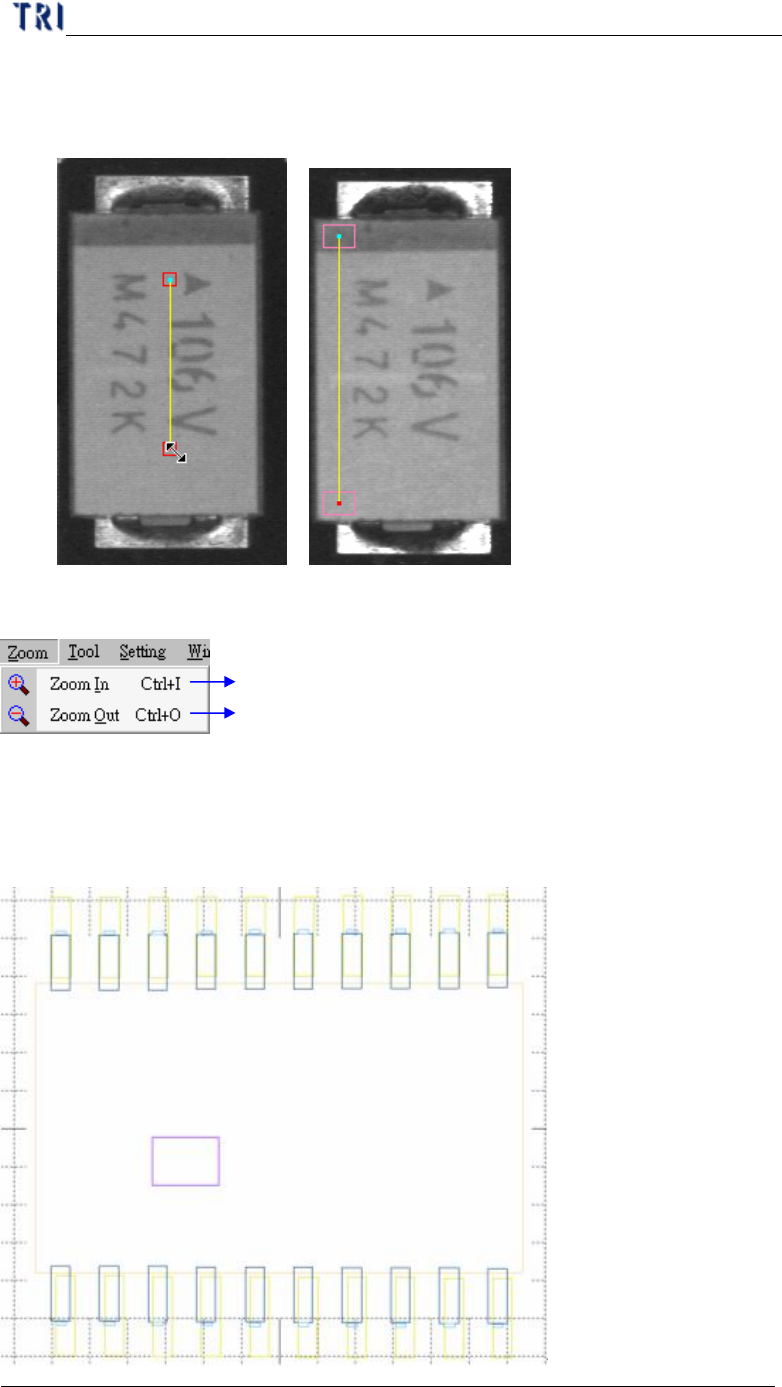
l A pair of windows will be created after click on [Polarity Pair]. You should move
them to different position with variation of gray level. System will show polarity
fail if the gray level of two windows is reverse.
10.5. Zoom
Magnified the component inspection box outline
Reduced the component inspection box outline
10.5.1. Zoom In
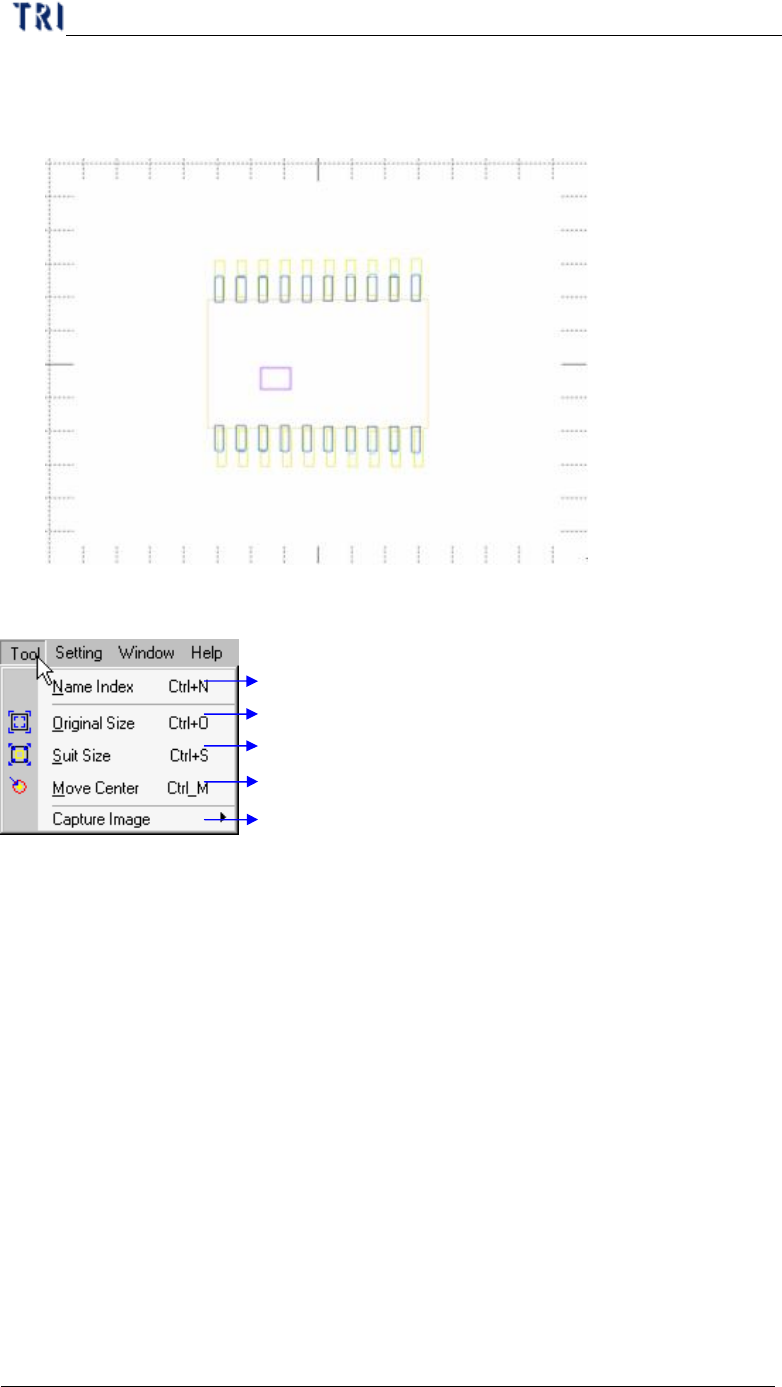
l It will show the enlarged windows by drawing frame after press [Zoom In]. The
windows enlarge10% when press [Zoom In] once.
Chapter 3 AOI ATPG Function instruction
TR7500 USER MANUAL
174
10.5.2. Zoom Out
l It will show the reduced windows by drawing frame after press [Zoom Out]. The
windows reduce 10% when press [Zoom Out] once.
10.6. Tool
Specify secondary name to primary name
If you to do zoom in or zoom out, you can do this back to original size
Suit component type size full all library view frame
Move view to component type center
Capture images to offline editor
10.6.1. Name Index
l Specify second name for index that the component has same model type but not
same name.