EN 3.pdf - 第14页
Model DECAN Series Company SAMSUNG TECHWIN Module 3.2 BOARD T otal Pages 3-2-34 T able of Contents [Sign of board ma lfunctions ] ................................................................................ 2 [BOARD …
Model
DECAN Series
Company
SAMSUNG TECHWIN
Module
3.1 ANC
Version
01
Title
ANC MOUNTING LOCATION AN D SETTING
Page
3-1-11
Note
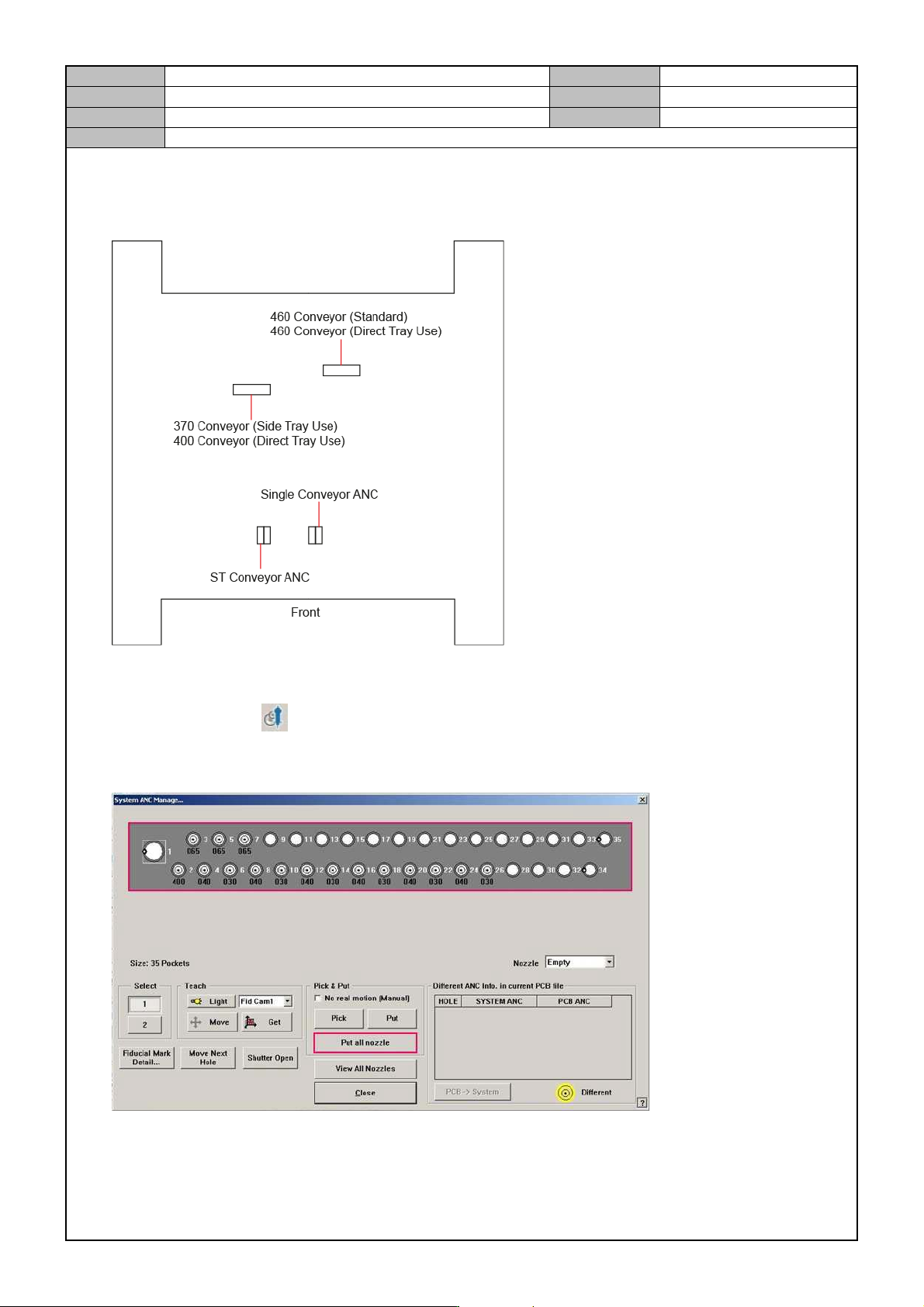
[ANC MOUNTING LOCATION AND SETTING]
Mounting location setting
MMI setting
1. Click the MMI's to activate the ANC setting windows.
2. While the CN040 nozzle is mounted in Head 1~10, run the ANC's <Put All Nozzle> to place the
nozzle in the ANC.
3. Check if the nozzle can be picked up by the head and if the nozzle can be put into the ANC.
4. During operation, check if there are errors such as ANC Errors, TSKSCH Errors and so on.

Model
DECAN Series
Company
SAMSUNG TECHWIN
Module
3.2 BOARD
Total Pages
3-2-34
Table of Contents
[Sign of board malfunctions] ................................................................................ 2
[BOARD DRIVER SETTING CHECK] ................................................................. 8
[VISION IF BOARD & SMPS CHECK] ............................................................... 10
[CONVEYOR IF BOARD SHORT TEST] ........................................................... 11
[SAFETY FROP BORAD REPLACEMENT] ...................................................... 12
[HEAD AMP BOARD REPLACEMENT] ............................................................ 14
[AXIS IO BOARD REPLACEMENT] .................................................................. 16
[HEAD IF BOARD REPLACEMENT] ................................................................. 18
[HEAD MOTOR IF BOARD REPLACEMENT] ................................................... 20
[HEAD VACUUM SENSOR BOARD REPLACEMENT] ..................................... 22
[AXIS SENSOR BOARD REPLACEMENT] ....................................................... 23
[VISION IF BOARD REPLACEMENT] ............................................................... 24
[PC RACK's BOARD REPLACEMENT] ............................................................. 26
[FEEDER BASE BOARD REPLACEMENT] ...................................................... 28
[FLY CAMERA IO BOARD REPLACEMENT] ................................................... 29
[FEEDER IO BOARD REPLACEMENT] ............................................................ 30
[FEEDER INPUT EXT BOARD REPLACEMENT] ............................................. 31
[CAN CONVEYOR BOARD REPLACEMENT] .................................................. 32
[CONVEYOR SUB IF BOARD REPLACEMENT] .............................................. 34
Model
DECAN Series
Company
SAMSUNG TECHWIN
Module
3.2 BOARD
Version
01
Title
Sign of board malfunctions
Page
3-2-2
Note
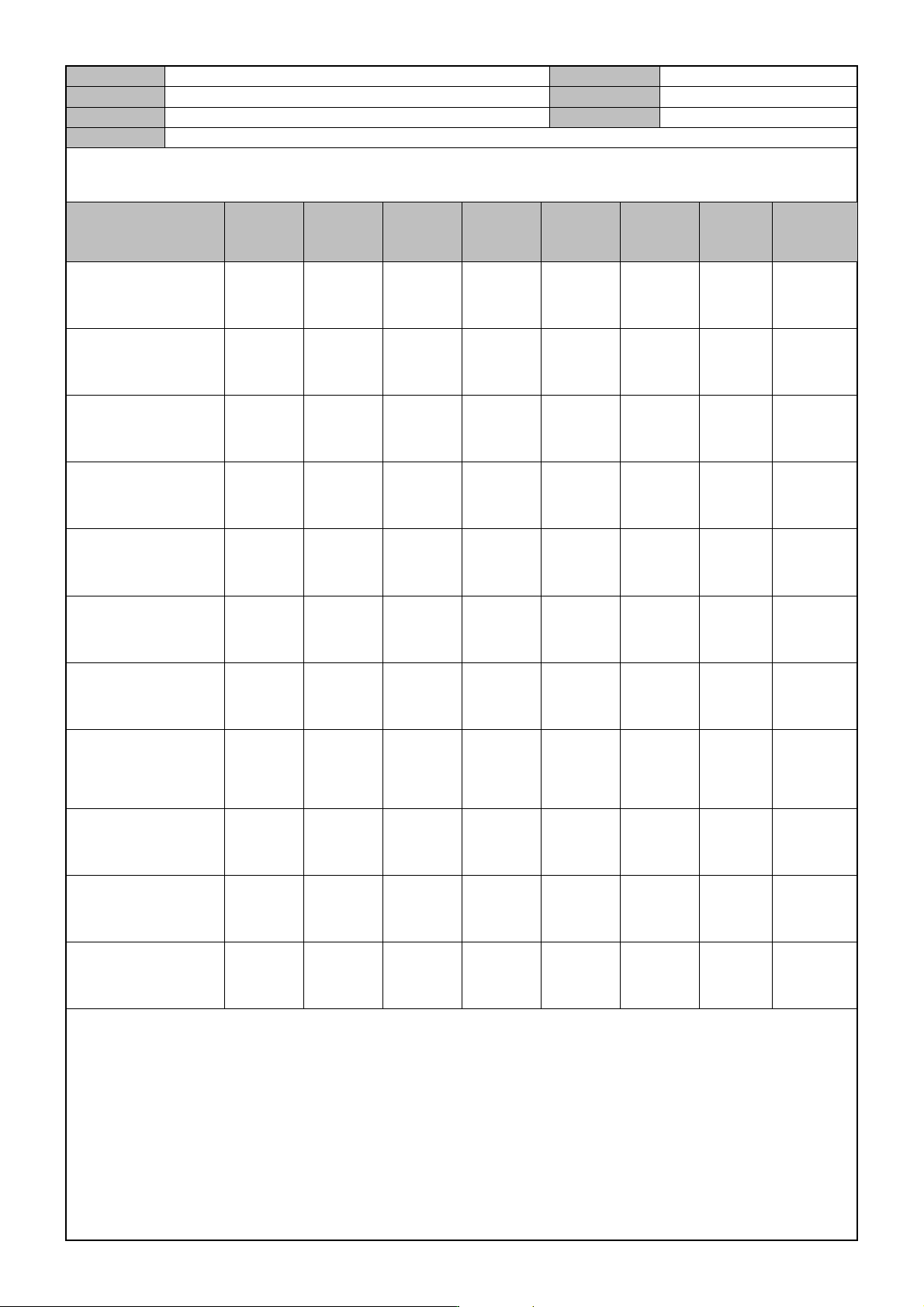
[Sign of board malfunctions]
Classification
Head
AMP
Board
Axis
IO
Board
SBC
Board
NT
A8
Board
Back
Plane
Board
Vision
IF
Board
Feeder
IO
Board
CAN
Conveyor
Board
Abnormal air
pressure supplied to
the equipment.
O
Not all the motor
axes powered up
when ready on.
O
No interface
between
equipments.
O
Motor axis related
alarm.
O
PCB input/discharge
failure(belt
operation failure)
O
BUT Up/Down
error.
O
Stopper up/down
sensor detection
failed.
O
"AMP not
activated" error
occurs.(axis homing
failed.)
O O
Edge Fixer On, Off
failures.
O
"Motor or home
location changed"
error occurs.
O
STEF, or STXF-S
tracking error
occurs.
O