2OM-1088-002.pdf - 第171页
Tg0699-PM-D2 • • • • • Sheet Composition *1 Paste Size The width of solder paste in direction X in the printing operation is set. This is the data to find the squeegee offset value (So) shown in the following figure, whi…
Tg0699-PM-D2
••
••
• Sheet Composition
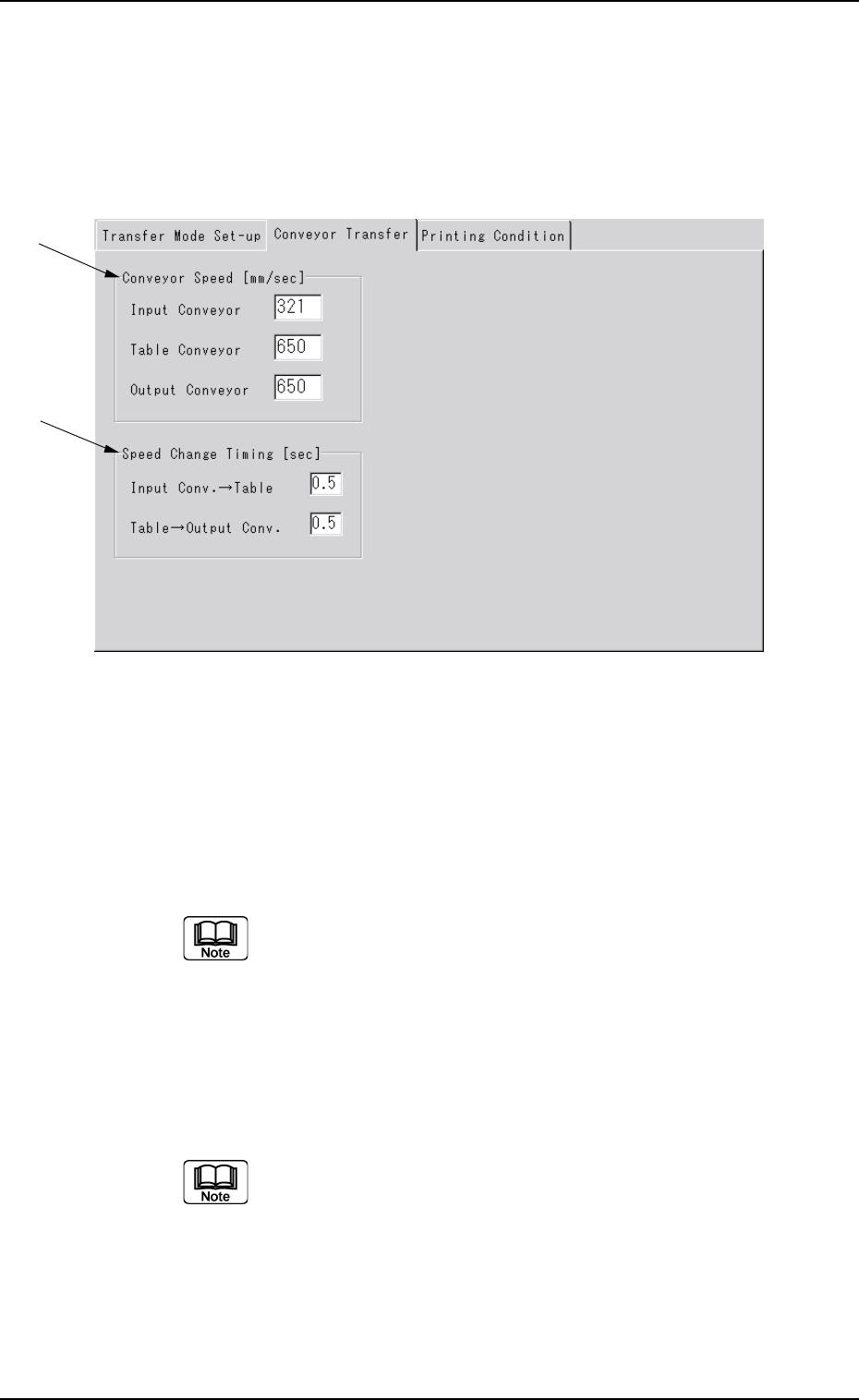
*1 Convetor Speed [mm/ sec]
The PCB transfer speeds of the L conveyor, table conveyor and
R conveyor are set.
Display the "Ten-Key" window and input each speed.
*2 Speed Change Timing [sec]
The time period, where the transfer conveyor and table conveyor
maintain the maximum speed, is set before the speeds of the
above conveyors have been decreased to the speeds set in *1.
Display the "Ten-Key" window and input each speed.
0207-001 Chapter 1 4-23
3.2 "Conveyor Transfer" Tab
*1
*2
3.2 "Conveyor Transfer" Tab
••
••
• Sheet Layout
When the [Transfer Conveyor] tab is pressed in the "Device Data"
submenu window, the following tab sheet appears.
Fig. 3D14
Tg0699-PM-D2
••
••
• Sheet Composition
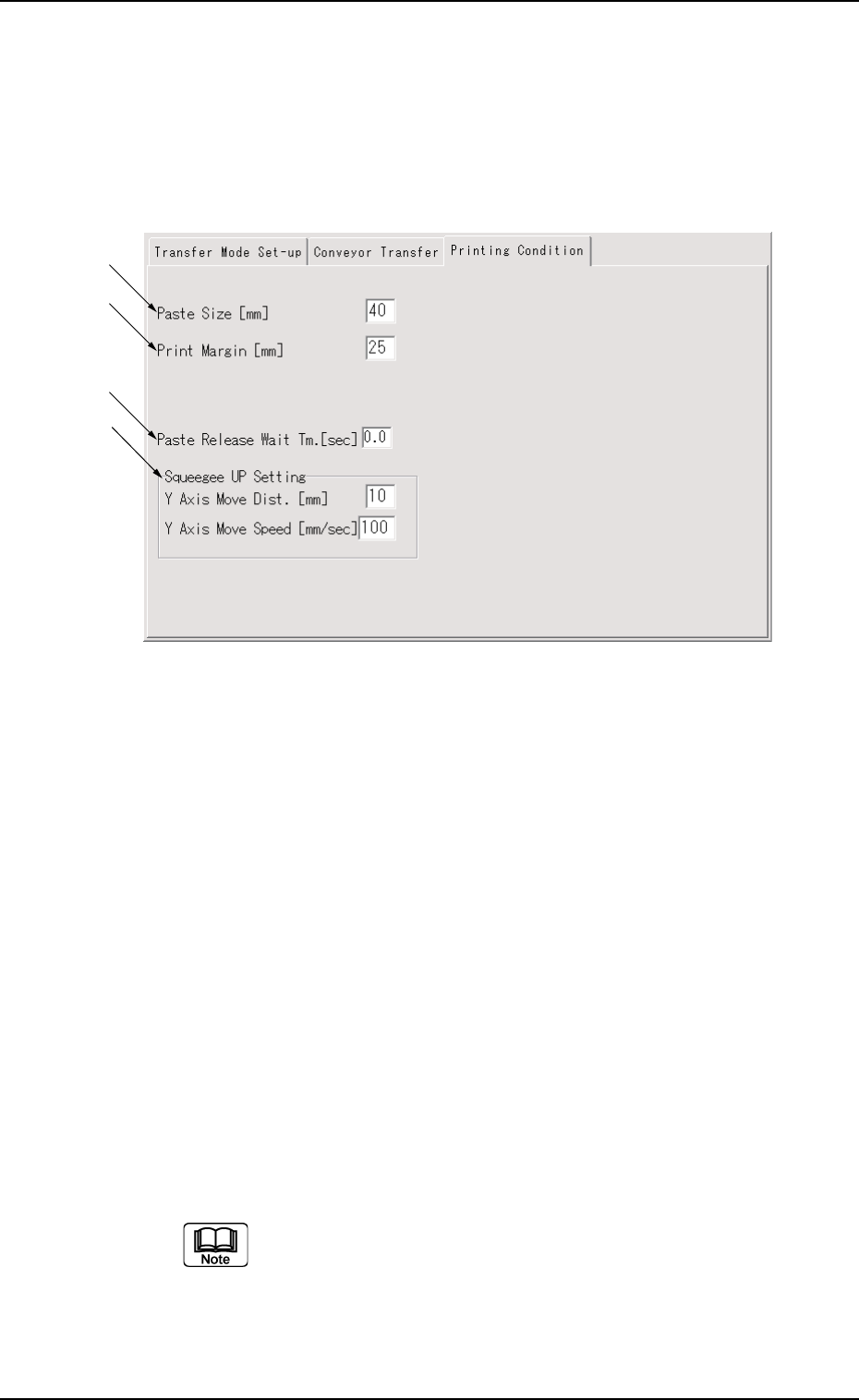
*1 Paste Size
The width of solder paste in direction X in the printing operation
is set.
This is the data to find the squeegee offset value (So) shown in
the following figure, which is calculated by the machine using the
following formula.
Unit : mm
So = Sd × 2 - Ps
Sd : Distance between Squeegees
(Calculated from squeegee angle)
Ps : Paste Size (Initial Value : 40 mm)
Display the "Ten-Key" window and input the paste size.
0207-001 Chapter 1 4-24
3.3 "Printing Condition" Tab
3.3 "Printing Condition" Tab
••
••
• Sheet Layout
When the [Printing Condition] tab is pressed in the "Device Data"
sub-menu window, the following tab sheet appears.
Fig. 3D15
*1
*2
*3
*4
Tg0699-PM-D2
0207-001 Chapter 1 4-25
3.3 "Printing Condition" Tab
Fig. 3D16
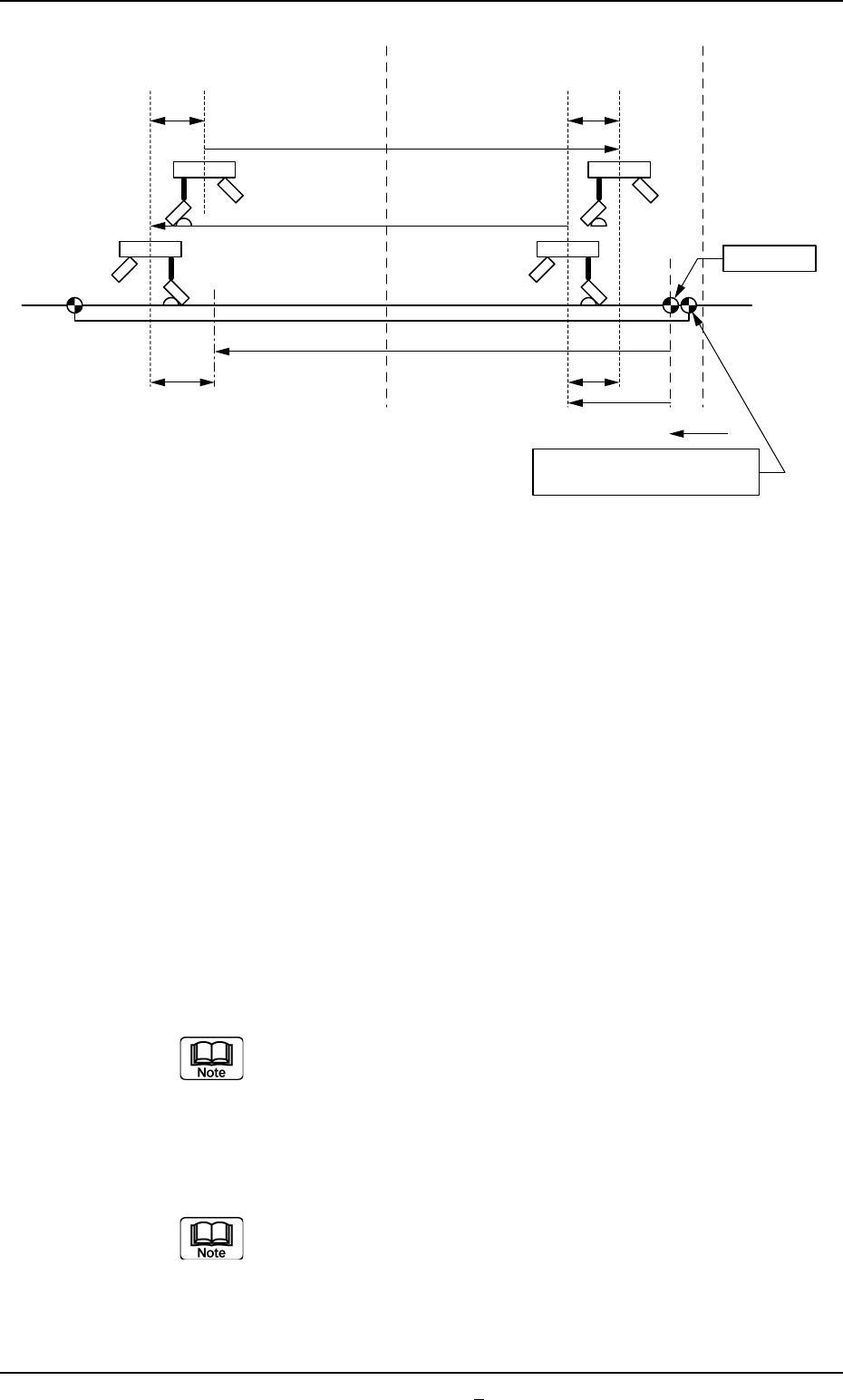
*2 Print Margin
This is the data to find the X2 (excess amount after the comple-
tion of printing) in the above figure, which is calculated by the
machine using the following formula.
Unit : mm
X2 = Sd + Pm
Sd = Distance between Squeegees
(Calculated from squeegee angle)
Pm = Print Margin (Initial Value: 20 mm)
Display the "Ten-Key" window and input the print margin
value.
*3 Paste Release Wait Tm.
The time between the squeegee's starting lowering and it's
moving in direction Y during the paste release operation, is set.
Display the "Ten-Key" window and input the paste
release wait time value.
Screen Center
X2 X2
So
So
NC Origin
L2
A' B A B'
Squeegee Origin
L1
L ns
L1, L2 : Print Area Data (based on the NC origin)
Transfer Reference Point
at Front Side Reference