00191369-01.pdf - 第133页
User’s Manual SIPLACE HS-50 4 Placement Functions Software Vers ion SR.501.xx E dition 01/99 4.1 Setup Display 131 0DQXDO,QSXWRIW K H&RP SRQHQW %DUFRGHV Å Click on the 0DQ XDO LQSXW b utton to e nter t…
4 Placement Functions User’s Manual SIPLACE HS-50
4.1 Setup Display Software Version SR.501.xx Edition 01/99
130
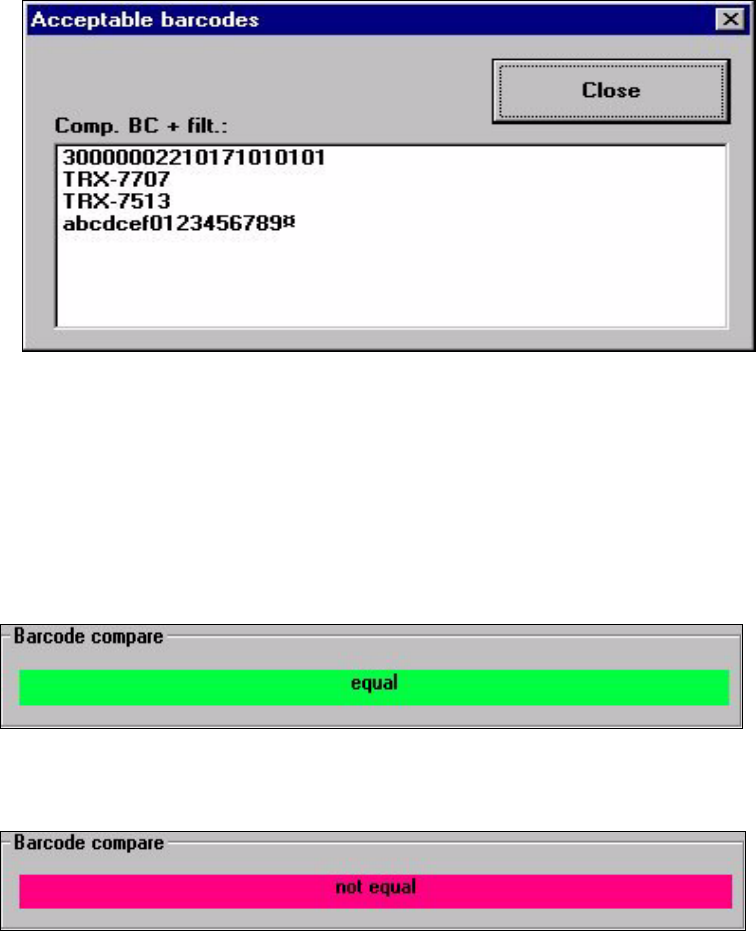
$FFHSW DEOH%DUFRGHV
The list of barcodes (max. of 6) that are known for the component in the selected track is dis-
played with this function.
Å Click on the $FFHSWDEOHEDUFRGHVbutton
The following selection box is opened.
Å Click on the &ORVH button. The selection box is closed.
The barcode read in using the barcode reader is compared to the possible barcodes.
The positions hidden due to the filter (marked by a ¤) will not be used for the comparison.
The results of the barcode comparison will be displayed in the display field of the "Compo-
nent verification with barcode" window (see the following examples).
7KHEDUFRGHVPDWFK
7KHEDUFRGHVGRQRWPDWFK
User’s Manual SIPLACE HS-50 4 Placement Functions
Software Version SR.501.xx Edition 01/99 4.1 Setup Display
131
0DQXDO,QSXWRIW K H&RP SRQHQW%DUFRGHV
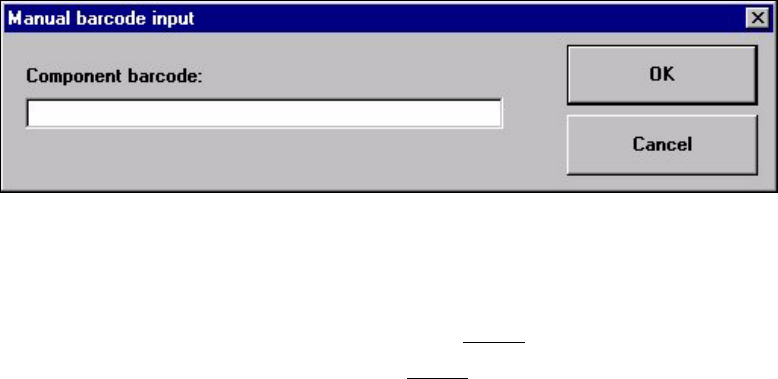
Å Click on the 0DQXDOLQSXW button to enter the barcode by hand.
The following input box is opened.
Å Enter the barcode in the input field and close the input box using 2..
The barcode comparison is started.
The results of the barcode comparison will be displayed in the display field of the "Compo-
nent verification with barcode" window (see Section 4.1.2.1
).
Å The further procedure is described in Section 4.1.2.1.
4 Placement Functions User’s Manual SIPLACE HS-50
4.1 Setup Display Software Version SR.501.xx Edition 01/99
132
5HILOOLQJDQ(PSW\7UDFN:LWK5HILOOWUDFN
As soon as a feeder in an empty track has been refilled with components, this fact must be
confirmed so that the placement head can access this track again. This is done with the help
of the "Refill track" function.
3URFHGXUH
Å The track barcode of the corresponding track is read in.
Å The component barcode of the corresponding component reel is read in.
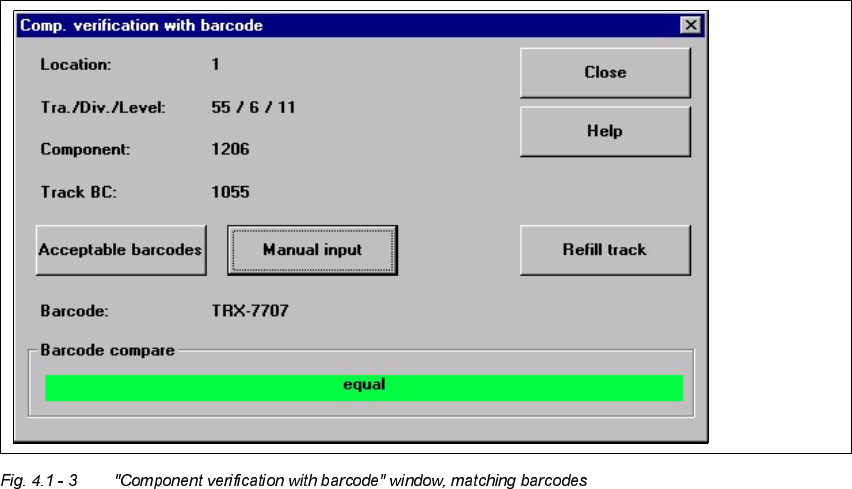
The "Refill track" button is active when the barcodes match (see the following figure).
Å If the feeder in the current track is full, then click on the 5HILOOWUDFNbutton to confirm this
or read in the return barcode on the barcode bar.
Å Close the window with &ORVH.