00191369-01.pdf - 第161页
User’s Manual SIPLACE HS-50 5 Single Functions Software Version S R.501.xx Edition 01/99 5.2 Single functions, Gantry 159 )XQFWLRQV In the "V acu um tes t" scre en only t he "Me asure" button…
5 Single Functions User’s Manual SIPLACE HS-50
5.2 Single functions, Gantry Software Version SR.501.xx Edition 01/99
158
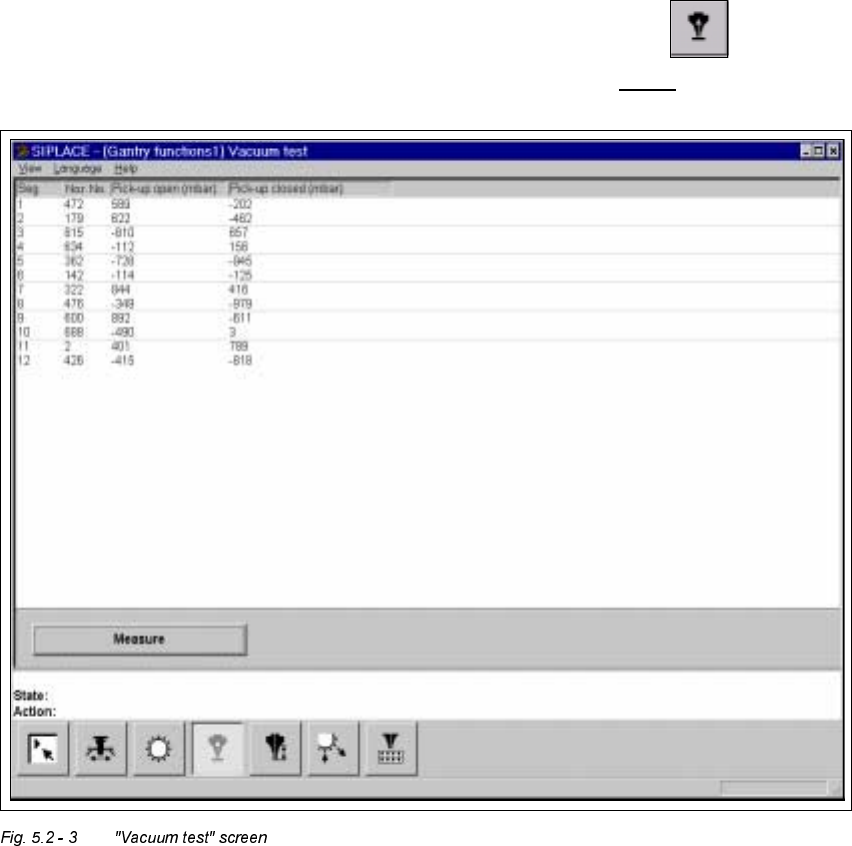
9DFXXPWHVWVFUHHQ
Å In the current screen for the single functions for Gantry x, click the symbol .
The user interface is switched to the "Vacuum test" screen (see Fig. 5.2 - 3
).
User’s Manual SIPLACE HS-50 5 Single Functions
Software Version SR.501.xx Edition 01/99 5.2 Single functions, Gantry
159
)XQFWLRQV
In the "Vacuum test" screen only the "Measure" button is available. This is used to start the
vacuum test for all nozzles.
0HDVXUH
This function is used to start a head reference run. This measures the vacuum values in the
open and closed pick-up positions for each of the nozzles.
Å Click the 0 HDVXUHbutton.
The vacuum calculation procedure is started.
The calculated vacuum values for each of the nozzles are displayed in two columns, "Pick-
up open (mbar)" and "Pick-up closed (mbar)". You can use these values to see, for exam-
ple, whether a nozzle on a particular segment is dirty.
5 Single Functions User’s Manual SIPLACE HS-50
5.2 Single functions, Gantry Software Version SR.501.xx Edition 01/99
160
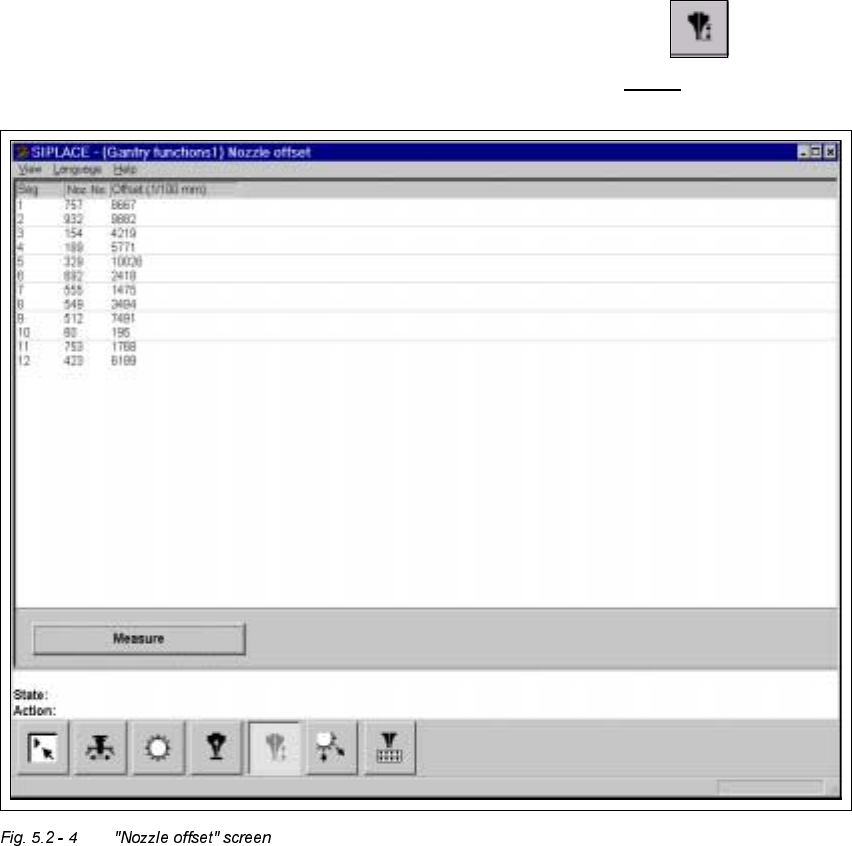
1R]]OHRIIVHW VFUHHQ
Å In the current screen for the single functions for Gantry x, click the symbol .
The user interface is switched to the "Nozzle offset" screen (see Fig. 5.2 - 4
).