00191369-01.pdf - 第219页
User Manual HS-50 6 Vision functions Software-Version 5.01Edition 01/99 6.5 Teach Fiducial 217 7 HDFK)LGXFLDO0HQX As the di agram s hows, the 7 HDFKILGXFLDO menu offers the fo llowing o ptions: – S ta ndard v …
6 Vision functions User Manual HS-50
6.5 Teach Fiducial Software-Version 5.01 Edition 01/99
216
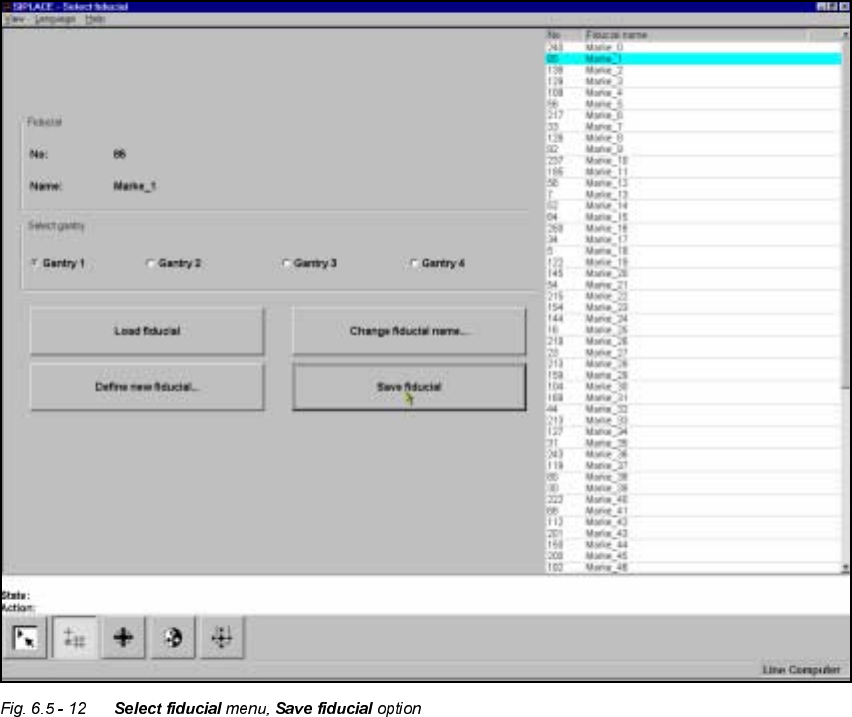
6DYH)LGXFLDO2SWLRQ
With this option you can save fiducials together with their modified parameters. The button will
only become activated if you have
– changed the fiducial name or
– generated a new fiducial.
User Manual HS-50 6 Vision functions
Software-Version 5.01Edition 01/99 6.5 Teach Fiducial
217
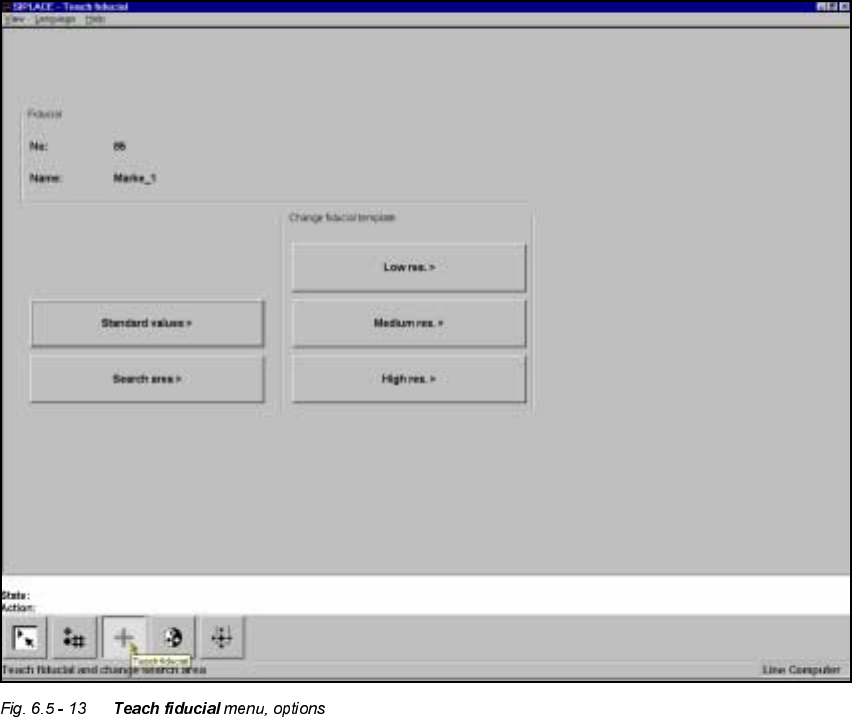
7HDFK)LGXFLDO0HQX
As the diagram shows, the 7HDFKILGXFLDO menu offers the following options:
– Standard values
– Search area
– Change search area with
– low resolution,
– middle resolution and
– high resolution

6 Vision functions User Manual HS-50
6.5 Teach Fiducial Software-Version 5.01 Edition 01/99
218
NOTE:
Buttons are active when the text on the button is black (rather than gray). This means that you can
launch the associated function by clicking on the button with the mouse.
The 6HDUFKDUHDbuttonwill, for example, only be active if you have
– already loaded a fiducial or
– created a new fiducial.
A model must already exist for the selected fiducial.
If a new fiducial number has been input then you can select the 6WDQGDUGYDOXHV options. If you
have loaded an existing fiducial all options will be accessible. In the menu the following options
will be available:
– Changing the parameters of the fiducial structure fields (template)
– Changing the parameters of the search area
– Teaching with standard values
Fiducial structure field parameters are
–width,
– height and
– camera resolution
Search area parameters are
– width and
– height
The parameters are stored in a list in the station computer. This list is initialized with default and
current values when the /RDGILGXFLDO option is launched.
If you change a parameter, a teach command will be generated in the machine controller (MC).
The only parameter block which will be added to the teach command in the general parameters
will be the block which has been changed.
For this reason the machine controller generates three different teach commands:
– Teach with standard values
– Teach the search area
– Teach the fiducial structure field (template)