00191369-01.pdf - 第223页
User Manual HS-50 6 Vision functions Software-Version 5.01Edition 01/99 6.5 Teach Fiducial 221 Å Use the arrow k eys to change th e cam era pos ition. Y ou can spe cify the step width by en tering a number in the range 1…
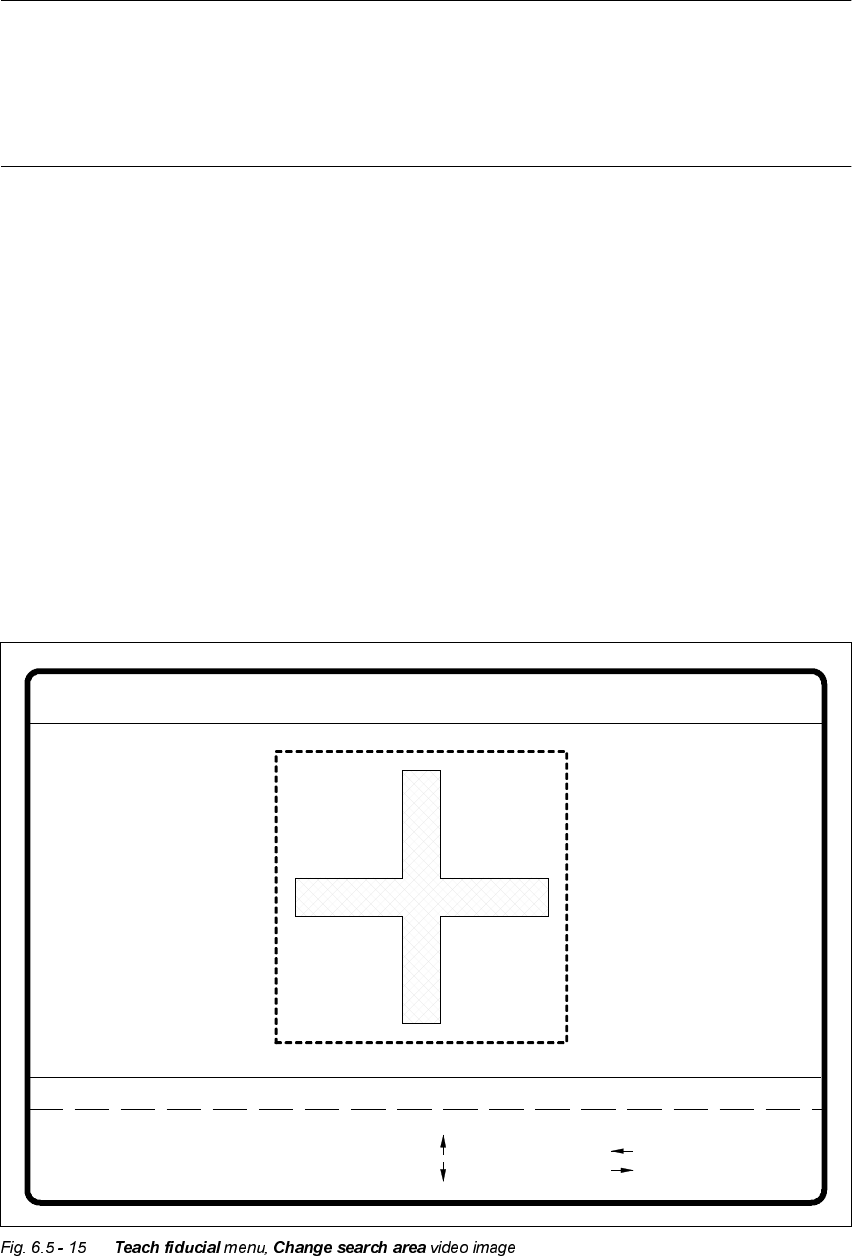
6 Vision functions User Manual HS-50
6.5 Teach Fiducial Software-Version 5.01 Edition 01/99
220
NOTE
If you wish to use a fiducial despite the fact that it has a low uniqueness value, you should ensure
that the fiducial has a good quality value (see Section 6.5.6.2 on page ).
If the quality is bad as well, it would be better to select another fiducial (see Criteria for Creating
Fiducials in Section 6.2.5 on page 6 - 190).
Å Use the arrow keys to change the camera position. You can vary the step width by entering a
number in the range 1 - 6.
Å Press the 5HWXUQ key to repeat the teaching process.
Å Press (VF to quit the teaching process. The video image disappears and the 7HDFKILGXFLDO
menu is displayed once more.
+LJK0LGGOHDQG/RZ5HVROXWLRQ2SWLRQV
When you select one of these options,
– the menu closes,
– the video image is shown with fiducial and search area, and
– header and footer with commentary, measurement results, key assignments and command se-
quences are displayed.
Fiducial No. = 8 Uniqueness = 70
Blank: hor./vert.
Tab : field step
Template high res.
1..6 : x/y step
: x axis +
: x axis -
: y axis +
: y axis -
x/y step width = ...Direction = ...
Field step = ...
Ret: teach
- : smaller
+ : larger

User Manual HS-50 6 Vision functions
Software-Version 5.01Edition 01/99 6.5 Teach Fiducial
221
Å Use the arrow keys to change the camera position. You can specify the step width by entering
a number in the range 1 - 6.
Å Use the and keys to move the fiducial boundaries and teach them at the same time. With
the space bar you can toggle between horizontal and vertical directions. With the 7DEkey you
can toggle the field step width between 1 pixel and 10 pixels.
Å Press 5HWXUQ to launch the teaching process.
The unique value appears on the screen as the measurement result. This may vary between
0 = unsatisfactory and
100 = very good differentiation capability.
Practice shows that a uniqueness value of at least 60 must be achieved.
Å Repeat the teaching process a number of times with changed field sizes. In this way you can
optimize the uniqueness value. Reducing the size of the search area to dimensions which are
less than those of the fiducial itself will increase the uniqueness value since the fiducial ends
will, for example, when wetted with solder-stop lacquer, exhibit poor reflection characteristics.
However, you should not select too small a field as this may impair the uniqueness of the fidu-
cial among other things.
Å Press (VF to quit this option.
NOTE
If you wish to use a fiducial despite the fact that it has a low uniqueness value, you should
ensure that the fiducial has a good quality value (see Section 6.5.6.2 on page 6 - 231).
If the quality is bad as well, it would be better to select another fiducial (see Criteria for Cre-
ating Fiducials in Section 6.2.5 on page 6 - 190).
&KDQJLQJH[LVWLQJILGXFLDOV
During each teaching process the centering offsets are set to zero. If this is not done, optical cen-
tering with the fiducial structure field boundaries will not be correct; the measurement results
would be distorted.
6HDUFK$UHD2SWLRQ
The search area is a freely selectable field within the field of view of the camera.
NOTE
Å Always select a size for the search area which will still also take into account tolerances in
board positioning.
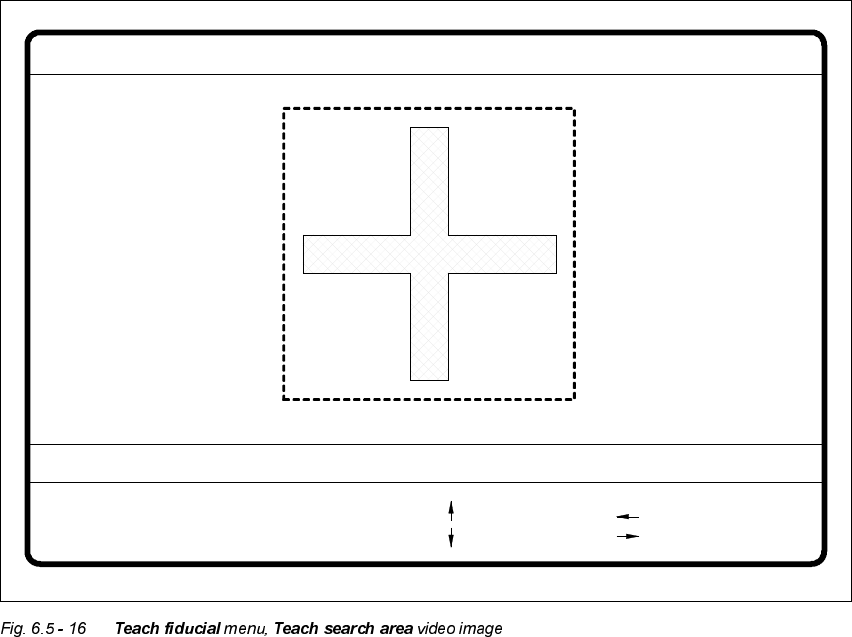
6 Vision functions User Manual HS-50
6.5 Teach Fiducial Software-Version 5.01 Edition 01/99
222
Å Make sure that there are no other structures within the search area. Otherwise, fiducial identi-
fication could be made unnecessarily more difficult.
Å Repeat the tests with different search area sizes. It may also be appropriate to optimize the
uniqueness value.
When you select the 6HDUFKDUHDoption
– the menu closes,
– the teaching process is launched,
– the video image is shown with fiducial and search area, and
– header and footer with commentary, measurement results, key assignments and command se-
quences are displayed.
Å Use the arrow keys to change the camera position. You can specify the step width by entering
a number in the range 1 - 6.
Å Use the and keys to move the fiducial structure boundaries and teach them at the same
time. With the space bar you can toggle between horizontal and vertical directions. With the
7DEkey you can toggle the field step width between 1 pixel and 10 pixels.
Å Press 5HWXUQ to launch the teaching process.
Fiducial No. = 8 Uniqueness = 70
Blank: hor./vert.
Tab : step width
Change search area
1..6 : x/y step
: y axis +
: y axis -
x/y step width = ...Direction = ...Field step = ...
Ret: teach
- : smaller
+ : larger
: x axis +
: x axis -