00191369-01.pdf - 第239页
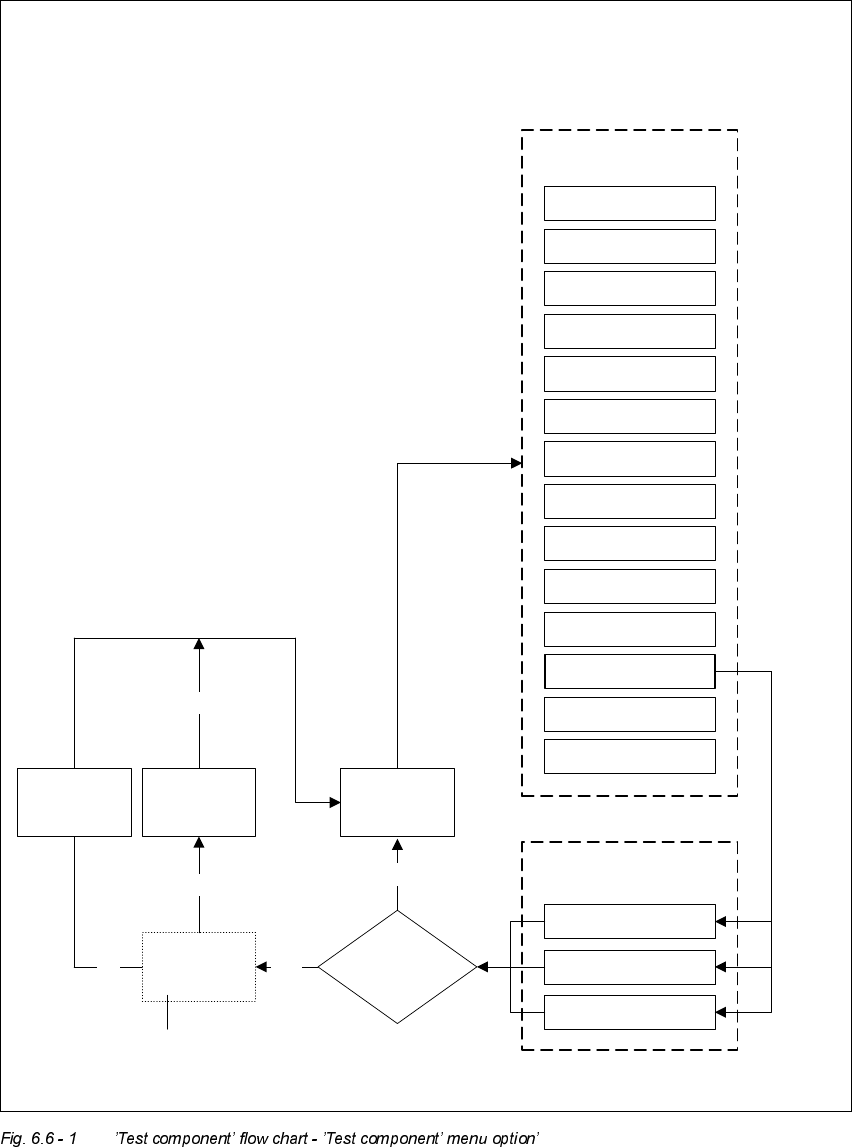
User Manual HS-50 6 Vision functions Software-Version 5.01Edition 01/99 6.6 Test Component 237 ’Test component’ menu options Main view 0DLQYLHZPHQX Setup Error Feeders Gantry 3 functions Gantry 4 functions PCB transp…
6 Vision functions User Manual HS-50
6.6 Test Component Software-Version 5.01 Edition 01/99
236
Å 6DYH*)GDWD
The generated package form parameters will be saved when you click on this button.
– 3LFNXS
The placement head picks up the selected component.
9LGHR,PDJHV
In certain situations, the camera image of the MVS system (vision analysis unit) is displayed on
the screen of the station computer. The screen will also contain a header and footers:
– The header may contain, for example, the currently selected menu option, the package form
number, analysis criteria, measurement results, and so on.
– The footers will contain command sequences, keyboard commands, camera coordinates and
so on.
You can always quit video image screens by pressing the (VF key. The current menu window will
then reappear.
0 HVVDJHV
Messages are text fields which contain information regarding actions, warnings and so on. They
will appear under the following circumstances:
– incorrect operator actions.
– requests to the operator to carry out certain actions (for example, input package form number).
– information (for example, board is being disposed of).
– to indicate the system is busy performing an action (for example, package form data being re-
stored).
User Manual HS-50 6 Vision functions
Software-Version 5.01Edition 01/99 6.6 Test Component
237
’Test component’ menu options
Main view
0DLQYLHZPHQX
Setup
Error
Feeders
Gantry 3 functions
Gantry 4 functions
PCB transport 2
PCB transport 1
Teach fiducial
Test component
SITEST
GEM
Main view
Markenauswahl
Test component
Save
GF data
7HVWFRPSRQHQW
PHQXRSWLRQ
Select package form
Package form
edited?
No
Gantry 1 functions
Gantry 2 functions
Yes
Discard
component
Package
form is saved
Yes
No
Package
form is
restored
Yes
’Save edited GF data’
option box
6 Vision functions User Manual HS-50
6.6 Test Component Software-Version 5.01 Edition 01/99
238
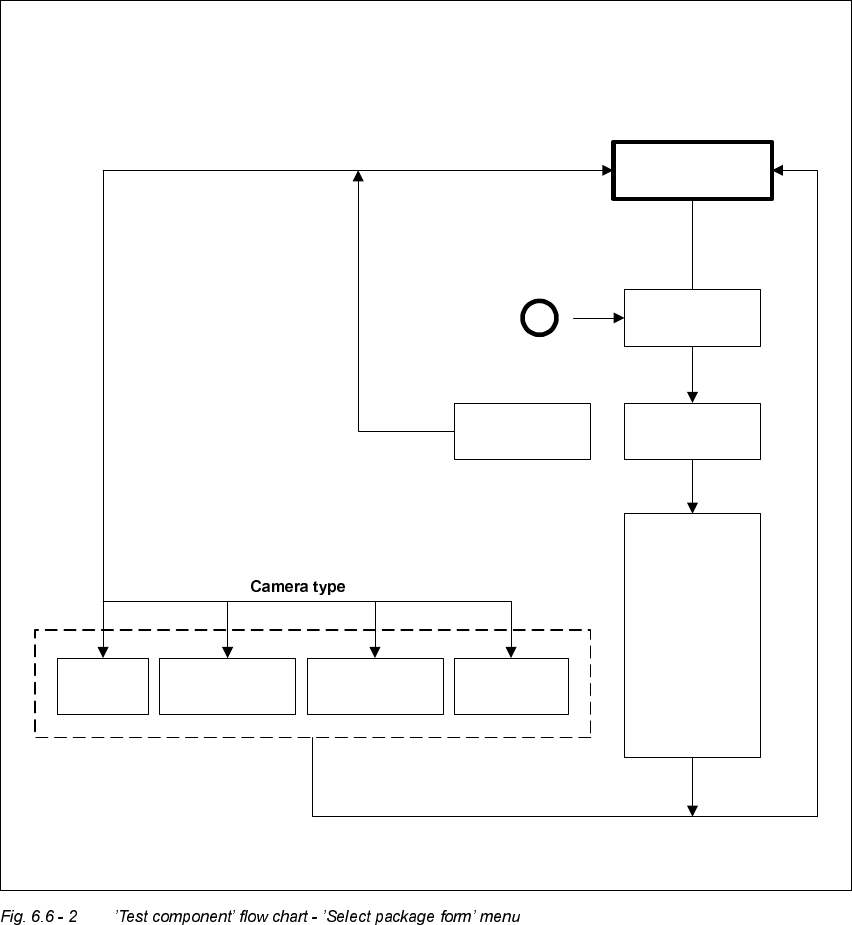
Select
package form
If there is a
component on
the nozzle, it will
be discarded.
The station
computer
requests GF file
from the line
computer and
loads it down to
the MVS.
Default
Revolver head
12 seg. /DLM1 *)
Flip-chip *)
Pick & Place
head *)
Load
package form
’Select package form’ menu
A
Select
package form
Save
GF data
*) Applies to 80F in the case that the component is to be centered not only using the standard
camera type (Default) but also another camera type.