00191369-01.pdf - 第248页
6 Vision functions User Manual HS-50 6.6 Test Component Software-Version 5.01 Edition 01/99 246 launch th e assoc iated func tion by c licki ng on the bu tton wit h the mo use. The /RDG *) GDWD button will , for exa…
User Manual HS-50 6 Vision functions
Software-Version 5.01Edition 01/99 6.6 Test Component
245
6HO HFW3 DFNDJH)RUP0HQ X
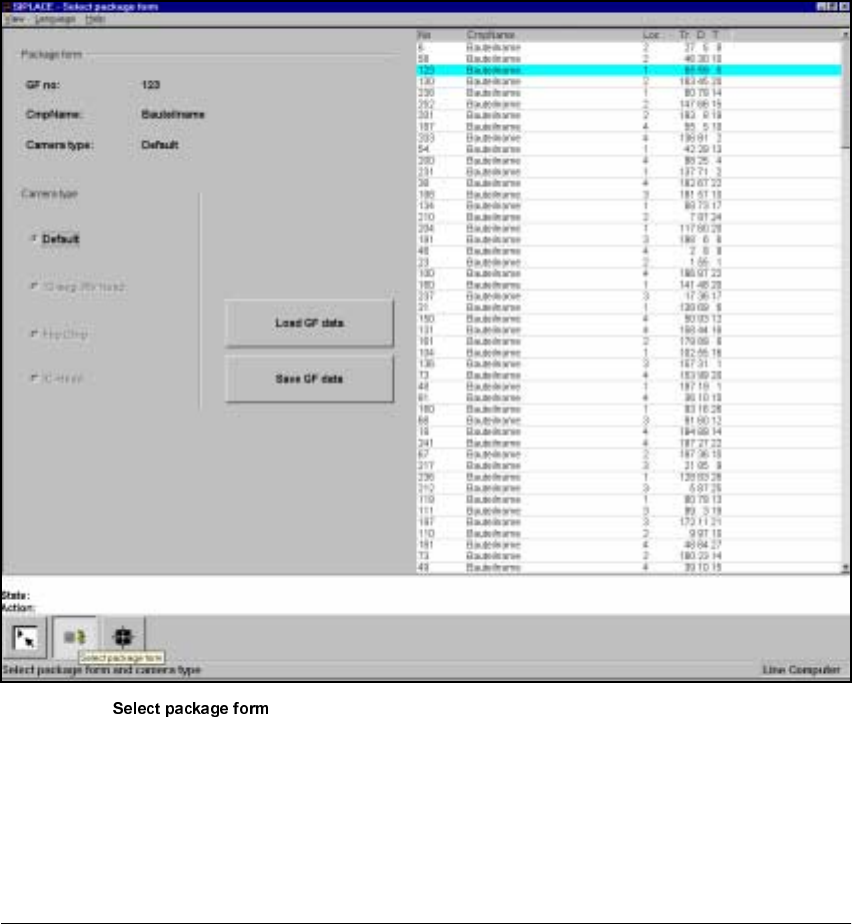
If you select the 7HVW FRPSRQHQW option in the 0DLQ YLHZ menu, the following actions will occur:
– The functions for the vision system are activated in the station computer
– The 6HO HFWSDFNDJHIRUP menu will drop down.
– The station computer will determine the package form numbers list with commentaries from
the set-up.
Fig. 6.6 - 9 menu
The menu allows you to choose between the following options, as the diagram shows:
– Selection of the camera types (80F machines only).
– Load GF data
– Save GF data
NOTE
Buttons are active when the text on the button is black (rather than gray). This means that you can
6 Vision functions User Manual HS-50
6.6 Test Component Software-Version 5.01 Edition 01/99
246
launch the associated function by clicking on the button with the mouse.
The /RDG*)GDWDbuttonwill, for example, only be active if you have previously clicked on a pack-
age form in the lists field.
The 6DYH*)GDWDbutton will only be active if you have changed the package form parameters.
You can switch from the ’Test component ’ menu to the Main menu at any time in order to start
actions such as "Fill track" etc. The settings in the ’Teach fiducial’ menu will be retained, which
means that the same conditions will be set up when you return to the ’Test component’ menu.
However, if you have changed the fiducial data or taught a new fiducial, and then switch from the
Main menu to the ’Test component’, ’Single functions’, ’SITEST’ or ’Continue placement’ menu,
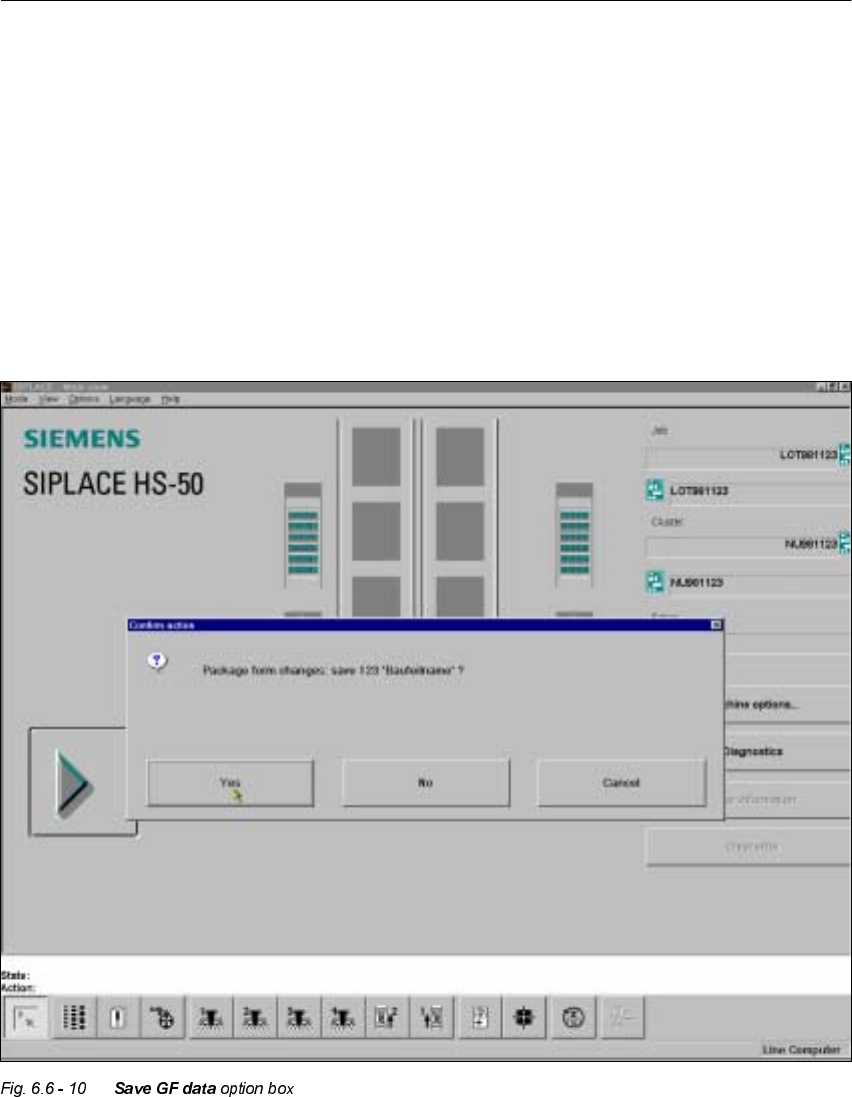
the ’Save fiducial data’ selection box will appear when you leave the ’Teach fiducial’ option. You
can then either save the modified or new data or delete it.
By selecting the 6DYH*)GDW Doption you cause the station computer to send the package form
data to the line computer, where it is saved. The modified package form data is updated in the
remaining stations as well. The transformation tables are held locally in the station computer.
User Manual HS-50 6 Vision functions
Software-Version 5.01Edition 01/99 6.6 Test Component
247
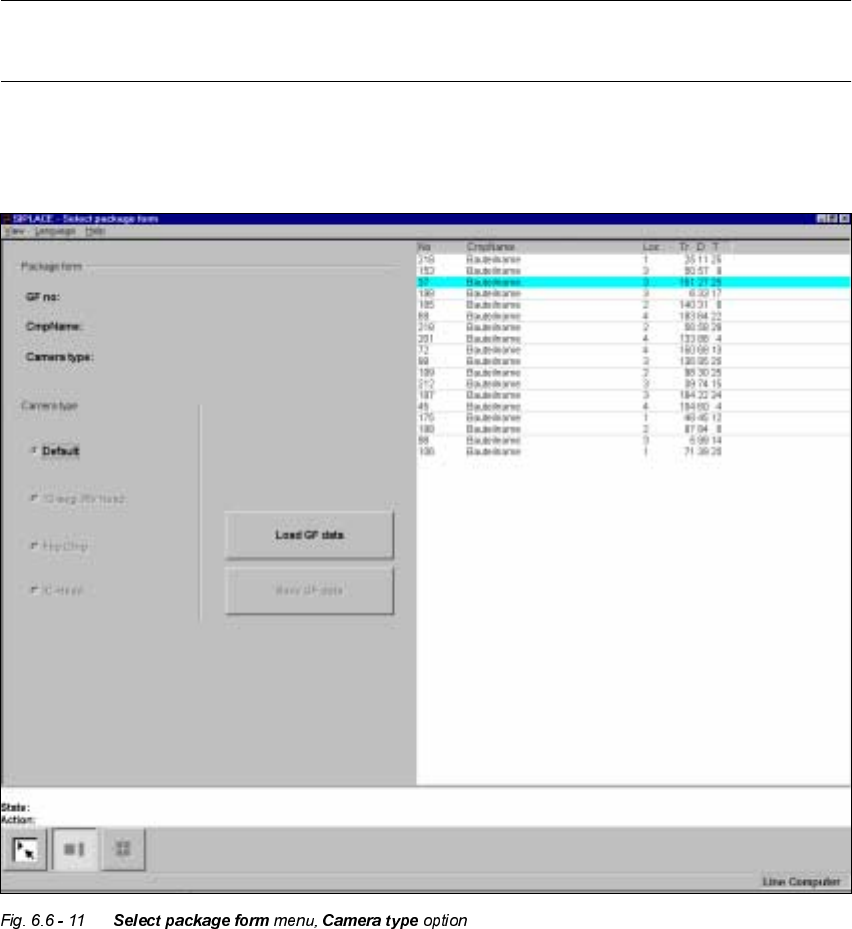
&DPHUD7\SH2SWLRQ
NOTE
The buttons for selecting the different camera types can only be used with the 80F
machines.
With the HS-50 machine each gantry only has a single camera type used for optically centering
the components. For this reason the allocation of the 'HIDXOWbutton cannot be changed.