00191369-01.pdf - 第271页
User Manual HS-50 6 Vision functions Software-Version 5.01Edition 01/99 6.6 Test Component 269 Å Press t he RETUR N key to start the m easurem ent. Onc e the m easurin g proc edure ha s en ded, the m easur ing t ime in m…
6 Vision functions User Manual HS-50
6.6 Test Component Software-Version 5.01 Edition 01/99
268
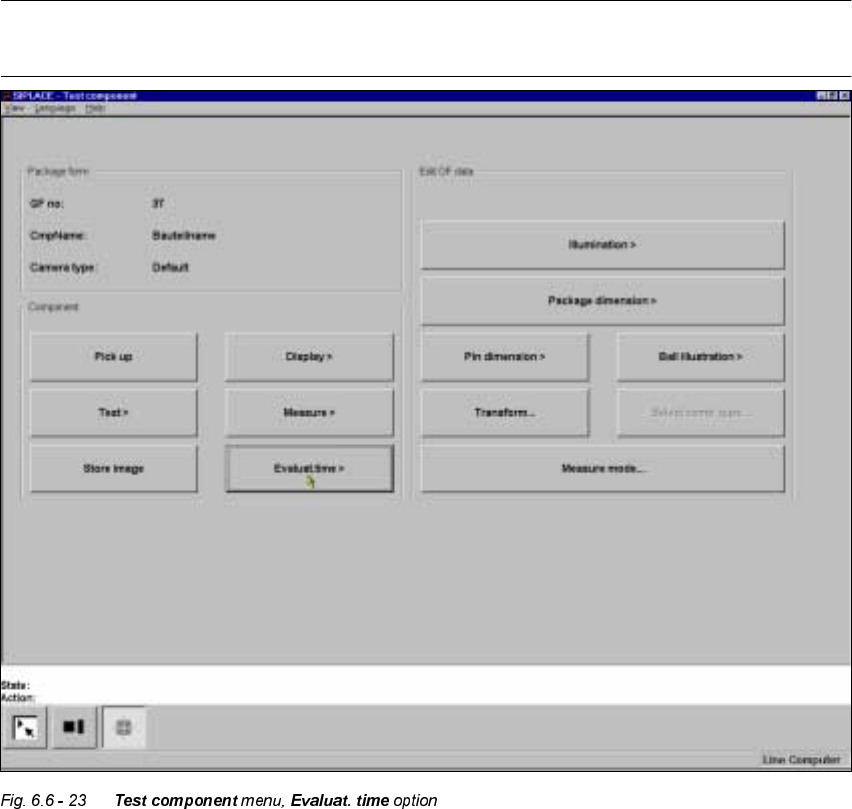
(YDOXDWWL P H2SWLRQ
NOTE
You cannot click on this option until a package form number has been loaded.
This option is used to display the evaluation time for a selected component. Once you have acti-
vated the function, the following actions are started:
– The measuring procedure is activated.
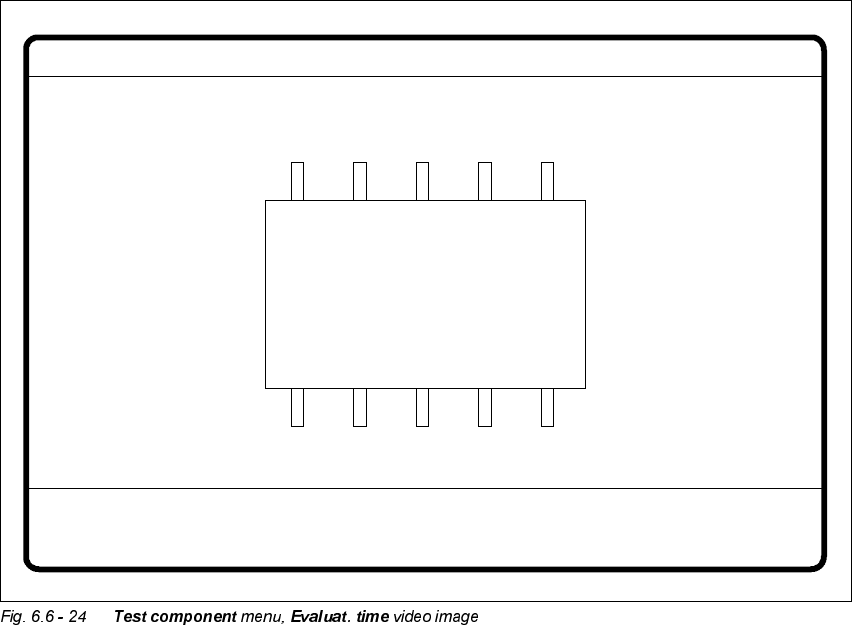
– The video image appears on the screen
– The evaluation time is overlaid.
User Manual HS-50 6 Vision functions
Software-Version 5.01Edition 01/99 6.6 Test Component
269
Å Press the RETURN key to start the measurement. Once the measuring procedure has ended,
the measuring time in msec is overlaid.
Å Press ESC to leave the option. The video image will disappear and the ‘Test component’ menu
will appear once more.
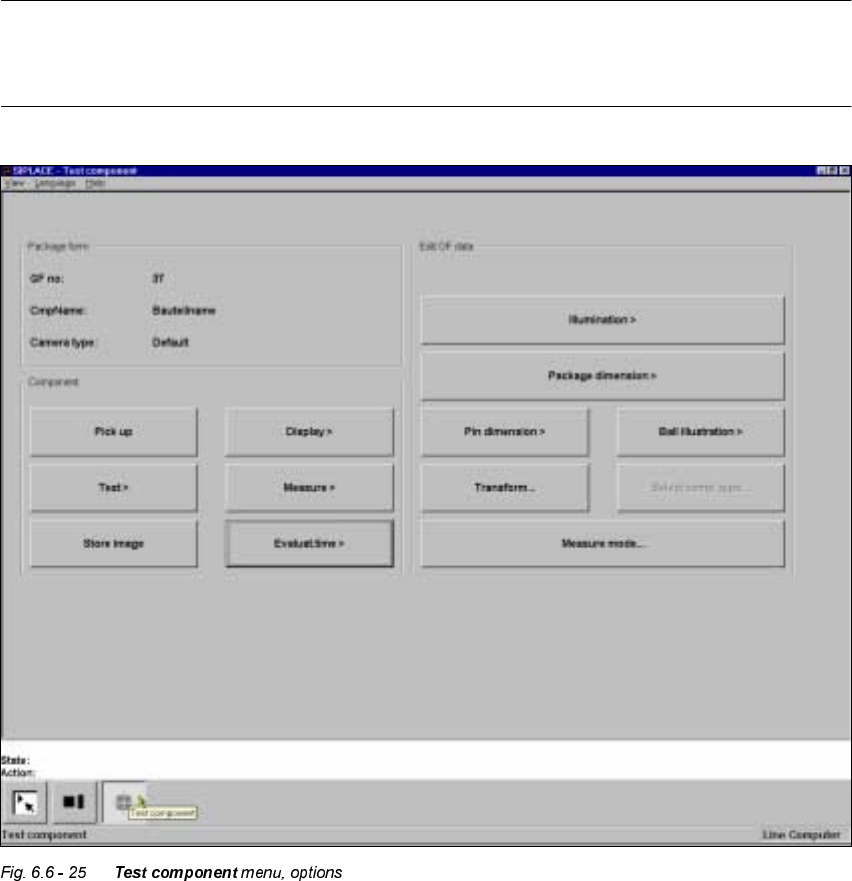
,QIRUPDWLRQRQWKH*URXSRI(GLW*)'DWD2SWLRQV
The following options belong to the (GLW*)GDWD group of options:
– Lighting
– Package dimensions
– Lead dimensions
– Ball illustration
– Transformation table
– Select component type (80F machines only)
– Measure mode
GF No. = 5
Evaluation time
Evaluation time [ms] =
RET: Measure component
6 Vision functions User Manual HS-50
6.6 Test Component Software-Version 5.01 Edition 01/99
270
The GF or package form file is stored in the line computer. Basically it consists of two main parts:
– the geometric package form data and
– the sensor-specific data.
The sensor-specific part contains
– the measurement conditions for the component,
– the type of lighting and
– the transformation table data.
NOTE
The buttons of the options of the 7HVWFRPSRQHQW menu will only be active if you have already
loaded a package form.