00191369-01.pdf - 第275页
User Manual HS-50 6 Vision functions Software-Version 5.01Edition 01/99 6.6 Test Component 273 Å Y ou ca n use the arrow keys to incre ase or decreas e the brightness of the rows of LEDs in the componen t camer a syste m…
6 Vision functions User Manual HS-50
6.6 Test Component Software-Version 5.01 Edition 01/99
272
– ball model
– Illumination parameters are
– the contrast in the image
– the X plane, flat, middle and steep illumination levels for illuminating the component
(brightness control).
– Color representation parameters (5 sections)
– 10 parameter IN values
– 10 parameter OUT values
The parameters are stored in the GF file in the line computer. Upon request the GF file will be sent
to the station computer. Finally it will be converted and transferred to the MVS computer.
If you modify a parameter, it will be entered in the x.SST file. The x.SST file will be converted and
loaded into the MVS computer.
,OOXPLQDWLRQ2SWLRQ
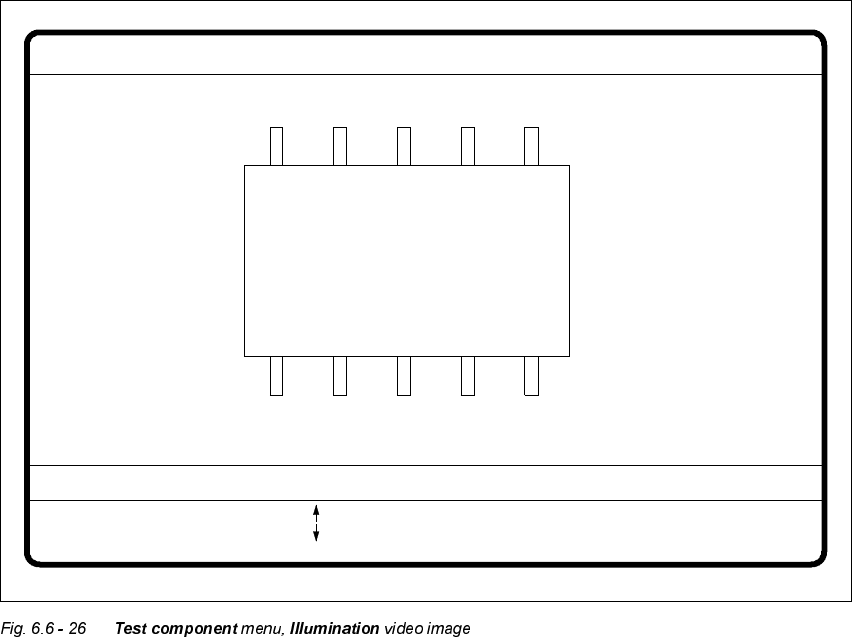
When this option is selected the video image for checking and setting illumination will appear.
GF No. = 5Illumination
RET: Test component
Illuminat. = flat/middle/steep Field step =
Blank: step width
Tab: Illumination
Brightness = 0 ... 255
: Brightness up
: Brightness down

User Manual HS-50 6 Vision functions
Software-Version 5.01Edition 01/99 6.6 Test Component
273
Å You can use the arrow keys to increase or decrease the brightness of the rows of LEDs in the
component camera system which illuminate the component. The brightness can be set within
a range of 256 steps with 255 being the maximum value.
Å Use the spacebar to toggle the step size for changing the brightness from 1 to 10 µm and back.
Å Use the tab key to move between the four illumination levels: steep (top row of LEDs), medium
(second row of LEDs), flat (third row of LEDs) and X plane camera lighting (bottom row of
LEDs). The X plane illumination level is used to optically center flip-chip components on the 6-
nozzle revolver head with the illumination system for flip-chips, bare dies and standard com-
ponents.
Å Press the 5HWXUQ key to execute the individual measurement steps which are included in the
measurement conditions.
Å With (VFyou can quit the option. You will then be returned to the 7HVWFRPSRQHQW menu.
NOTE
Section 6.7.6 from page 6 - 304 contains instructions for selecting the illumination parameters.
6 Vision functions User Manual HS-50
6.6 Test Component Software-Version 5.01 Edition 01/99
274
3DFNDJH'LPHQVLRQ2SWLRQ
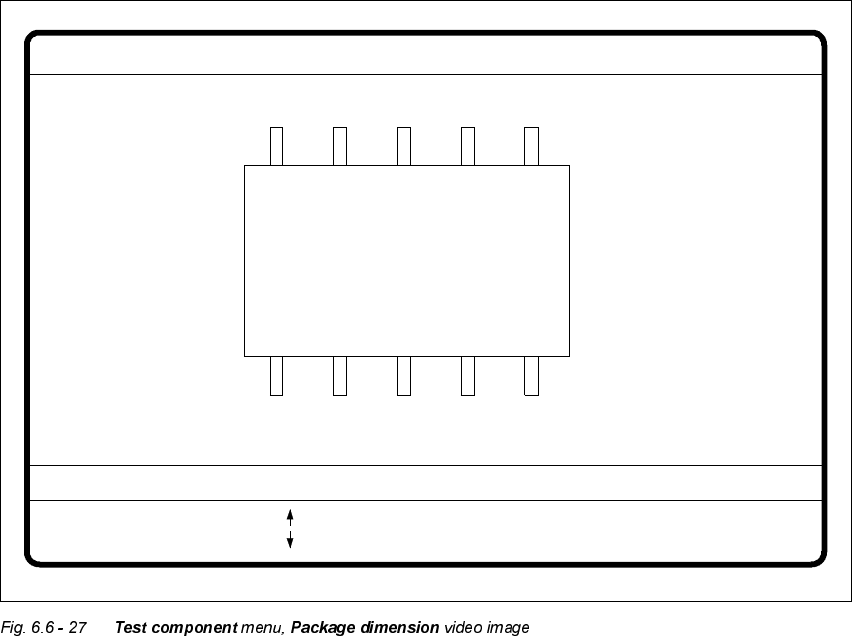
There is potential for the occurrence of an effect called image reduction mainly with cylindrical
components and with PLCCs. The reduction is caused by the round features of the components
that deflect incident light away from the camera sensor. Typically, the round edges then become
invisible to the camera. To remedy this problem, use the Package Dimension option to change the
optical package width and length to accommodate for the loss.
Å With the arrow keys you can change the length and width of the component. The current geo-
metric data will be displayed.
Å Use the spacebar to select different sides of the component.
Å With the 5HWXUQkey you can trigger the individual measurement steps which are specified in
the measurement conditions.
Å Press (VFto quit the option.
GF No. = 5
: larger
: smaller
RET: Test component
Blank: Pack. side
Pack. side = opt. l.[mm] = ... opt. w.[mm] = ...
Package dimension