Technical_reference - 第79页
Technical Service Manual 79 Revision Dat e: August 2004 Every Field Service Technic ian should be iss ued an antistatic k i t consis ting of a s tatic diss ipative portable work s urfac e and a com bined wrist strap and …

Technical Service Manual 78 Revision Date: August 2004
D- ELECTRICAL POWER & COMPUTER
CAUTION:
WHEN THE OVEN IS “OFF”, MANY PARTS OF THE OVEN
MAY BE ELECTRICALLY POWERED AND DANGEROUS
.
ELECTRO - STATIC DISCHARGE PROCEDURES ( ESD)
When any electronic PC board or any semiconductor device is to be handled, an antistatic wrist strap and an antistatic
work surface or mat must be used to reduce the possibility of causing damage to electronic components on the PC
board.
Semiconductor devices are sensitive to static electricity which can reach potentials of 20,000 volts or more. Static
electricity may reach 3000 volts before it can be felt ! If the discharge (spark) is visible, it is probably in excess of 5000
volts!
The current in static electricity is low. The component is usually weakened by the static damage, but does not fail
immediately. This causes intermittent problems, which can be very difficult to isolate. Static electricity can also cause
immediate failures on boards and components. Static failures from improper handling and packing can mask the original
problem from a repair person so that when you receive a board back from a repair facility, you end up with the same
problem you had before the repair.
Any clothing made with synthetic fibers is capable of generating static electricity. Any clothing can insulate a wrist
strap from your skin. The purpose of the strap is to discharge static electricity that has been built up on your body in a
controlled manner to prevent personal injury and damage to the equipment involved.
As long as you are properly connected to the oven ground by the antistatic wrist strap, you will be at the same
potential, as the oven and the risk of damaging the components with static electricity will be reduced.
When a board with electronic components on it is removed, it is important to remain connected to the oven.
When the board has been completely removed from the oven, it may be placed on top of the antistatic mat (connected to
the oven).
The board should be put into an antistatic bag while you are still connected to the oven. The bag should be 'sealed'
before disconnecting yourself from the oven ground.
Some antistatic bags are made of plastic that is coated on the inside with a thin conducting metallic film. This film turns
the bag into a “Protective Shield” surrounding its contents with a path for electricity to follow, thus preventing damage to
the contents when it is completely closed. (Torn bags should be discarded.).
The bags can hold a static charge on their outside surfaces. Always properly ground yourself and have a
properly connected antistatic work surface to rest the bag and contents on before opening an antistatic bag.
When replacing a PC board or electronic component, always be properly grounded until finished with the repair or
replacement procedure. Always be properly grounded to the oven that is being worked on. Not all ovens are at the same
ground potentials.
All electronic boards and components must always be properly protected from static electricity and properly
stored.

Technical Service Manual 79 Revision Date: August 2004
Every Field Service Technician should be issued an antistatic kit consisting of a static dissipative portable work surface
and a combined wrist strap and grounding strap to connect to the work surface. The proper way to use the kit follows.
NOTE: Vitronics-Soltec strongly recommends the use of a similar antistatic kit for all customers who do
any self-
maintenance on an Oven involving PC assemblies or semiconductor components.
1. Unfold the antistatic work surface and place it near the section of the oven where work will take place. Set it down
with the pocket side up. In addition, the surface under the mat must be clean and dry.
2. Remove the wrist strap and grounding cord from one of the pockets in the mat. Snap the round black connector in
the middle of the cord to the snap connector that is at one corner of the mat.
3. You might want to rotate the mat at this time so that the cord connector is closest to the oven where it will be
grounded.
4. Slide the alligator clip onto the banana jack which is on one end of the cord. Use the alligator clip to connect the cord
to an appropriate ground on the oven. Usually a piece of frame that is not painted works well.
5. Connect the wrist strap to the snap connector on the other end of the cord. The strap should 'snap' onto the
connector for a positive connection.
6. Put the wrist strap onto your wrist, making sure that the strap is in contact with your skin all the way around your wrist.
Make sure that the strap is facing in the correct direction. The 'inside' of the strap will have metallic strands woven
into the material on the inside. You may not be able to see the strands but you will see the wrong color of these
strands, typically off-white or gray.
7. Make sure that the wrist strap is tight on your wrist. If it needs to be adjusted, then 'pop' open the small plastic clip
and pull the strap until it is tight around your wrist. When it is tight, hold the strap and close the clip so that it 'snaps'
in place. This clip can be re-opened and the strap resized at anytime.
You are now ready to work on the static sensitive portions of the oven.
Remember; always put the wrist strap on before working on PC boards or semiconductors and leave it on until finished
with the task. Always remain connected until all PC assemblies are re-installed on the oven or protected by antistatic
bags.
When working on any electronic component, ALWAYS observe proper ESD handling procedures.
TAKE THE WRIST STRAP OFF before working on AC power!
Technical Service Manual 80 Revision Date: August 2004
A.C. & D.C. POWER SUPPLIES
CONTROL CIRCUIT TRANSFORMER
The control circuit transformer is a multi-tapped transformer. Determine that the primary conductors to this transformer
are connected in agreement with the supply voltage at the Oven Installation site.
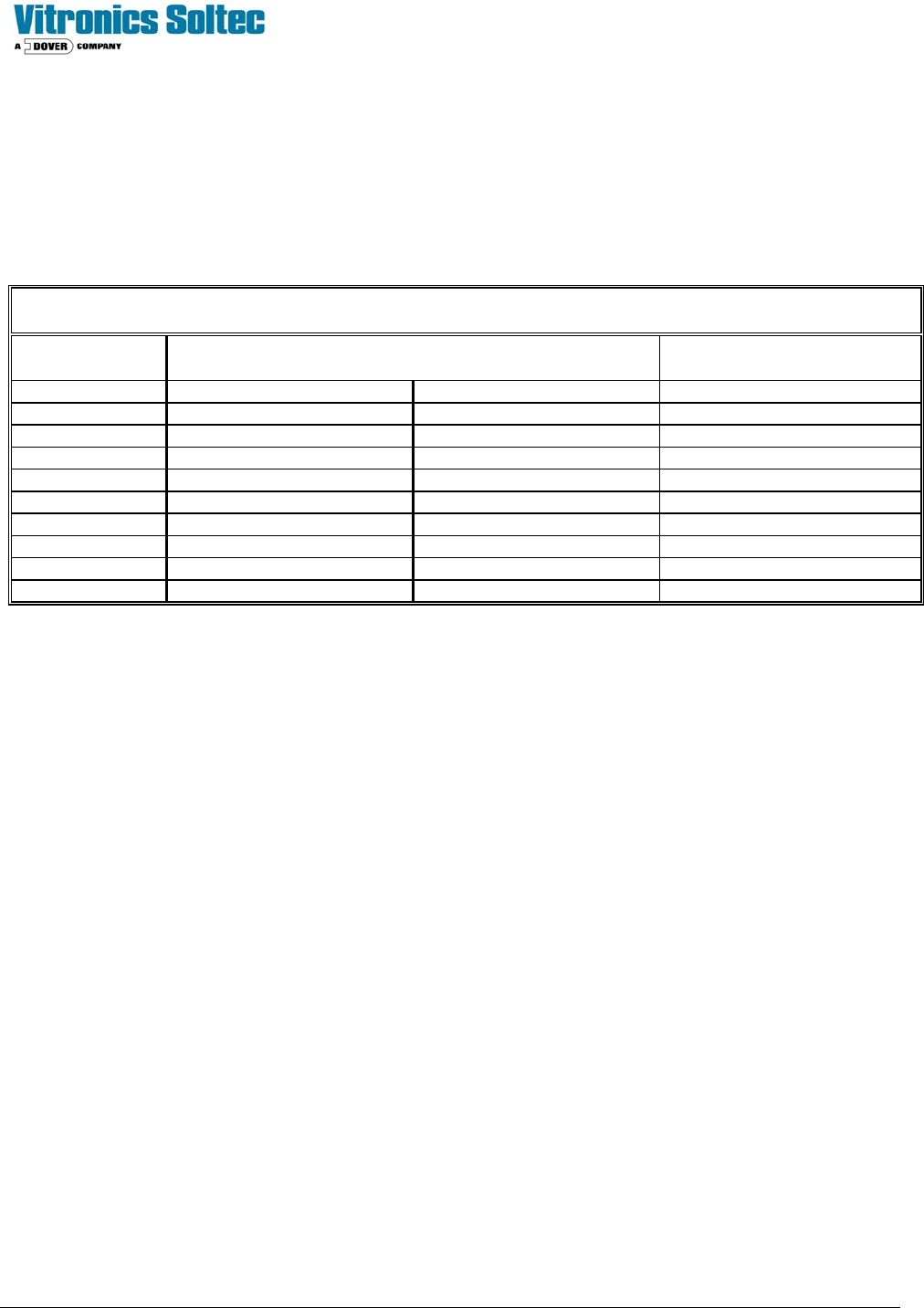
Refer to the table below for transformer tap settings.
SPLIT PRIMARY T1 CONNECTIONS
INPUT
VAC
CONNECT F50 TO
1L1 1L2
INSTALL
JUMPER
190V H1A & H1B H2A & H2B
200V H1A & H1B H3A & H3B
208V H1A & H1B H4A & H4B
220V H1A & H1B H5A & H5B
240V H1A & H1B H6A & H6B
380V H1A H2B H2A & H1B
400V H1A H3B H3A & H1B
415V H1A H4B H4A & H1B
440V H1A H5B H5A & H1B
480V H1A H6B H6A & H1B
Test procedure for control transformer voltage
Þ With main power to the oven off, close the circuit breaker on the line side of the transformer. Open the circuit breaker
on the secondary side of the transformer. Verify that the secondary side of the transformer's neutral leg is grounded.
Þ Re-apply oven power. Using a Voltmeter set the proper range, measure the output voltage of the single phase
control transformer.(X1 – X4)
The output voltage of the transformer should be within +/-10% of the nominal transformer voltage (i.e. 108 VAC to 132
VAC). If the output voltage of the transformer is outside these values, the primary taps of the transformer should be
adjusted accordingly.
120 VAC PERIPHERAL SUPPLY (Option)
Two double way AC convenience outlets are located on the oven.
The 120 volt convenience outlets have their hot terminals connected to wire #5, neutral to wire #2, ground to any ground
terminal on the main electrical back panel. These outlets are protected by circuit breaker F54, located on the main
electrical back panel.