Preventive Maintenance.pdf - 第30页
PREVENTIVE MAINTENANCE MONTHLY MAINTENANCE 35.30 Technical Reference Manu al Chapter Issue 3 Jan 08 Machine Level Tick Ensure machine is leve l and all feet exert pre ssure on the floor . Summary/Remarks Signed: Date:
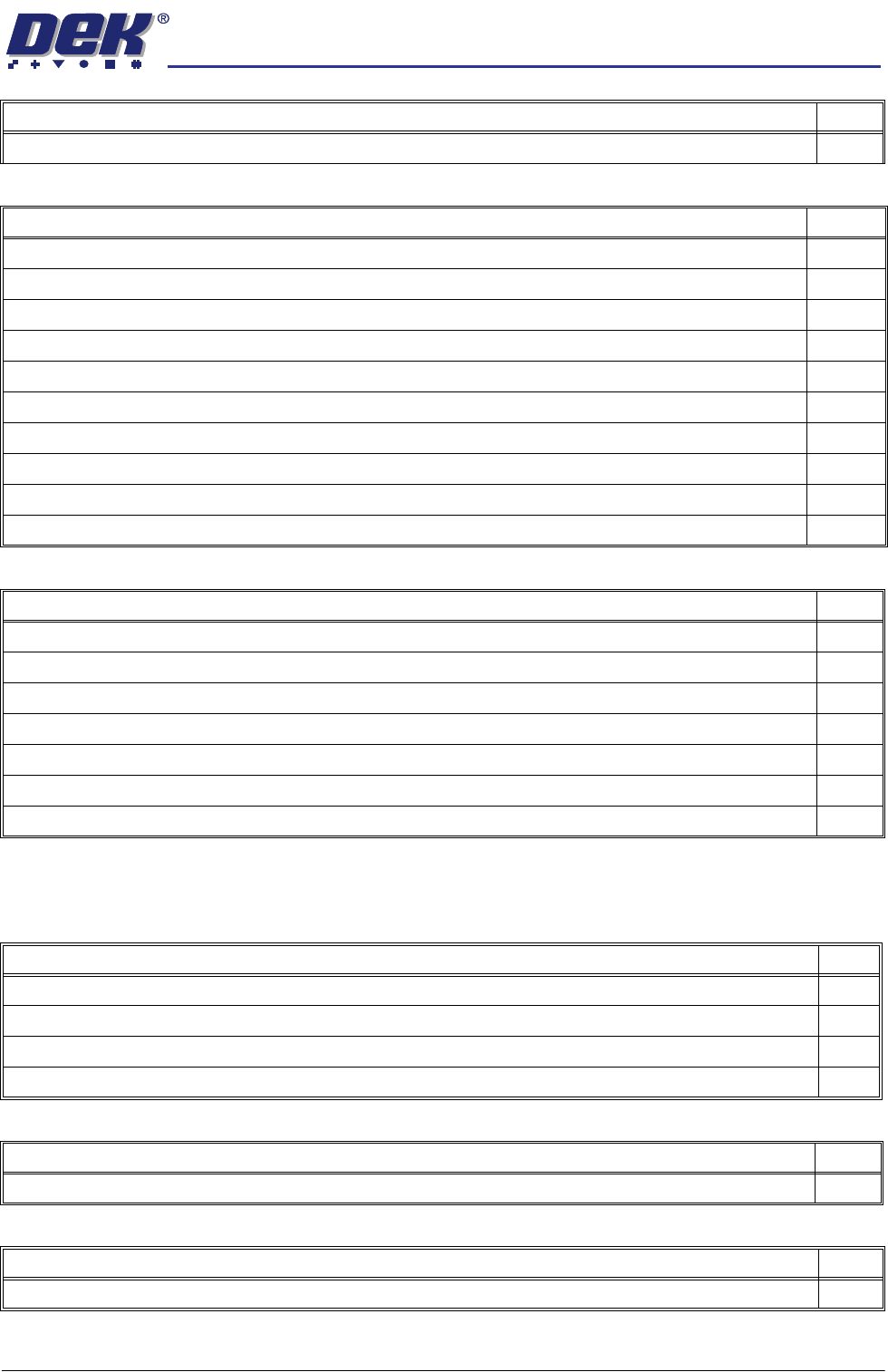
PREVENTIVE MAINTENANCE
MONTHLY MAINTENANCE
Chapter Issue 3 Jan 08 Technical Reference Manual 35.29
Monthly Hardware Check
Clean the evaporator and condenser filters.
Environmental Control Module (if fitted) Tick
Under Screen Cleaner (USC) (if fitted) Tick
Check that the paper feed mechanism operates correctly (Blue/Cyclone only).
Check the oscillation motor moves the cleaner mechanism back and forth (Vortex/Cyclone only).
Check the condition of the squeegee blades (Blue only). Squeegee blades must be replaced every 6 months.
Check that the cleaner mechanism raises and lowers smoothly.
Check the screen cleaner height.
Check that the solvent dispenses and it is at a suitable pressure.
Check that solvent dispenses evenly across the paper or cassette.
Check the condition of all hoses and connections.
Check the correct operation of the vacuum filtration unit.
Perform a USC cycle and confirm correct operation.
General Maintenance Tick
Check the condition of the board clamps.
Cycle the board clamps ensure that clamping and release is smooth.
Cycle the Test 265test 1 board on the transport rails ensure smooth operation.
Clean the table top of paste and debris, apply a wipe of light oil.
Clean the transport rails of paste and debris.
Inspect tooling pins/assemblies/modules for wear.
Inspect the air filters and clean/recommend replacement.
Screen Alignment Tick
Inspect the wiring and connections.
Inspect the three striker plates, clean and apply a wipe of light grease.
Check the actuator fixed ball at the end of the actuator shaft is clean.
Check all actuators home correctly.
USC Vacuum Filtration Unit (if fitted) Tick
If pre purchased, replace the paper, HEPA and carbon filters.
DC Power Supplies Tick
Check the DC voltage levels are within tolerance as detailed in the DEK Power Monitor program.

PREVENTIVE MAINTENANCE
MONTHLY MAINTENANCE
35.30 Technical Reference Manual Chapter Issue 3 Jan 08
Machine Level Tick
Ensure machine is level and all feet exert pressure on the floor.
Summary/Remarks
Signed: Date:
PREVENTIVE MAINTENANCE
MONTHLY MAINTENANCE
Chapter Issue 3 Jan 08 Technical Reference Manual 35.31
Month July Maintenance Procedure
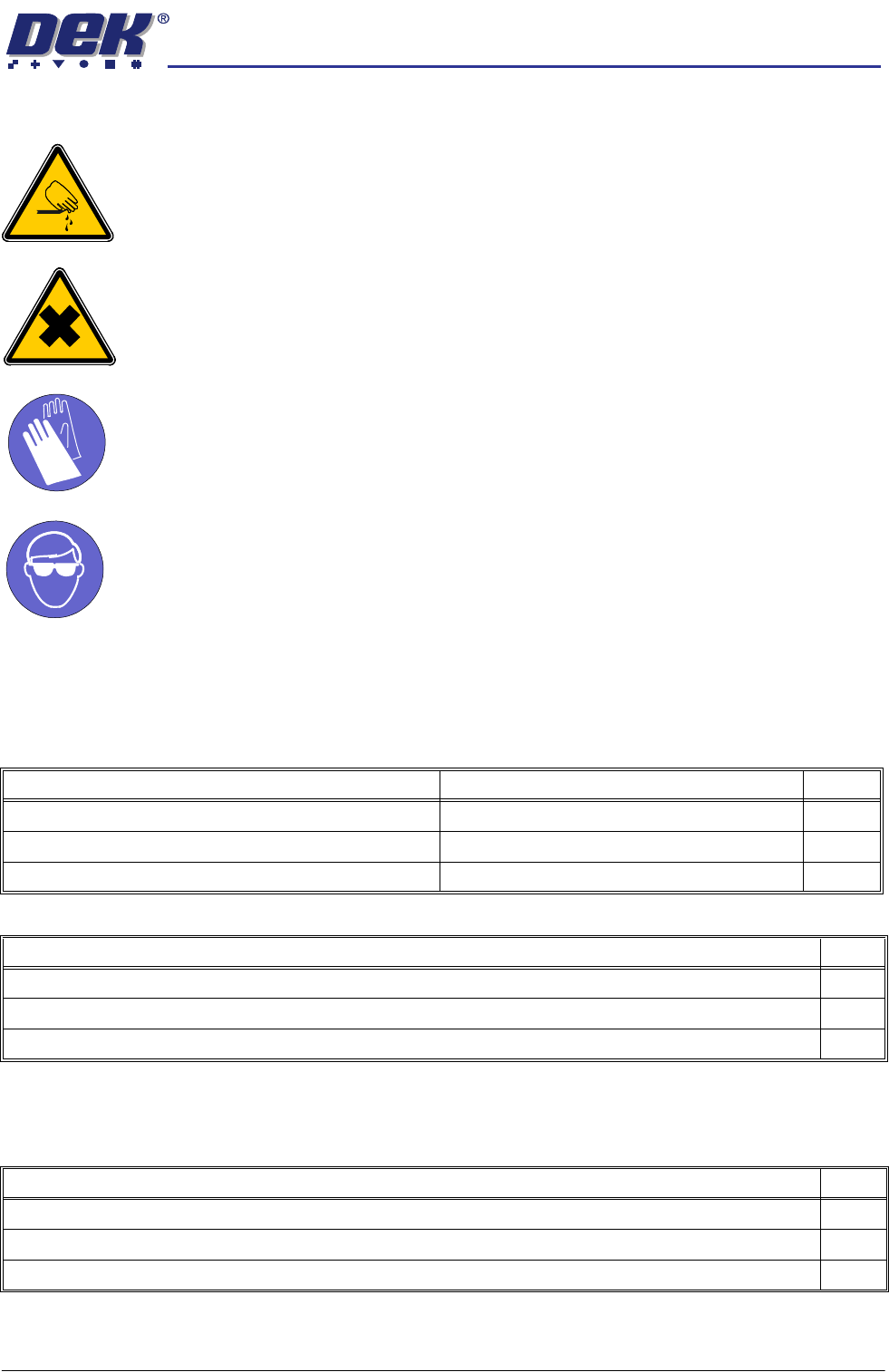
WARNING
BOARD CLAMPS. EXTREME CARE MUST BE EXERCISED WHEN WORKING IN
THE TOOLING AREA OF THE MACHINE TO AVOID INJURY. THE FOILS ON THE
FRONT AND REAR BOARD CLAMPS ARE VERY SHARP.
WARNING
HARMFUL SUBSTANCES. CLEANING WIPES AND CLEANING SOLUTIONS MAY
CONTAIN SUBSTANCES HAZARDOUS TO HEALTH. OBSERVE ALL
MANUFACTURERS’ HEALTH AND SAFETY GUIDELINES. ALWAYS WEAR
APPROVED PROTECTIVE CLOTHING WHEN CLEANING THE MACHINE.
MANDATORY
TOXIC CHEMICALS MAY BE PRESENT. SAFETY GLOVES MUST BE WORN.
MANDATORY
TOXIC CHEMICALS MAY BE PRESENT. EYE PROTECTION MUST BE WORN.
SPC Alignment
Check and Machine
Cycle Count
Fill out details: SPC Alignment Check and Machine Cycle Count at the start of
this section.
Software
Monthly Maintenance
Software Check Record Tick
Check the date and time settings.
Check the software loaded and options.
Check the software version is the latest issue.
View Event Log Tick
Check for initialisation errors.
Check for screen position errors (31210, 31211, 31212).
Check for camera errors (31207, 31208).
Environmental Control Module (if fitted) Tick
Inspect the air filters clean/replace (as detailed in the equipment manual).
Check for leakage in the system.
Check the system holds the temperature (as described in the equipment manual).