00193733-02.pdf - 第39页
SIPLACE F5 HM 1 Montageanleitung LP-Kamera Multicolor SIPLACE F5 HM Ausgabe 05/2007 1.13 Anhang: Platinen, Kabel und Schaltpläne 39 1.13 Anhang: Platinen, Kabel und Schaltpläne 1.13.1 Layout: LP-Board un d Vision-Board m…
1 Montageanleitung LP-Kamera Multicolor SIPLACE F5 HM SIPLACE F5 HM
1.12 Einstellung der Beleuchtung Ausgabe 05/2007
38
: Wählen Sie die volle Helligkeit oder die reduzierte Helligkeit durch Aktivieren oder Deaktivieren
des Rechteckfeldes.
: Wählen Sie den Button "Portal positionieren" und positionieren Sie das Portal über die aktuell
zu erkennende / zu testende Marke.
: Prüfen Sie am Vision-Bildschirm die Qualität der Abbildung (siehe Abschnitt "Marken teachen"
in der Betriebsanleitung).
: Falls die Abbildung der Marke noch nicht optimal ist, wählen Sie eine andere Beleuchtungs-
ebene / ggf. ändern Sie auch die Helligkeit und wählen nochmals den Button "Portal positio-
nieren".
: Falls die Abbildung der Marke in Ordnung ist, wählen Sie den Button "OK".
1
1
1
1
1
1
1
1
1
1
1
1
1
1
1
1
1
1
1
1
1
SIPLACE F5 HM 1 Montageanleitung LP-Kamera Multicolor SIPLACE F5 HM
Ausgabe 05/2007 1.13 Anhang: Platinen, Kabel und Schaltpläne
39
1.13 Anhang: Platinen, Kabel und Schaltpläne
1.13.1 Layout: LP-Board und Vision-Board modular
1
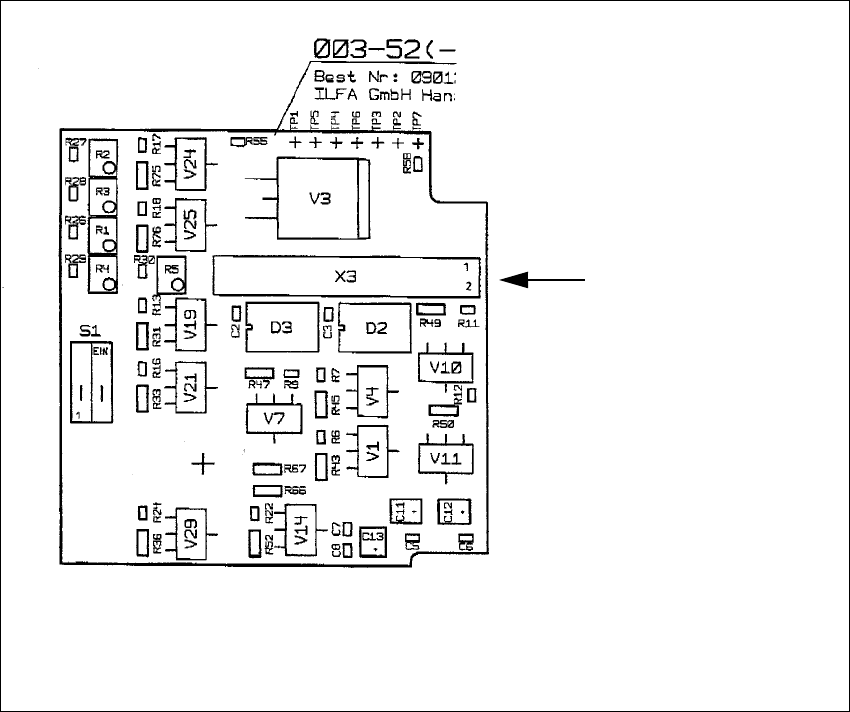
Abb. 1.13.1 Layout: LP-Board modular
1
Layout, Bauteilseite
Kabel
Beleuchtung der
LP-Kamera Multicolor
--> X3
1 Montageanleitung LP-Kamera Multicolor SIPLACE F5 HM SIPLACE F5 HM
1.13 Anhang: Platinen, Kabel und Schaltpläne Ausgabe 05/2007
40
1
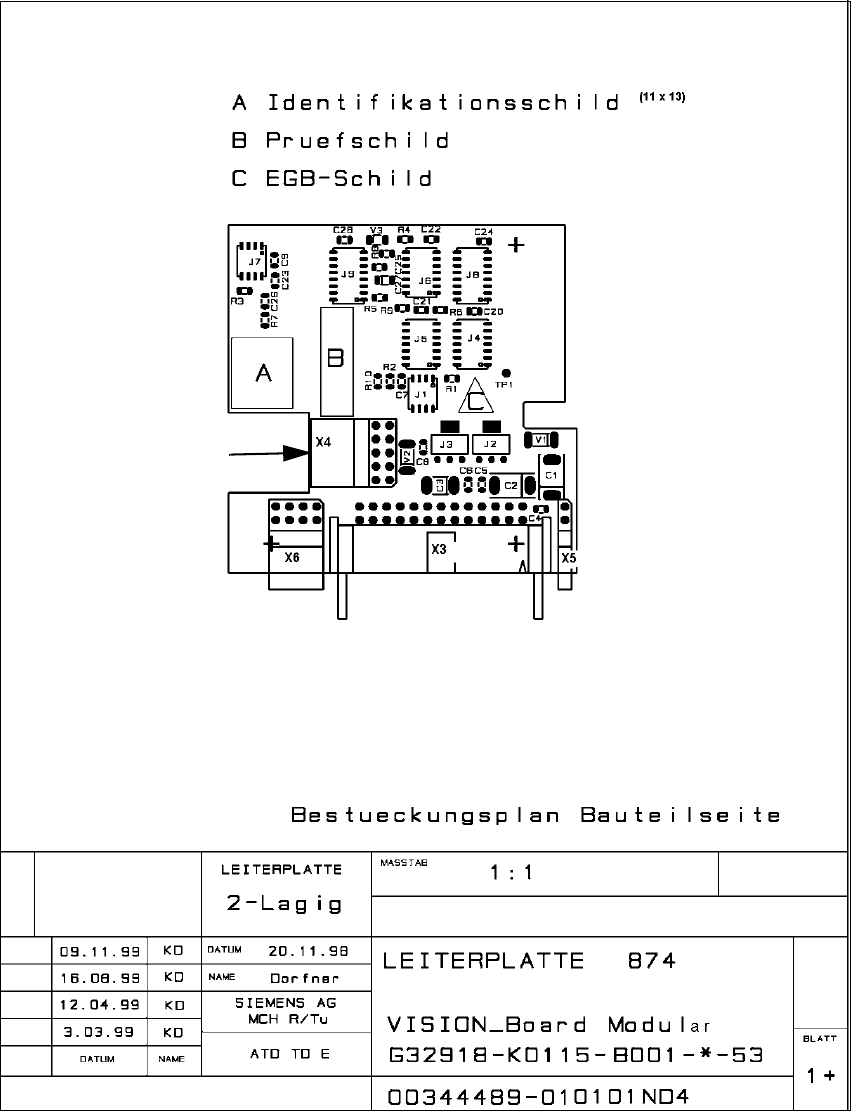
Abb. 1.13.2 Layout: Vision-Board modular
1
1
"Kamera" der
LP-Kamera Multicolor
-> X4
Kabel