Nordson_EFD_RV_Series_Operating_Manual - 第18页
RV Series Automated Dispensing Systems 18 www.nordsonefd.com info@nordsonefd.com +1-401-431-7000 Sales and service of Nordson EFD dispensing systems are available worldwide. Position the Robot and Install and Connect Com…
RV Series Automated Dispensing Systems
17www.nordsonefd.com info@nordsonefd.com +1-401-431-7000 Sales and service of Nordson EFD dispensing systems are available worldwide.
Installation
Use this section in tandem with the Quick Start Guide and the valve system manuals to install all components of the
system.
Unpack the System Components
CAUTION
Unpacking the robot requires a minimum of two people.
Do not attempt to lift the robot without assistance.
1. Remove all system components and ship-with
items from the packaging.
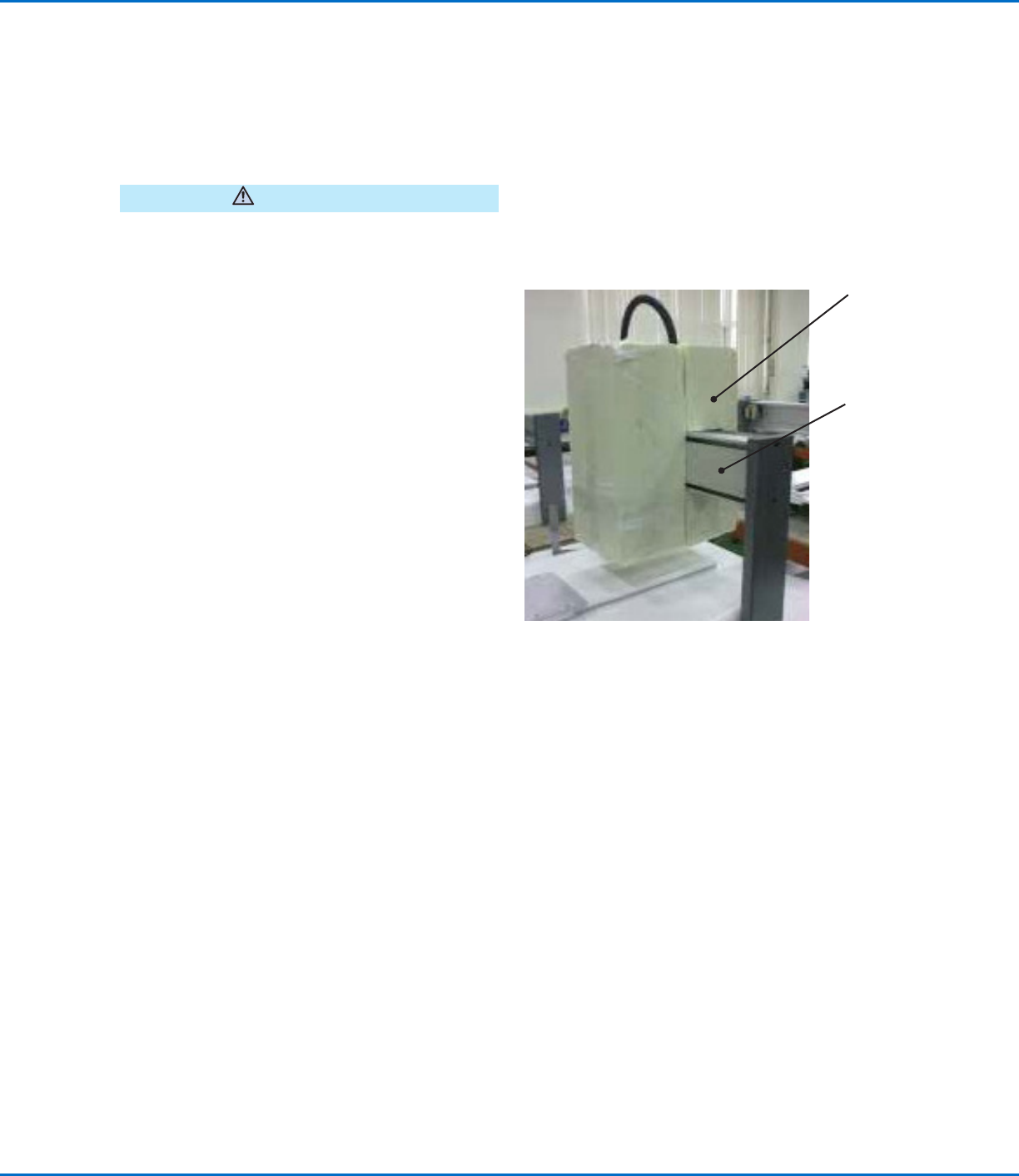
2. With assistance, carefully lift the robot by its base
and transfer it to a stable workbench. Never lift the
robot by its cross member.
NOTE: All units are shipped from the factory with
foam protectors that secure the worktable to
the X axis and the Zaxis to prevent movement
and damage during shipment. Nordson EFD
recommends retaining all packing material for use if
the robot is shipped or moved in the future.
3. Remove the protective foam covers and tape.
4. Double-check the shipping box to ensure you have
removed everything.
Foam
protector
Cross
member (do
not use to
lift the robot)
RV Series Automated Dispensing Systems
18 www.nordsonefd.com info@nordsonefd.com +1-401-431-7000 Sales and service of Nordson EFD dispensing systems are available worldwide.
Position the Robot and Install and Connect Components
Refer to the Quick Start Guide and to this section as needed to install the system components and make
connections.
NOTES:
• The components of an automated dispensing system vary. Steps for a complete system with all available
components are provided in this manual and in the Quick Start Guide. Perform only the steps that apply to your
system.
• If the system is being used in the European Community, the robot is shipped with an enclosure or light curtain
that (1) prevents an operator from entering the robot’s work area and (2) generates an emergency stop signal if the
enclosure door switch is opened while the robot is running.
Applicability Item
Components to Install
or Connect
Installation Tasks
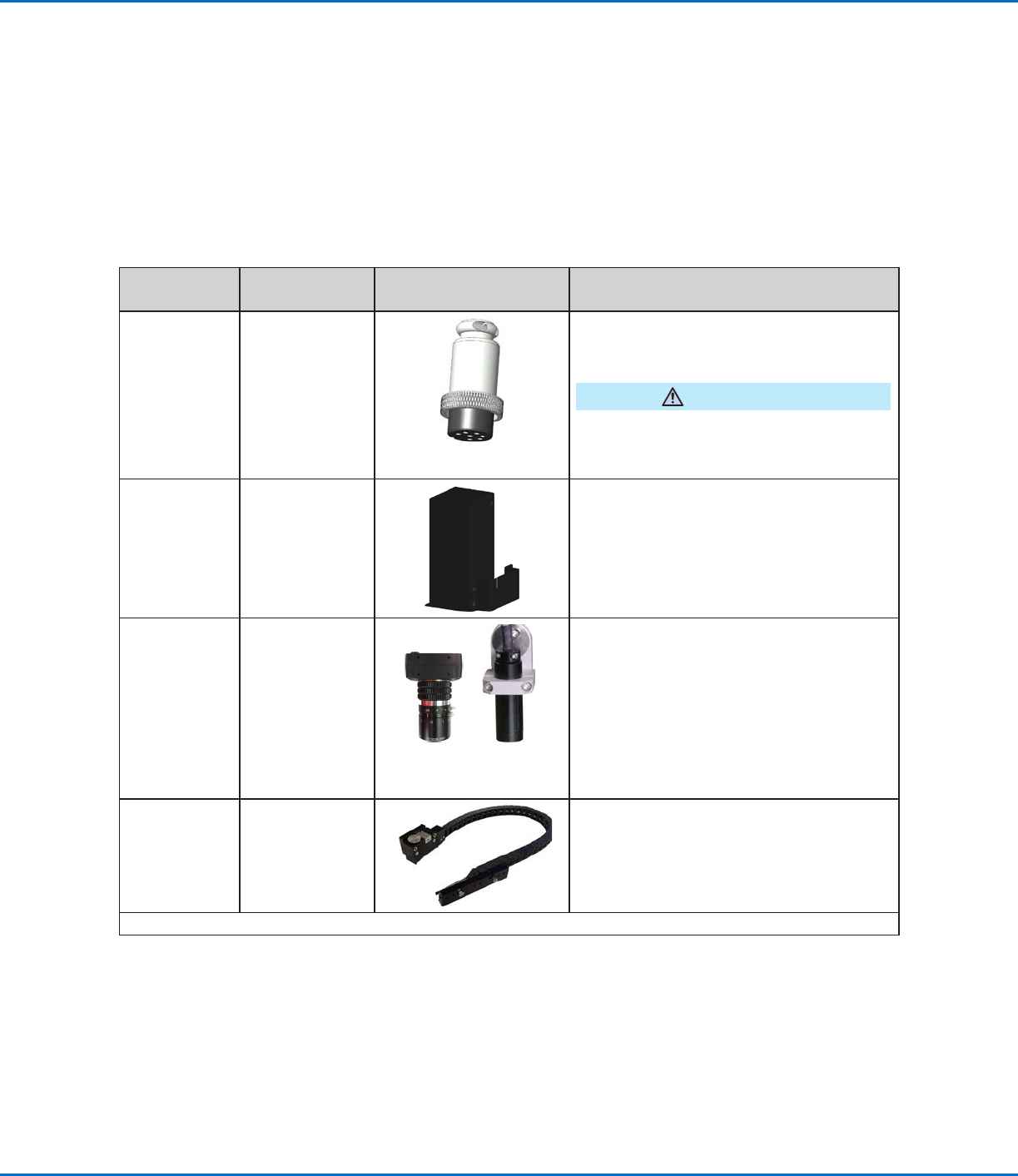
All models Input/output
safety plug
(SHORTED)
Connect the input/output safety plug to the
Ext. Control port to bypass the door switch.
CAUTION
Install this plug only if you want to bypass the
door switch. When this plug is installed, the
customer assumes all safety liability.
All models DispenseMotion
controller
Mount the DispenseMotion controller on
the shelf.
Install the shelf-and-controller assembly on
the left upright bracket.
Make the connections shown on the Quick
Start Guide.
All models CCD camera
Fixed-
mount
R-mount
(Optional for the fixed-mount camera only)
Install the provided optional lenses.
Install the camera and bracket assembly.
Connect the camera cable to the camera.
Route the camera cable through the dragon
chain on the Z axis.
Connect the cable to USB-CCD on the
DispenseMotion controller.
All models Tip detector or tip
aligner (optional)
Install the tip detector or tip aligner.
Connect the cable to the Tactile port on the
back of the robot.
Continued on next page
RV Series Automated Dispensing Systems
19www.nordsonefd.com info@nordsonefd.com +1-401-431-7000 Sales and service of Nordson EFD dispensing systems are available worldwide.
Position the Robot and Install and Connect Components (continued)
Applicability Item
Components to Install
or Connect
Installation Tasks
All models Monitor,
keyboard, and
mouse (not
shown); dongle
for wireless
keyboard and
mouse
Connect the monitor.
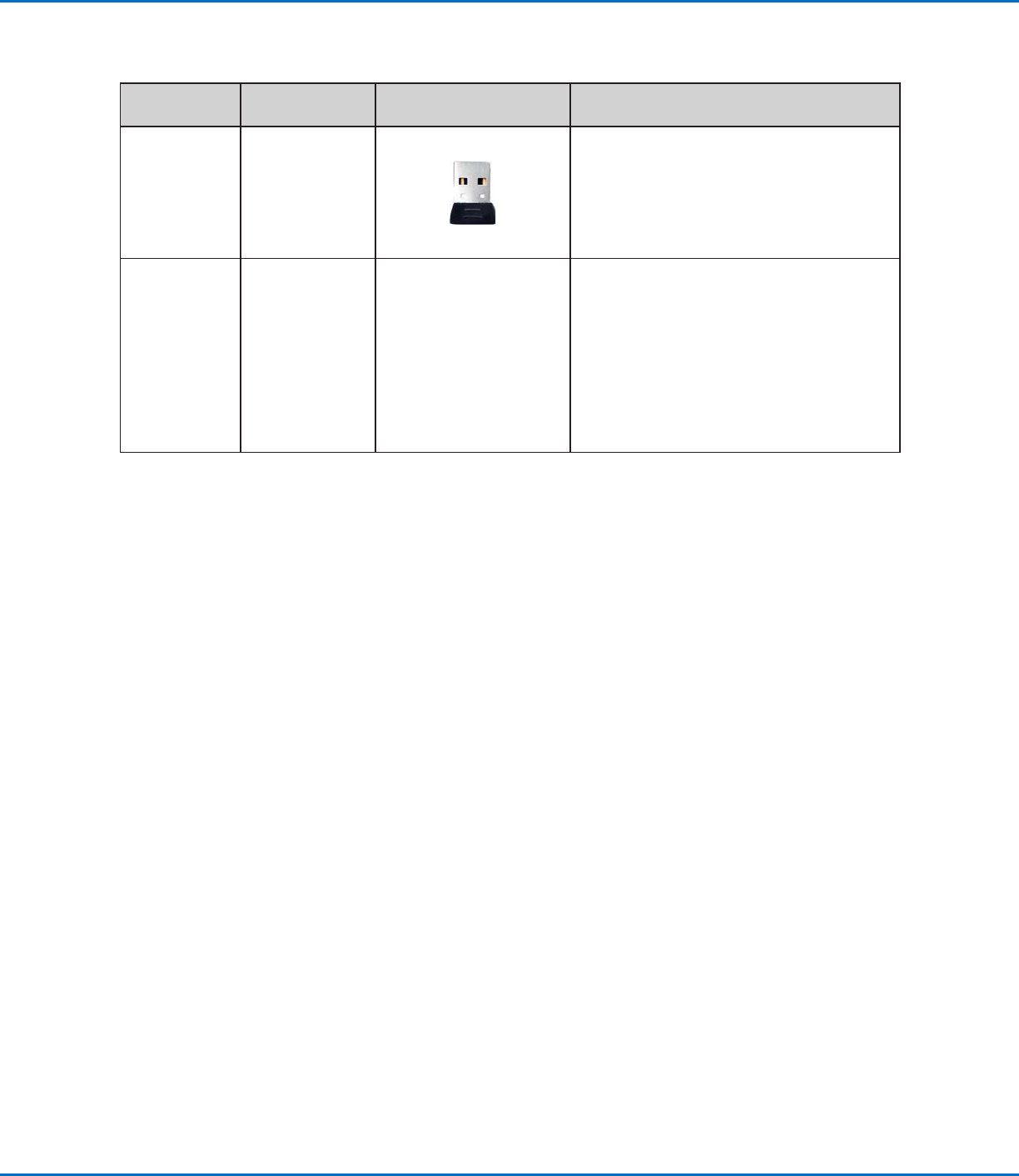
Connect the wireless keyboard and mouse
dongle to USB 4 on the DispenseMotion
controller.
All models Dispenser
components
As applicable
Mount the syringe barrel or dispensing
valve holder (as applicable) on the Zaxis;
choose mounting holes that allow a
maximum workpiece clearance but also
allow the dispensing tip to reach all areas
on the workpiece where dispensing is
required.
Refer to the dispensing equipment manuals
for all other dispensing system installation
steps.