4OM-1011-002.pdf - 第129页
0305-001 Tg0860-PM-MM *6 DESIGNA TE HEAD This allows designating the head where the special jig nozzle is picked up. Set either “HEAD #1” or “HEAD #2” in the data box. *7 FEEDER # This allows designating the feeder No. t…
0305-001 Tg0860-PM-MM
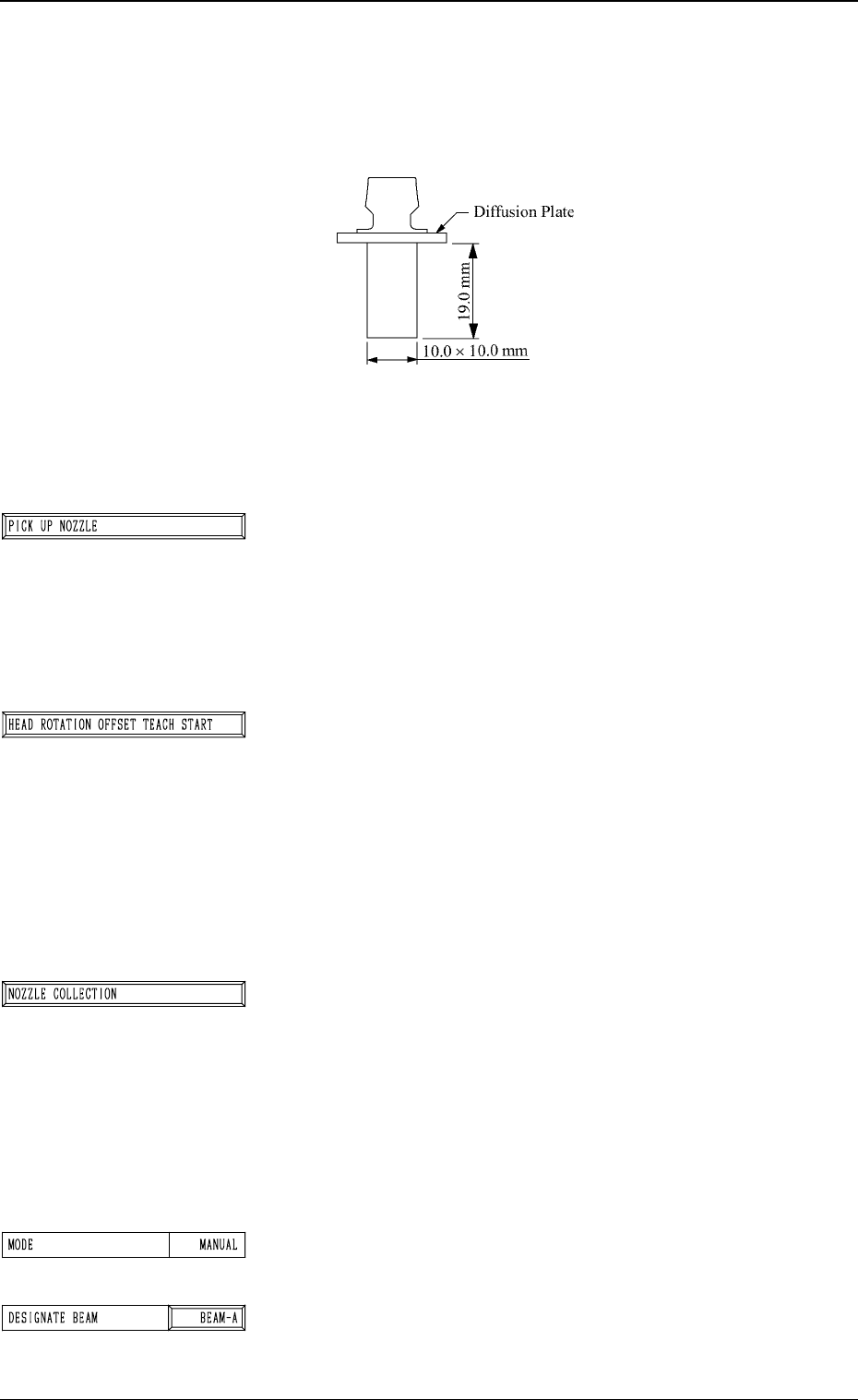
Special Jig Nozzle (Option)
Note: Consult our sales personnel for the detailed informa-
tion on how to use the special jig nozzle.
Name: Head Angle Setting Jig Nozzle (JG01)
Model Name: JG-0094
*1 [PICK UP NOZZLE] Key
The head (the head designated by setting parameters in the
“DESIGNATE BEAM” and “DESIGNATE HEAD” data
boxes) moves to the feeder # (the feeder # designated by
setting a parameter in the “FEEDER #” data box).
When this key is selected and the [MOVE] button is pressed,
the head moves to the designated feeder #.
*2 [HEAD ROTATION OFFSET TEACH START] Key
The machine performs the teaching operation of the rota-
tional angle offset data of the head selected by setting pa-
rameters in the “DESIGNATE BEAM” and “DESIGNATE
HEAD” data boxes.
When this key is selected and the [MOVE] button is pressed,
the machine starts the teaching operation.
Note: Before performing the teaching operations, be sure
to pick up the special jig nozzle and zero both
beams.
*3 [NOZZLE COLLECTION] Key
The machine works to collect the attached special jig nozzle.
When this key is selected and the [MOVE] button is pressed,
the head moves to the feeder # selected by setting a param-
eter in the “FEEDER #” data box. The special jig nozzle
must be collected by hand.
Note: After the teaching operation is completed, be sure
to collect the nozzle and detach the special jig
nozzle from the head.
*4 MODE
Only “MANUAL” is available.
*5 DESIGNATE BEAM
This allows designating the beam where the special jig
nozzle is picked up.
Set either “BEAM-A” or “BEAM-B” in the data box.
3-77
6.7 HEAD ROTATION OFFSET Display
Fig. 4C140
Fig. 4C141
Fig. 4C142
Fig. 4C143
Fig. 4C144
Fig. 4C145
0305-001 Tg0860-PM-MM
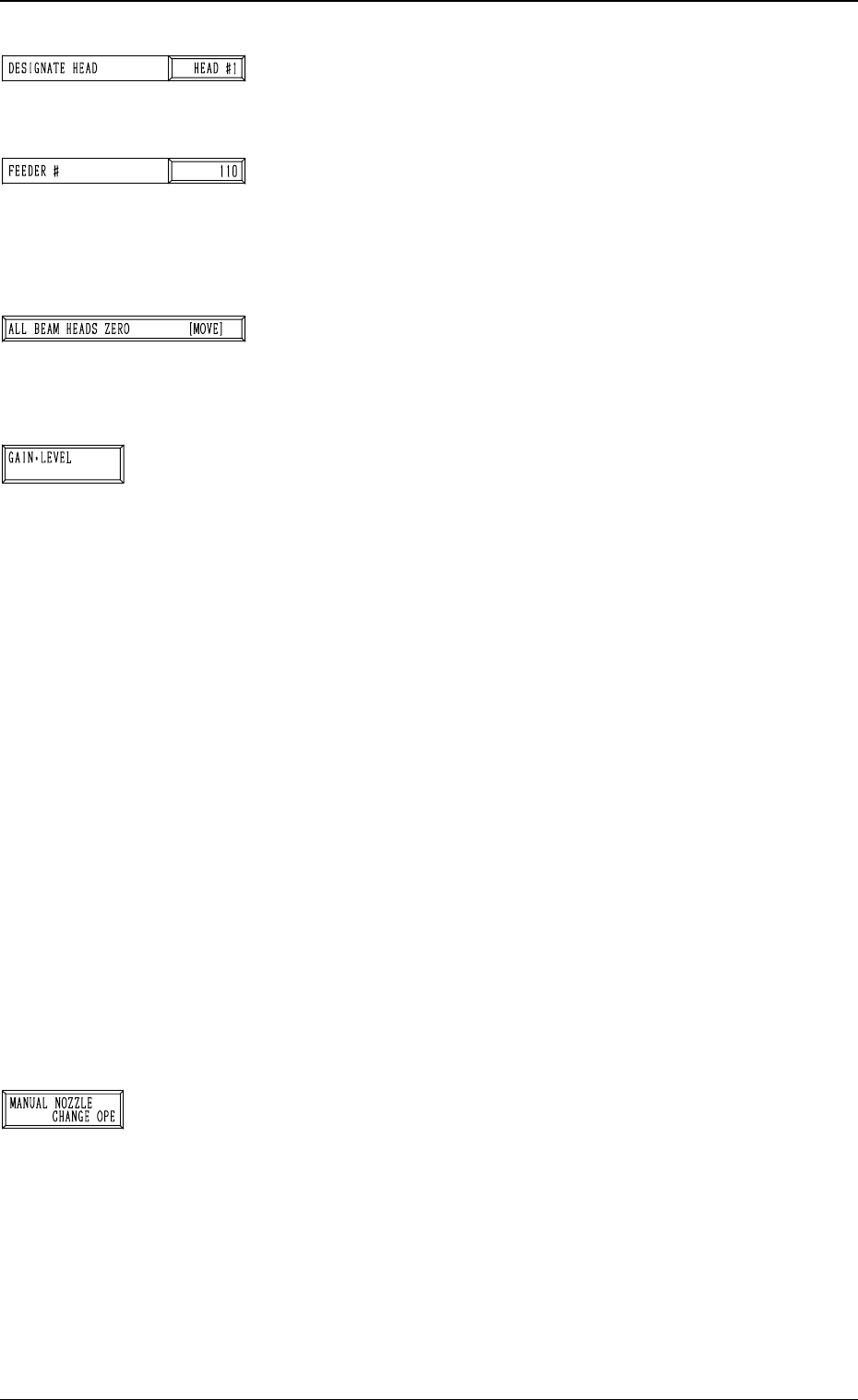
*6 DESIGNATE HEAD
This allows designating the head where the special jig nozzle
is picked up.
Set either “HEAD #1” or “HEAD #2” in the data box.
*7 FEEDER #
This allows designating the feeder No. to determine the
place where the special jig nozzle is attached by hand.
The head moves to the feeder designated when the nozzle
is attached or collected.
*8 [ALL BEAM HEADS ZERO [MOVE]] Key
Both Beams A and B are zeroed.
When this key is selected and the [MOVE] button is pressed,
the zeroing operation starts.
*9 [GAIN・LEVEL] Key
When this key is pressed, the “GAIN・LEVEL” display (Fig.
4C70) appears on the screen.
These parameters are used to set amplifications at which
the image signals of the image taken by the component rec-
ognition camera is converted into the picture information
representing brightness.
Parameters are set as the offset values for camera reference
gain and level.
Normal Fixed Value: ± 0
• When “ENABLE” is set in the “DESIGNATE” data box
at the “GAIN・LEVEL” display, be sure to set param-
eters in the “GAIN” and “LEVEL” data boxes.
The set parameters are used for P.E.C. recognition.
When “DISABLE” is set in the data box, the standard
parameters are set in the “GAIN” and “LEVEL” data
boxes.
• The lower the gain is, the bigger the contrast becomes.
• The lower the level is, the brighter the whole view be-
comes.
Note: Teaching operations are performed through compo-
nent recognition. Incorrect gain and level parameters
lead to the adverse result of teaching operations, caus-
ing some trouble.
*10 [MANUAL NOZZLE CHANGE OPE] Key
When this key is pressed, the “MANUAL NOZZLE
CHANGE OPERATION” display (Fig. 4C85) appears on
the screen.
The set parameters are used to store the nozzle before
coarse angle teaching operation or pick up the special jig
nozzle for angle teaching operation.
Refer to “9. Manual Nozzle Change Operation of Section
4 in Volume 1” for details.
3-78
6.7 HEAD ROTATION OFFSET Display
Fig. 4C146
Fig. 4C147
Fig. 4C148
Fig. 4C149
Fig. 4C150
0305-001 Tg0860-PM-MM
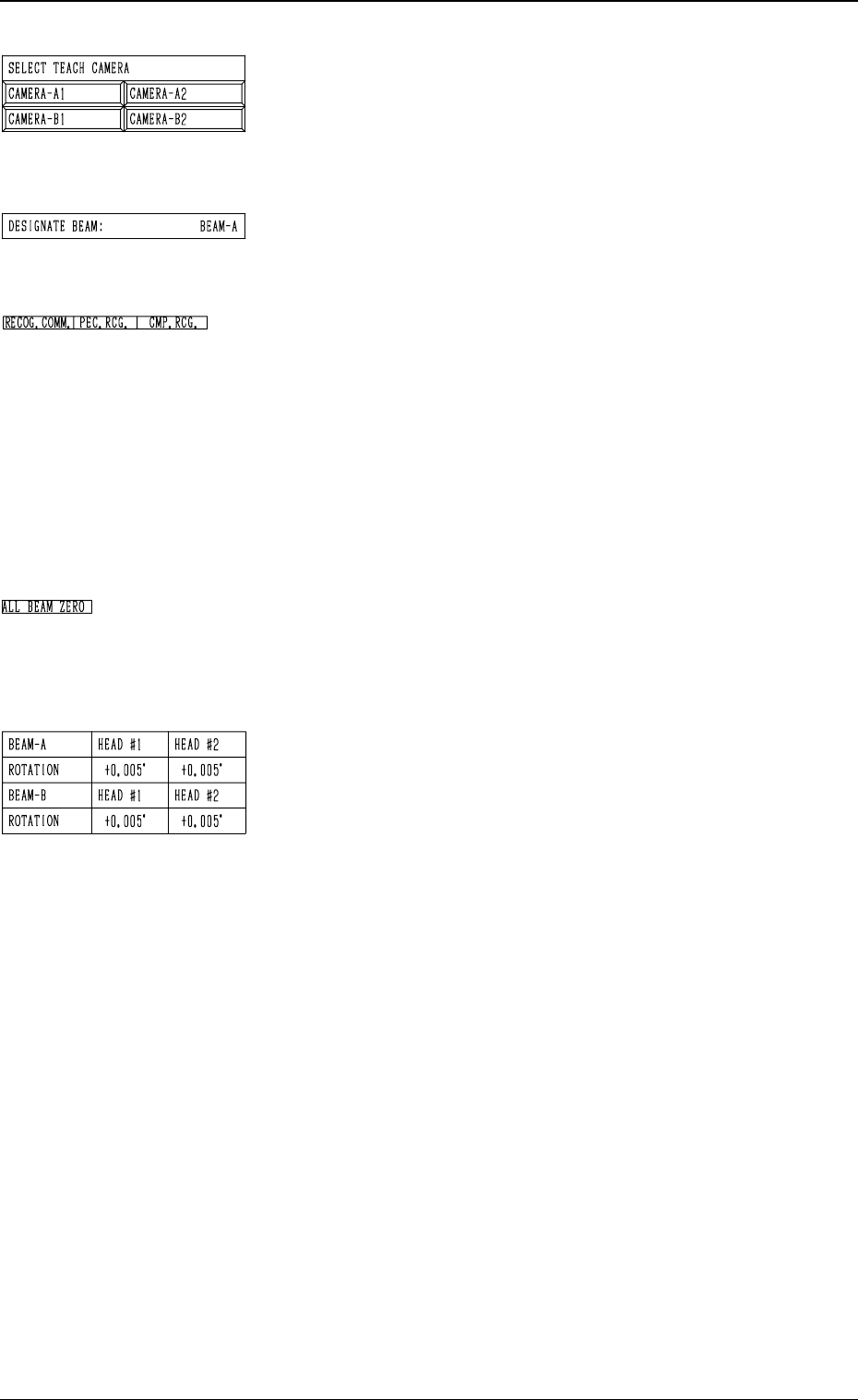
*11 SELECT TEACH CAMERA
A component recognition camera can be designated for
teaching the rotational shaft angle offset data.
Press the [CAMERA-A1], the [CAMERA-A2], the
[CAMERA-B1], or the [CAMERA-B2] key.
*12 DESIGNATE BEAM
Shown is the beam selected to pick up the special jig nozzle
which was designated in *5.
*13 RECOG. COMM.
When “DISABLE” is set in the “P.E.C.” and “COMPO
NENT RECOGNITION” data boxes at the “TEST
MODE” display, the background color of “P.E.C. RECOG.”
and “COMP. RECOG.” becomes light red. (No background
color in normal cases)
In this case, the recognition processing is not made even if
the teaching operations are performed. Therefore, the re
sults of various teaching operations are not reflected on
the offset data.
*14 ALL BEAM ZERO
When all beams are zeroed completely, the background
color of "ALL BEAM ZERO" turns green. Otherwise, the
background has no color.
*15 Offset Data
Shown is the rotational angle offset data for each head.
This function is used for housing the nozzle before the
rough angle teaching is performed or for special jig
nozzle pick- up during the angle teaching.
For the further details of operation, refer to “9. Manual
Nozzle Change Operation of Section 4 in Volume 1”.
3-79
6.7 HEAD ROTATION OFFSET Display
Fig. 4C151
Fig. 4C152
Fig. 4C153
Fig. 4C154
Fig. 4C155