Oxford-100-Manual.pdf - 第196页
Plasma lab and lonfab NOTES: Issue 1: March 04 Oxford Instruments Plasma Technology Restoring a Hard Drive Page 8 of 8 System Manual Printed: 24-Feb-05, 8:50
System
Manual
Oxford
Instruments
Plasma
Technology
Plasma
lab
and
lonfab
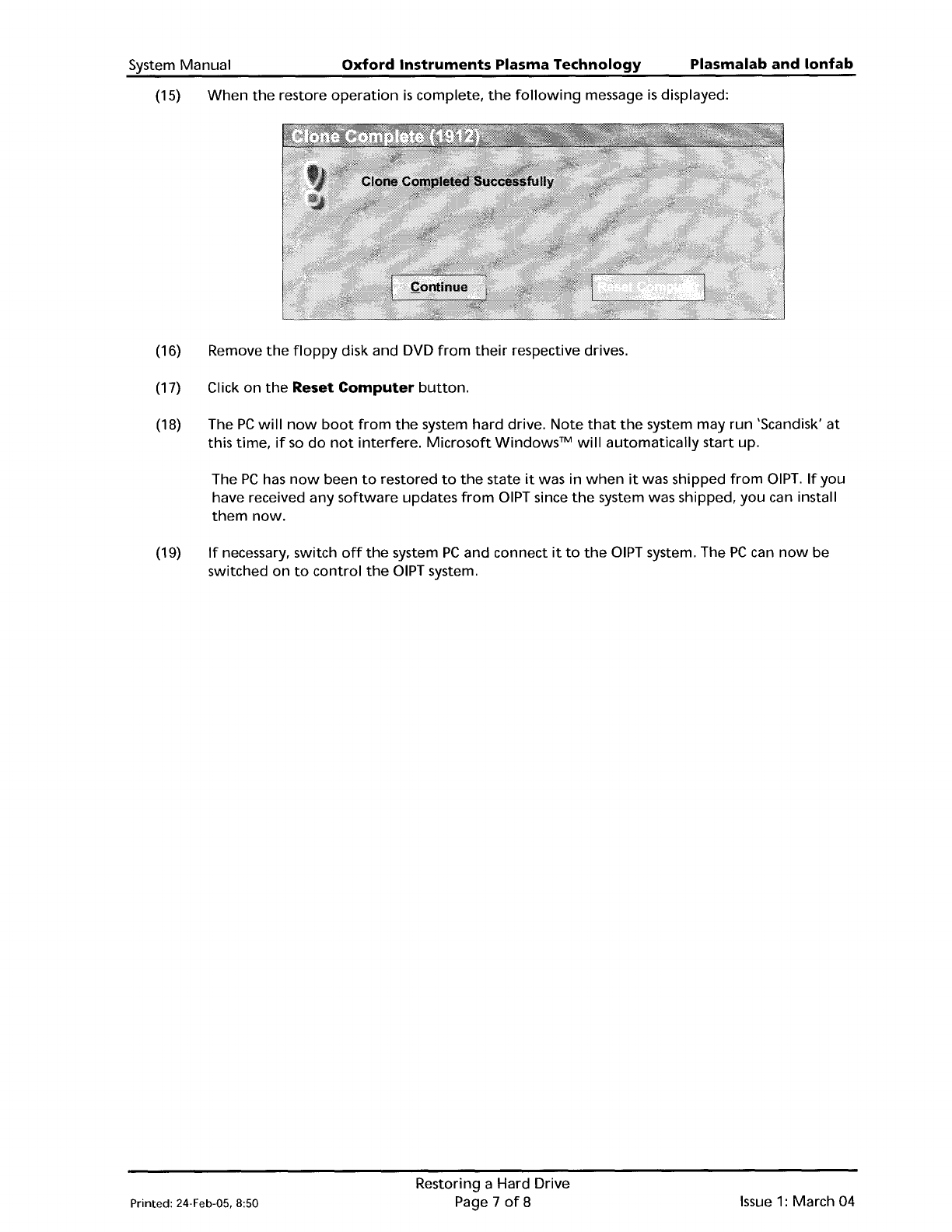
(15)
When
the
restore
operation
is
complete,
the
following
message
is
displayed:
(16) Remove
the
floppy
disk and DVD
from
their
respective drives.
(17) Click
on
the
Reset
Computer
button.
(18) The
PC
will
now
boot
from
the
system hard drive.
Note
that
the
system may
run
'Scandisk'
at
this
time,
if
so
do
not
interfere.
Microsoft
Windows™
will
automatically
start
up.
The
PC
has
now
been
to
restored
to
the
state
it
was in
when
it
was shipped
from
DIPT.
If
you
have received any
software
updates
from
DIPT since
the
system was shipped,
you
can install
them
now.
(19)
If
necessary, switch
off
the
system
PC
and connect
it
to
the
DIPT system. The
PC
can
now
be
switched
on
to
control
the
DIPT system.
Printed: 24·Feb·05, 8:50
Restoring a Hard Drive
Page 7
of
8
Issue
1:
March 04
Plasma
lab
and
lonfab
NOTES:
Issue
1:
March 04
Oxford
Instruments
Plasma
Technology
Restoring a Hard Drive
Page 8
of
8
System Manual
Printed: 24-Feb-05, 8:50
,
,
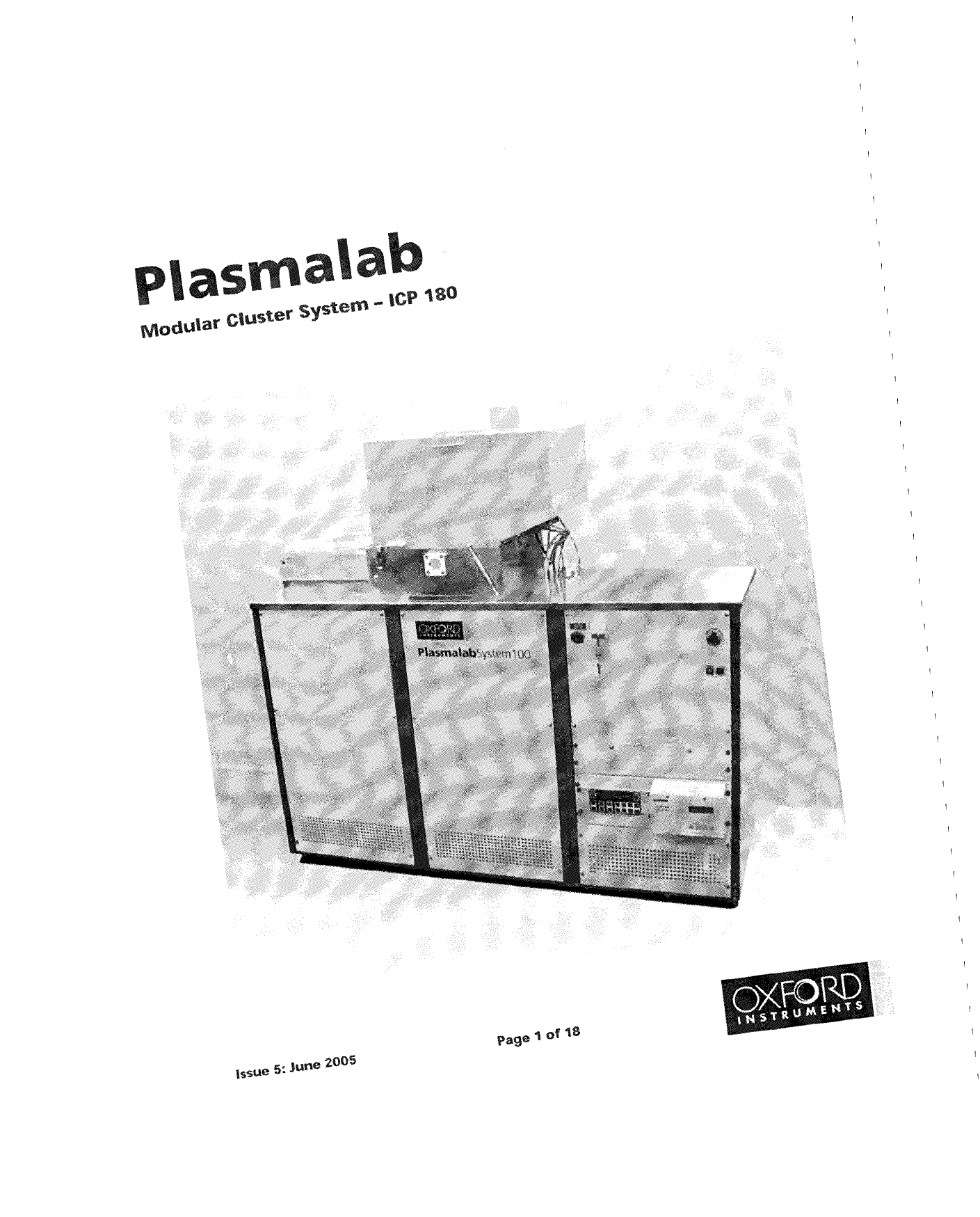
II/Iodular
CIUs~er
sys~em
- ICP
180