Oxford-100-Manual.pdf - 第60页
Plasma lab System 100 4.1 Introduction Oxford Instruments Plasma Technology System Manual The installation and cabling of this system is the responsibility of the customer (unless this has been specifically altered in th…
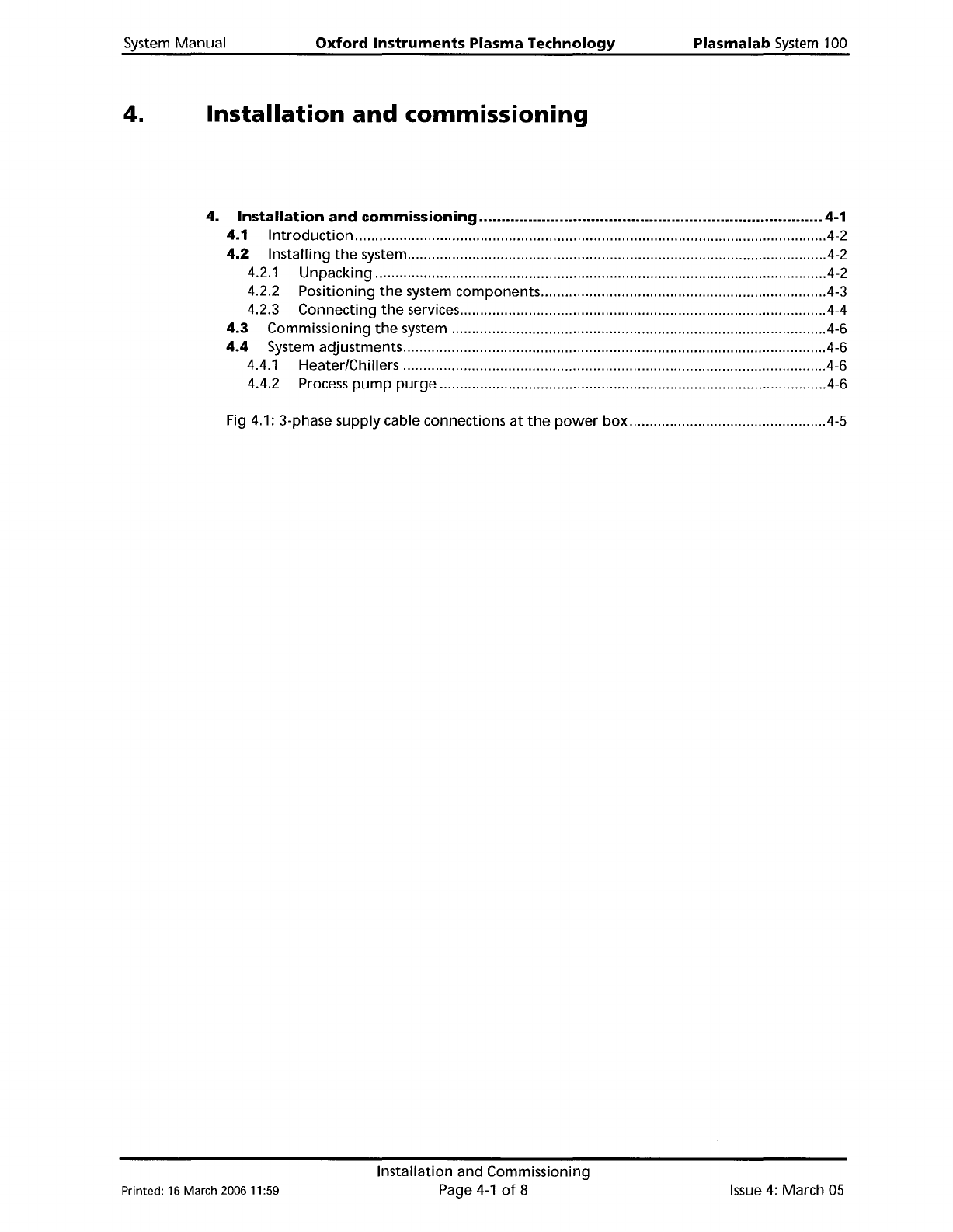
System
Manual
Oxford
Instruments
Plasma
Technology
Plasma
lab
System
100
4.
Installation
and
commissioning
4.
Installation
and
commissioning
4-1
4.1
Introduction
.4-2
4.2
Installing
the
system
4-2
4.2.1 Unpacking 4-2
4.2.2 Positioning
the
system components 4-3
4.2.3 Connecting
the
services 4-4
4.3
Commissioning
the
system 4-6
4.4
System adjustments .4-6
4.4.1 Heater/Chillers .4-6
4.4.2 Process
pump
purge
.4-6
Fig 4.1: 3-phase supply cable connections
at
the
power
box
4-5
Printed: 16 March 200611:59
Installation and Commissioning
Page
4-1
of
8
Issue
4:
March
as
Plasma
lab
System
100
4.1
Introduction
Oxford
Instruments
Plasma Technology
System
Manual
The
installation
and
cabling
of
this system
is
the
responsibility
of
the
customer (unless this has
been specifically
altered
in
the
sales contract). On
completion
of
the
system installation,
Oxford
Instruments Plasma Technology
(OIPT)
will
commission
the
system.
4.2
Installing
the
system
The
following
instructions are a general gUide
for
installing a typical PlasmalabSystem100
system, supplied
with
a
remote
gas
pod
and
rotary
vane
pump.
Customers should be
aware
of
any special
requirements
for
their
specific system, e.g.
rotary
pump
purging,
hazardous
processes,
endpoint
detectors etc
..
For details
of
the
services required,
refer
to
the
Installation Data Sheets and
the
Services
Specifications documents included in this manual
as
Appendices.
IMPORTANT:
BEFORE
INSTALLING
THE
SYSTEM,
ENSURE
THAT
ALL
PERSONNEL WHO
WILL
BE
INVOLVED HAVE READ
AND
UNDERSTOOD SECTION 1 'HEALTH
AND
SAFETY'
OF
THIS
MANUAL.
4.2.1 Unpacking
Unpack system components and check
for
damage and missing items against
the
packing list.
If
any items are
damaged
or
missing,
report
immediately
to
the
carrier and
OIPT.
Issue
4:
March 05
Installation and Commissioning
Page 4-2
of
8
Printed: 16
March
200611:59
System
Manual
Oxford
Instruments
Plasma
Technology
Plasma
lab
System
100
4.2.2
Positioning
the
system
components
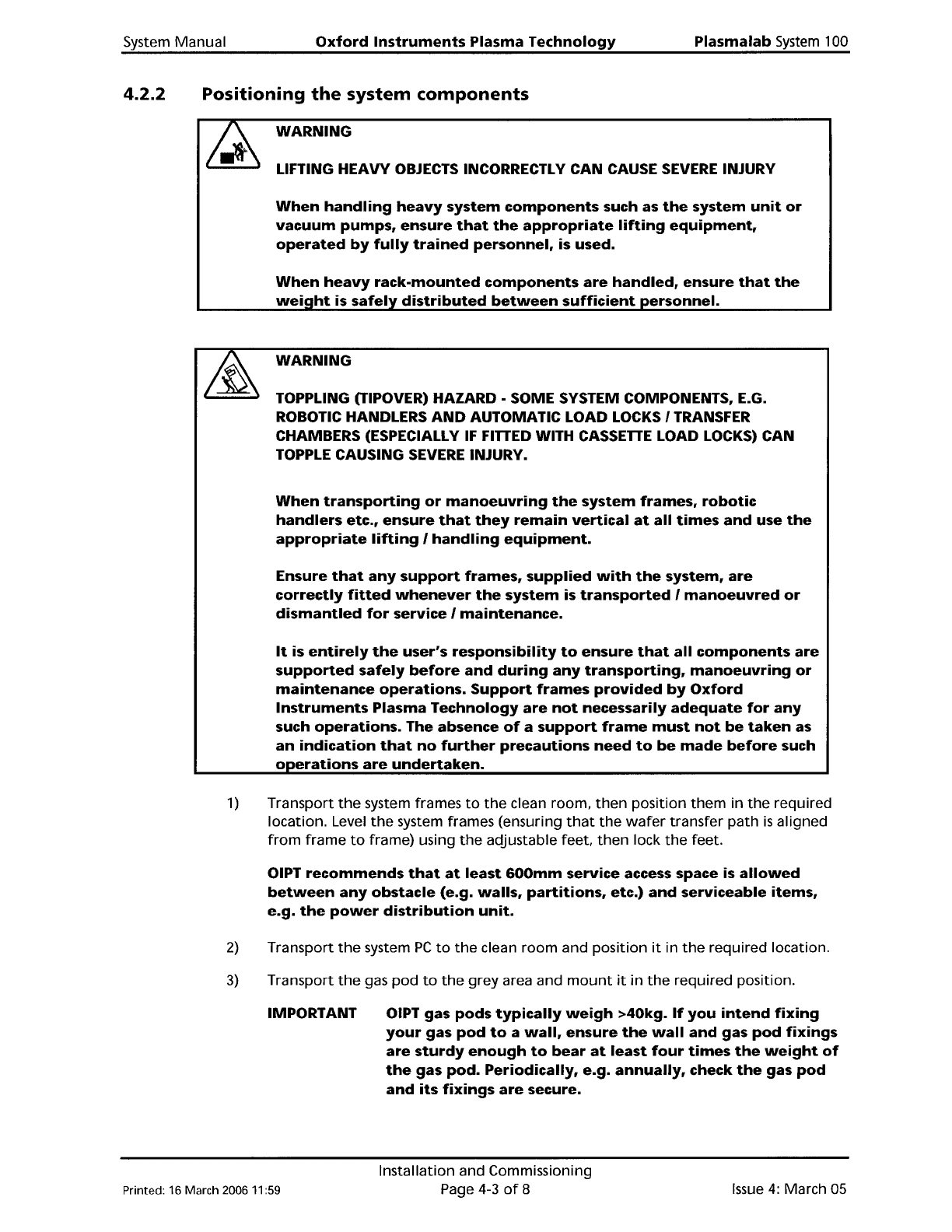
WARNING
LIFTING HEAVY
OBJECTS
INCORRECTLY CAN CAUSE SEVERE INJURY
When
handling
heavy
system
components
such as
the
system
unit
or
vacuum
pumps,
ensure
that
the
appropriate
lifting
equipment,
operated
by
fUlly
trained
personnel,
is used.
When
heavy
rack-mounted
components
are
handled,
ensure
that
the
weiQht
is
safely
distributed
between
sufficient
personnel.
WARNING
TOPPLING (TIPOVER) HAZARD - SOME SYSTEM COMPONENTS, E.G.
ROBOTIC HANDLERS
AND
AUTOMATIC LOAD LOCKS I TRANSFER
CHAMBERS (ESPECIALLY
IF
FITTED WITH
CASSETTE
LOAD LOCKS) CAN
TOPPLE CAUSING SEVERE INJURY.
When
transporting
or
manoeuvring
the
system
frames,
robotic
handlers
etc.,
ensure
that
they
remain
vertical
at
all
times
and
use
the
appropriate
lifting
I
handling
equipment.
Ensure
that
any
support
frames,
supplied
with
the
system,
are
correctly
fitted
whenever
the
system
is
transported
I
manoeuvred
or
dismantled
for
service I
maintenance.
It
is
entirely
the
user's
responsibility
to
ensure
that
all
components
are
supported
safely
before
and
during
any
transporting,
manoeuvring
or
maintenance
operations.
Support
frames
provided
by
Oxford
Instruments
Plasma
Technology
are
not
necessarily
adequate
for
any
such
operations.
The absence
of
a
support
frame
must
not
be
taken
as
an
indication
that
no
further
precautions
need
to
be
made
before
such
operations
are
undertaken.
1)
Transport
the
system frames
to
the
clean
room,
then
position
them
in
the
required
location. Level
the
system frames (ensuring
that
the
wafer
transfer
path
is
aligned
from
frame
to
frame) using
the
adjustable feet,
then
lock
the
feet.
OIPT
recommends
that
at
least
600mm
service access space is
allowed
between
any
obstacle
(e.g.
walls,
partitions,
etc.)
and
serviceable
items,
e.g.
the
power
distribution
unit.
2)
Transport
the
system
PC
to
the
clean
room
and
position
it
in
the
required
location.
3)
Transport
the
gas
pod
to
the
grey
area and
mount
it
in
the
required
position.
IMPORTANT
OIPT gas pods
typically
weigh
>40kg.
If
you
intend
fixing
your
gas
pod
to
a
wall,
ensure
the
wall
and
gas
pod
fixings
are
sturdy
enough
to
bear
at
least
four
times
the
weight
of
the
gas
pod.
Periodically,
e.g.
annually,
check
the
gas
pod
and
its
fixings
are
secure.
Printed: 16 March 2006
11
:59
Installation and Commissioning
Page 4-3
of
8
Issue
4:
March 05