Operating Manual - 第70页
4022 591 960 62 Operating Manual 02.0 2 FCM Mu ltif lex 68 Running Production 10.3 T ape cutting 1. C ut and remove ta pe a nd top foi l reg ul arl y . FIGURE 113
4022 591 96062 Operating Manual
02.02 FCM Multiflex 67
Running Production
FIGURE 111
FIGURE 112
4022 591 96062 Operating Manual
02.02 FCM Multiflex 68
Running Production
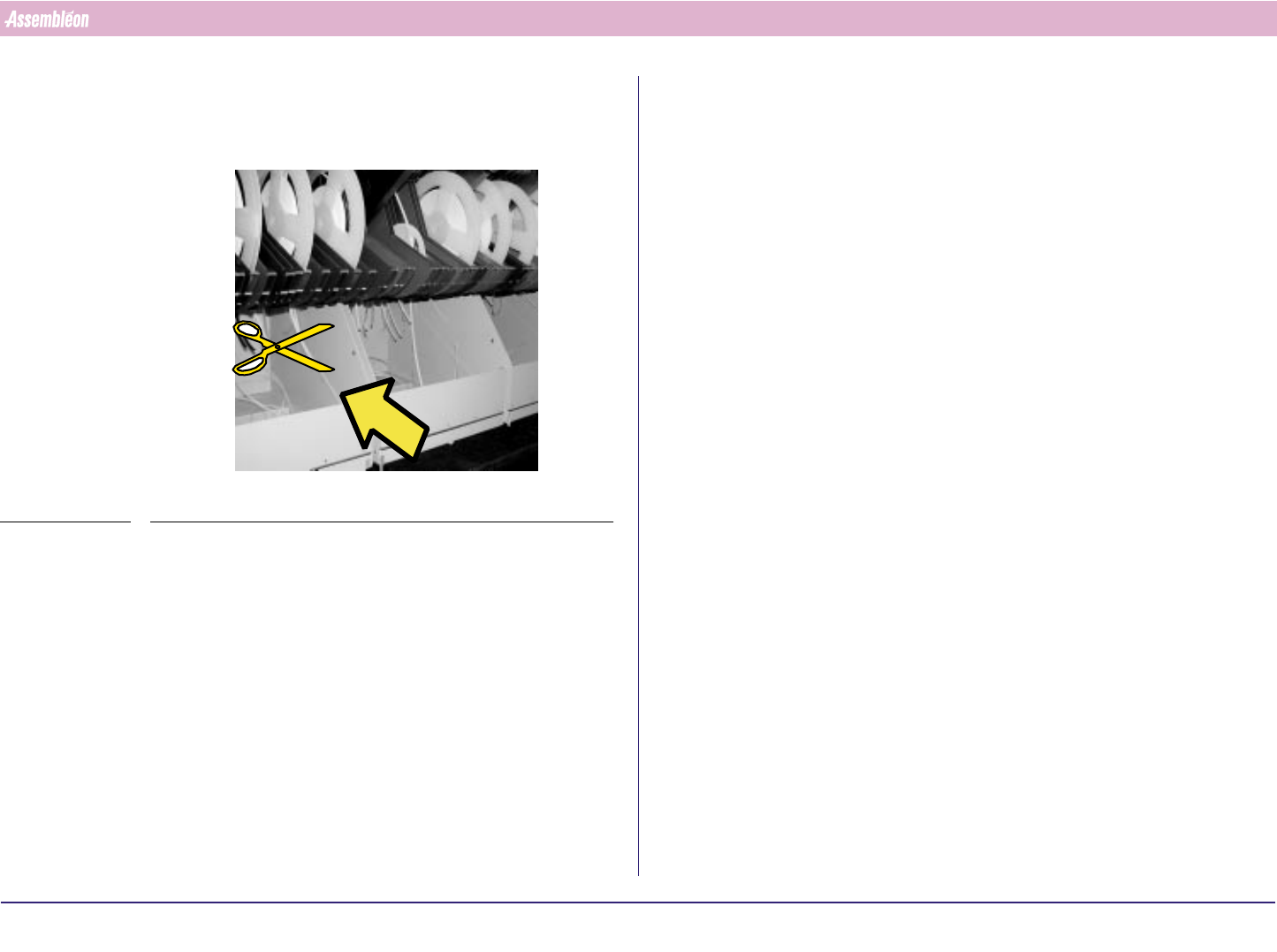
10.3 Tape cutting
1. Cut and remove tape and top foil regularly.
FIGURE 113
4022 591 96062 Operating Manual
02.02 FCM Multiflex 69
Error Handling
CHAPTER 11 Error Handling
11.1 Error Handling
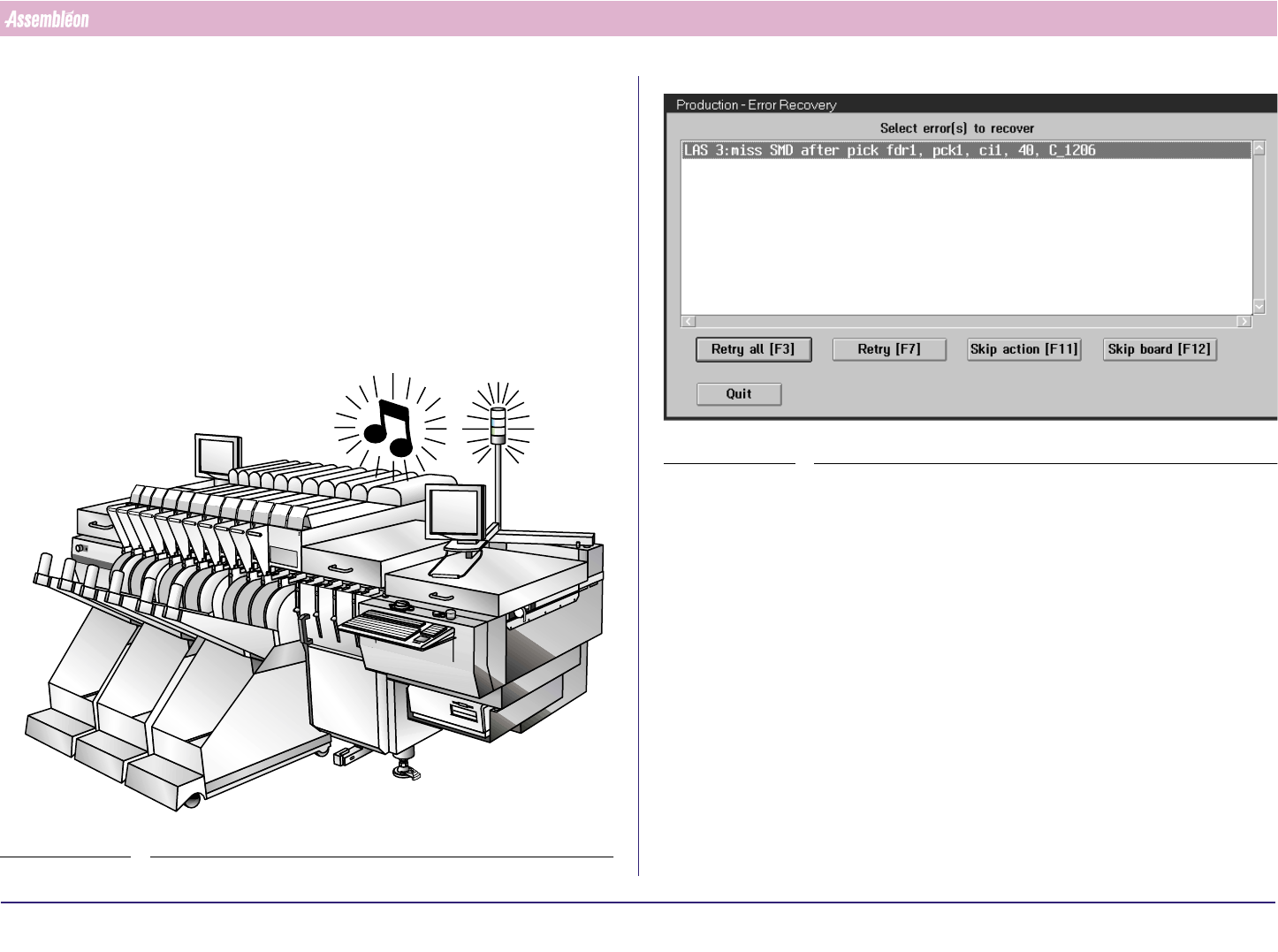
In case of an error, this can be noticed.
■ The machine will stop.
■ The blue warning light.
■ Warning beeps.
■ The status display will change to Error.
■ The module with an error will turn red in the status window
FIGURE 114
1.
SCREEN 51
2. The dialogue shows all process errors.
3. If an error message is not clear, select the message and press ‘F1’
(activates the Help Screen).
In case of an SVS Pro error: select the error on the scanner.
When a position indicator is scanned the first error or warning on the
concerning feeder trolley is selected.
4. Solve the problem.
5. After the problem is solved:
■ Select ‘Retry all [F3]’ to retry all displayed errors.
■ Select ‘Retry [F7]’ to retry only the selected error(s).