DEK INFINITY USER MANUAL.pdf.pdf - 第108页
INFINITY 0$&+,1( 352*5$ 00,1* 0(183$5$ 0(7(5 6 1.106 User Manual Software Versi on 7 Scr een 2 Fiducial Ty p e This determines the type of model to be used for this fiducial. Options are: Scr een 3 Fiducial Ty p e …
INFINITY
0$&+,1(352*5$00,1*
0(183$5$0(7(56
Software Version 7 User Manual 1.105
Board 3 Fiducial
Type
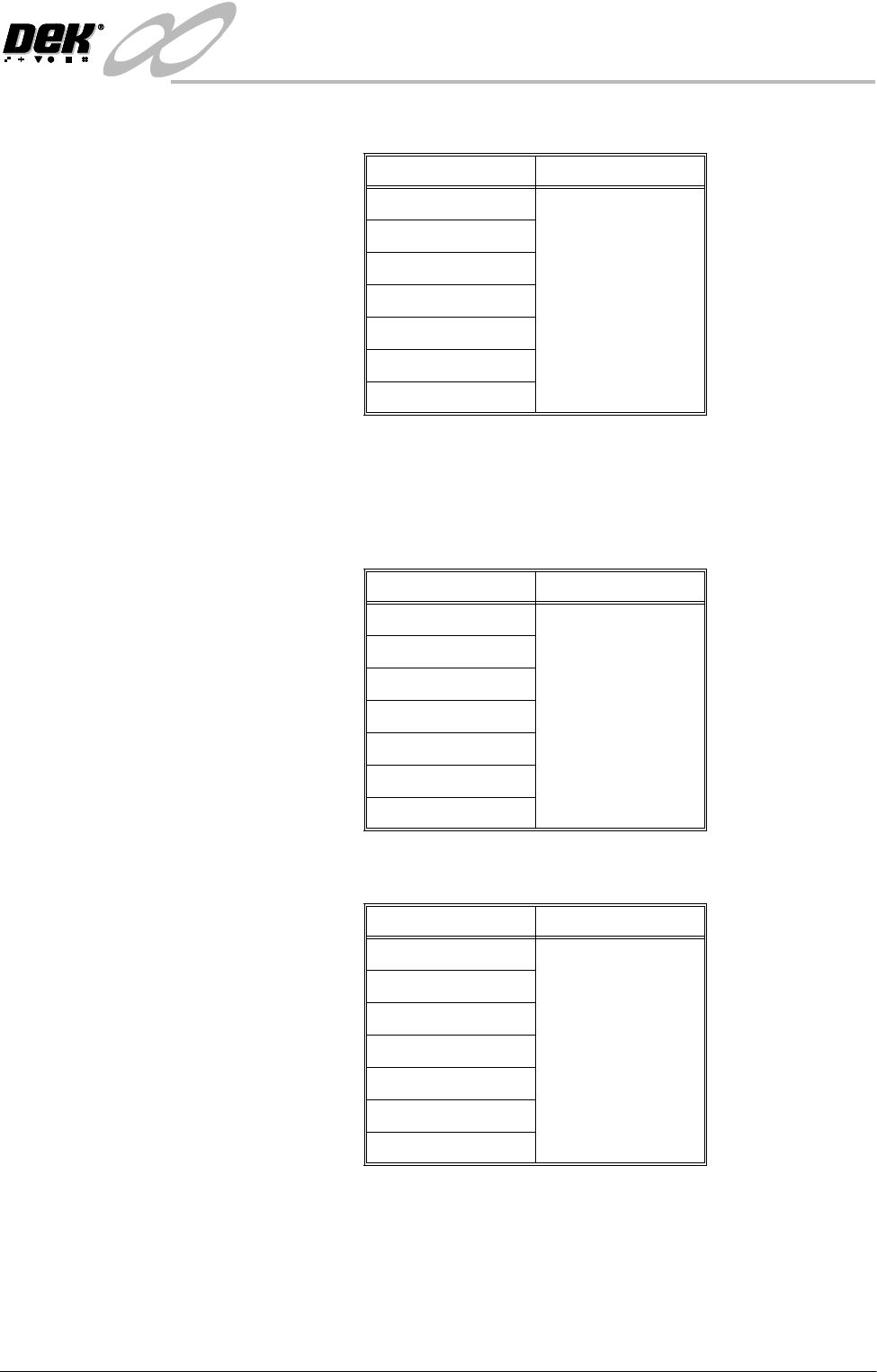
This determines the type of model to be used for this fiducial. Options are:
Select Mark Type This determines the type of model to be used on the board for the select mark.
Options are:
NOTE
Only used while Selective Print/Pass is enabled in Set preferences.
Screen 1 Fiducial
Type
This determines the type of model to be used for this fiducial. Options are:
Model Option Note
Circle
See vision system
Rectangle
Diamond
Triangle
Double Square
Cross
Video Model
Model Option Note
Circle
See vision system
Rectangle
Diamond
Triangle
Double Square
Cross
Video Model
Model Option Note
Circle
See vision system
Rectangle
Diamond
Triangle
Double Square
Cross
Video Model
INFINITY
0$&+,1(352*5$00,1*
0(183$5$0(7(56
1.106 User Manual Software Version 7
Screen 2 Fiducial
Type
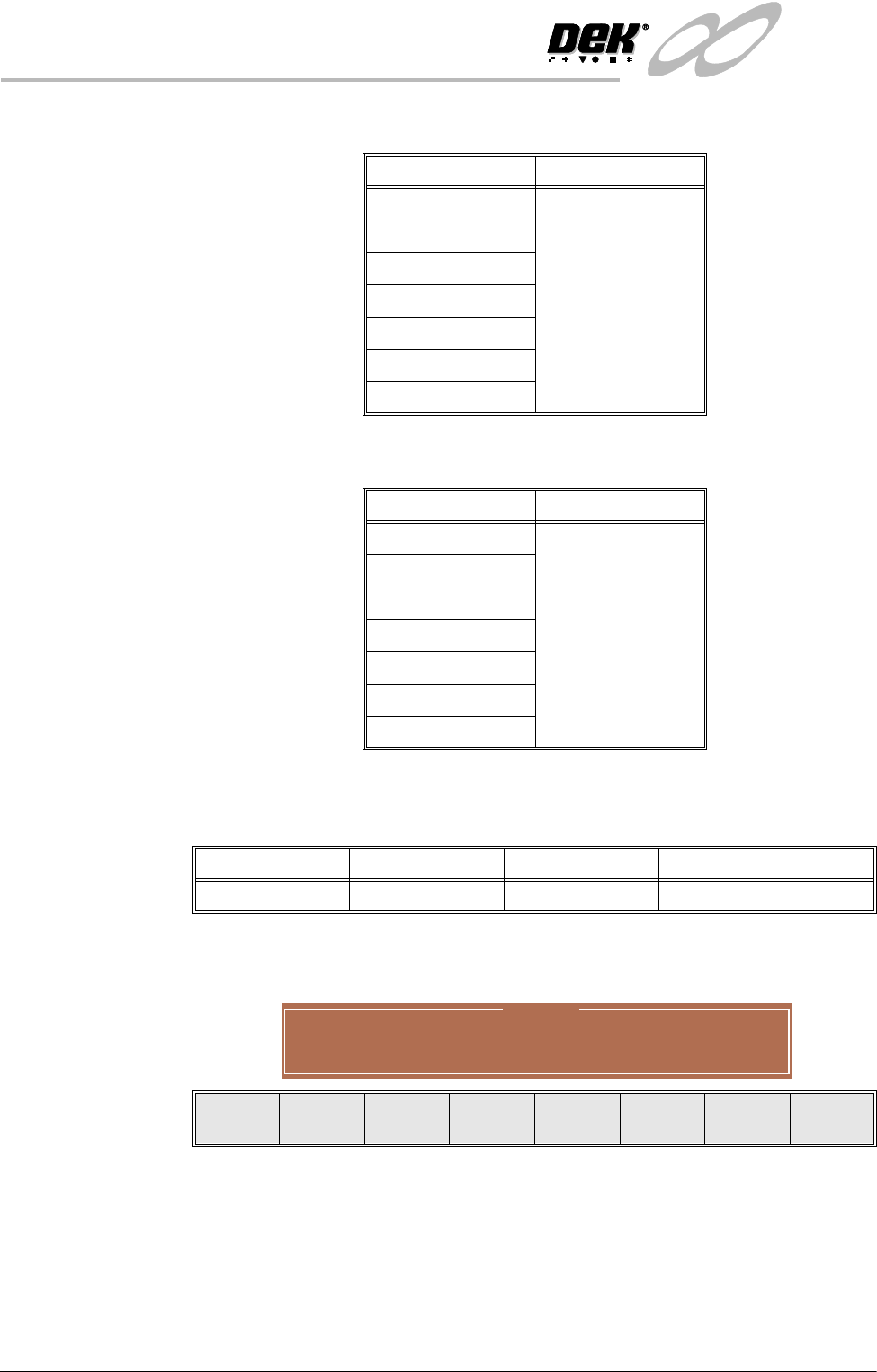
This determines the type of model to be used for this fiducial. Options are:
Screen 3 Fiducial
Type
This determines the type of model to be used for this fiducial. Options are:
Fiducial 1 X
Coordinate
Distance of first fiducial from the right or left hand edge of the board (configu-
ration dependent).
If the current product includes at least one inspection site, changing the value of
the parameter causes the following warning and menu bar to be displayed:
On selecting Apply the alterations to the fiducial positions become effective and
are applied to all inspection sites.
On selecting Abandon Changes the alterations to the fiducial positions are
discarded, the positions of the inspection sites remain unaltered and control is
returned to the initiating sequence.
On selecting Don’t Apply the alterations to the fiducial positions become
effective, but are not applied to the inspection sites.
Model Option Note
Circle
See vision system
Rectangle
Diamond
Triangle
Double Square
Cross
Video Model
Model Option Note
Circle
See vision system
Rectangle
Diamond
Triangle
Double Square
Cross
Video Model
Minimum Maximum Increment Default
1.0mm Board Length 0.1mm 1.0mm
Warning
From the changes made to fiducial positions
do you want a correction to be applied to
all inspection sites?
Apply
Abandon
Changes
Don’t
Apply
INFINITY
0$&+,1(352*5$00,1*
0(183$5$0(7(56
Software Version 7 User Manual 1.107
Fiducial 1 Y
Coordinate
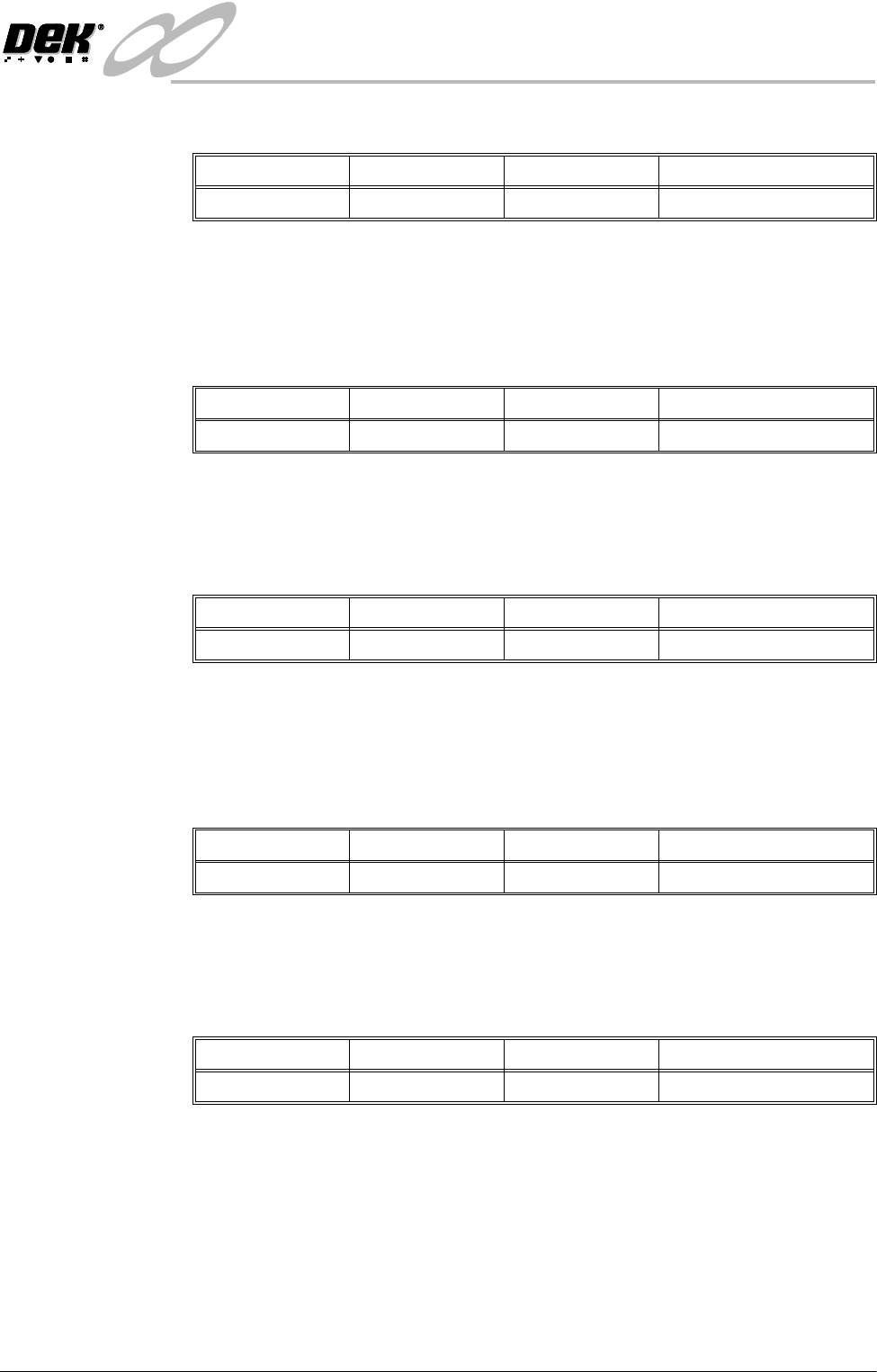
Distance of first fiducial from the front edge of the board.
NOTE
See Fiducial 1 X Coordinate above for information on warning window.
Fiducial 2 X
Coordinate
Distance of second fiducial from the right or left hand edge of the board
(configuration dependent).
NOTE
See Fiducial 1 X Coordinate above for information on warning window.
Fiducial 2 Y
Coordinate
Distance of the second fiducial from the front edge of the board.
NOTE
See Fiducial 1 X Coordinate above for information on warning window.
Fiducial 3 X
Coordinate
Distance of third fiducial from the right or left hand edge of the board (config-
uration dependent).
NOTE
See Fiducial 1 X Coordinate above for information on warning window.
Fiducial 3 Y
Coordinate
Distance of the third fiducial from the front edge of the board.
NOTE
See Fiducial 1 X Coordinate above for information on warning window.
Minimum Maximum Increment Default
1.0mm Board Width 0.1mm 1.0mm
Minimum Maximum Increment Default
1.0mm Board Length 0.1mm 1.0mm
Minimum Maximum Increment Default
1.0mm Board Width 0.1mm 1.0mm
Minimum Maximum Increment Default
1.0mm Board Length 0.1mm 1.0mm
Minimum Maximum Increment Default
1.0mm Board Width 0.1mm 1.0mm