DEK INFINITY USER MANUAL.pdf.pdf - 第145页
INFINITY 6(735()(5( 1&(6 35()(5(1& (6 Soft ware Ver sion 7 User Manual 2.19 Run on Delay This parameter sets a delay of up to one second for the print station belts to stop once the board is detected at the came…

INFINITY
6(735()(5(1&(6
35()(5(1&(6
2.18 User Manual Software Version 7
Depending on the setting, the option Auto Search (F2) is available for the 1st
board or all boards of a batch, following a Fiducial Not Found Error Message.
If Auto Search is selected, the machine uses the following strategy to search for
the fiducial. The sequence continues until the fiducial is found:
1. The camera starts in the nominal fiducial position, determined by the product
file.
2. The camera attempts to locate the fiducial within its field of view.
3. The camera stays in position and repeatedly searches for the fiducial, each
time using a different adjustment of the camera lighting.
4. The camera moves to another position in the search window area.
5. If the whole search window area has not been covered, the sequence returns
to Step 2.
6. If the the whole search window area has been covered with no fiducial being
found, the camera moves to the nominal position and an error is generated.
NOTE
If 2D board inspection is enabled on a machine this feature searches for screen
fiducials only.
Window Size This parameter sets the size of the window area that is searched around the
nominal fiducial location.
Local Product File The offset values (differences between the product file and set up of the
machine) are stored locally on the hard disk in an offsets file called local.lpf. For
each product file, any offset values required are stored added to the offsets file.
The addition to the offsets file is made when the first board is run and only if
Custom is selected.
Because the product file is not updated other machines are able to share the
product file.
Loading a Product When a product is loaded, if Custom is selected and a corresponding entry in the
offsets file (local.lpf) exists, the parameters are read from the offsets file and
added to the corresponding parameters from the product file, the sum of the two
values for each fiducial offset is used as the new parameter. The chase offsets
are calculated for the first board and are saved to the local.lpf file.
Actuator Limits If due to the new fiducial positions the actuators are required to go close to their
limits a warning is generated. If the actuator would need to travel beyond its
limit an error is generated and the red beacon is illuminated.
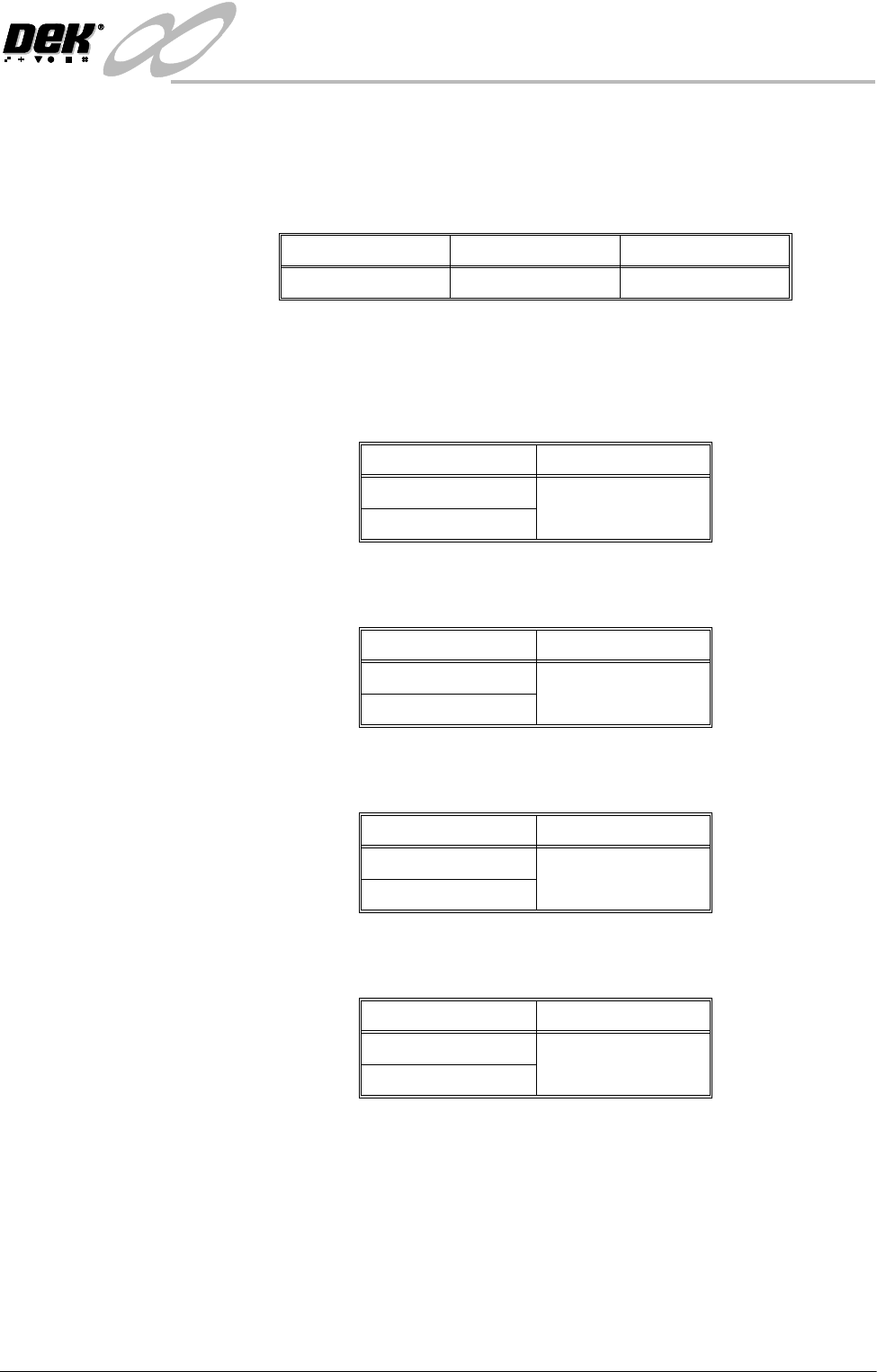
Board Stop X
Offset
This parameter allows a value to input which compensate for variations in the
focal lengths of the vision systems between machines.
This parameter has no function while remote board stop is fitted.
Minimum Maximum Default
20mm40mm28mm
INFINITY
6(735()(5(1&(6
35()(5(1&(6
Software Version 7 User Manual 2.19
Run on Delay This parameter sets a delay of up to one second for the print station belts to stop
once the board is detected at the camera board stop. Effectively this prevents
any board ’bounce back’ which may occur when belt speeds are high.
Parameter settings for run on delay are:
NOTE
This parameter is for the High Throughput Conveyor option only.
Remote Board Stop Sets whether the remote board stop facility is to be used, options are:
Fiducial Finder This parameter is used, while Feature Licensing asserts that use of Fiducial
Finder 2 is authorized, to specify which fiducial finder is to be used, options are:
Auto Fiducial
Setup
This parameter sets whether the facility to automatically learn fiducials is to be
used, options are:
Camera Idle
Position
This parameter sets whether the camera is moved to behind the rails or home
during the print cycle, options are:
Minimum Maximum Default
0.000 Sec 1.000 Sec 0.100 Sec
Options Default
Not Fitted Not Fitted
Fitted
Options Default
FF1 FF2
FF2
Options Default
Enabled Enabled
Disabled
Options Default
Home Home
Behind Rail
INFINITY
6(735()(5(1&(6
35()(5(1&(6
2.20 User Manual Software Version 7
NOTE
Although this function can be set to Behind Rail with the following, the setting
would have no affect and the camera is always moved to home:
• Snuggers Fitted
• Boards Over 250mm
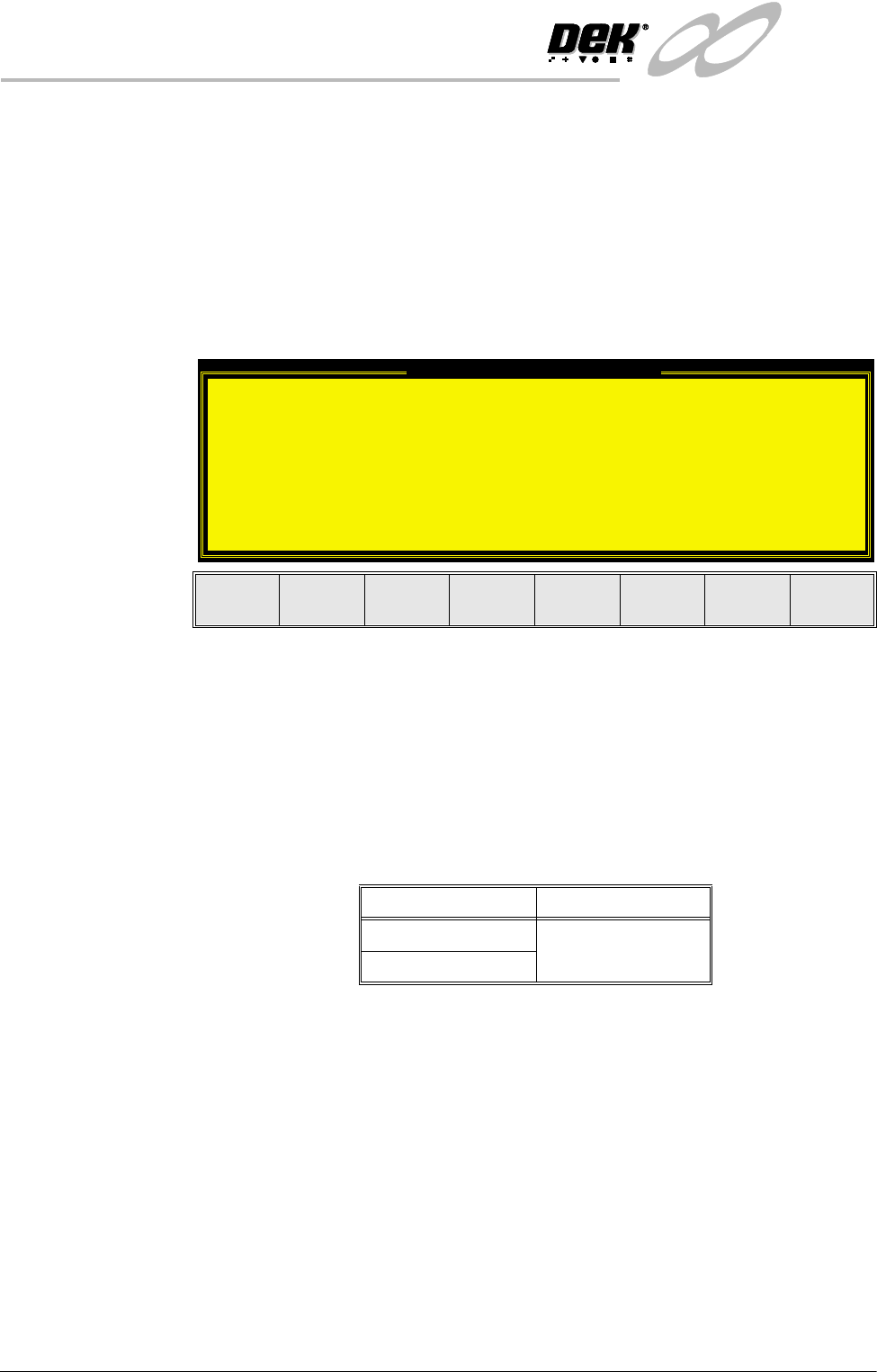
With Camera Idle Position highlighted, selecting either Incr. or Decr. to change
the parameter to Behind Rail displays the following window and menu bar:
The Continue Change key closes the warning window and the Camera Behind
Rail event is recorded.
The Reset To Home key closes the warning window and the Camera Idle
Position is set to Home.
Unload Board Start This parameter sets whether the board is unloaded from the rails as soon as the
board has separated from the stencil, while the table is still being lowered or
when the board is at transport height, options are:
NOTE
Although this function can be set to Separation with the following, the setting
would have no affect and the board is unloaded from the rails only when the table
has reached transport height:
• Tooling Hardware set to Vac for Flex
• 2D Inspection Enabled
• SPC Output
Camera Behind Rail Warning
The CAMERA HOME POSITION is set to 'Behind
Rail'
Ensure that no tooling pins or other
obstructions are on the table behind the
rear rail, as these could cause damage to
the camera.
This option will only have an effect for
boards that are less than 250mm wide.
Continue
Change
Reset
To Home
Options Default
Transport Transport
Separation